Disabling the page file is the Windows performance tweak everyone repeats, and I'd never do it again
xda-developers.com/disabling-page-file-windows-performance-tweak-never-do-it-again/
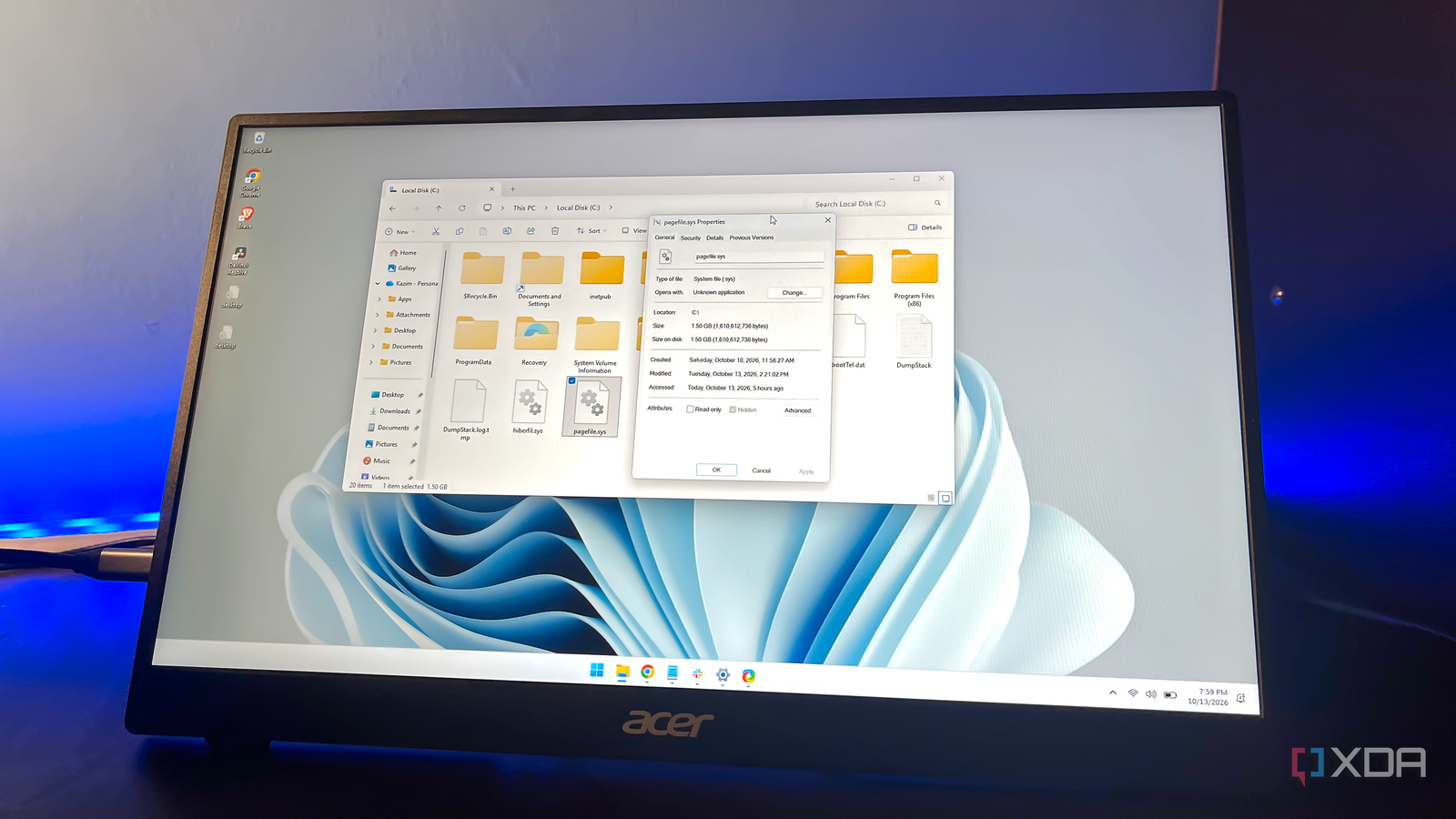
Photo: xda-developers.com · view article
Author Reports Instability After Disabling Windows Page FileAfter disabling it, the author's browser tabs crashed and several applications failed to launch.
Key FactsOct 14, 2026 · Reading time: ~45 sec.
Summary created with AI assistance · Source: xda-developers.com
Summary created with AI assistance · Source: xda-developers.com
- After several uneventful hours, the author's browser tabs crashed, and some applications would no longer launch.
- The article acknowledges theoretical storage-space and SSD benefits but reports no performance improvement from disabling the file.
- The page file also supports applications and crash dumps; without it, memory errors can occur despite sufficient RAM.
- The article recommends Windows management; for manual adjustment, it cites 4–8GB for systems with 16–32GB of RAM.
I agree, disabling the page file has theoretical advantages, and it's not limited to freeing up storage space. More importantly, the page file also affects your storage drive's lifespan.— Kazim, the author of the article, recounting his experience and cautioning readers about the downsides of disabling the page file
Story Details
| Last Updated | |
| Total Articles | 2 |
Main Topics


News on this topic

Disabling the page file is the Windows performance tweak everyone repeats, and I'd never do it again
xda-developers.com/disabling-page-file-windows-performance-tweak-never-do-it-again/
Similar to This
Previous
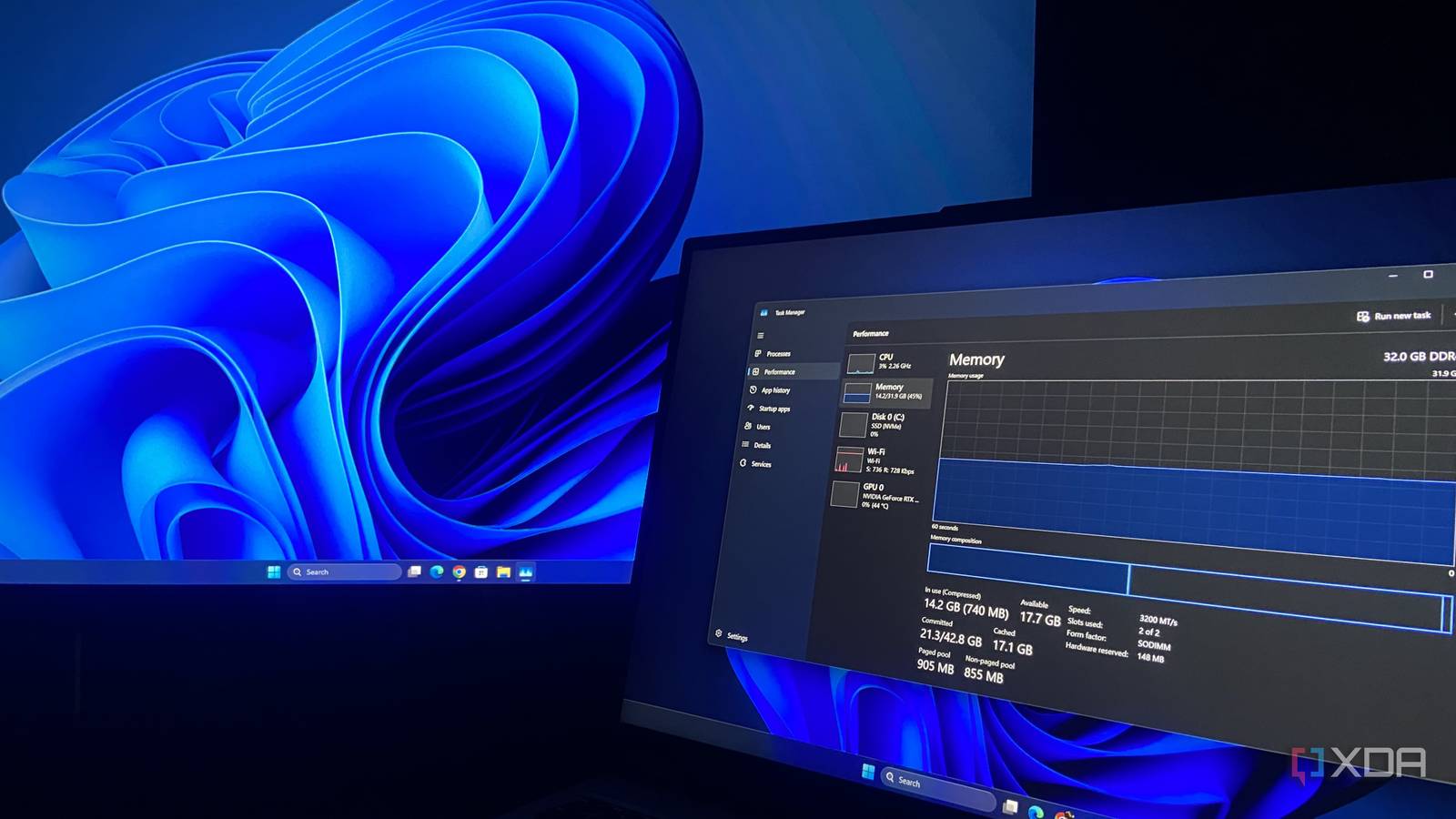
Windows 11 26H2 gave my laptop nearly 2GB of RAM back, but there’s a catch for low-RAM PCs
xda-developers.com/microsoft-quietly-made-low-ram-systems-better-for-windows-11-but-theres-a-catch/
Key FactsWindows 11 26H2 Reportedly Lowers RAM Use Mainly on Larger Systems
3 days ago · Reading time: ~45 sec.
Summary created with AI assistance · Source: xda-developers.com
Summary created with AI assistance · Source: xda-developers.com
- A Reddit user with 48GB reported startup usage falling from 6.9GB to approximately 4.8GB.
- Windows Latest observed idle usage on a 16GB laptop falling from above 10GB to 7GB.
- Reported reductions involve almost exclusively systems with at least 16GB, while 8GB devices so far mostly show no benefit.
- A Lenovo Legion 5 Pro test recorded usage falling from 8.5GB to 6.7GB under 26H2.
"clear efforts around driving better utilization of memory"— Pavan Davuluri, on a May episode of Microsoft's Inside Windows podcast
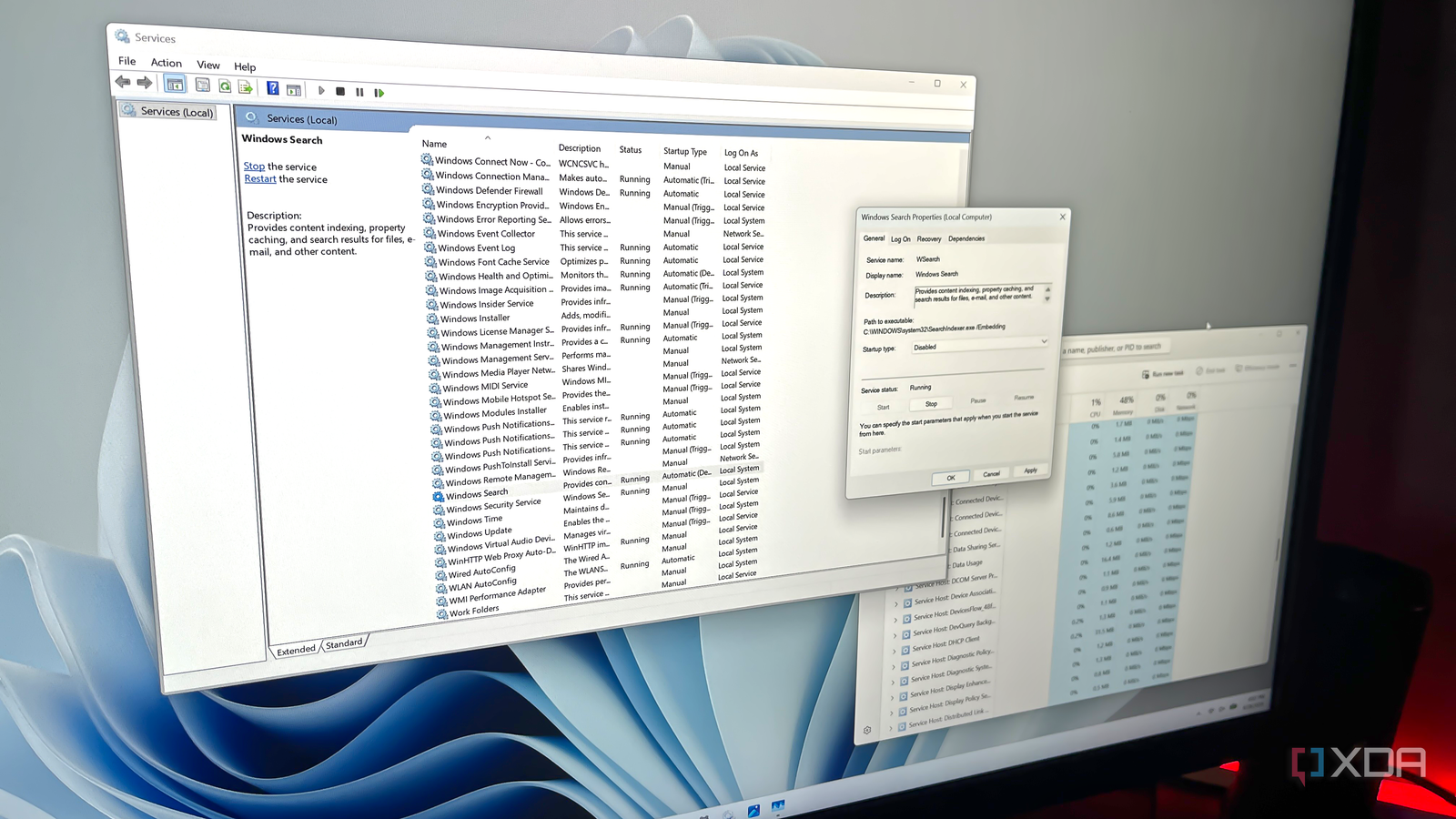
Windows has 100+ services running right now, and this built-in tool lets you safely disable many of them
xda-developers.com/windows-has-100-services-running-you-can-safely-disable-many/
Key FactsTargeted Windows service disabling: key limits
Oct 5, 2026 · Reading time: ~30 sec.
Summary created with AI assistance · Source: xda-developers.com
Summary created with AI assistance · Source: xda-developers.com
- Windows’ Services utility usually displays 100 or more entries; active services are marked running, while inactive ones show no status.
- Depending on usage, the article identifies Connected User Experiences and Telemetry, Delivery Optimization, Windows Search, SysMain, and Xbox or printer services.
- When disabling a service, users must set its startup type to Disabled, stop it, and save changes so Windows does not reload it.
- Windows Update should not be disabled; removing a few services usually produces only modest performance gains.

Windows 11 26H2 reportedly uses shockingly low RAM with a Rufus installation trick
neowin.net/news/windows-11-26h2-reportedly-uses-shockingly-low-ram-with-a-rufus-installation-trick/


Windows 11 26H2 Boosts App Launch Times, Reduces Memory Usage: Early tests suggest base Windows usage could be down by 2GB.
pcmag.com/news/windows-11-26h2-boosts-app-launch-times-reduces-memory-usage


Wccftech Oct 07
A Windows 11 System With 16GB RAM Was Consuming Just 16% Of Total Memory Through Rufus; Other Methods Removed Bloatware While Running The Newest 26H2 Update
wccftech.com/windows-11-lightweight-update-rufus-bloatware-removal-16gb-ram/

Why Windows 11 Is Always Using So Much RAM: Windows 11 makes full use of your RAM to keep your system running smoothly, so don't be alarmed when you see high ...
engadget.com/2273348/why-windows-11-using-so-much-ram/
Windows 11 is running 4 services you don't need, and disabling them takes 5 minutes
xda-developers.com/x-things-windows-does-in-the-background-that-you-can-safely-turn-off/

Key FactsReport names four Windows 11 services to disable
Aug 26, 2026 · Reading time: ~30 sec.
Summary created with AI assistance · Source: xda-developers.com
Summary created with AI assistance · Source: xda-developers.com
- WHESVC first appeared in 2025, starts with a delay on every Windows 11 PC and monitors CPU load, thermals, power profile, battery and screen brightness, while potentially recording local performance traces.
- Connected User Experiences and Telemetry, also known as DiagTrack, gathers usage and diagnostic data according to the diagnostic settings; the article says it can contribute to extra background activity and higher temperatures during some laptop workloads.
- SysMain dates back to the Superfetch era of Windows Vista and preloads frequently used applications into memory, which the article considers of limited use on modern PCs with NVMe or SATA SSDs.
- Downloaded Maps Manager, also called MapsBroker, manages offline maps that 99 percent of users with internet access reportedly do not benefit from, while CIS Benchmarks recommends disabling it to reduce the attack surface.
I tested the Windows 11 tweaks everyone recommends, and almost all of them were a waste of time
xda-developers.com/testing-windows-tweaks-everyone-recommends-and-most-were-useless/
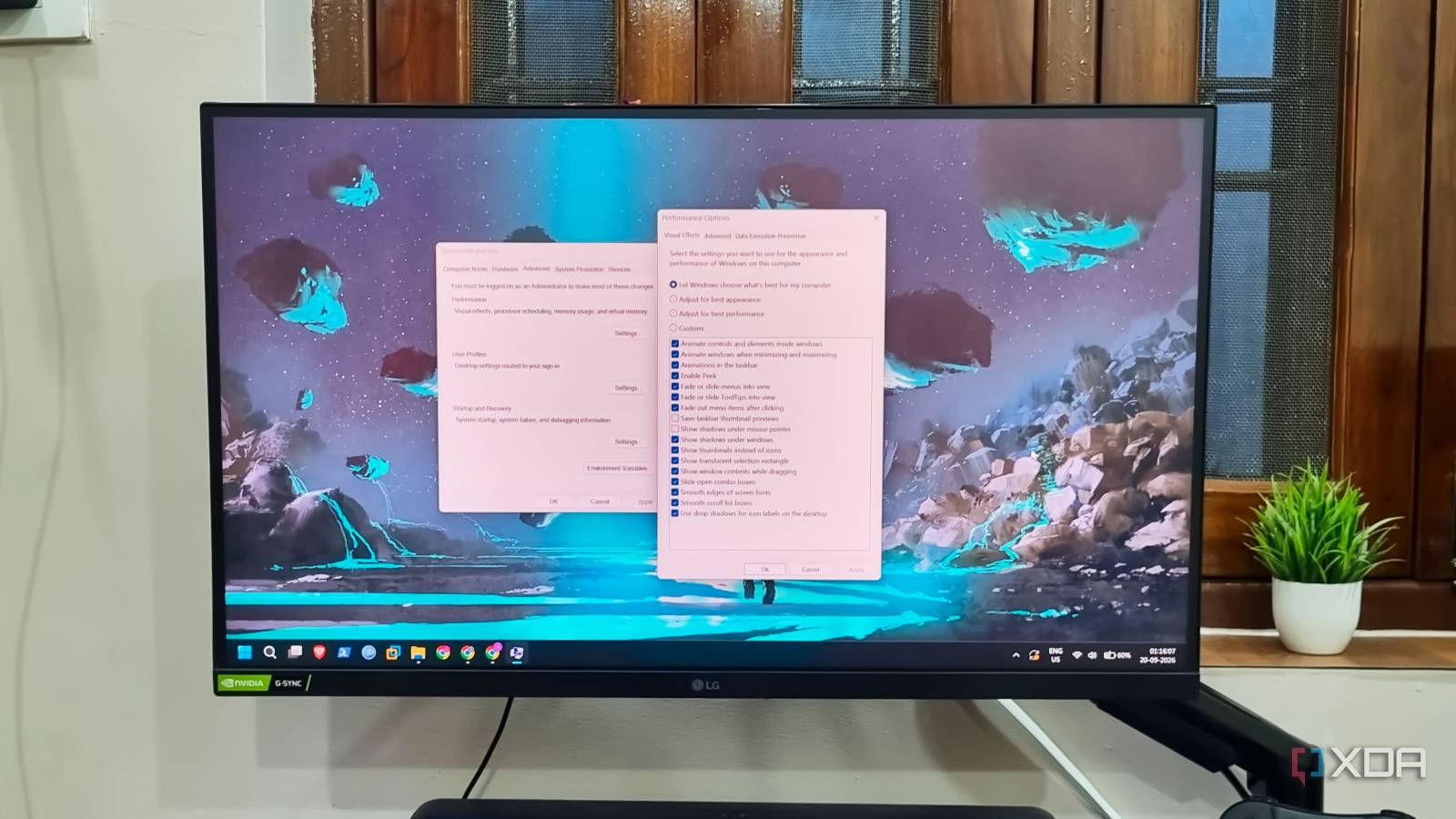
Key FactsAuthor says many Windows 11 tweaks achieve little
Sep 20, 2026 · Reading time: ~30 sec.
Summary created with AI assistance · Source: xda-developers.com
Summary created with AI assistance · Source: xda-developers.com
- The author warns that disabling all visual effects significantly worsens Windows 11’s user interface.
- According to the article, registry cleaners and optimizers do not speed up systems and can cause damage if misused.
- Disabling unknown services can cause problems; Windows Update, Firewall, and Defender should remain enabled.
- The author recommends disabling Fast Startup while keeping hibernation enabled for saving sessions.
Your gaming PC gets throttled by Windows 11's hidden security layer, and disabling it takes 30 seconds
xda-developers.com/gaming-pc-throttled-windows-11-hidden-security-disabling-takes-seconds/
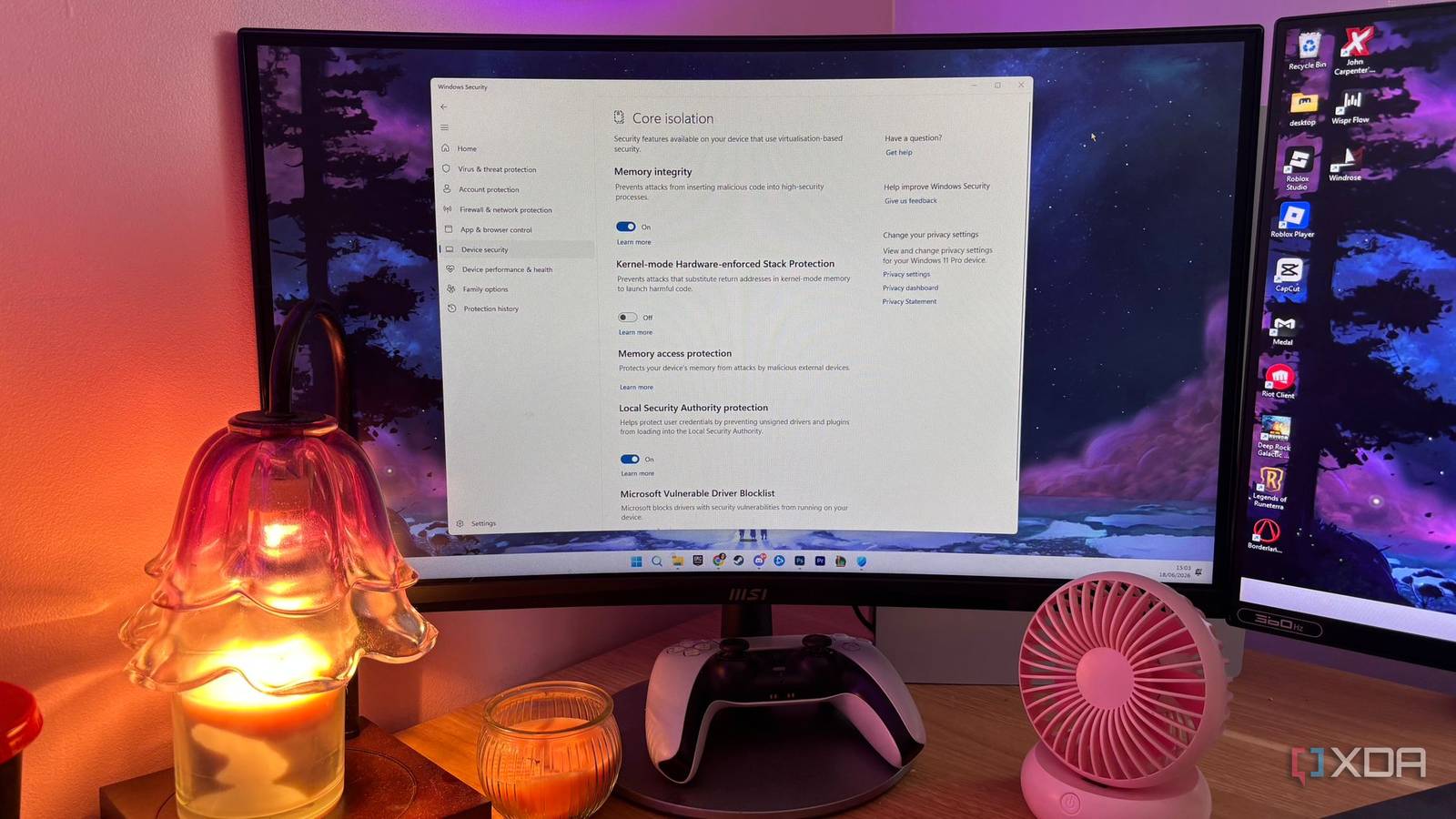
Key FactsWindows 11 security feature may worsen gaming stutter
Jul 30, 2026 · Reading time: ~30 sec.
Summary created with AI assistance · Source: xda-developers.com
Summary created with AI assistance · Source: xda-developers.com
- According to the article, a clean Windows 11 installation enables Core Isolation and Virtualization-Based Security by default, which may contribute to gaming microstutters.
- Disabling Memory Integrity may barely change average FPS, but it can raise 1% lows by 15–25% and eliminate stuttering.
- To change the setting, the article directs users through Windows Security, Device Security, and Core Isolation Details to the Memory Integrity switch, then recommends checking with msinfo32.
- The article says disabling the feature removes protection against certain kernel-level malware and therefore increases security risk.
I disabled these 7 background services to boost Windows performance: These are services I can safely disable to make Windows more responsive.
xda-developers.com/disable-windows-background-services-boost-performance/

I disabled these 5 Windows 11 background services and saw zero downsides: They don’t hurt anyone, but taken together, they’re better off gone.
xda-developers.com/i-disabled-these-5-windows-11-background-services-and-saw-zero-downsides/
Most "performance" software makes your PC worse, not faster: Keeping your PC performing like new isn't about using optimizer apps, it's about treating your ...
xda-developers.com/most-performance-software-makes-your-pc-worse-not-faster/
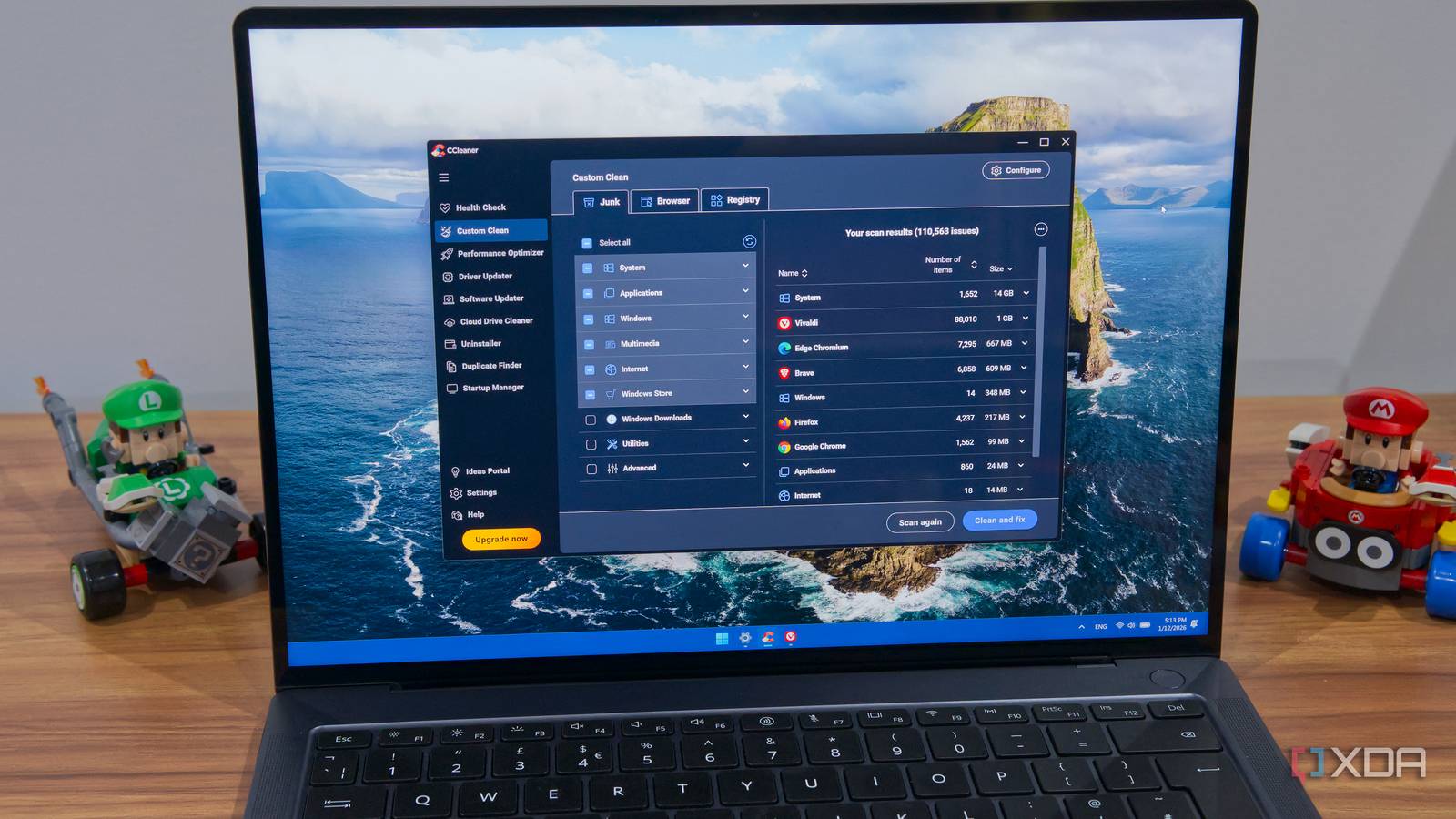
These Windows "optimizations" are actually hurting your PC performance: Cleaning your PC sounds like a great idea for improving performance, but that's not ...
xda-developers.com/these-windows-opimizations-actually-hurt-pc-performance/
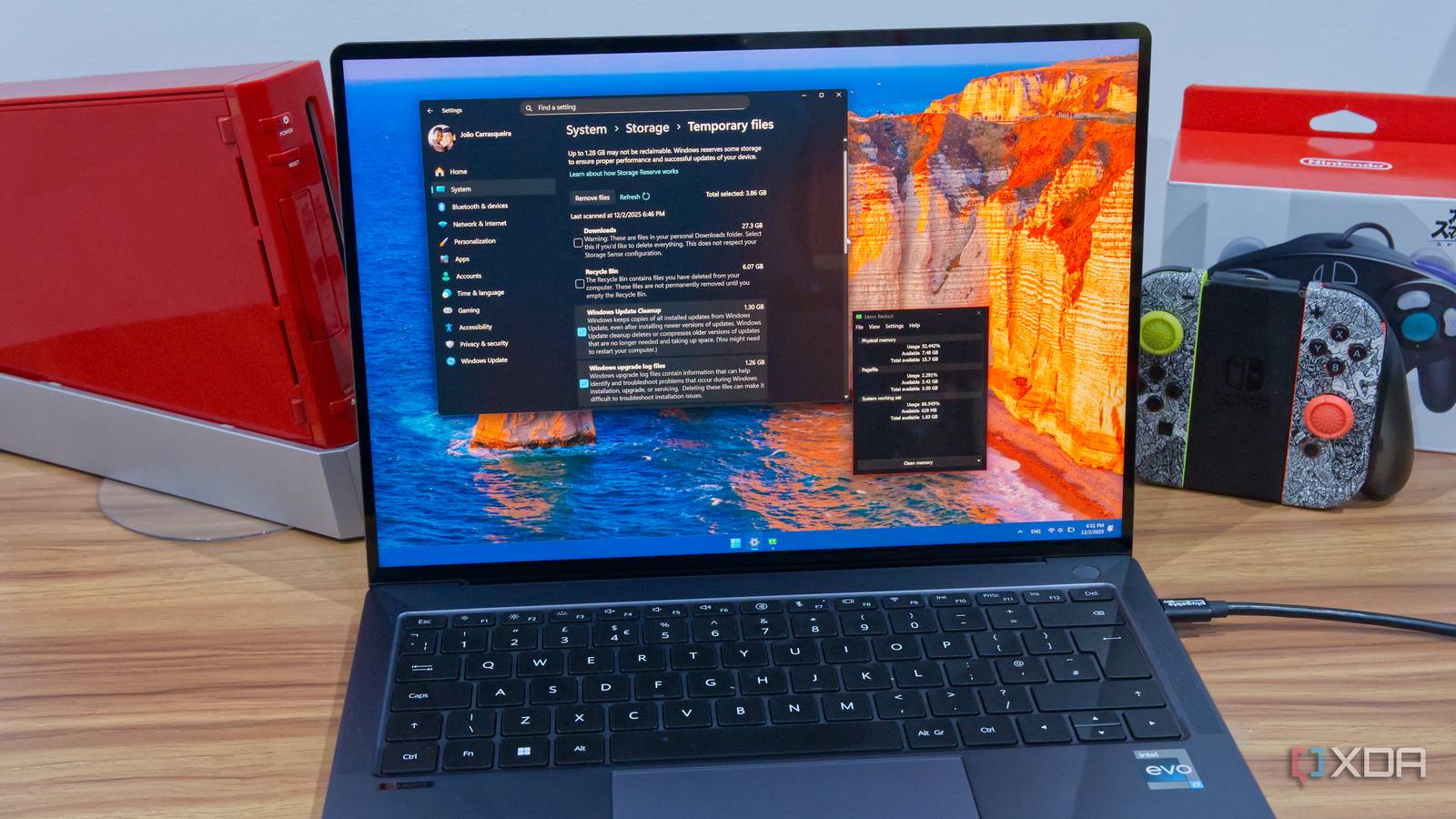

VideoCardz Oct 29 25
Windows 11 adds Proactive Memory Diagnostics to detect RAM issues after crashes: Windows 11 may soon scan your memory for problems Microsoft has introduced a new ...
videocardz.com/newz/windows-11-adds-proactive-memory-diagnostics-to-detect-ram-issues-after-crashes

You should disable Windows Hibernation: It's just not worth it for most users
xda-developers.com/you-should-disable-windows-hibernation/
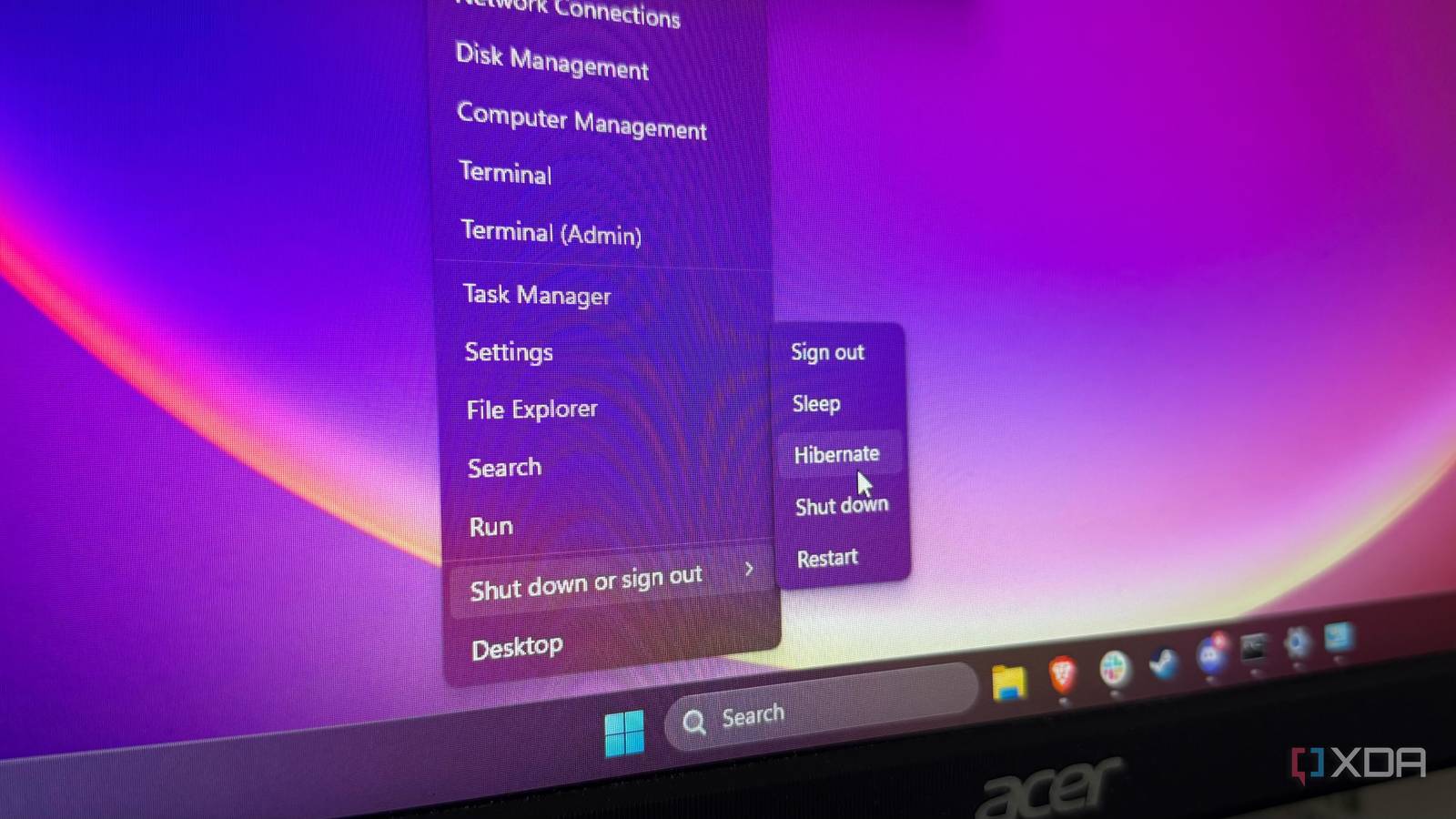
7 ways I reduce memory usage on Windows 11 without buying more RAM: If your Windows computer is using too much memory, there are a few steps you can take to ...
xda-developers.com/ways-reduce-memory-usage-windows-11-without-buying-more-ram/

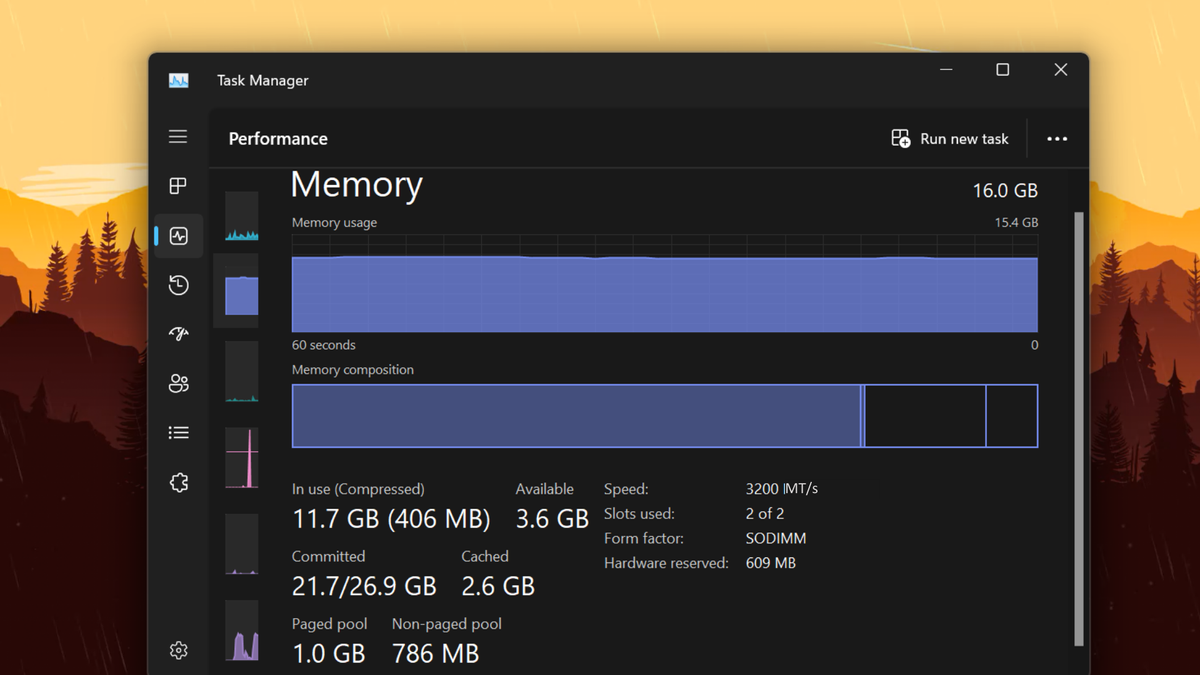
Microsoft is switching RAM speed units in Task Manager — finally moving to the more technically correct MT/s
tomshardware.com/software/windows/microsoft-is-switching-ram-speed-units-in-task-manager-finally-moving-to-the-more-technically-correct-mts
Next