
Microsoft operating system family

Key FactsWindows Preserves Traces of Many Connected USB Devices
3 hours ago · Reading time: ~45 sec.
Summary created with AI assistance · Source: xda-developers.com
Summary created with AI assistance · Source: xda-developers.com
- Windows stores device information for drivers and configuration in the USB and USBSTOR Registry keys.
- The entries can be deleted and are incomplete; one drive may appear multiple times across different ports.
- The free USBDeview reads multiple sources and may show first and last connection times.
- Administrator access additionally reveals installation, connection, and disconnection times, depending on Windows version and device.
I'm not particularly fond of Windows holding on to information for too long, but I can't deny it was a little endearing when I realized that Windows had been keeping track of every single USB device I'd ever plugged into my PC.— From the article 'Windows remembers every USB device you've plugged in, and checking your history takes five minutes' by Samarveer; the author reflects on Windows data retention.

You can soon install "tiny" Windows 11 26H2 ISOs too on almost all unsupported PCs.
^P
Key FactsAuthor replaces Ubuntu dual boot with WSL on Windows 11
1 days ago · Reading time: ~45 sec.
Summary created with AI assistance · Source: xda-developers.com
Summary created with AI assistance · Source: xda-developers.com
- The author reports that Windows 11 updates repeatedly broke Ubuntu’s bootloader; a live USB repaired the installation each time.
- WSL, including its engine and Ubuntu files, uses less than 15GB on the Windows 11 host and dynamically expands its Linux disk.
- WSL supports GPU acceleration for the author’s RTX 3080 Ti and enables editing Windows files directly from the WSL Ubuntu environment.
- The author reports setting up WSL and a distribution in well under 30 minutes, with no performance or deal-breaking compatibility problems after years.
the whole experience left a bad taste in my mouth.— Ayush Pande, describing the frustration of Windows 11 updates breaking the Ubuntu bootloader during dual-boot, and the resulting experience
Key FactsAuthor automates Windows 11 reinstalls with XML file
Oct 14, 2026 · Reading time: ~45 sec.
Summary created with AI assistance · Source: xda-developers.com
Summary created with AI assistance · Source: xda-developers.com
- The author reinstalls Windows 11 at least five or six times annually, on his PC or for friends.
- Schneegans’ Generator created autounattend.xml; the setup selected Windows 11 Pro, disabled express settings, and bypassed requirements checks.
- He downloaded a fresh Windows 11 ISO directly from Microsoft and added the XML file to its root using AnyBurn.
- After one confirmation, the virtual machine reached the Windows 11 desktop with the user already logged in.
Now, one single XML file does the boring work, and I can get on with everything I actually want my freshly-installed PC for.— Samarveer, the article's author, describing how a single XML file automates the Windows installation.

WindowsCentral 14h
Microsoft is testing a cleaner, faster File Explorer context menu in Windows 11 Insider builds.
The redesign focuses on reducing clutter ... Show more
Your motherboard still can't do one thing a 20-year-old sound card could, and BioShock proves it
xda-developers.com/motherboard-still-cant-do-one-thing-20-year-old-sound-card-could/
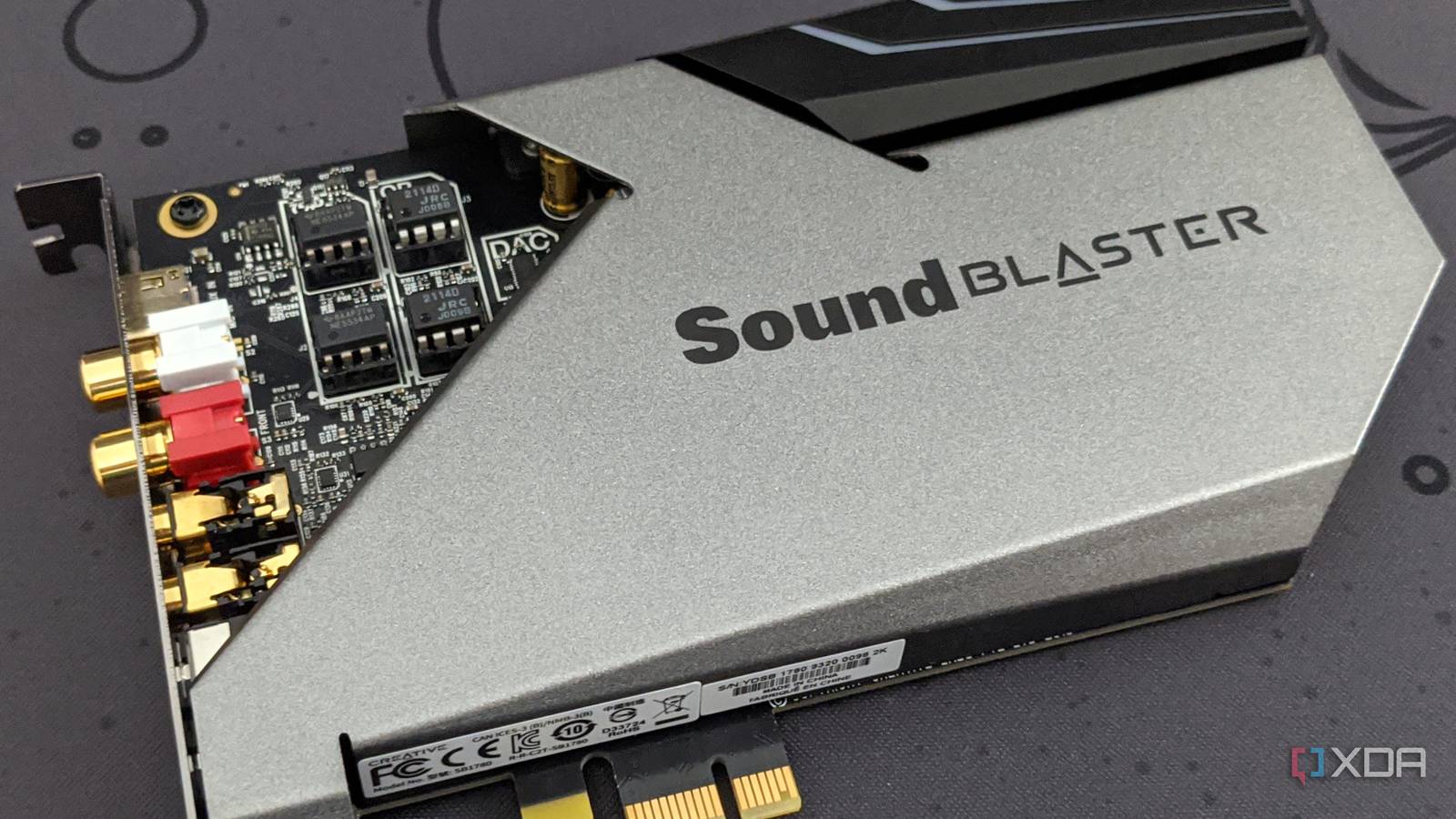
Key FactsBioShock Reveals a Gap in Modern Onboard Audio
Sep 21, 2026 · Reading time: ~45 sec.
Summary created with AI assistance · Source: xda-developers.com
Summary created with AI assistance · Source: xda-developers.com
- BioShock uses OpenAL for EAX 5.0; without a compatible EAX implementation, the corresponding setting remains disabled.
- ASUS rates the Realtek chip in the current ROG Strix X870E-E Gaming WiFi at 120 dB, versus 109 dB for 2005’s X-Fi XtremeMusic.
- Windows Vista removed hardware acceleration from DirectSound3D, causing many older games to lose hardware-based 3D audio and EAX features.
- Original X-Fi cards require a PCI slot, while the modern ASUS board offers only PCIe slots and officially supports Windows 11.
I'll be honest, I assumed this was a compatibility problem someone had brute-forced years ago.— Shivansh, author of the article on BioShock compatibility and motherboard audio for XDA
WindowsCentral 23h
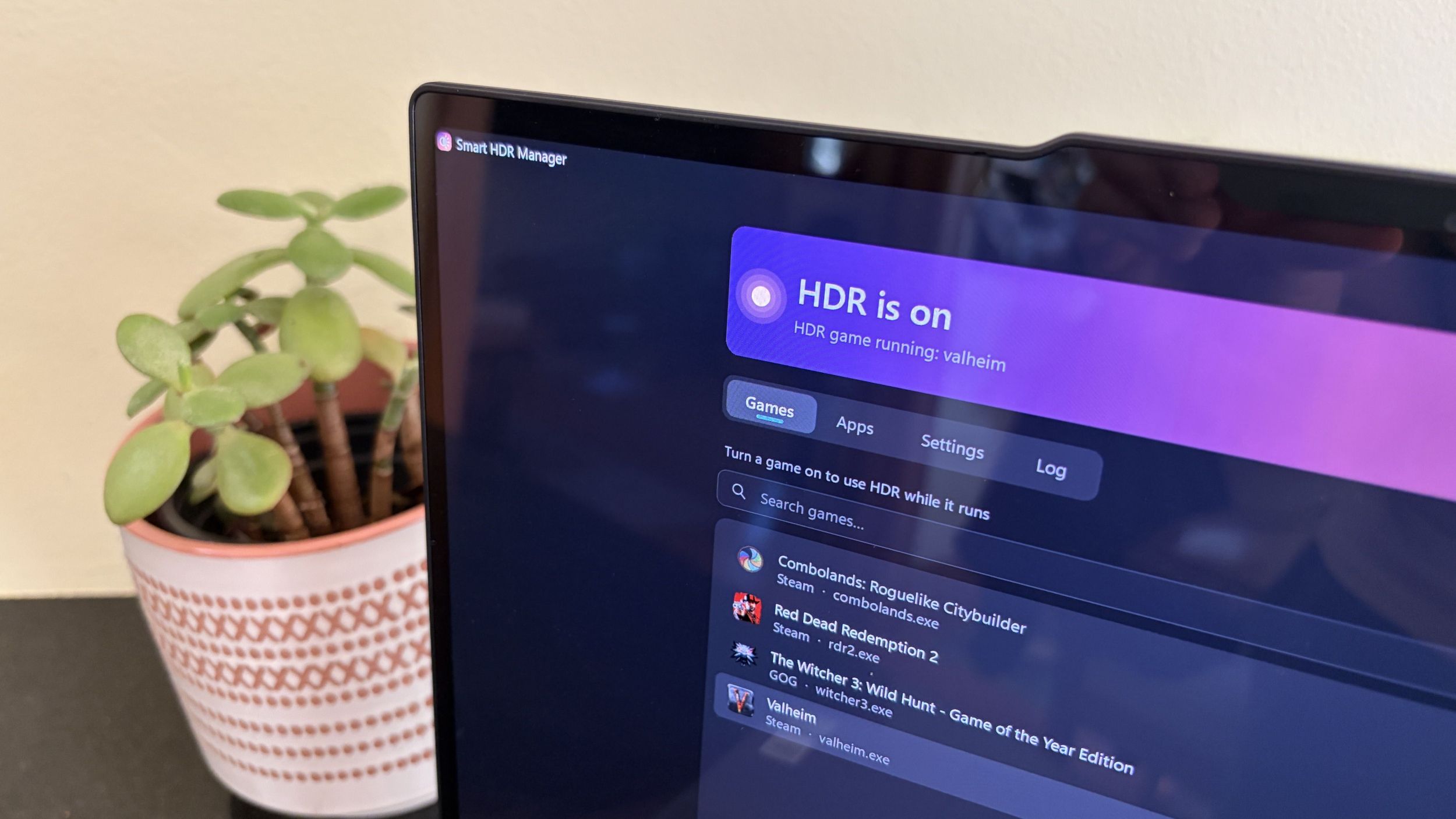
My Windows 11 PC finally switches HDR on for games and videos by itself, thanks to a free tool I can't believe Microsoft hasn't built itself
windowscentral.com/microsoft/windows/smart-hdr-manager-windows-11
WindowsCentral Oct 21
Microsoft is streamlining Windows 11's sign-in experience, and fixing one of my biggest gripes in the process
windowscentral.com/microsoft/windows-11/microsoft-is-streamlining-windows-11s-sign-in-experience-and-fixing-one-of-my-biggest-gripes-in-the-process
Key FactsWhy Many Intel Alder Lake Owners Stay Put
Oct 16, 2026 · Reading time: ~30 sec.
Summary created with AI assistance · Source: xda-developers.com
Summary created with AI assistance · Source: xda-developers.com
- Introduced in 2021, Alder Lake processors still handle 1080p and 1440p gaming; newer chips are faster, but not dramatically.
- On suitable motherboards, they offer PCIe 5.0, DDR5, and Resizable BAR; the Core i9-12900K also handles many productivity workloads.
- A Vmin shift instability bug affected Intel’s 13th and 14th generations; updates addressed it, but damaged chips retained lasting harm.
- According to the article, a typical 32GB DDR5-6000 kit costs at least $480, four times more than twelve months earlier.
Key FactsWindows USB Policy Prioritizes Safe Removal Over Speed
Oct 3, 2026 · Reading time: ~30 sec.
Summary created with AI assistance · Source: xda-developers.com
Summary created with AI assistance · Source: xda-developers.com
- Microsoft made Quick Removal the default with Windows 10 version 1809 in October 2018, replacing Better Performance.
- Quick Removal disables write caching and permits unplugging without safe ejection; Better Performance requires the drive to be ejected.
- In the test with 6,000 files totaling about 760MB, Quick Removal took 11:31 versus 10:31 with Better Performance.
- The setting is found in Device Manager under drive properties and Policies; a reboot is recommended afterward.
Windows 11 26H2 reportedly uses shockingly low RAM with a Rufus installation trick.
^P
Rufus 4.14 and 4.15 Quality of Life option disables Teams, Outlook ... Show more
Windows 11 26H2 reportedly uses shockingly low RAM with a Rufus installation trick
Windows 11 26H2 reportedly uses shockingly low RAM with a Rufus installation trick

Windows 11 up to 20 percent faster: Microsoft improves RAM usage: Microsoft continues to work on the everyday usability of Windows 11. New improvements are ...
pcgameshardware.de/Windows-Software-277633/News/Win-11-soll-im-Vergleich-zu-frueher-bis-zu-20-Prozent-schneller-reagieren-1556957/

Key FactsMicrosoft Reports Windows 11 Responding Up to 20% Faster
Oct 16, 2026 · Reading time: ~30 sec.
Summary created with AI assistance · Source: pcgameshardware.de
Summary created with AI assistance · Source: pcgameshardware.de
- Microsoft measured interactions up to 20 percent faster between two builds; this does not represent a blanket acceleration of all programs.
- Optimized memory management can keep up to 2 GiB more active data in RAM on suitable systems.
- On computers with up to 8 GiB RAM, widgets load only when opened, freeing more than 200 MiB for other applications.
- The redesigned search will initially be tested with Windows Insiders and is intended to become more broadly available later this year.
WindowsCentral Oct 18
Windows 11 is getting a new Search experience, and Microsoft didn’t reveal the whole picture.
We put together a full FAQ that explains what’s changing ... Show more
This tiny free app exposed 200GB of forgotten files Windows never told me about: If your computer is running low on space and you don't know why ...
xda-developers.com/this-tiny-free-app-exposed-200gb-forgotten-files-windows-never-told-about/

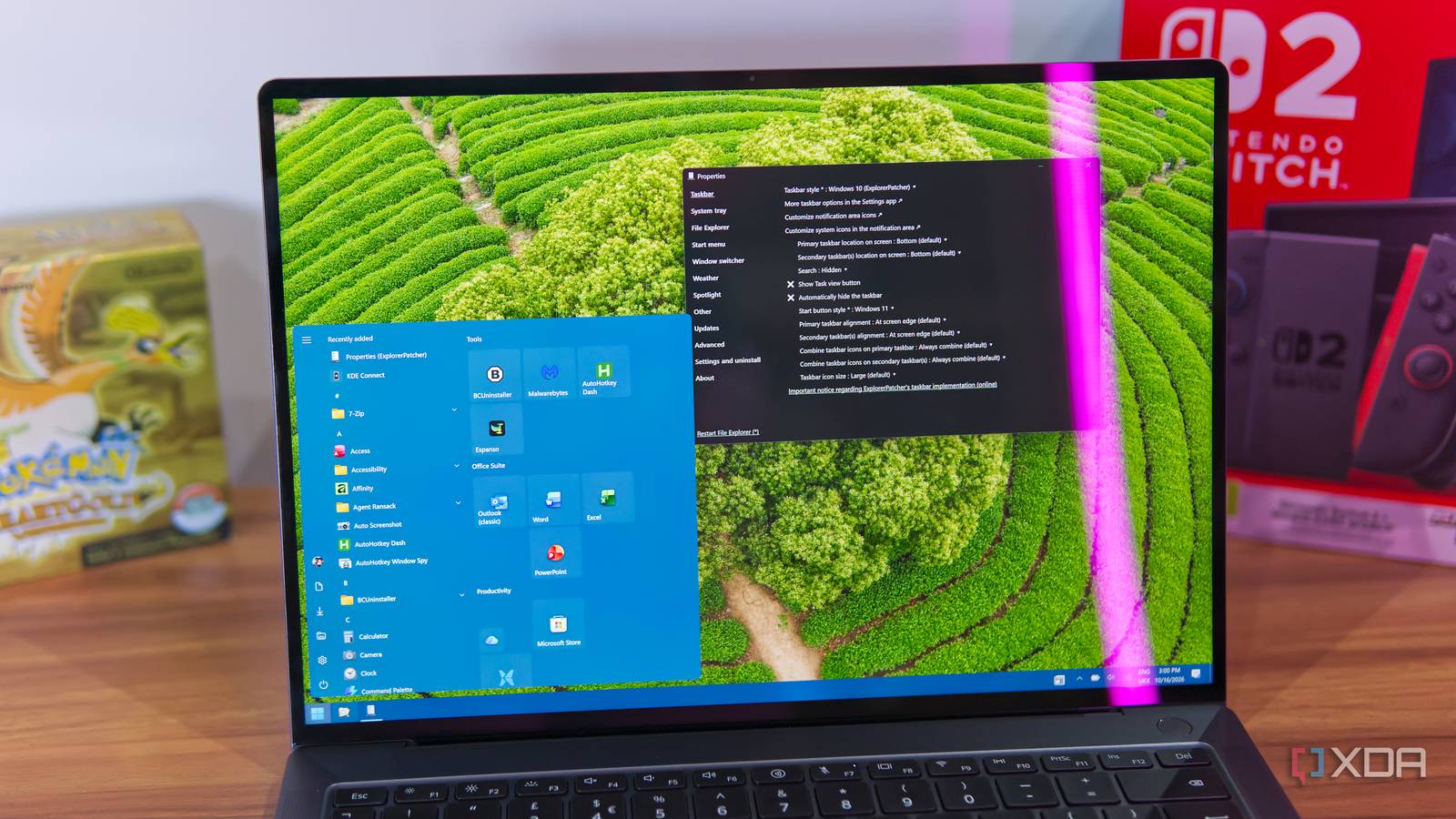
I finally set up ExplorerPatcher on Windows, and I should have sooner: Windows 11 is great and all, but it is a downgrade in some ways compared to 10 ...
xda-developers.com/finally-set-up-explorerpatcher-windows-should-have-sooner/
WindowsCentral Oct 19
Microsoft is celebrating 12 years of the Windows Insider Program with a fresh batch of free wallpapers inspired by the iconic Windows 11 Bloom design!
White ... Show more
Windows 11's default settings are quietly wearing out your SSD and turning them off can extend its life
xda-developers.com/windows-11-default-settings-wearing-out-ssd-turning-off-can-extend-life/
Microsoft admits Windows 11 KB5127648 KB5126646 break WPA 802.1X auth, shares fix.
^P
4 reasons why I paid for Windows 11 Pro and why I'll never switch to Linux: It's not you, Penguin, it's the industry around you
xda-developers.com/4-reasons-why-i-paid-for-windows-11-pro-and-why-ill-never-switch-to-linux/
Key FactsWhy One Author Stays With Windows 11 Pro
2 days ago · Reading time: ~45 sec.
Summary created with AI assistance · Source: xda-developers.com
Summary created with AI assistance · Source: xda-developers.com
- According to the author, Linux still lacks RTX HDR, RTX Video Super Resolution, and DLDSR for his Nvidia GPU.
- Windows Sandbox lets him quickly examine GitHub scripts and suspicious utilities in an isolated Windows environment.
- The author says Windows Hello links biometric authentication with Credential Manager and system-wide stored credentials.
- According to the author, kernel-level anti-cheat effectively excludes Linux from Fortnite, Valorant, Call of Duty, and PUBG.
Windows Sandbox is one feature on Windows 11 Pro that I'll always mention whenever anyone asks me to justify paying for an operating system, because quite frankly, on more than one occasion, the feature alone has paid me back tenfold simply thanks to how useful it is.— Abhinav, the article's author, explaining why Windows 11 Pro is worth it and how Sandbox pays off.
Windows has 100+ services running right now, and this built-in tool lets you safely disable many of them
xda-developers.com/windows-has-100-services-running-you-can-safely-disable-many/
Key FactsTargeted Windows service disabling: key limits
Oct 5, 2026 · Reading time: ~30 sec.
Summary created with AI assistance · Source: xda-developers.com
Summary created with AI assistance · Source: xda-developers.com
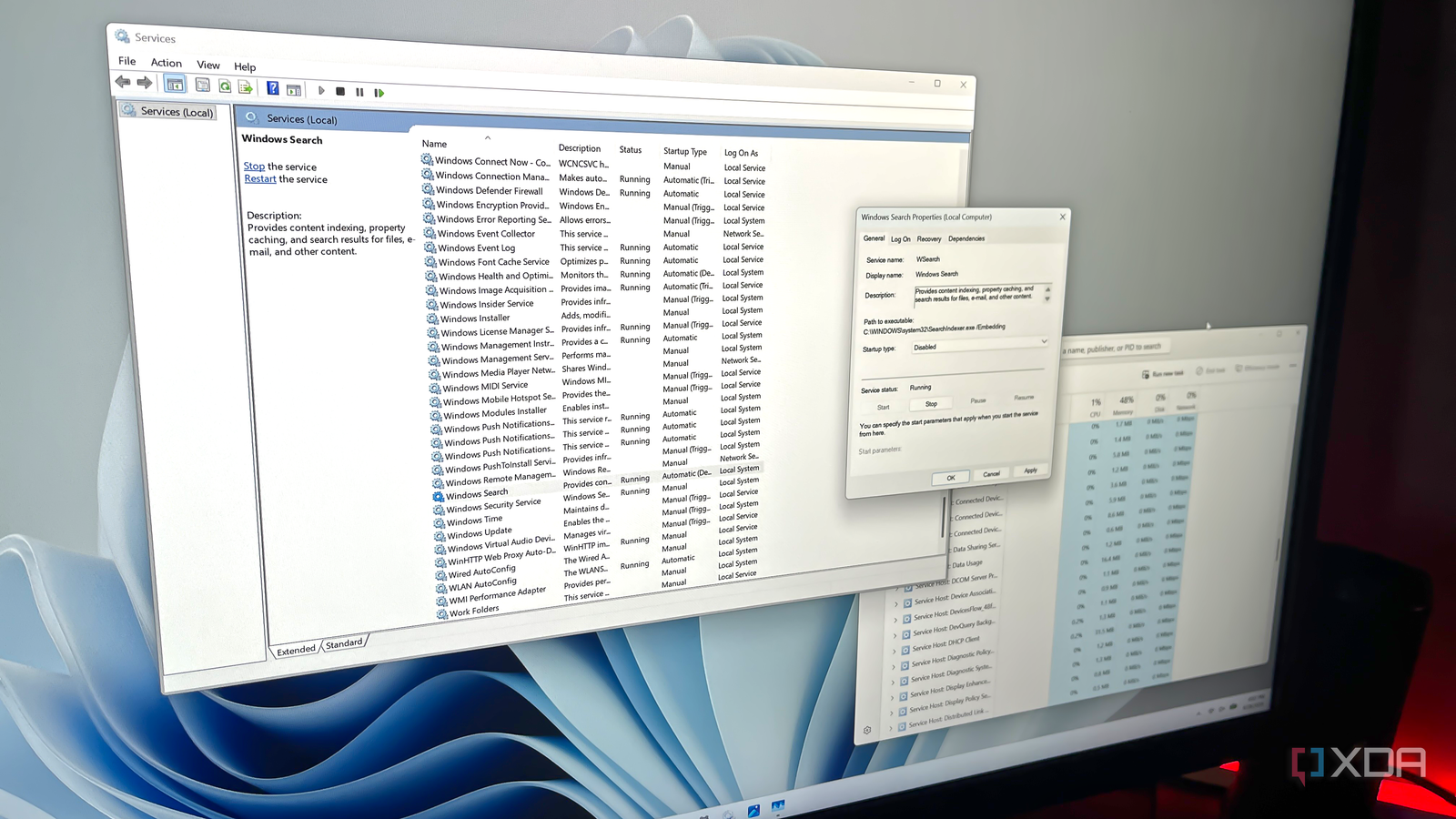
- Windows’ Services utility usually displays 100 or more entries; active services are marked running, while inactive ones show no status.
- Depending on usage, the article identifies Connected User Experiences and Telemetry, Delivery Optimization, Windows Search, SysMain, and Xbox or printer services.
- When disabling a service, users must set its startup type to Disabled, stop it, and save changes so Windows does not reload it.
- Windows Update should not be disabled; removing a few services usually produces only modest performance gains.
My Windows install is ten years old, and a handful of maintenance habits are why it still runs like new
xda-developers.com/windows-install-years-old-handful-maintenance-habits-why-runs-like-new/

Key FactsAuthor: Windows 11 Has Run Ten Years Without Reinstallation
Oct 15, 2026 · Reading time: ~45 sec.
Summary created with AI assistance · Source: xda-developers.com
Summary created with AI assistance · Source: xda-developers.com
- In ten years, he has never wiped or reformatted the computer because he mainly uses it for writing.
- He keeps the local system drive lean, assigns complex tasks to other machines, and uses secondary drives for files and portable apps.
- Weekly, he uses WinDirStat to find large files; Microsoft PC Manager additionally helps remove temporary files and unused apps.
- He initially pauses Windows updates, checks graphics drivers weekly, and reviews BIOS/UEFI updates every four months before installation.
I have been running Windows 11 on this same machine for the past 10 years, and I haven't had to wipe and reformat once.— Brian Burgess, in the XDA Developers article about his Windows maintenance routine.
WindowsCentral Oct 19
I needed to see the new Windows 11 Photos app in action to fathom how fast it is — it's like switching from dial-up to broadband
windowscentral.com/software-apps/i-needed-to-see-the-new-windows-11-photos-app-in-action-to-fathom-how-fast-it-is-its-like-switching-from-dial-up-to-broadband
Windows 11 26H2 gave my laptop nearly 2GB of RAM back, but there’s a catch for low-RAM PCs
xda-developers.com/microsoft-quietly-made-low-ram-systems-better-for-windows-11-but-theres-a-catch/
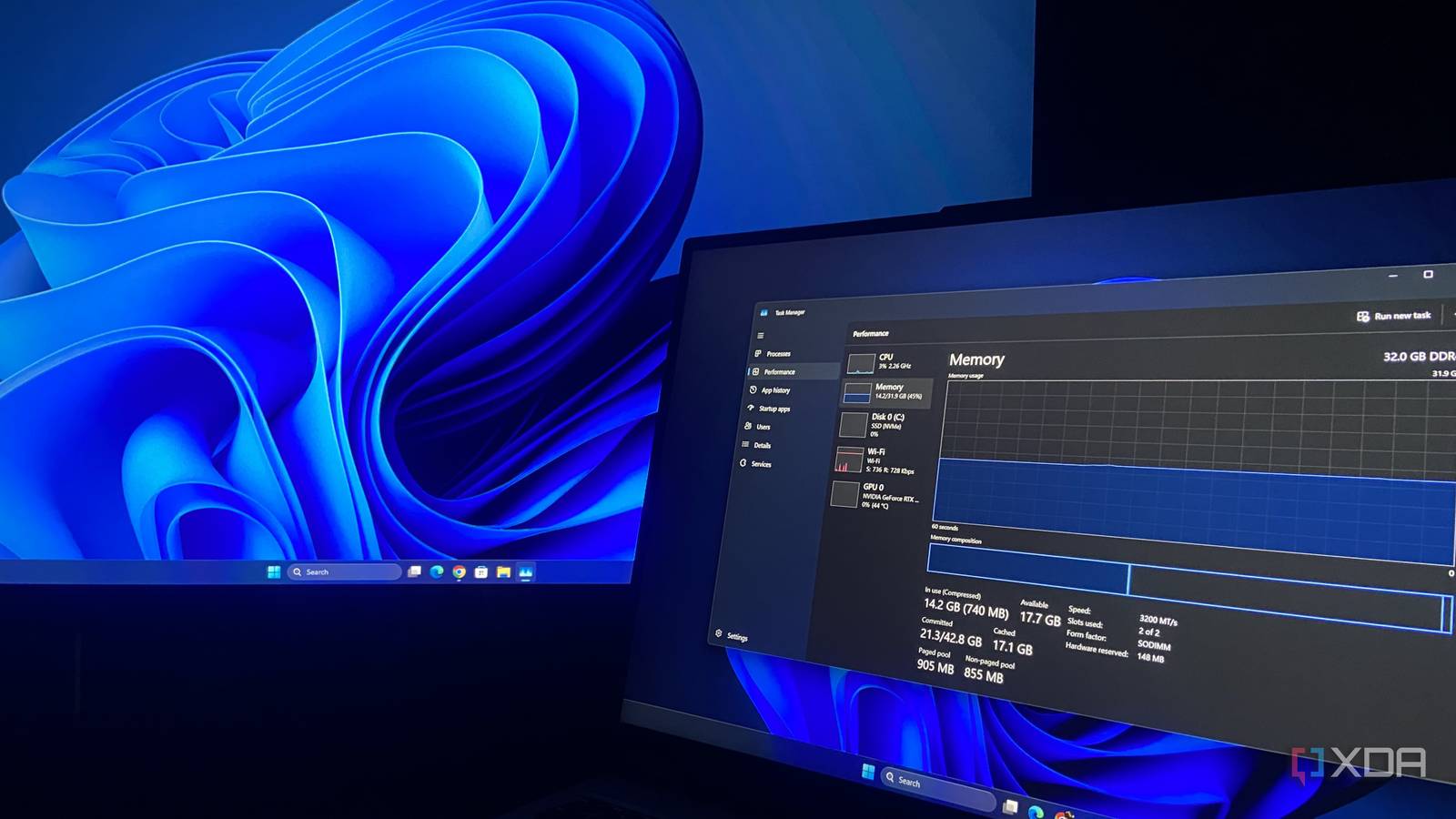
Key FactsWindows 11 26H2 Reportedly Lowers RAM Use Mainly on Larger Systems
6 days ago · Reading time: ~45 sec.
Summary created with AI assistance · Source: xda-developers.com
Summary created with AI assistance · Source: xda-developers.com
- A Reddit user with 48GB reported startup usage falling from 6.9GB to approximately 4.8GB.
- Windows Latest observed idle usage on a 16GB laptop falling from above 10GB to 7GB.
- Reported reductions involve almost exclusively systems with at least 16GB, while 8GB devices so far mostly show no benefit.
- A Lenovo Legion 5 Pro test recorded usage falling from 8.5GB to 6.7GB under 26H2.
"clear efforts around driving better utilization of memory"— Pavan Davuluri, on a May episode of Microsoft's Inside Windows podcast
Windows 11's default settings are quietly wearing out your SSD and turning them off can extend its life
xda-developers.com/windows-11-default-settings-wearing-out-ssd-turning-off-can-extend-life/
Key FactsWindows 11 settings may reduce SSD longevity
Oct 16, 2026 · Reading time: ~30 sec.
Summary created with AI assistance · Source: xda-developers.com
Summary created with AI assistance · Source: xda-developers.com
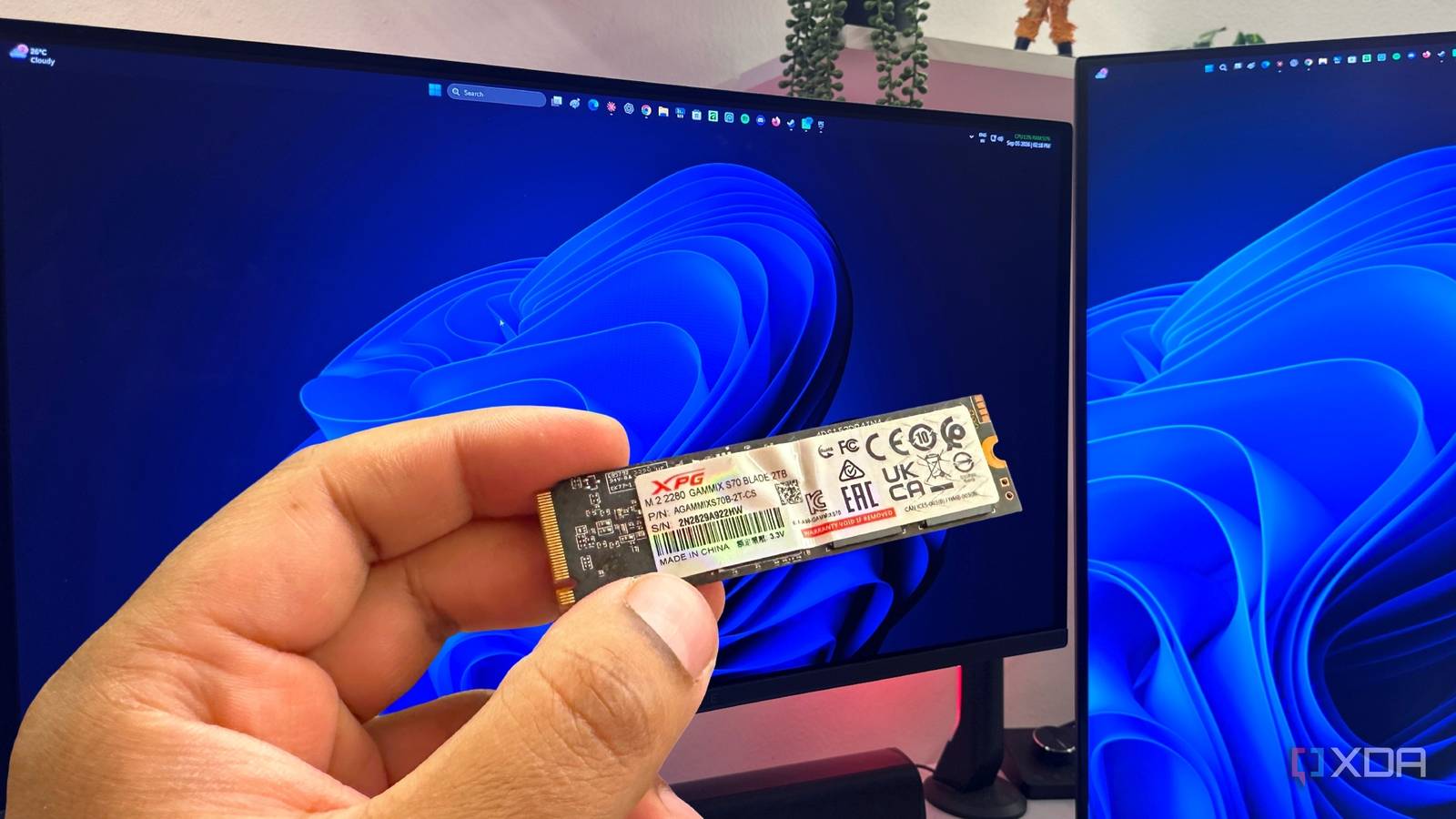
- When enabled, hiberfil.sys typically occupies around 40 percent of RAM, meaning about 13GB with 32GB installed.
- Disabling hibernation removes that file, turns off Fast Startup, and frees storage space on drive C.
- Specific folders can be excluded from indexing; their files remain searchable but may take longer to find.
- Windows uses TRIM to maintain unused SSD data blocks; a value of 0 confirms that it is enabled.
WindowsCentral Oct 20
"We expect more from ourselves, too": Microsoft's design boss of Windows 11 admits the OS needs work, while AI is helping his team fix its inconsistencies
windowscentral.com/microsoft/windows-11/microsoft-design-boss-windows-11-needs-work-ai-fixes-inconsistencies
Microsoft's special Windows 11 26H2 tweak makes PCs faster especially on hard disks.
^P
Microsoft says Windows 11 26H2 up to 20% more responsive from ... Show more
Microsoft's special Windows 11 26H2 tweak makes PCs faster especially on hard disks
Microsoft's special Windows 11 26H2 tweak makes PCs faster especially on hard disks
AMD Zen 6 benchmark suggests big Windows 11 & Linux performance jump over Zen 5 (Ryzen 9000)
neowin.net/news/amd-zen-6-benchmark-suggests-big-windows-11--linux-performance-jump-over-zen-5-ryzen-9000/

Key FactsExplorerPatcher Can Restore Selected Windows 10 Features
6 days ago · Reading time: ~45 sec.
Summary created with AI assistance · Source: xda-developers.com
Summary created with AI assistance · Source: xda-developers.com
- The free ExplorerPatcher can restore Windows 10’s Start menu in Windows 11, including resizing and a visible app list.
- It replaces Microsoft’s Widgets with a streamlined weather widget, which the author said was recently failing to display data.
- The Windows 10 Ribbon interface improves File Explorer access, but removes Windows 11 features such as tabs.
- Some smaller options apparently do not work in current versions, although the author says the app remains supported.
Right off the bat, being able to restore the Windows 10 Start menu with ExplorerPatcher is an extremely welcome change, and the biggest reason to use this app, in my opinion.— João Carrasqueira, author of the XDA-Developers article on ExplorerPatcher
Key FactsSix older open-source apps the author still uses
Oct 2, 2026 · Reading time: ~45 sec.
Summary created with AI assistance · Source: xda-developers.com
Summary created with AI assistance · Source: xda-developers.com
- The author uses Everything on Windows, where it indexes files within seconds for rapid filename searches.
- The author uses 7-Zip through File Explorer to package files or open archives without launching a separate application.
- The author uses Ditto’s clipboard history to retrieve earlier text and files while writing and researching.
- WinDirStat gives the author a visual drive breakdown, making unusually large files and folders easier to identify.
There is something valuable about software that simply stays useful without constantly trying to reinvent itself.— Yash, author of the article, explaining why durable software endures.

A hidden Windows 11 menu could make moving the taskbar so much easier: A hidden menu in a preview version of Windows 11 is causing a stir. That’s because it ...
pcworld.com/article/3267144/a-hidden-windows-11-menu-could-make-moving-the-taskbar-so-much-easier.html

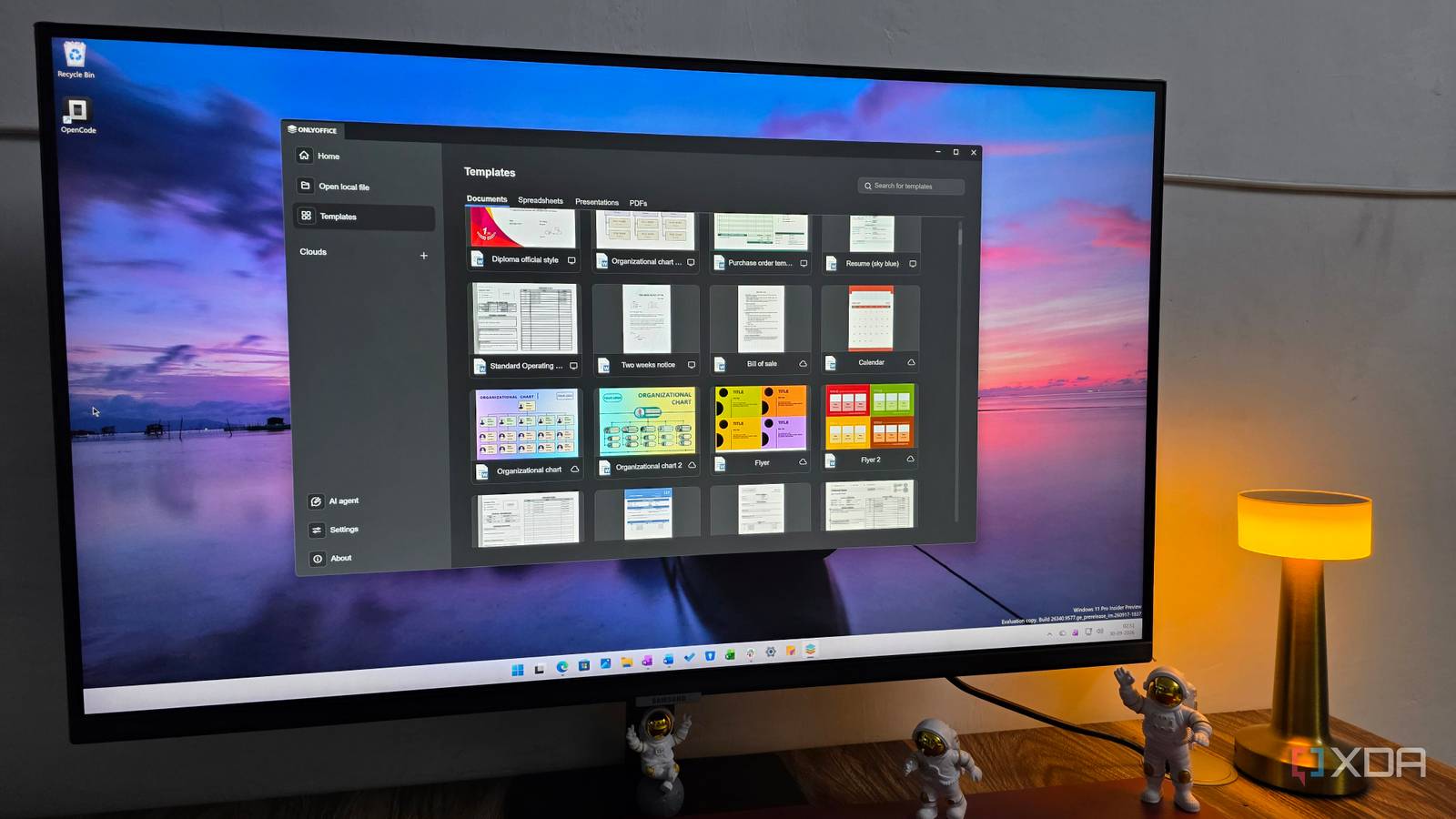
I replaced Microsoft Edge, Photos, File Explorer, and Office 365 with open-source alternatives and never looked back
xda-developers.com/replaced-microsoft-default-windows-apps-with-open-source-alternatives-and-never-looked-back/
WindowsCentral Oct 16
🪟Windows 11's biggest Insider features: October edition
We spent the week testing October’s Windows 11 Insider features ... Show more

Former Windows Lead Says Windows 11's Best Upgrade Is 'Not Usable Yet': Ex-Windows chief Mikhail Parakhin took to social media to call out Microsoft over missing ...
pcmag.com/news/former-windows-lead-says-windows-11s-best-upgrade-is-not-usable-yet

Key FactsListary Combines File Search with Windows Navigation
1 days ago · Reading time: ~45 sec.
Summary created with AI assistance · Source: xda-developers.com
Summary created with AI assistance · Source: xda-developers.com
- According to the author, Everything returns relevant matches almost instantly and offers simple filters for more targeted searches.
- Listary’s keyboard shortcut opens search, while Quick Switch simplifies moving between folders without manually clicking through directories.
- Listary can also launch applications and settings, perform search actions, and support custom commands and keyboard shortcuts.
- The author notes a learning curve and emphasizes that Listary’s usefulness depends on each user’s workflow.
Listary makes finding and accessing files feel effortless.— Yash, the article's author, describing Listary's usability and how it changes the workflow of accessing files.
Nvidia GeForce 621.01: Fewer Shader Stutters Also on Steam: With the GeForce 621.01, Nvidia supports Microsoft's Advanced Shader Delivery for the first time ...
pcgameshardware.de/Grafikkarten-Grafikkarte-97980/News/Geforce-621-01-Advanced-Shader-Delivery-Steam-1557419/

Windows 11 contains code from Windows 95 - | this is the reason: 31-year-old code remnants from Windows 95 live on in Windows 11 because a SimCity bug forced ...
pcgameshardware.de/Windows-Software-277633/News/Darum-steckt-noch-Windows-95-Code-in-Windows-11-1557091/

Key FactsWhy Windows 11 Retains Windows 95 Code
4 days ago · Reading time: ~30 sec.
Summary created with AI assistance · Source: pcgameshardware.de
Summary created with AI assistance · Source: pcgameshardware.de
- According to Microsoft developer Raymond Chen, Windows 11 version 26H2 contains EmulateHeap, based on recompiled Windows 95 memory-manager code.
- A bug in the first Windows version of SimCity made it reuse freed memory, prompting special handling in Windows 95 betas.
- In later Windows versions, EmulateHeap redirects an application's memory commands to substitute routines imitating Windows 95 when the correction is enabled.
- After updates, users reported missing sound in GTA Vice City or crashes in Need for Speed: Most Wanted with the correction enabled.
Open source Windows ReactOS finally reaching Vista, 7, 8, 8.1 level, gets NTFS support.
^P
ReactOS turns 30, now installs on NTFS and formats NTFS partitions ... Show more
"Open source Windows" ReactOS finally reaching Vista, 7, 8, 8.1 level, gets NTFS support.
"Open source Windows" ReactOS finally reaching Vista, 7, 8, 8.1 level, gets NTFS support.
WindowsCentral Oct 19
Microsoft made its Windows Insider Program anniversary wallpaper using a Mac: The wallpapers celebrating 12 years of Windows Insiders were apparently created ...
windowscentral.com/microsoft/windows-11/microsoft-made-its-windows-insider-program-anniversary-wallpaper-using-a-mac

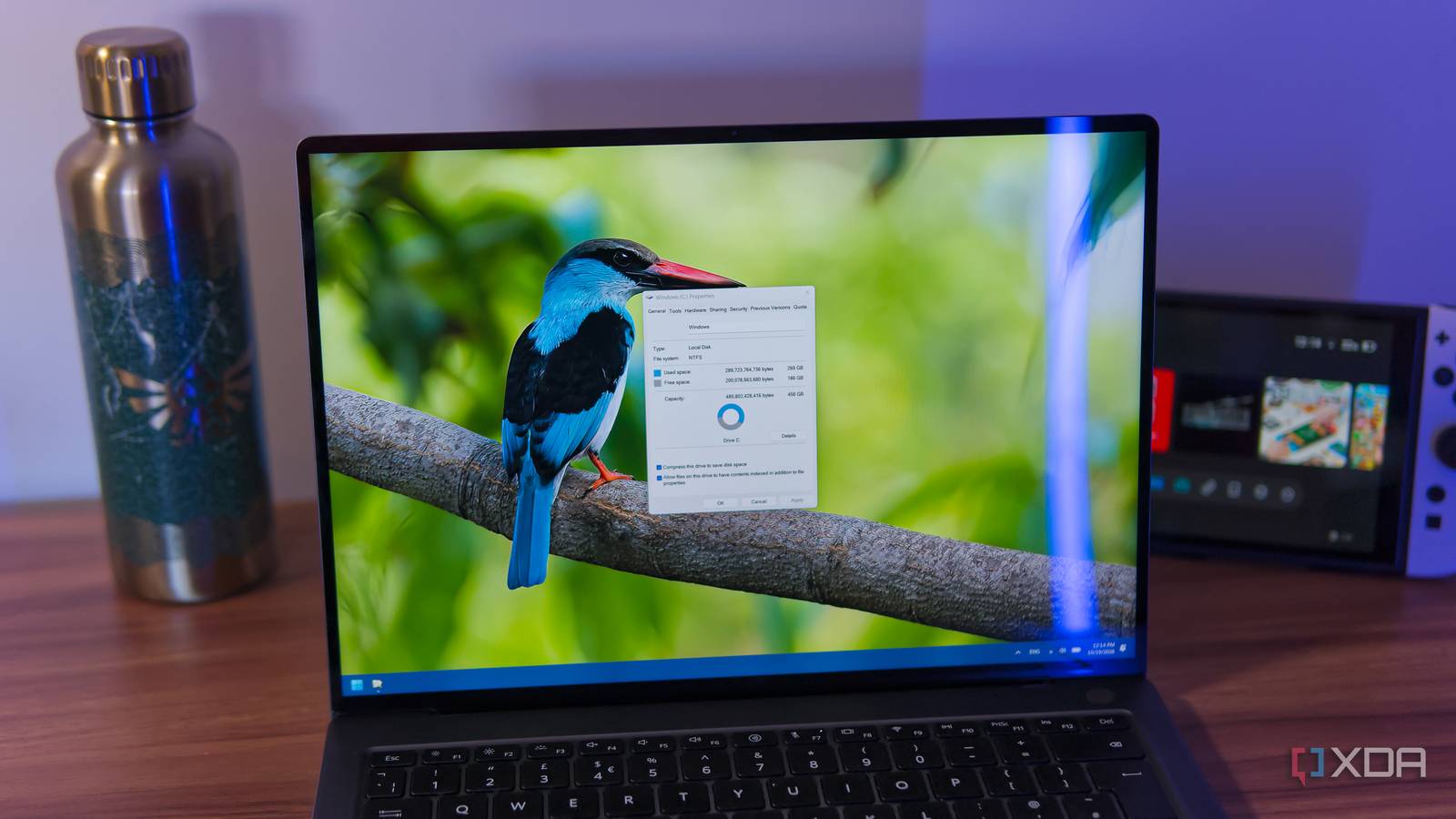
I enabled Windows 11's drive compression and got over 60GB back without slowing down my PC
xda-developers.com/enabled-windows-11-drive-compression-got-over-60gb-back-without-slowing-down-pc/
Microsoft finally fixed one of Windows 11's most annoying photo problems.
^P
Redesigned Photos app now opens, edits ... Show more
Just a moment...
Just a moment...
The triple-OS NexPhone runs Android, Linux, and Windows 11, but you’ll have to wait until 2027 for it
xda-developers.com/the-triple-os-nexphone-runs-android-linux-and-windows-11-but-youll-have-to-wait-until-2027-for-it/
Windows 11: Why system files still have DOS names: Windows 11 contains system files like kernel32.dll and ntoskrnl.exe, whose names fit the old DOS naming scheme ...
pcgameshardware.de/Windows-Software-277633/News/OS-Dateinamen-Systemdateien-kernel32-1557264/

Microsoft quietly blocks new requirements bypass trick on Windows 11 26H2.
^P
Simple Home edition trick that let users skip MSA and internet by clicking Learn ... Show more
Microsoft quietly blocks new requirements bypass trick on Windows 11 26H2
Microsoft quietly blocks new requirements bypass trick on Windows 11 26H2
USB4 in Win 7, XP & 98: XHCI98 combines retro and modern: A hobby coder has developed working XHCI drivers for older Windows versions, enabling them to control ...
pcgameshardware.de/PCGH-Retro-Thema-284165/News/xhci98-bringt-windows-98-XP-und-7-auf-Ryzen-und-Core-i-14000-1557395/

Key FactsXHCI98 Brings USB4 Support to Windows 98
1 days ago · Reading time: ~30 sec.
Summary created with AI assistance · Source: pcgameshardware.de
Summary created with AI assistance · Source: pcgameshardware.de
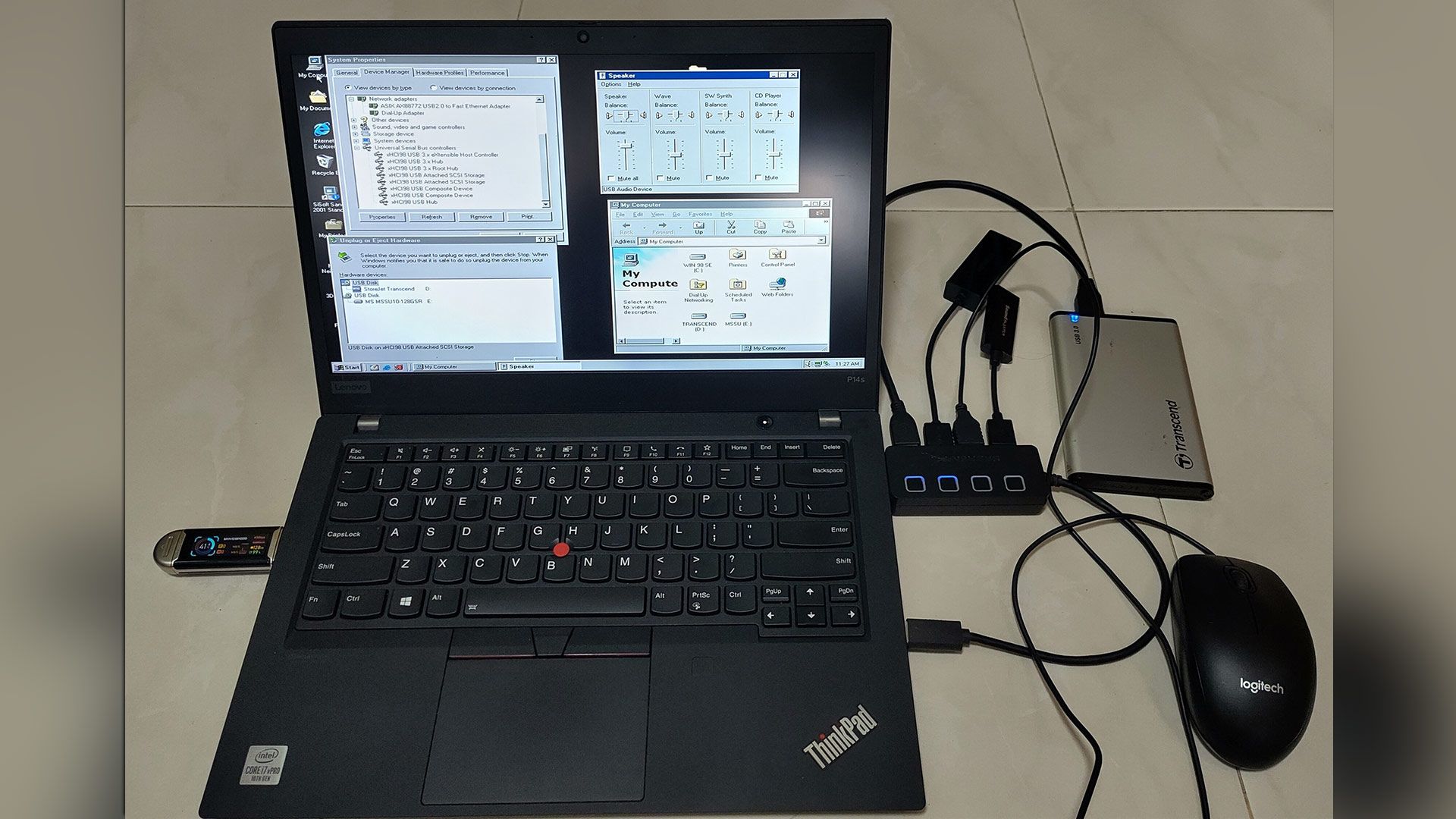
- With support from Claude and ChatGPT, Yeo Kheng Meng developed an XHCI miniport driver for older Windows versions.
- Supported systems include Windows 98SE, ME, 2000, XP, Vista and 7, in 32- and 64-bit versions where available, plus USB 3.0, 3.1, 3.2, USB4, Thunderbolt 3 and 4.
- The revised version also replaces usbport.sys for full USB 3.x support and adds a Thunderbolt 3 stack for USB4 and Thunderbolt 4.
- Windows 98 through Vista still require CSM-compatible MBR booting and suitable graphics and sound drivers for gaming.
Microsoft confirms missing Recall and faster Settings with new Windows 11 Insider builds
neowin.net/news/microsoft-confirms-missing-recall-and-faster-settings-with-new-windows-11-insider-builds/

How to enable the new context menu in Windows 11 with ViVeTool.
^P
New customizable right-click menu is in Release Preview 26200.9807 and 26300 ... Show more
How to enable the new context menu in Windows 11 with ViVeTool
How to enable the new context menu in Windows 11 with ViVeTool
You're not alone: even the former CEO of Microsoft's advertising can't put the Windows 11 taskbar on the left yet
xda-developers.com/youre-not-alone-even-the-former-ceo-of-microsofts-advertising-laments-that-you-cant-put-the-taskbar-on-the-left/

Windows 11 KB5127648 ISO now available for USB install via official Microsoft tool.
^P
Media Creation Tool now serves latest Windows 11 26H2 October Patch ... Show more
Windows 11 KB5127648 ISO now available for USB install via official Microsoft tool
Windows 11 KB5127648 ISO now available for USB install via official Microsoft tool
KB5127648 breaks Windows 11 exclusive feature that helps weak PCs perform better.
^P
October Patch Tuesday KB5127648 breaks Smart App Control SAC ... Show more
KB5127648: Microsoft breaks Windows 11 exclusive feature that helps weak PCs perform better
KB5127648: Microsoft breaks Windows 11 exclusive feature that helps weak PCs perform better

Windows 11: Microsoft removes Copilot feature even before all users have received it
t3n.de/news/windows-11-copilot-feature-entfernt-1769223/
Windows 11's October update blocks Smart App Control. Here's the fix: Microsoft has confirmed a fault in the October security update for Windows 11 ...
pcworld.com/article/3263770/windows-11s-october-update-blocks-smart-app-control-heres-the-fix.html

The Windows blue screen of death could have looked completely different if a 33-year-old decision had gone another way
xda-developers.com/windows-blue-screen-of-death-33-year-old-decision/
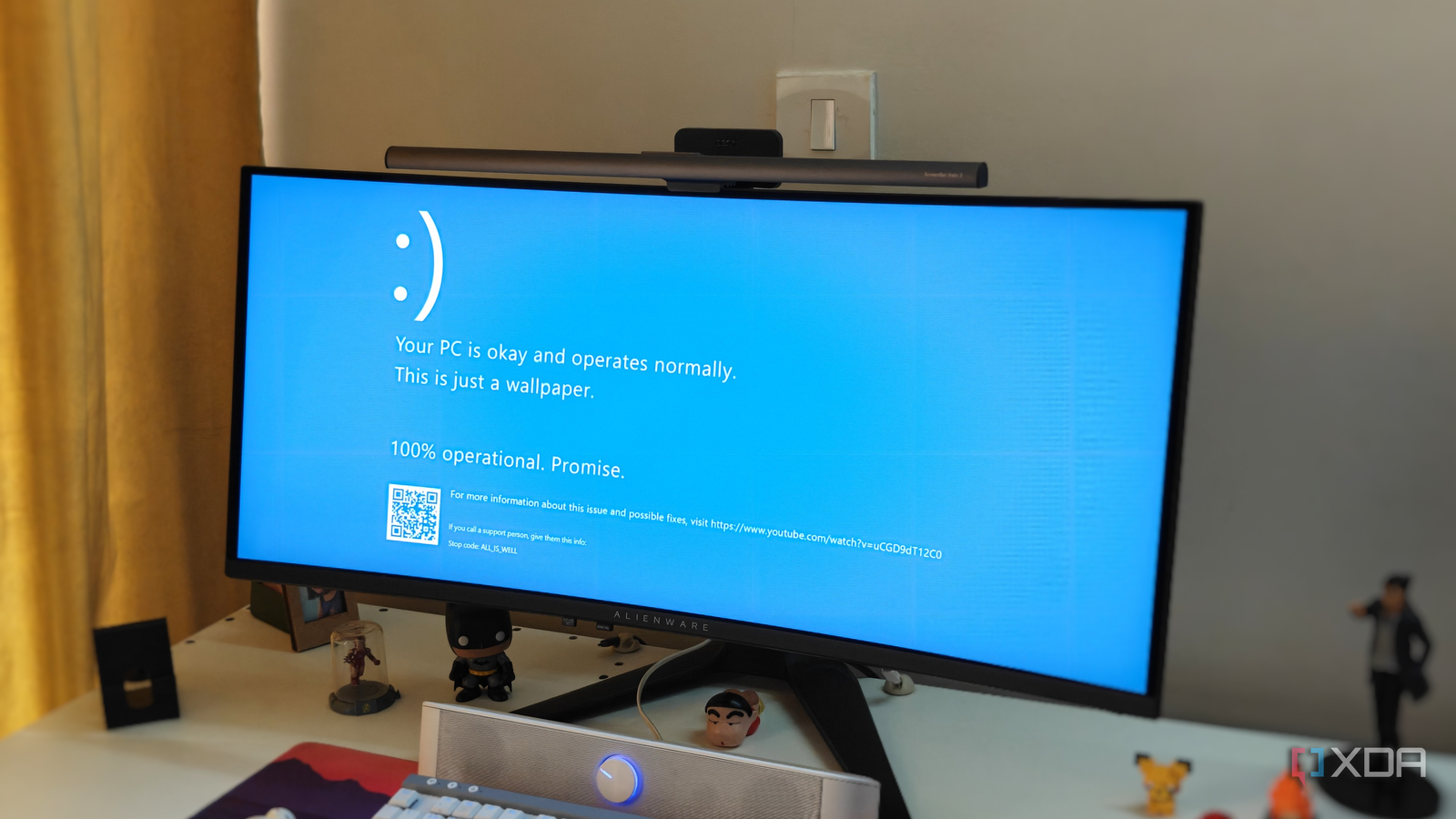
Key FactsWhy Windows’ Error Screen Turned Blue
Oct 15, 2026 · Reading time: ~45 sec.
Summary created with AI assistance · Source: xda-developers.com
Summary created with AI assistance · Source: xda-developers.com
- For Windows NT 3.1, Microsoft developer John Vert chose the white-on-blue design for the stop screen in 1993.
- The color choice reflected the MIPS workstation and SlickEdit editor used by Windows NT developers.
- Windows 3.1 and Windows 95 also displayed blue error screens, but the article says they were not true stop screens.
- With Windows 11 version 24H2, Microsoft switched to black in 2024, removing the QR code, sad face, and simplifying the text.
'blue screen of unhappiness'— Raymond Chen, Microsoft engineer, who referred to the Windows 3.1 stop screen as the 'blue screen of unhappiness'. The quote highlights his description of the screen used during early Windows stop errors.
Microsoft quietly gave Windows 10 another year, but it can't keep kicking the can down the road
xda-developers.com/windows-10-2026-extesnion-shows-microsoft-is-delaying-the-inevitable/
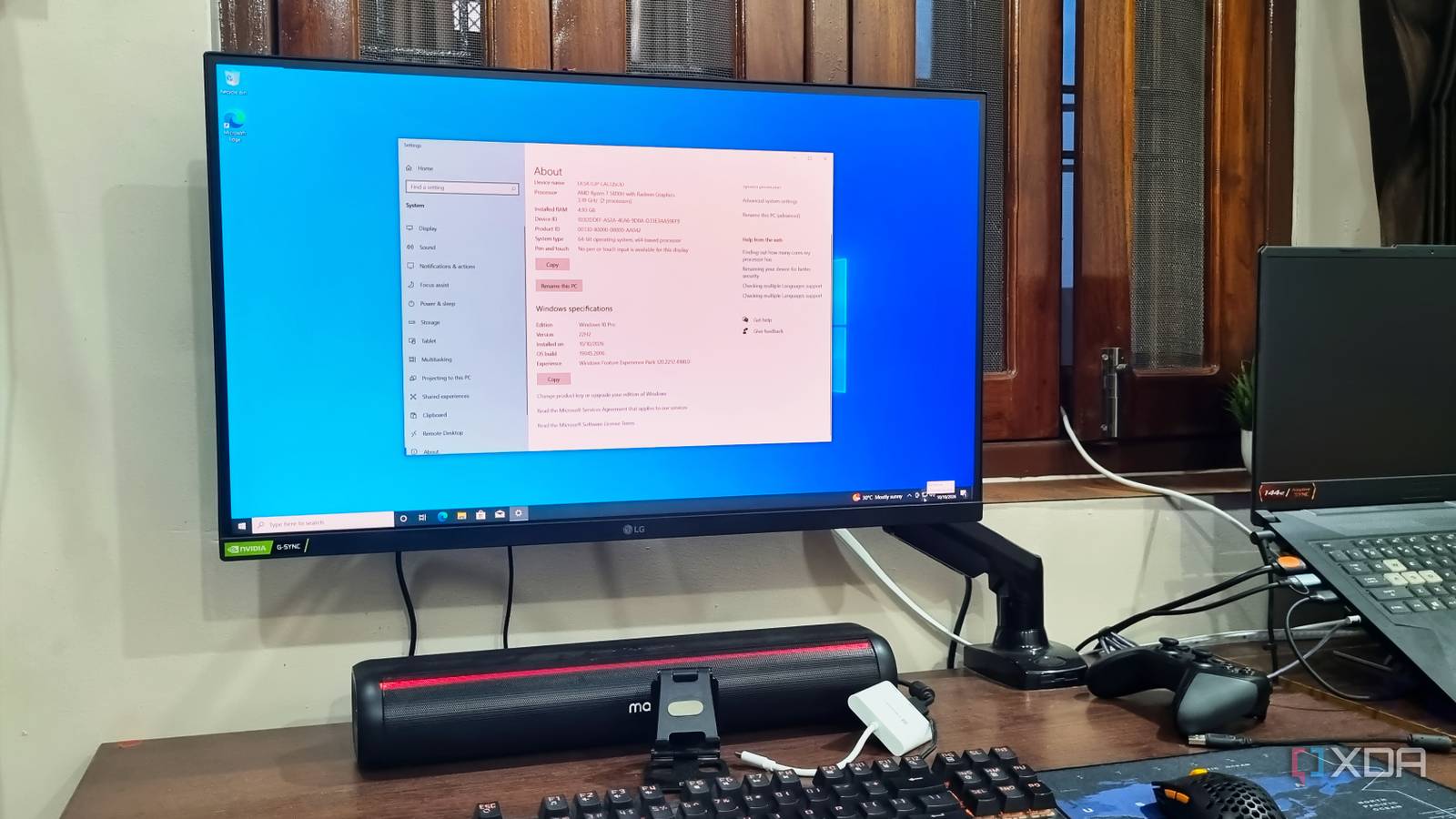
Key FactsMicrosoft Extends Windows 10 Security Updates Through October 2027
Oct 11, 2026 · Reading time: ~45 sec.
Summary created with AI assistance · Source: xda-developers.com
Summary created with AI assistance · Source: xda-developers.com
- Following the October 14, 2025 retirement, Microsoft is offering another year of security updates.
- The extension keeps Windows 10 secure until October 2027 and remains available even without prior ESU enrollment.
- It provides security updates only, without new features like those included in some Windows 11 updates.
- Memory and storage prices surged in 2026, while Windows 11 requires TPM 2.0 and Secure Boot.
I wouldn't be surprised if Microsoft extended Windows 10 to 2028, as it planned for enterprise systems with paid ESU plans.— Abhishek, XDA author, expressing a personal expectation about Windows 10's extension and ESU plans.

Vibe Coding: Windows 98 gets Thunderbolt - | Golem.de: The free, AI-developed driver is also supposed to run on Windows SE, XP, Vista and 7.
golem.de/news/vibe-coding-windows-98-bekommt-usb-4-und-thunderbolt-2610-214420.html


Wccftech Oct 07
A Windows 11 System With 16GB RAM Was Consuming Just 16% Of Total Memory Through Rufus; Other Methods Removed Bloatware While Running The Newest 26H2 Update
wccftech.com/windows-11-lightweight-update-rufus-bloatware-removal-16gb-ram/
WindowsCentral Oct 18
Surface Laptop Ultra shows what Microsoft can do when it gets everything right, but Windows 11 still feels like the variable holding the equation back ... Show more
Gaming performance: Windows 7 vs. Windows 11 tested: Can a 17-year-old operating system still keep up in gaming on modern hardware? A recent comparison test by ...
pcgameshardware.de/Windows-Software-277633/News/17-Jahre-altes-Windows-7-OS-versus-Windows-11-1556372/

Key FactsWindows 7 Excels in Parts of Gaming Comparison
Oct 11, 2026 · Reading time: ~30 sec.
Summary created with AI assistance · Source: pcgameshardware.de
Summary created with AI assistance · Source: pcgameshardware.de
- The test used Windows 7 Ultimate 64-bit SP1 and Windows 11 25H2 on a modern AMD-based PC.
- The games included The Witcher 3, Control, and Borderlands 2, tested in Full HD, WQHD, and 4K.
- With limited GPU demand, Windows 7 delivered especially strong 1% lows in older DirectX 9 games; the advantage diminished at 4K.
- In GPU-limited situations such as Control, Windows 11 led, probably because of newer graphics-driver code.
Key FactsWindows 11: Four Essential Laptop Security Features
3 days ago · Reading time: ~30 sec.
Summary created with AI assistance · Source: xda-developers.com
Summary created with AI assistance · Source: xda-developers.com
- Controlled folder access can stop ransomware from modifying protected files and covers Documents, Pictures, Music, and Videos by default.
- Dynamic lock pairs a laptop with a smartphone and locks it after 30 to 60 seconds when phone proximity decreases.
- BitLocker device encryption protects the entire drive; without the recovery key, removed drive data remains unreadable.
- Tamper Protection blocks apps and processes attempting security changes, while administrators can still adjust the settings.
I ran a single command and found more garbage on my Windows 11 drive than Storage Sense cleaned all month
xda-developers.com/my-windows-install-stopped-bloating-once-i-actually-configured-storage-sense-properly/
Key FactsStorage Sense Leaves Windows 11 Component-Store Data Untouched
Sep 28, 2026 · Reading time: ~45 sec.
Summary created with AI assistance · Source: xda-developers.com
Summary created with AI assistance · Source: xda-developers.com
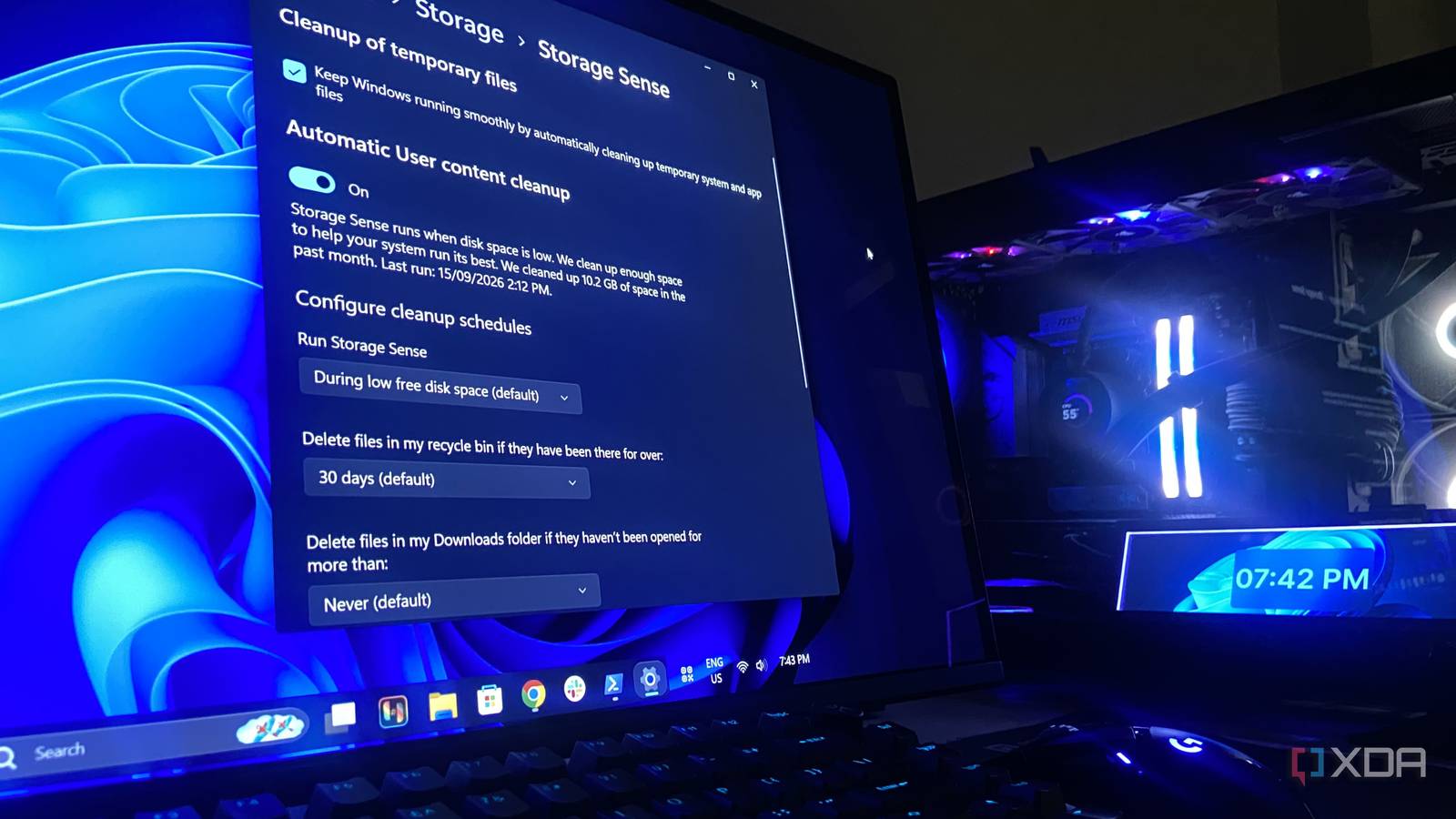
- Storage Sense freed 1.67GB that morning and reached 10.2GB over the month using Windows 11's default settings.
- By default, Storage Sense runs only when storage is low, but users can schedule it daily, weekly, or monthly.
- It clears temporary data, the Recycle Bin, Downloads, and local OneDrive copies, but cannot reach the component store or disabled Windows features.
- A DISM analysis reported 20.14GB; 8.27GB was shared, while about 11.84GB remained outside Storage Sense's remit.
frustratingly close to being useful— From a Windows 11 Reddit thread (2023), spoken by a Reddit user describing Storage Sense
Windows 11 Future Platforms build 29695.1001 improves Magnifier and fixes multiple issues
neowin.net/news/windows-11-future-platforms-build-296951001-improves-magnifier-and-fixes-multiple-issues/


Windows 98 SE users get a Thunderbolt 4 driver, thanks to AI assistance — vibe-coded xHCI98 driver works in Microsoft OSes up to Windows 7
tomshardware.com/peripherals/thunderbolt/windows-98-se-users-get-a-thunderbolt-4-driver-thanks-to-ai-assistance-vibe-coded-xhci98-driver-works-in-microsoft-oses-up-to-windows-7
 Paid articlePaywall
 WindowsCentral Oct 13
Microsoft is letting developers try upcoming Windows UI controls earlier, potentially leading to better apps across Windows 11 ... Show more
Windows 11: Secure Boot certificate expiring, what to do?: The important Windows Secure Boot certificate expires on October 19, 2026. Microsoft explains what ...
pcgameshardware.de/Windows-Software-277633/News/Secure-Boot-laeuft-ab-das-ist-jetzt-zu-tun-1557038/

Wccftech Oct 16
Microsoft Sticks To Its Previous Commitment, As Windows 11 Now Feels “Up To 20% More Responsive,” Bringing a “Meaningful Difference” To 8GB RAM Systems
wccftech.com/windows-11-up-to-20-percent-more-responsive-8gb-ram/

I was ready to pay for a remote desktop app, but Windows 11 already ships one for free
xda-developers.com/your-windows-11-is-secretly-running-built-in-remote-tools-youve-never-touched-and-theyre-more-useful-than-you-think/
Key FactsWindows 11 Includes Free Remote-Access Tools
3 days ago · Reading time: ~30 sec.
Summary created with AI assistance · Source: xda-developers.com
Summary created with AI assistance · Source: xda-developers.com
- Quick Assist is preinstalled on Windows 11 Home and Pro and also works with Windows 10 devices.
- The helper needs a Microsoft account; the other person only needs internet access and enters a time-limited six-digit code.
- Quick Assist supports screen viewing, annotations, and remote control; taking control requires consent and can be withdrawn at any time.
- Windows Remote Desktop can host sessions only on Windows 11 Pro or higher editions; msra.exe requires no Microsoft account.
Windows treats your desktop like a laptop by default, and it's been putting your USB devices to sleep
xda-developers.com/windows-puts-your-usb-devices-to-sleep/
Windows still asks about this floppy-era setting every time you format a drive: A 30-year-old Windows NT setting has persisted to this day
xda-developers.com/windows-still-asks-floppy-era-setting-formatting-a-drive/
Key FactsWindows 11 Retains a Floppy-Era Setting
Oct 7, 2026 · Reading time: ~30 sec.
Summary created with AI assistance · Source: xda-developers.com
Summary created with AI assistance · Source: xda-developers.com
- David Plummer created the nearly unchanged formatting tool in 1994 as a placeholder for Windows NT 4.0.
- The queried allocation unit is the smallest storage amount Windows can assign to a file; 4096 bytes is usually the default.
- Modern SSDs internally store data in pages and blocks, but emulate logical sectors through LBA for compatibility.
- The decades-old structure remained because it preserves compatibility and, according to the article, does not change everyday drive use.
WindowsCentral Oct 11
Windows 11 version 26H2 is rolling out now — here’s how to get the update now and get the most out of the 2026 update
windowscentral.com/microsoft/windows-11/how-to-make-the-switch-to-windows-11-version-26h2-2026-update
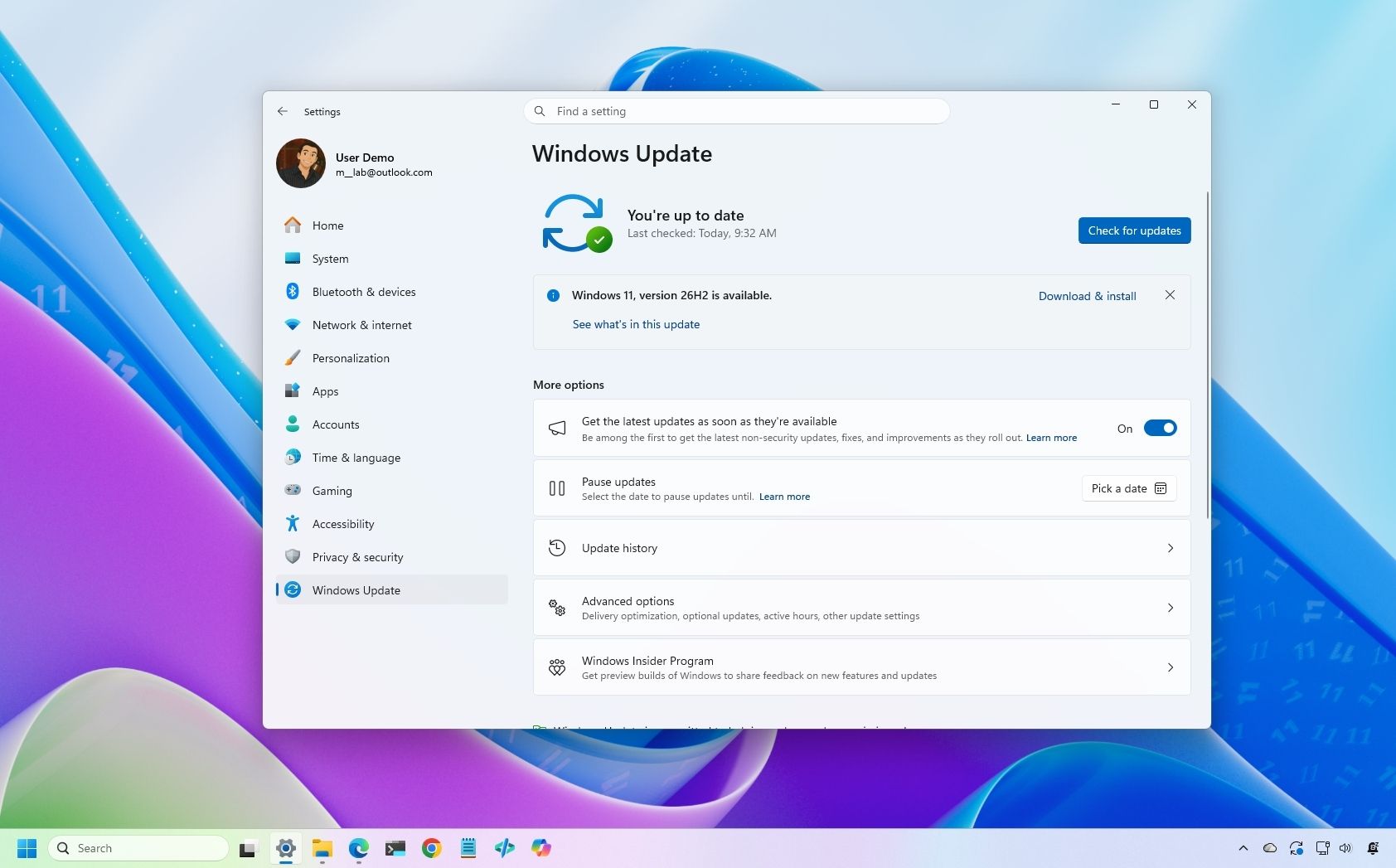
Windows 11’s modernized design shines, and the industry-leading operating system continues to receive regular updates that improve its usability, performance ... Show more
Have you tried Windows 11's two-click trick for frozen apps?pcworld.com
Wccftech Oct 15
Microsoft Quietly Kills Windows 11’s Easiest Local Account Bypass, Making Forced Sign-In Harder To Avoid
wccftech.com/microsoft-quietly-kills-windows-11s-easiest-local-account-bypass-making-forced-sign-in-harder-to-avoid/

We finally know how Windows XP’s infamous FCKGW product key ended up everywhere: The mid-2000s were a wild time for software piracy.
xda-developers.com/we-finally-know-how-windows-xp-infamous-fckgw-product-key-ended-up-everywhere/

Microsoft says October updates didn’t actually fix VPN issues: Microsoft says it mistakenly flagged a bug causing Always On VPN connection issues as fixed in the ...
bleepingcomputer.com/news/microsoft/microsoft-didnt-actually-fix-vpn-issues-caused-by-windows-updates/

Disabling the page file is the Windows performance tweak everyone repeats, and I'd never do it again
xda-developers.com/disabling-page-file-windows-performance-tweak-never-do-it-again/
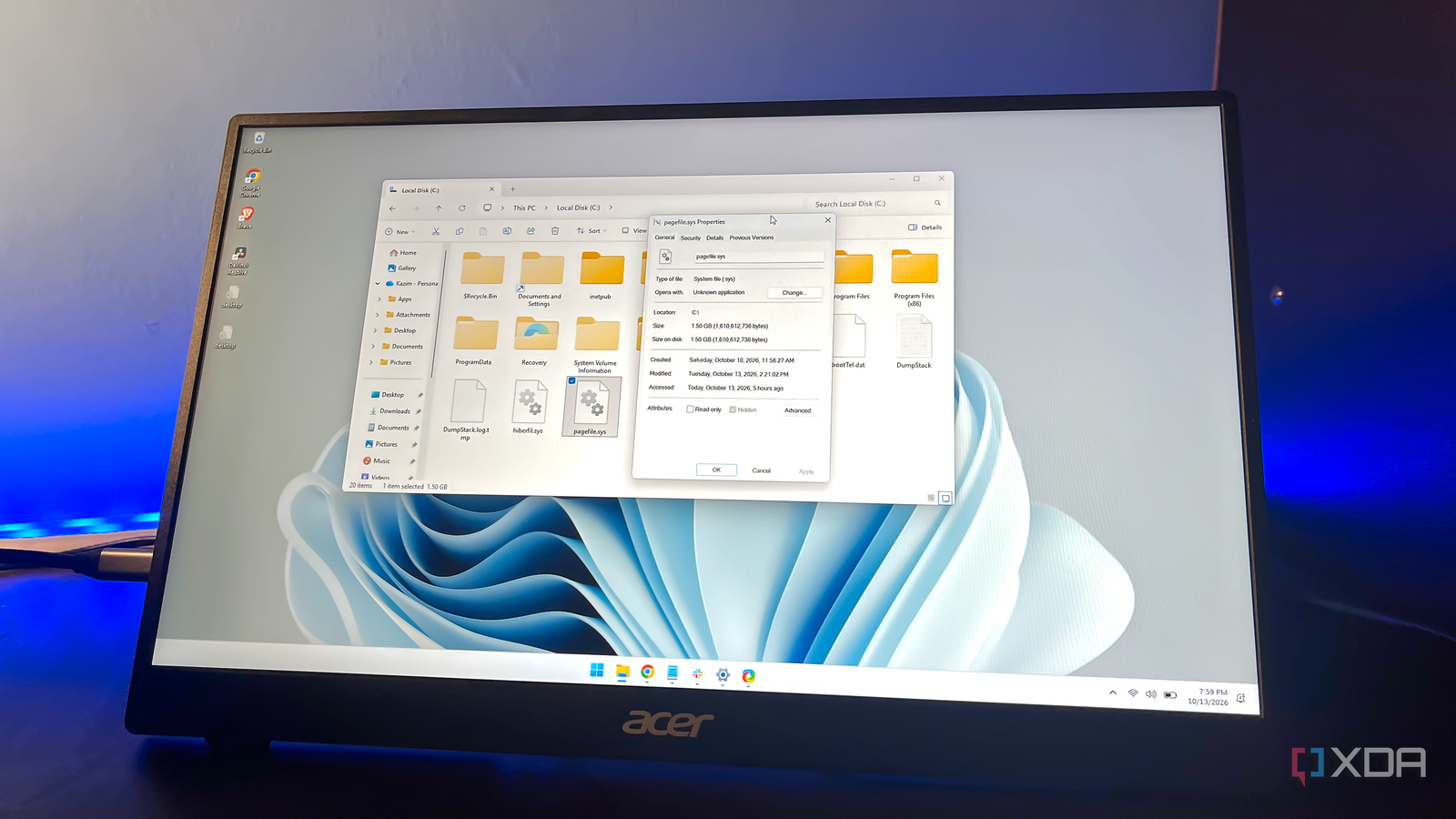
Key FactsAuthor Reports Instability After Disabling Windows Page File
Oct 14, 2026 · Reading time: ~45 sec.
Summary created with AI assistance · Source: xda-developers.com
Summary created with AI assistance · Source: xda-developers.com
- After several uneventful hours, the author's browser tabs crashed, and some applications would no longer launch.
- The article acknowledges theoretical storage-space and SSD benefits but reports no performance improvement from disabling the file.
- The page file also supports applications and crash dumps; without it, memory errors can occur despite sufficient RAM.
- The article recommends Windows management; for manual adjustment, it cites 4–8GB for systems with 16–32GB of RAM.
I agree, disabling the page file has theoretical advantages, and it's not limited to freeing up storage space. More importantly, the page file also affects your storage drive's lifespan.— Kazim, the author of the article, recounting his experience and cautioning readers about the downsides of disabling the page file