I disabled these 7 background services to boost Windows performance:
These are services I can safely disable to make Windows more responsive.
xda-developers.com/disable-windows-background-services-boost-performance/

Story Details
| Last Updated | |
| Total Articles | 4 |
Main Topics


software program or group of programs designed for end-users

More articles on this subject
Previous

I disabled these 7 background services to boost Windows performance: These are services I can safely disable to make Windows more responsive.
xda-developers.com/disable-windows-background-services-boost-performance/
Next
Similar to This
Previous

Latest Windows update disables key security setting - but there's a workaround - ZDNET
zdnet.com/tech/microsoft-october-windows-update-disables-security-setting-workaround/

Disabling the page file is the Windows performance tweak everyone repeats, and I'd never do it again
xda-developers.com/disabling-page-file-windows-performance-tweak-never-do-it-again/
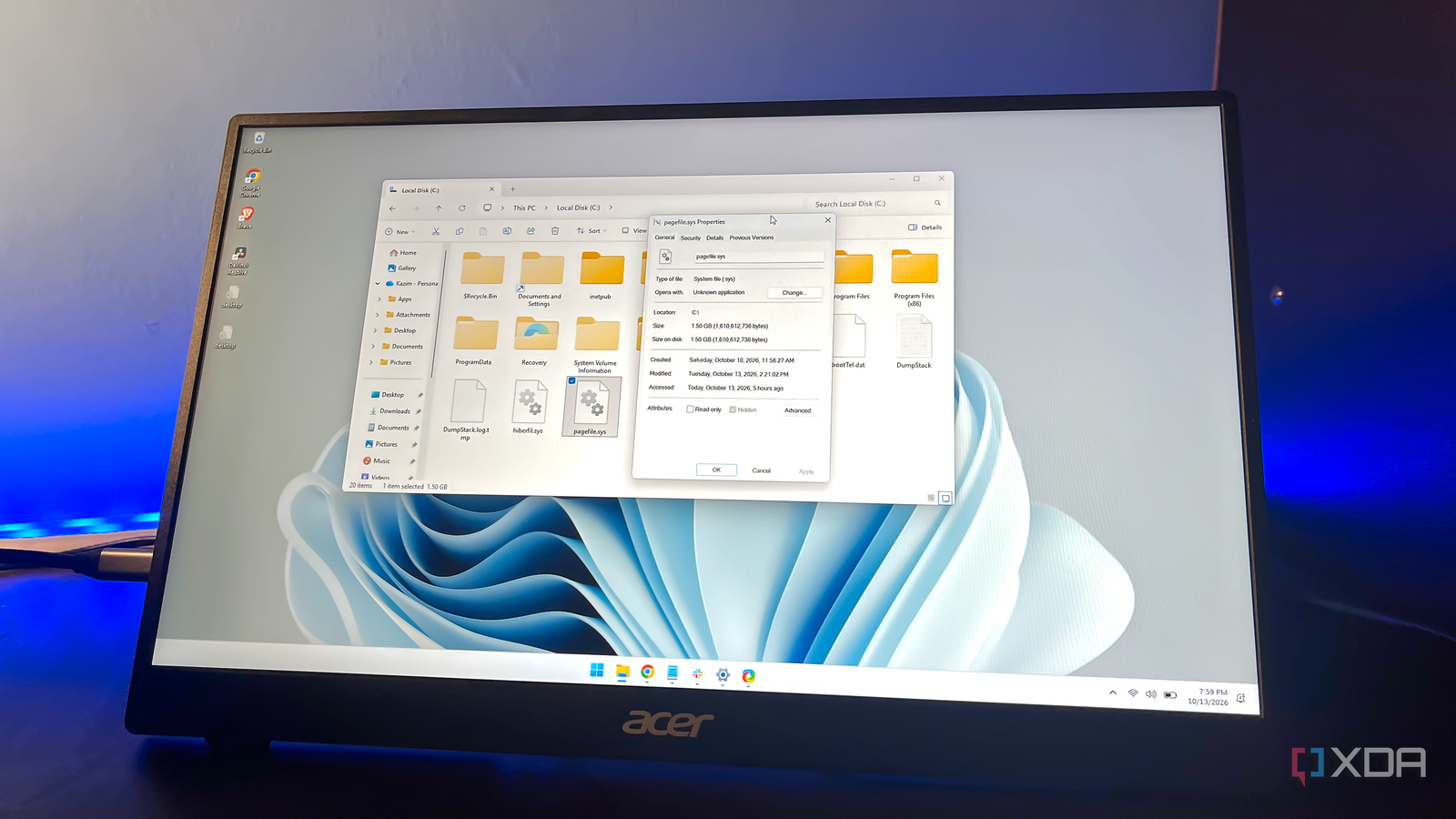
Key FactsAuthor Reports Instability After Disabling Windows Page File
6 days ago · Reading time: ~45 sec.
Summary created with AI assistance · Source: xda-developers.com
Summary created with AI assistance · Source: xda-developers.com
- After several uneventful hours, the author's browser tabs crashed, and some applications would no longer launch.
- The article acknowledges theoretical storage-space and SSD benefits but reports no performance improvement from disabling the file.
- The page file also supports applications and crash dumps; without it, memory errors can occur despite sufficient RAM.
- The article recommends Windows management; for manual adjustment, it cites 4–8GB for systems with 16–32GB of RAM.
I agree, disabling the page file has theoretical advantages, and it's not limited to freeing up storage space. More importantly, the page file also affects your storage drive's lifespan.— Kazim, the author of the article, recounting his experience and cautioning readers about the downsides of disabling the page file
Windows has 100+ services running right now, and this built-in tool lets you safely disable many of them
xda-developers.com/windows-has-100-services-running-you-can-safely-disable-many/
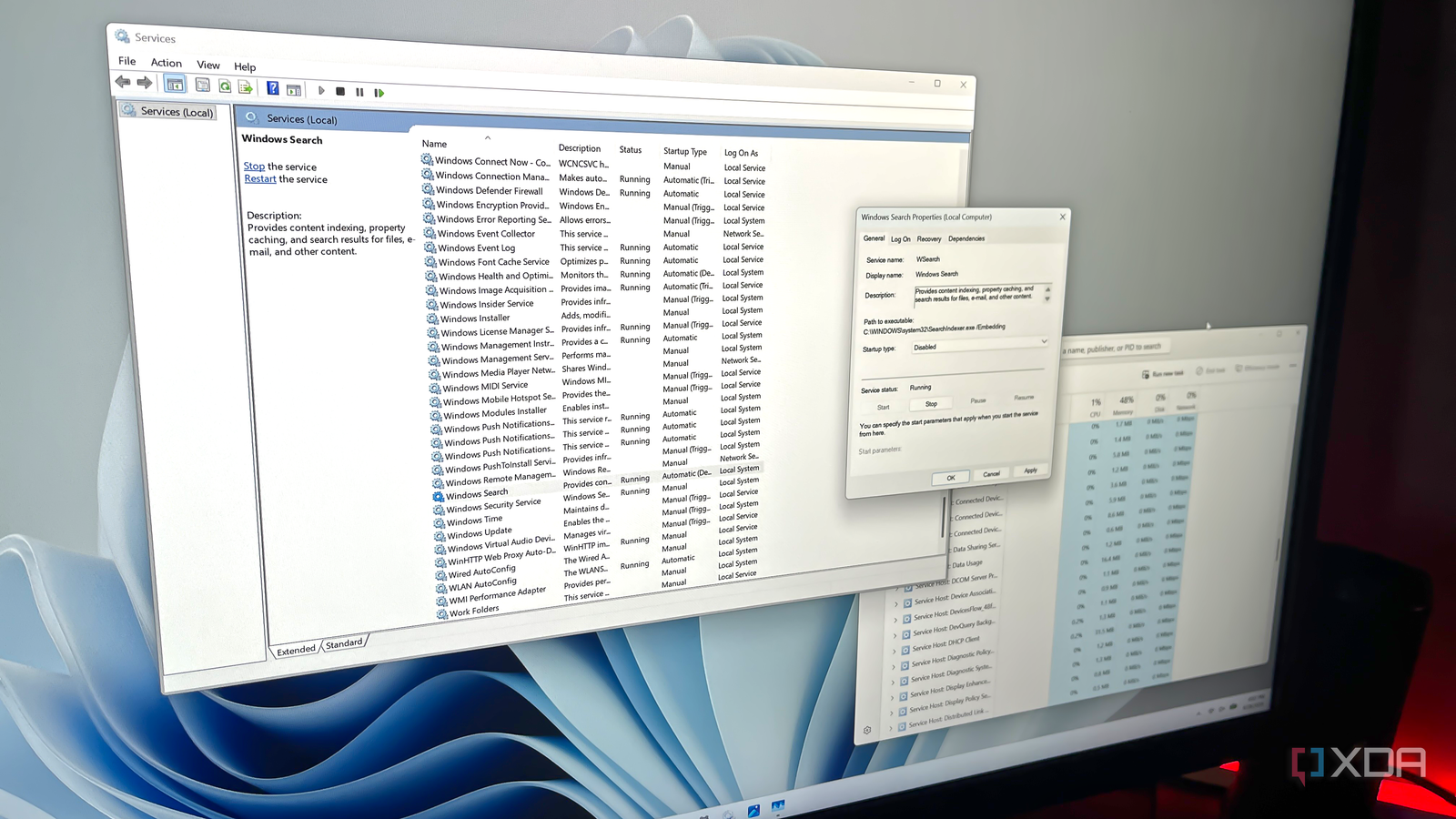
Key FactsTargeted Windows service disabling: key limits
Oct 5, 2026 · Reading time: ~30 sec.
Summary created with AI assistance · Source: xda-developers.com
Summary created with AI assistance · Source: xda-developers.com
- Windows’ Services utility usually displays 100 or more entries; active services are marked running, while inactive ones show no status.
- Depending on usage, the article identifies Connected User Experiences and Telemetry, Delivery Optimization, Windows Search, SysMain, and Xbox or printer services.
- When disabling a service, users must set its startup type to Disabled, stop it, and save changes so Windows does not reload it.
- Windows Update should not be disabled; removing a few services usually produces only modest performance gains.
Windows 11 is running 4 services you don't need, and disabling them takes 5 minutes
xda-developers.com/x-things-windows-does-in-the-background-that-you-can-safely-turn-off/

Key FactsReport names four Windows 11 services to disable
Aug 26, 2026 · Reading time: ~30 sec.
Summary created with AI assistance · Source: xda-developers.com
Summary created with AI assistance · Source: xda-developers.com
- WHESVC first appeared in 2025, starts with a delay on every Windows 11 PC and monitors CPU load, thermals, power profile, battery and screen brightness, while potentially recording local performance traces.
- Connected User Experiences and Telemetry, also known as DiagTrack, gathers usage and diagnostic data according to the diagnostic settings; the article says it can contribute to extra background activity and higher temperatures during some laptop workloads.
- SysMain dates back to the Superfetch era of Windows Vista and preloads frequently used applications into memory, which the article considers of limited use on modern PCs with NVMe or SATA SSDs.
- Downloaded Maps Manager, also called MapsBroker, manages offline maps that 99 percent of users with internet access reportedly do not benefit from, while CIS Benchmarks recommends disabling it to reduce the attack surface.
4 One UI features I turned off to make my Galaxy device feel faster: They all add up to make a noticeable difference.
xda-developers.com/one-ui-features-i-turned-off-to-make-galaxy-device-feel-faster/

4 One UI features I turned off to make my Galaxy device feel faster: They all add up to make a noticeable difference.
xda-developers.com/one-ui-features-i-turned-off-to-make-galaxy-device-feel-faster/
5 services I disabled to improve Windows performance: Many Windows services are working in the background consuming precious resources. Here's how I disabled ...
xda-developers.com/5-services-i-disabled-to-improve-windows-performance/
Your BIOS has a setting that makes Windows feel faster, and it's not overclocking or XMP
xda-developers.com/your-bios-has-a-setting-that-makes-windows-feel-faster-and-its-not-overclocking-or-xmp/
I disabled these 5 Windows 11 background services and saw zero downsides: They don’t hurt anyone, but taken together, they’re better off gone.
xda-developers.com/i-disabled-these-5-windows-11-background-services-and-saw-zero-downsides/

6 Windows quality-of-life tweaks that actually make a difference: Improved performance, even on dated hardware
xda-developers.com/windows-quality-of-life-tweaks-make-a-difference/
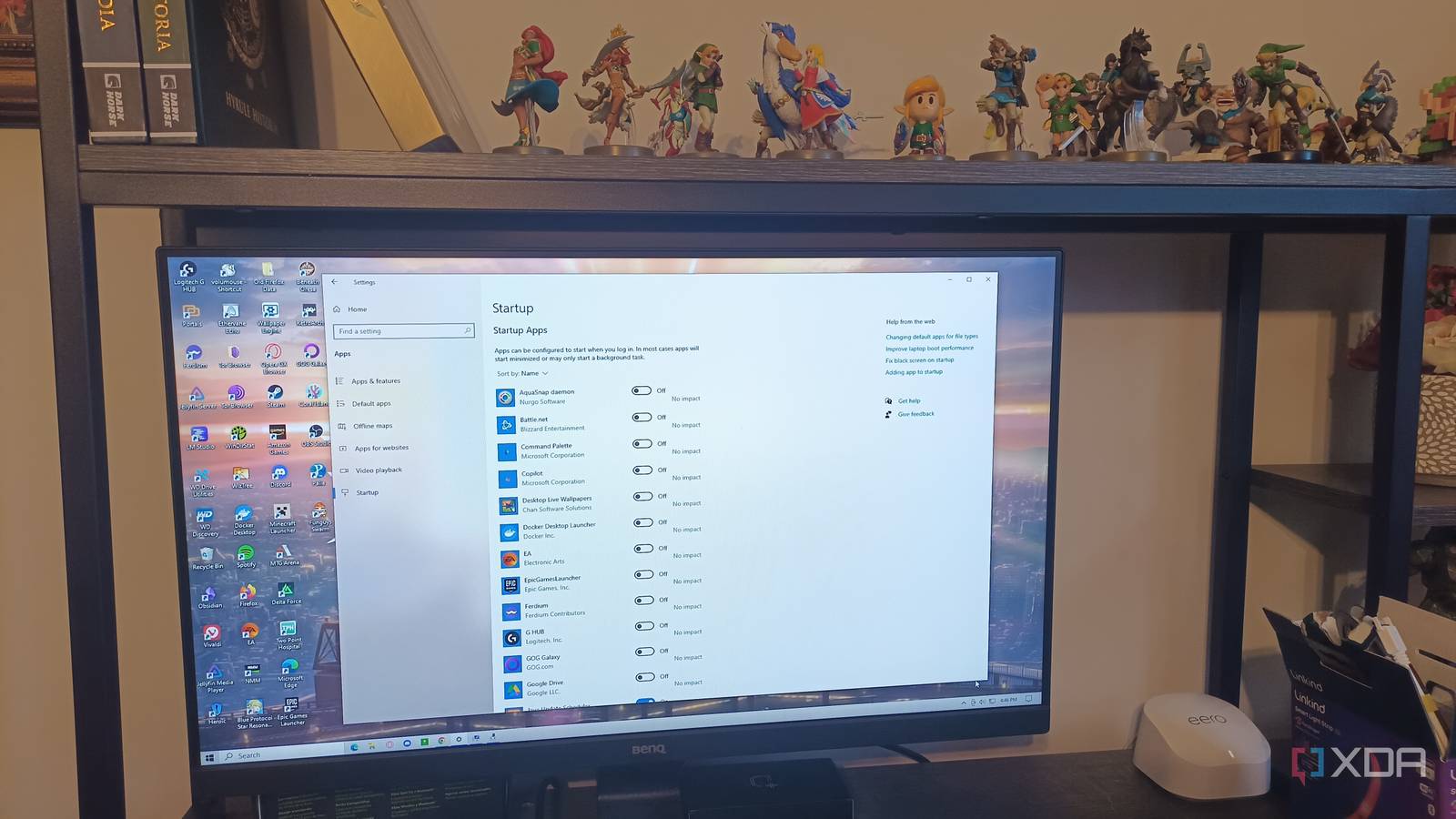
7 ways I reduce memory usage on Windows 11 without buying more RAM: If your Windows computer is using too much memory, there are a few steps you can take to ...
xda-developers.com/ways-reduce-memory-usage-windows-11-without-buying-more-ram/
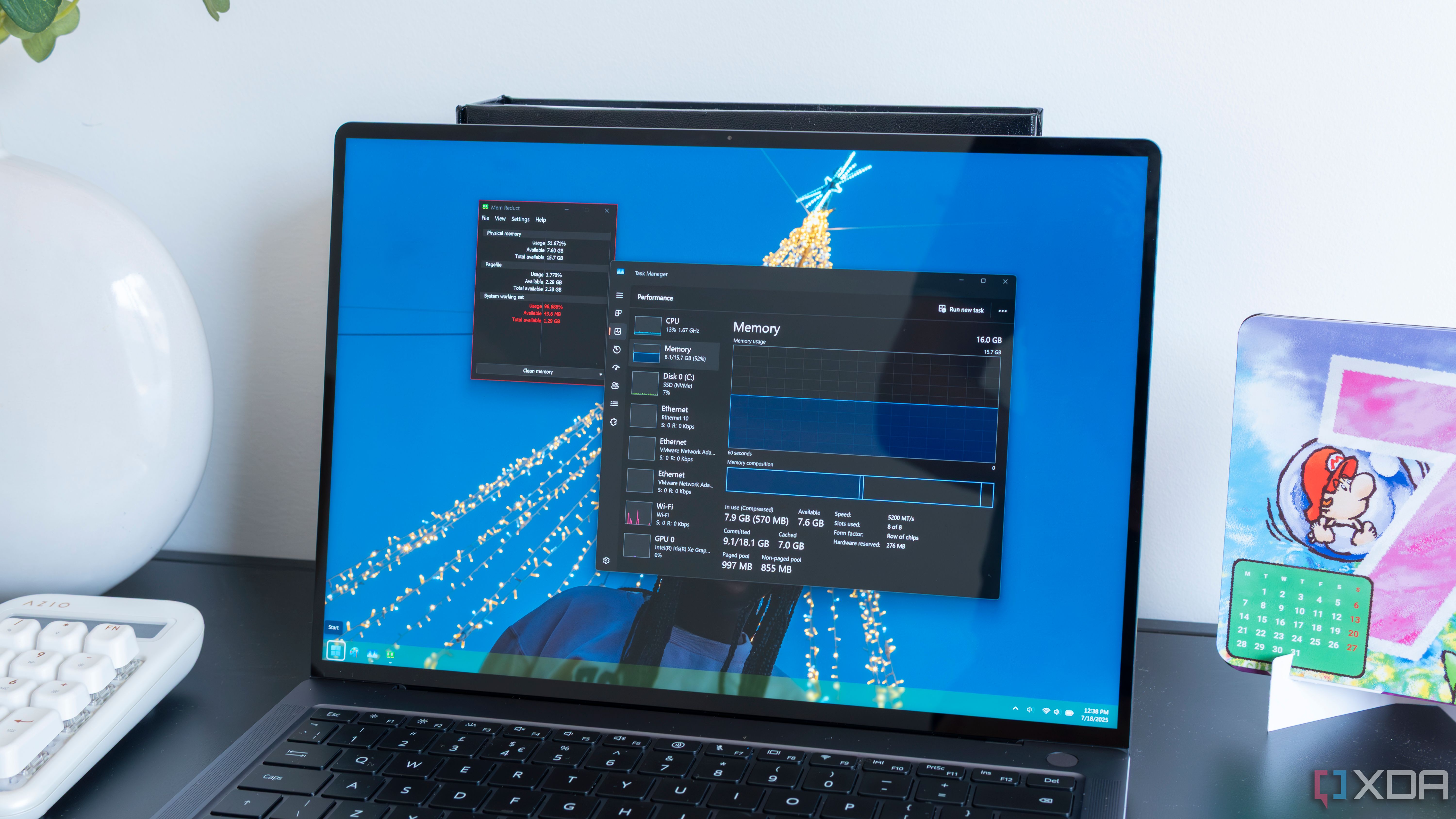
I always disable these 5 Windows 11 features to improve performance and security: Discover the top 5 Windows 11 settings to tweak for optimal performance and ...
xda-developers.com/disable-these-windows-features-to-improve-security/
I disabled these 7 background services to boost Windows performance: These are services I can safely disable to make Windows more responsive.
xda-developers.com/disable-windows-background-services-boost-performance/

How to Stop Windows Apps From Launching at Startup: Too many startup apps can be a drag on your PC’s performance. Here's how to prevent apps from automatically ...
pcmag.com/how-to/stop-windows-10-apps-from-launching-at-startup

5 services I disabled to improve Windows performance: Some Windows services consume unnecessary CPU and RAM. Here are the ones you should disable right now.
xda-developers.com/services-disabled-improve-windows-performance/
Next