
Show RAM speed:
How fast your PC can access the main memory (RAM) is an important factor for the performance. Therefore, it is worth taking a look at this value.
computerwoche.de/a/ram-geschwindigkeit-anzeigen,3341553
Story Details
| Last Updated | |
| Total Articles | 1 |
Main Topics

task manager application included with the Windows NT family of operating systems


Similar to This
Previous


How Much RAM Do I Have in My PC?: Computer acting sluggish? You might need more memory. Here's how to check how much RAM you have, and how much your PC or Mac is ...
pcmag.com/how-to/how-much-ram-do-i-have-pc

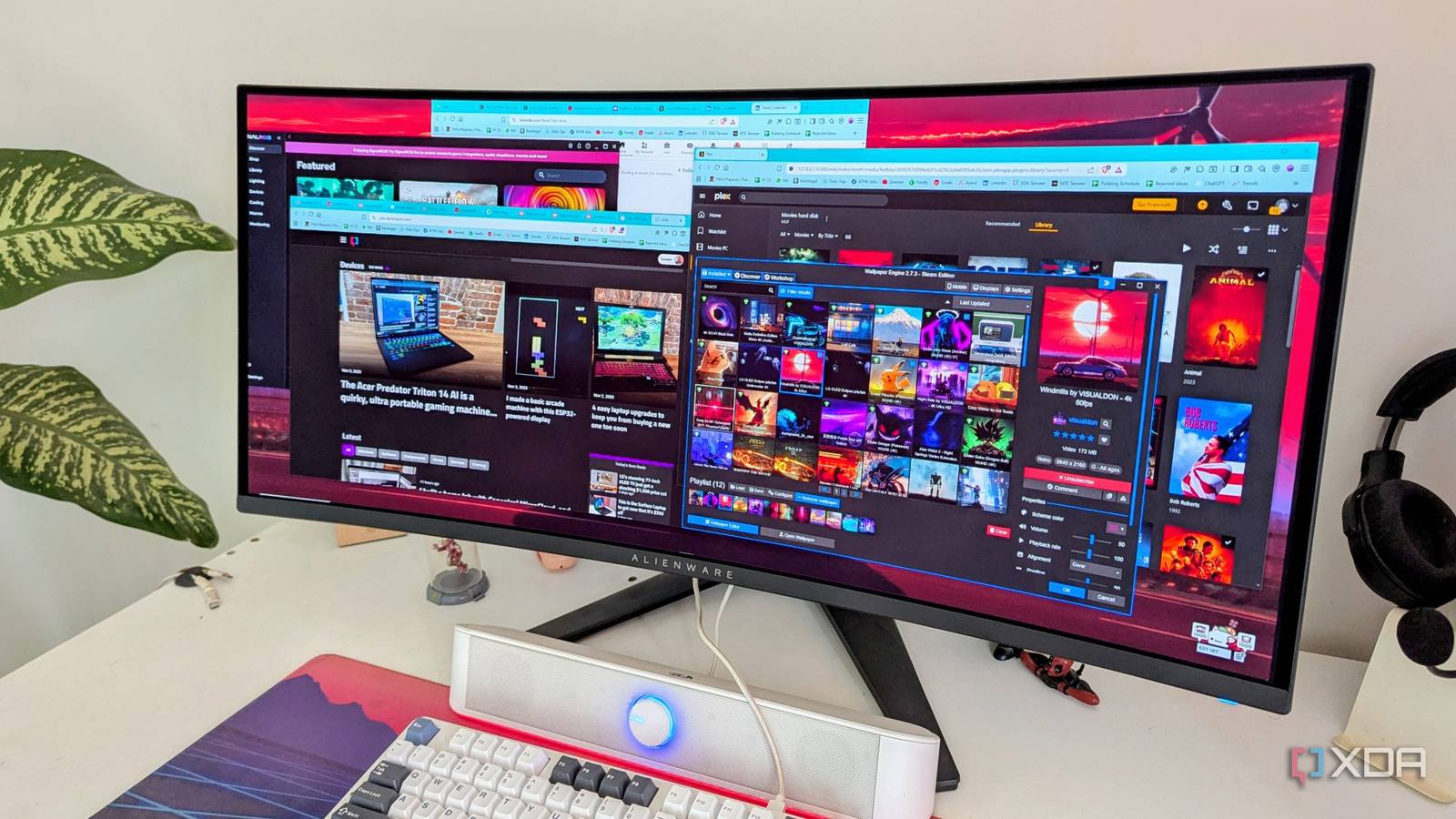
My PC was eating 90% of my RAM — I couldn't believe what actually fixed it: I should have started with this fix instead of everything else
xda-developers.com/unexpected-fix-for-90-per-cent-ram-usage/

windowslatest.com Nov 05

Microsoft admits Windows 11 was moving your open apps to slower storage on 8GB RAM PCs, which is why they reload, and now it keeps up to 2GB more in memory
windowslatest.com/2026/11/03/microsoft-admits-windows-11-was-moving-your-open-apps-to-slower-storage-on-8gb-ram-pcs-which-is-why-they-reload-and-now-it-keeps-up-to-2gb-more-in-memory/

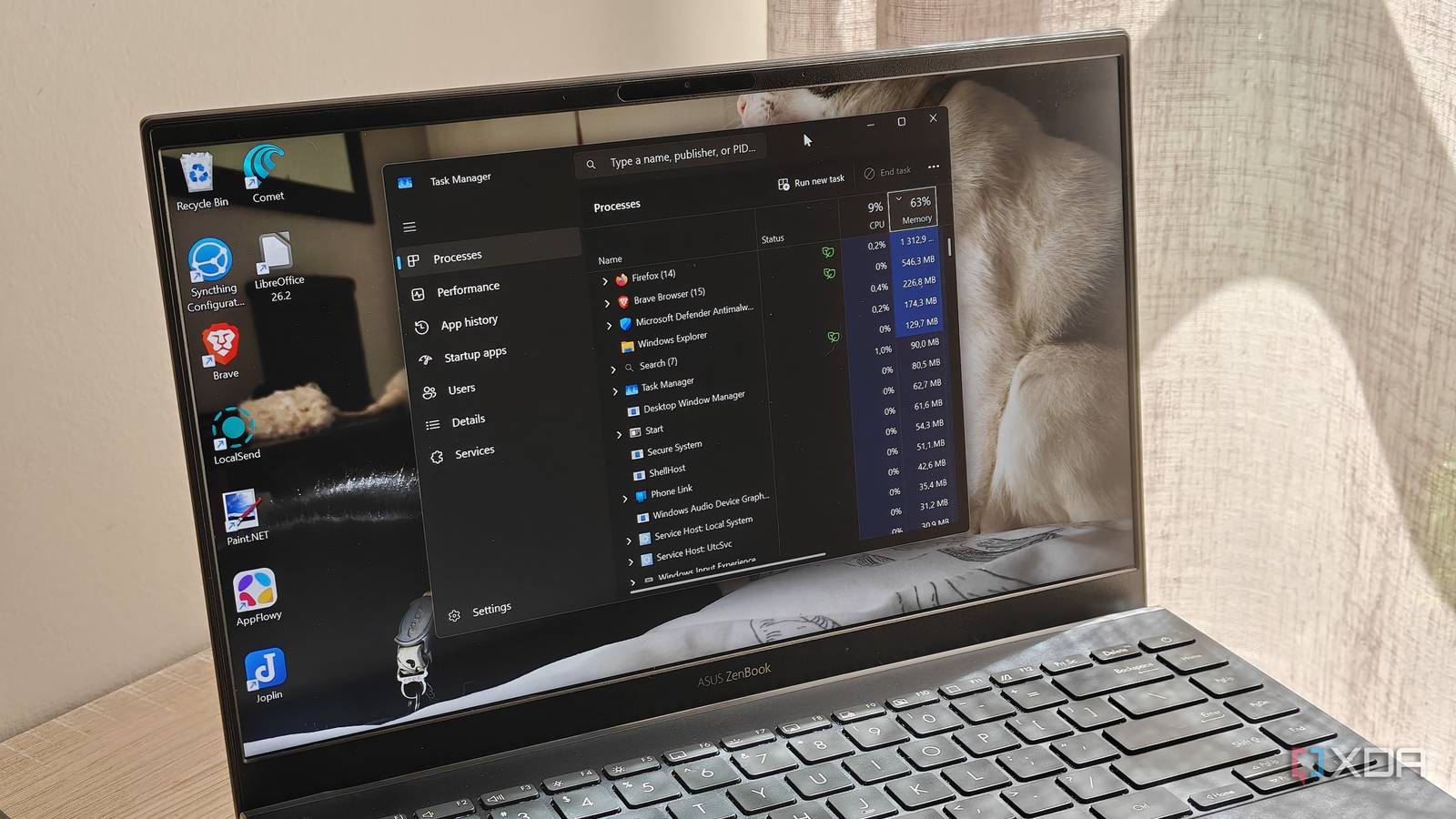
My PC was using over 80% of its RAM, and these tools helped me figure out why: These tools helped me rule out other culprits and trim down guilty processes.
xda-developers.com/windows-tools-monitor-ram/
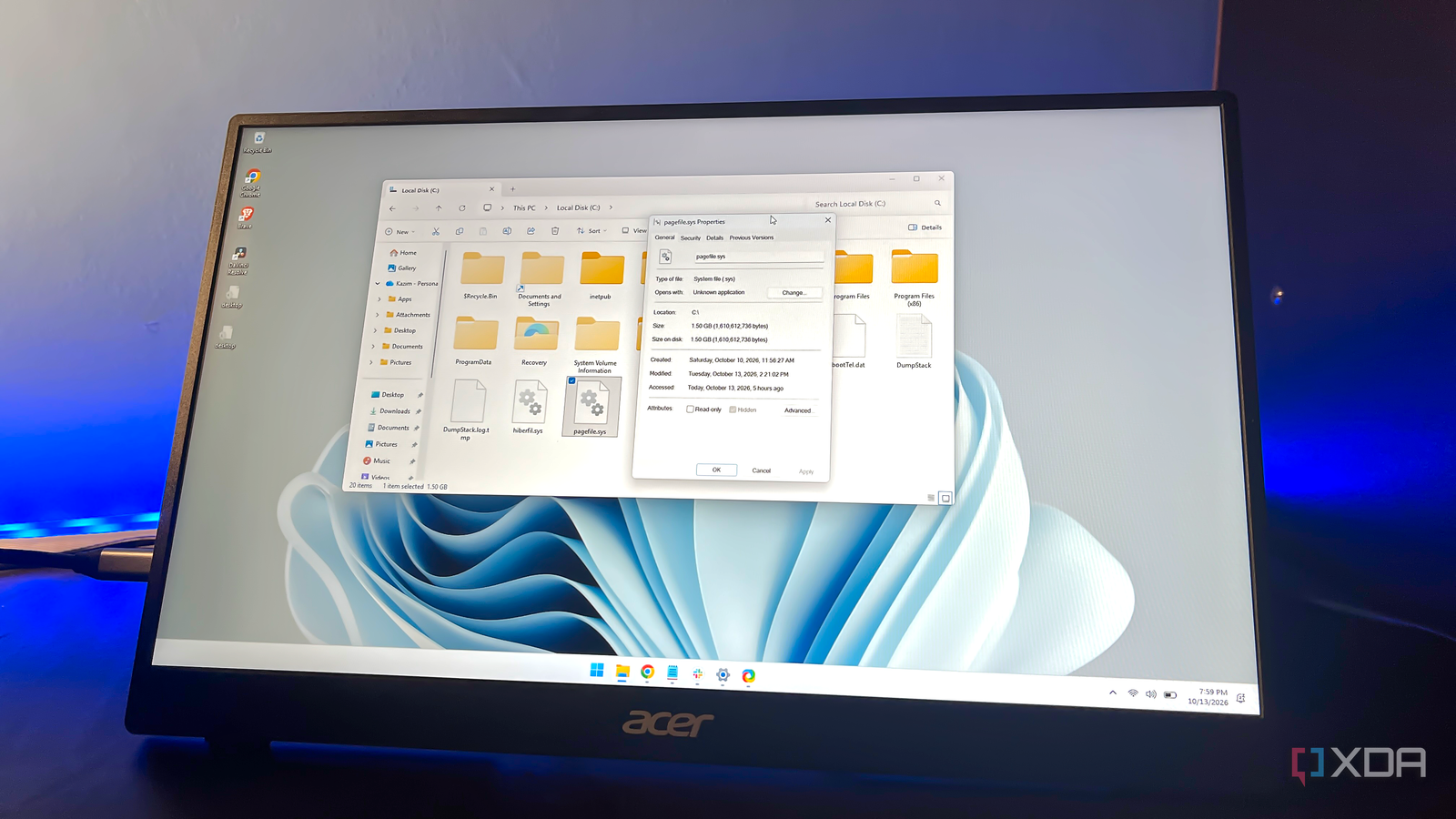
Key FactsAuthor Reports Instability After Disabling Windows Page File
Oct 14, 2026 · Reading time: ~45 sec.
Summary created with AI assistance · Source: xda-developers.com
- After several uneventful hours, the author's browser tabs crashed, and some applications would no longer launch.
- The article acknowledges theoretical storage-space and SSD benefits but reports no performance improvement from disabling the file.
- The page file also supports applications and crash dumps; without it, memory errors can occur despite sufficient RAM.
- The article recommends Windows management; for manual adjustment, it cites 4–8GB for systems with 16–32GB of RAM.
I agree, disabling the page file has theoretical advantages, and it's not limited to freeing up storage space. More importantly, the page file also affects your storage drive's lifespan.— Kazim, the author of the article, recounting his experience and cautioning readers about the downsides of disabling the page file

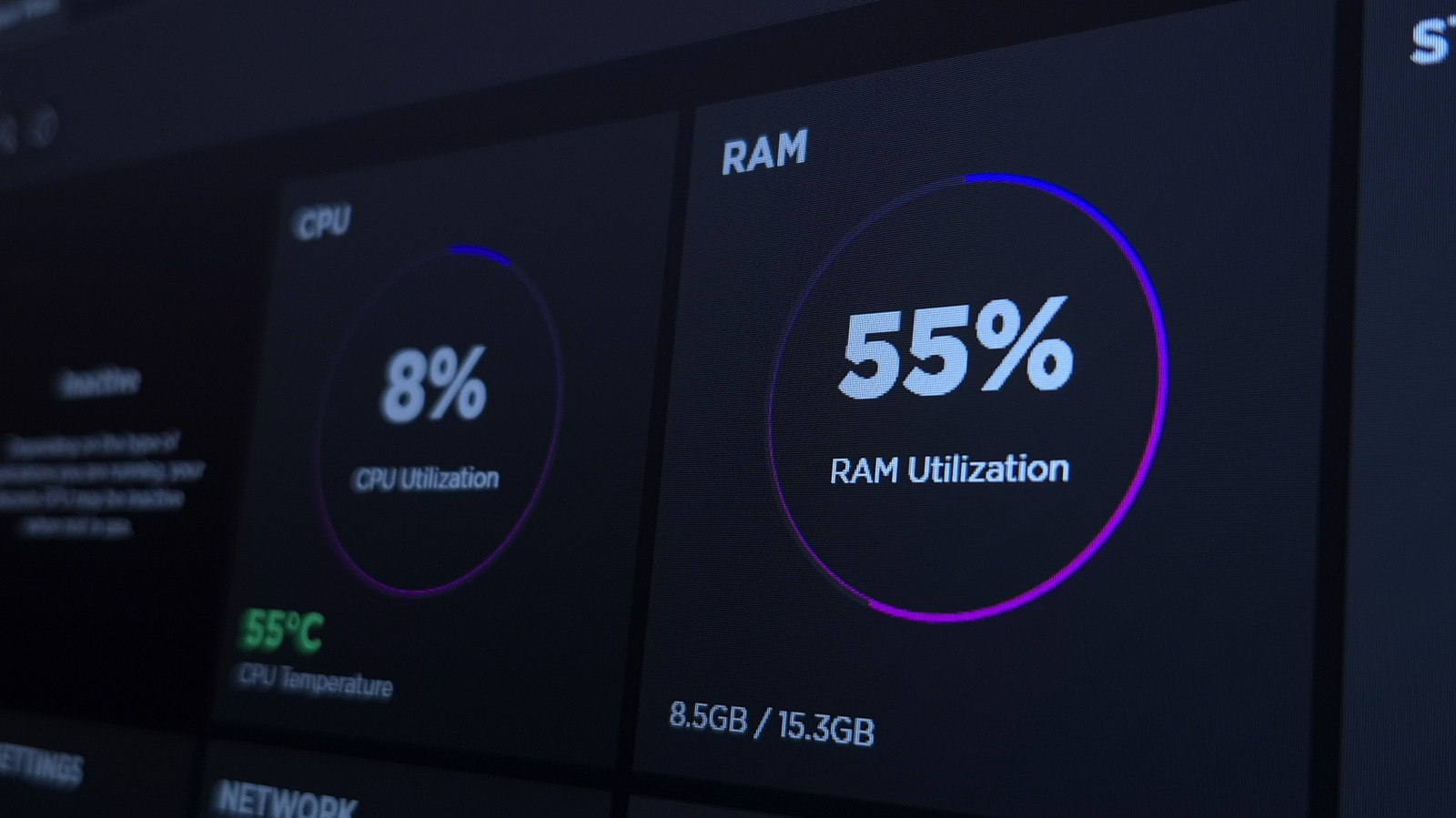
Why Windows 11 Is Always Using So Much RAM: Windows 11 makes full use of your RAM to keep your system running smoothly, so don't be alarmed when you see high ...
engadget.com/2273348/why-windows-11-using-so-much-ram/

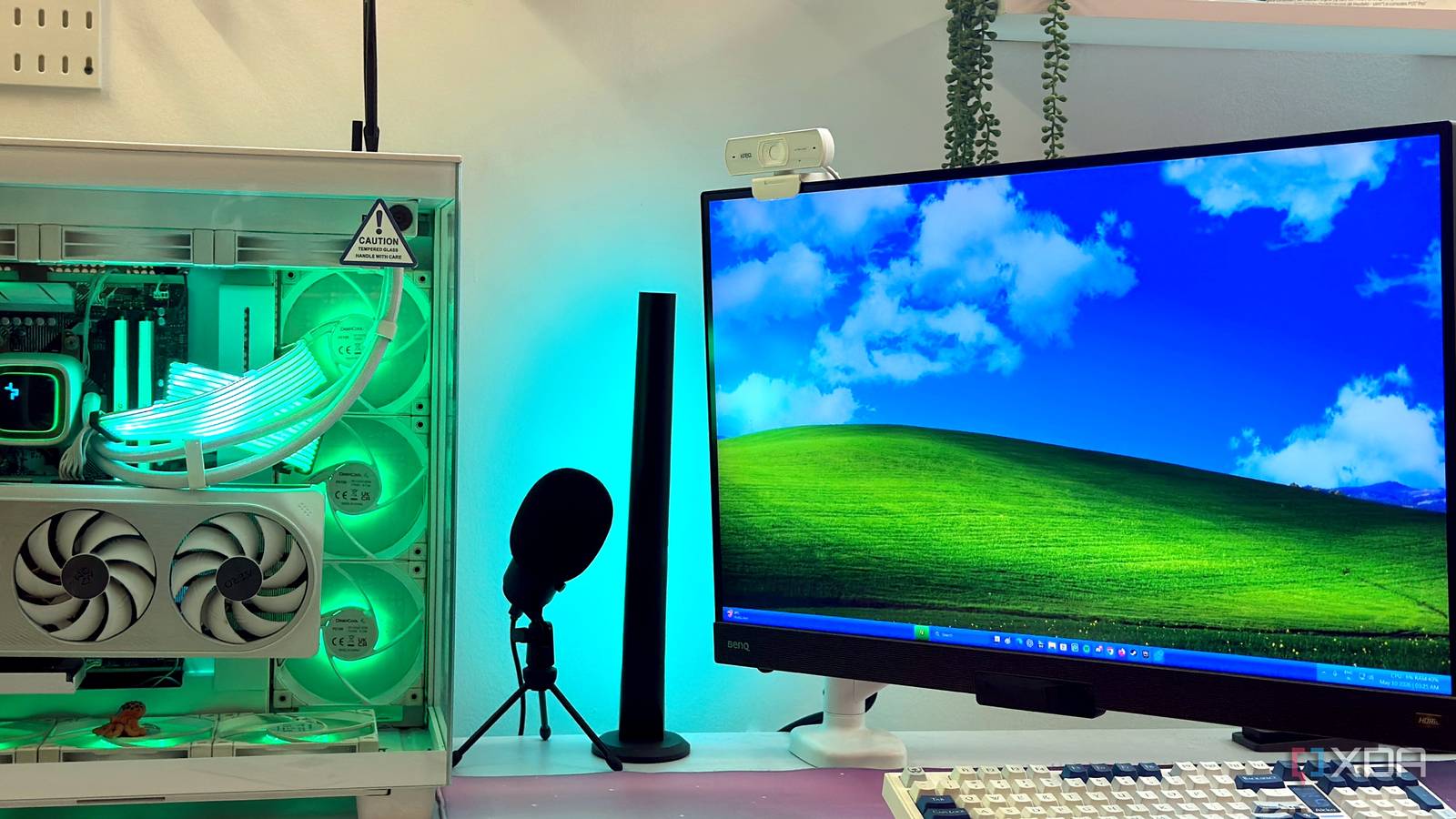
Your PC is quietly getting slower, and it's not the hardware's fault: Software bloat, long uptimes, and a lack of free space are to blame
xda-developers.com/your-pc-is-getting-slower-not-hardware-fault/


My PC was eating 90% of my RAM — I couldn't believe what actually fixed it: I should have started with this fix instead of everything else
xda-developers.com/unexpected-fix-for-90-per-cent-ram-usage/
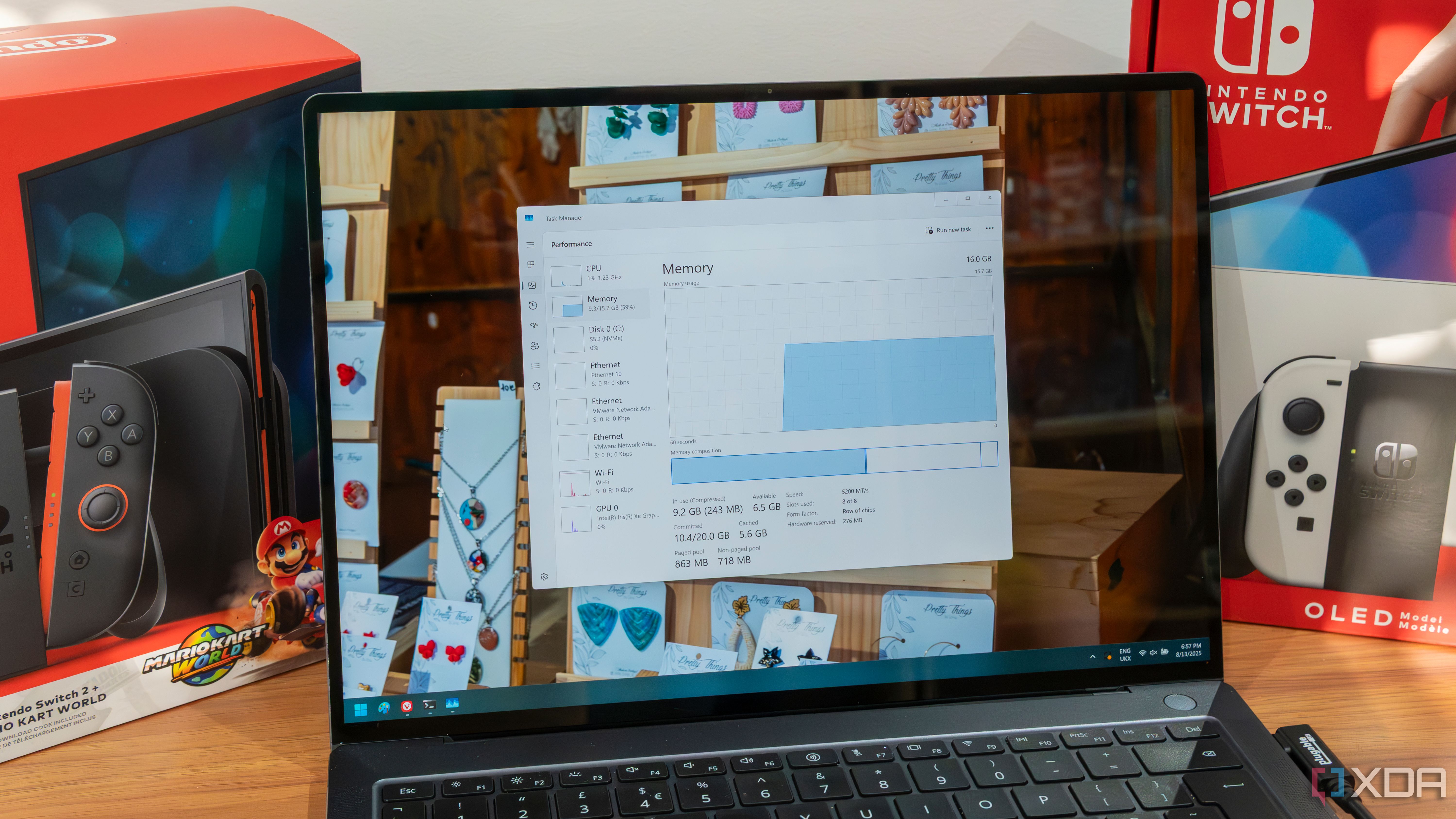
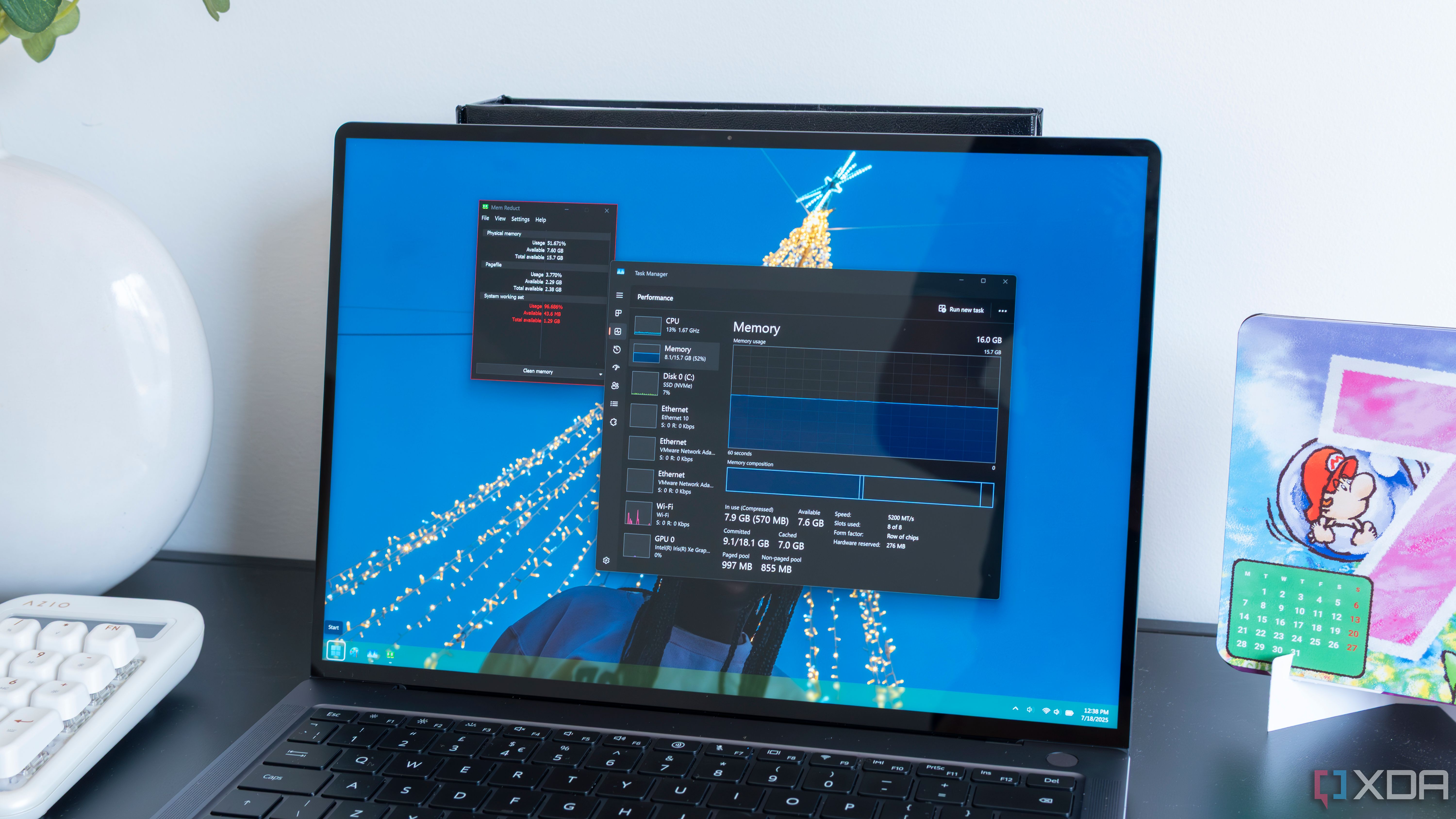
7 ways I reduce memory usage on Windows 11 without buying more RAM: If your Windows computer is using too much memory, there are a few steps you can take to ...
xda-developers.com/ways-reduce-memory-usage-windows-11-without-buying-more-ram/


Windows Task Manager Will Soon Replace MHz With MT/s For RAM Speed: A tiny change to Task Manager that will satisfy even the most particular terminology ...
hothardware.com/news/windows-task-manager-megatransfers


Windows not responding or freezing? Here are some simple fixes: From failing hardware to app becoming unresponsive, there are several reasons why your Windows ...
indianexpress.com/article/technology/techook/windows-not-responding-freezing-solutions-fix-9044184/

Is your laptop slow? Try these 9 things before you give up: Don't ditch that aging laptop until you try these speed-boosting tricks first.
pcworld.com/article/395113/speed-up-slow-laptop-9-tips.html
Next