

Windows Task Manager Will Soon Replace MHz With MT/s For RAM Speed:
A tiny change to Task Manager that will satisfy even the most particular terminology ...
hothardware.com/news/windows-task-manager-megatransfers
Story Details
| Last Updated | |
| Total Articles | 3 |
Main Topics

task manager application included with the Windows NT family of operating systems


News on this topic


This Windows 11 RAM change will make pedantic PC nerds less aggro: Also dude, megahertz is not the preferred nomenclature, megatransfers please.
pcworld.com/article/2328096/this-windows-11-change-will-finally-make-nerds-less-agro.html
Similar to This
Previous


How Much RAM Do I Have in My PC?: Computer acting sluggish? You might need more memory. Here's how to check how much RAM you have, and how much your PC or Mac is ...
pcmag.com/how-to/how-much-ram-do-i-have-pc

Where you can find which GPU you have in your Windows PC: That Intel or AMD sticker on your PC might not tell the whole story. Find out how Windows can show ...
engadget.com/2315158/where-find-which-graphics-card-gpu-in-windows-pc/

My PC was eating 90% of my RAM — I couldn't believe what actually fixed it: I should have started with this fix instead of everything else
xda-developers.com/unexpected-fix-for-90-per-cent-ram-usage/


OpinionI Told You Not to Buy an 8GB Windows Laptop. I Was Wrong: I spoke with the Microsoft executives and engineers behind Windows 11's memory overhaul ...
pcmag.com/opinions/i-told-you-not-to-buy-an-8gb-windows-laptop-i-was-wrong


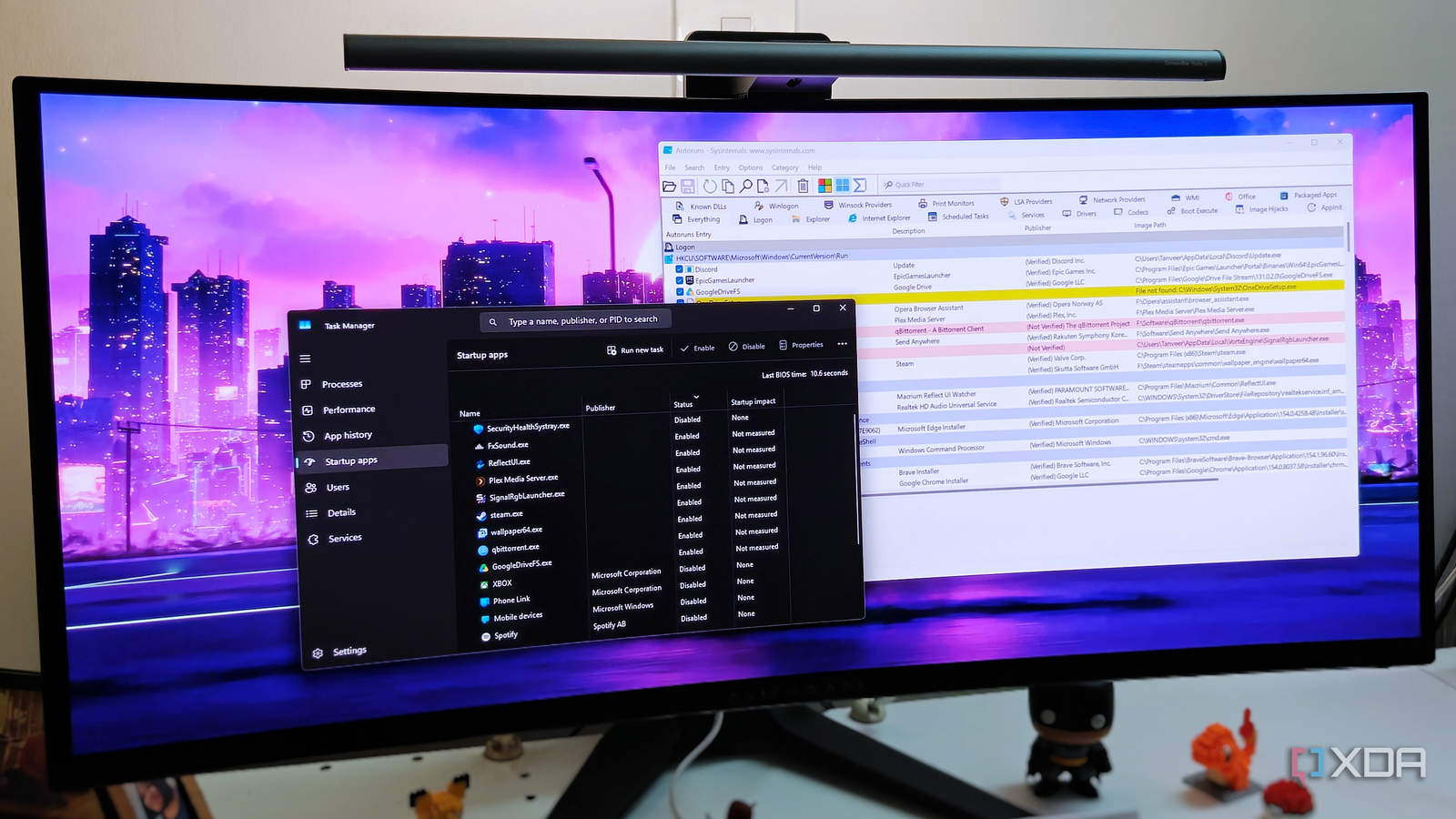
Key FactsMicrosoft’s Autoruns exposes hidden Windows 11 startup items
Oct 5, 2026 · Reading time: ~30 sec.
Summary created with AI assistance · Source: xda-developers.com
- Task Manager scans personal and shared Startup folders plus standard registry keys, but not scheduled tasks or Windows services.
- Microsoft’s free Sysinternals utility Autoruns lists all programs, processes, and services loaded at startup under its Everything tab.
- It can reveal leftover scheduled tasks, shell extensions, and registry entries pointing to missing files.
- The article recommends hiding Microsoft entries; yellow items with missing files are considered safe to remove, while pink items are not automatically harmful.
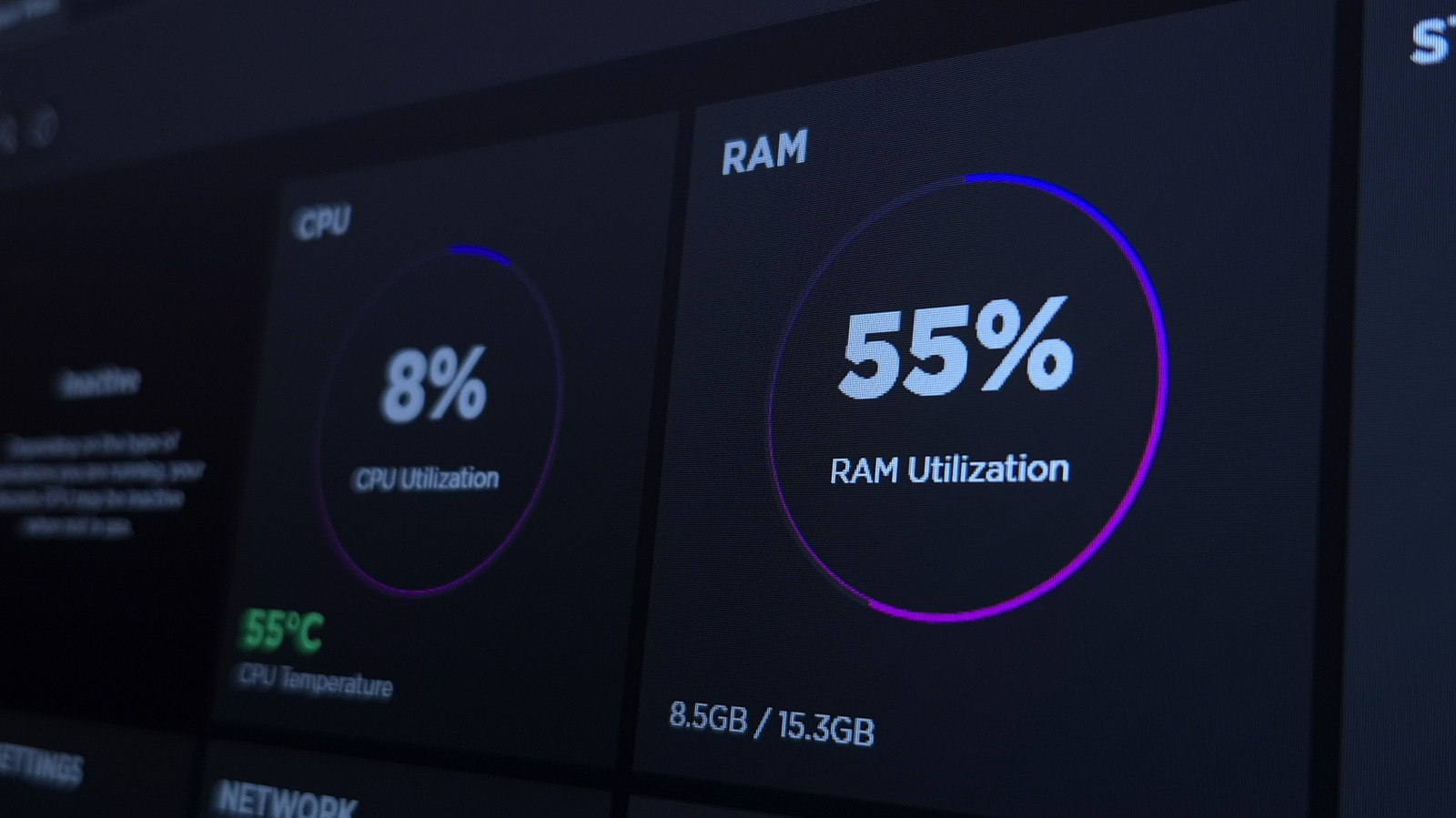
Why Windows 11 Is Always Using So Much RAM: Windows 11 makes full use of your RAM to keep your system running smoothly, so don't be alarmed when you see high ...
engadget.com/2273348/why-windows-11-using-so-much-ram/


Your PC is quietly getting slower, and it's not the hardware's fault: Software bloat, long uptimes, and a lack of free space are to blame
xda-developers.com/your-pc-is-getting-slower-not-hardware-fault/


Windows 11 is getting new features for Task Manager: Microsoft is preparing some useful new features for Windows 11's Task Manager, and you can already try them ...
neowin.net/news/windows-11-is-getting-new-features-for-task-manager/
My PC was eating 90% of my RAM — I couldn't believe what actually fixed it: I should have started with this fix instead of everything else
xda-developers.com/unexpected-fix-for-90-per-cent-ram-usage/
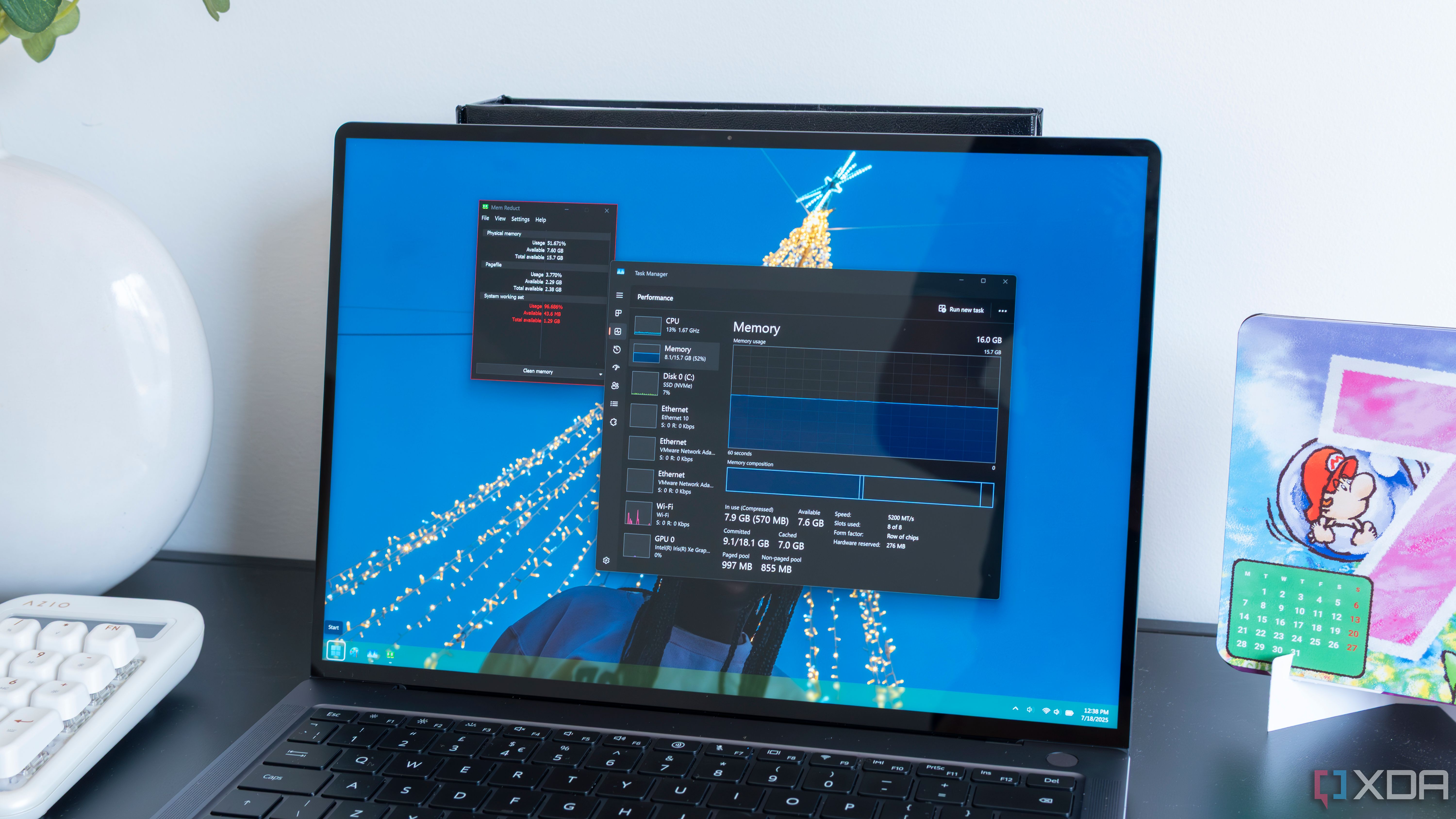
7 ways I reduce memory usage on Windows 11 without buying more RAM: If your Windows computer is using too much memory, there are a few steps you can take to ...
xda-developers.com/ways-reduce-memory-usage-windows-11-without-buying-more-ram/
Windows 11 Is Changing How Task Manager Calculates CPU Utilization: Microsoft is finally fixing the quirky CPU utilization readout in Task Manager to align it ...
hothardware.com/news/windows-task-manager-cpu-usage-wrong

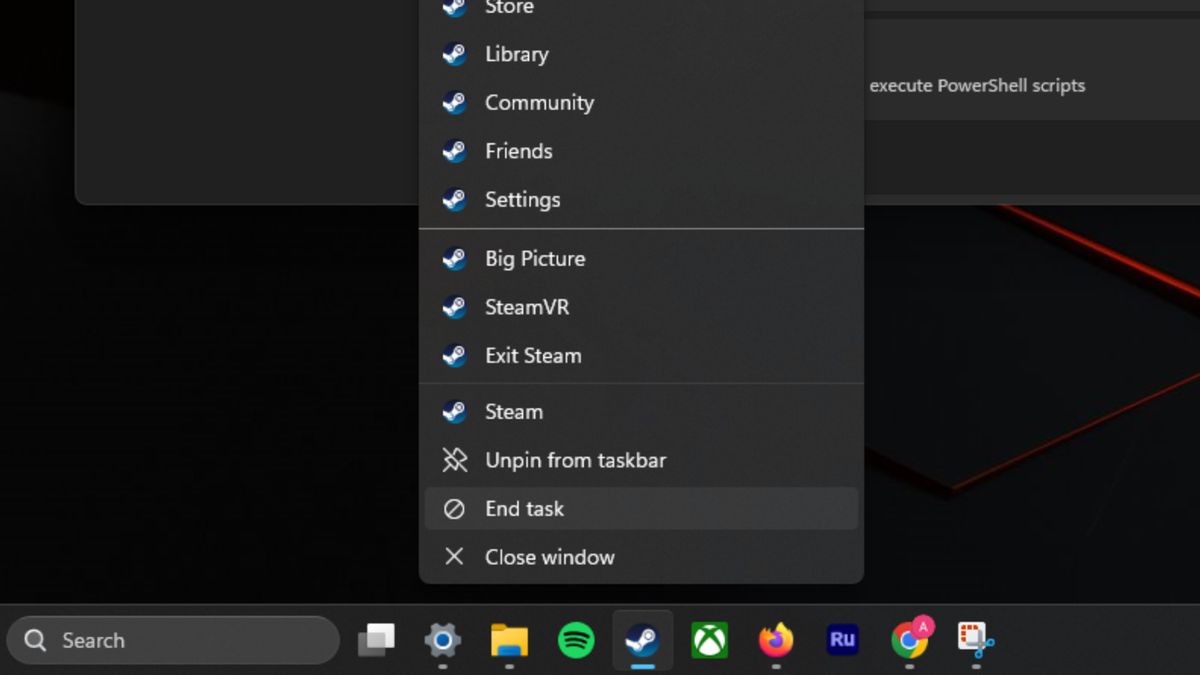


Windows not responding or freezing? Here are some simple fixes: From failing hardware to app becoming unresponsive, there are several reasons why your Windows ...
indianexpress.com/article/technology/techook/windows-not-responding-freezing-solutions-fix-9044184/

Show RAM speed: How fast your PC can access the main memory (RAM) is an important factor for the performance. Therefore, it is worth taking a look at this value.
computerwoche.de/a/ram-geschwindigkeit-anzeigen,3341553

Microsoft releases new Windows 11 preview build for Insiders in Dev Channel: Microsoft has released a new Windows 11 preview build for Insiders in the Dev ...
business-standard.com/article/technology/microsoft-releases-new-windows-11-preview-build-for-insiders-in-dev-channel-123011600539_1.html
Next