I stopped using Wireshark for first-line troubleshooting after discovering Windows' built-in packet capture tool
xda-developers.com/windows-11-has-a-built-in-network-packet-capture-tool-most-home-lab-users-dont-know-about/
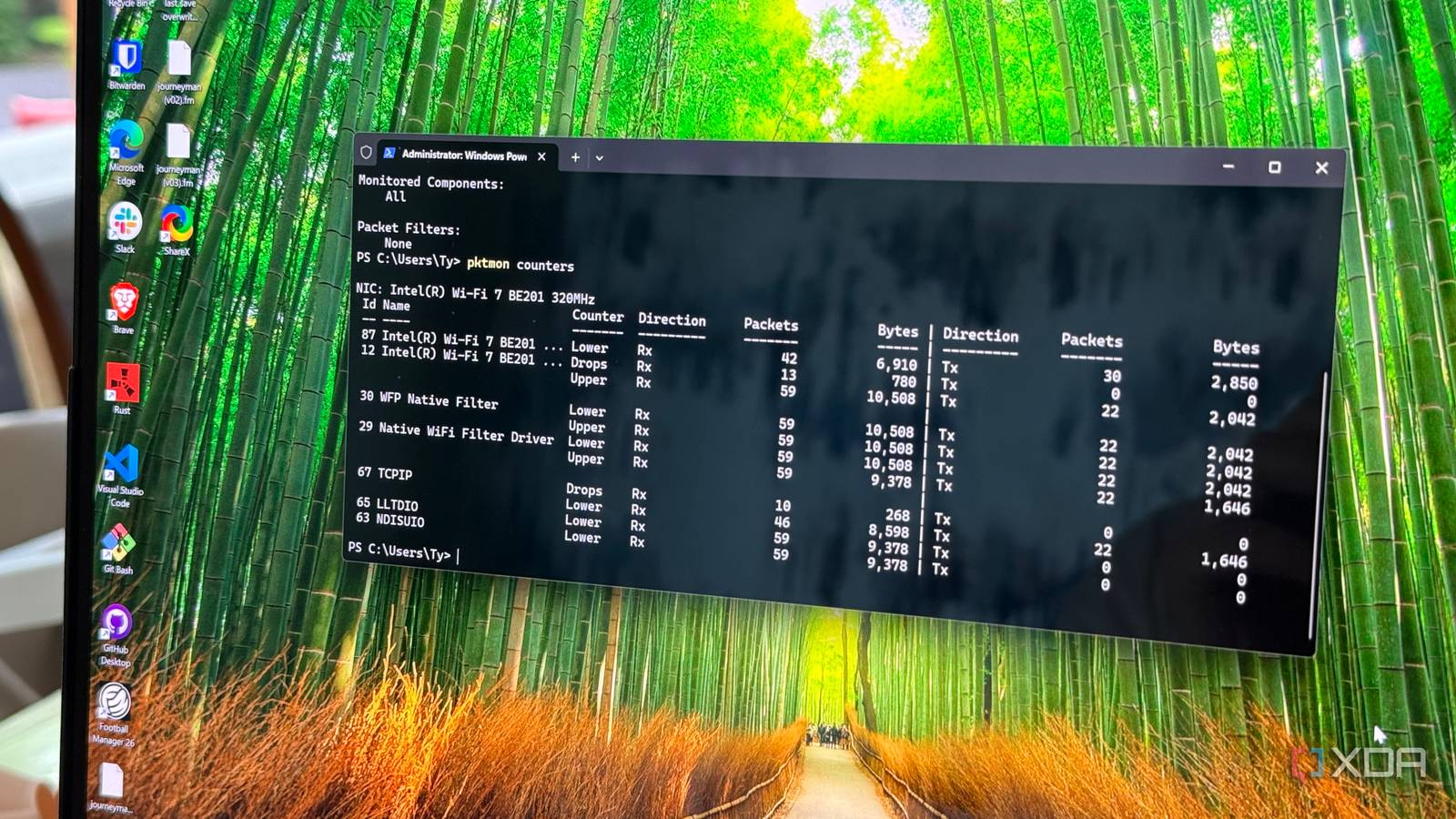
Photo: xda-developers.com · view article
Built-in Windows 11 Tool Simplifies Network Packet CapturePktmon has been included in Windows since 2018, enabling efficient packet capture across virtual and physical networks.
Key FactsJul 11, 2026 · Reading time: ~30 sec.
Summary created with AI assistance · Source: xda-developers.com
Summary created with AI assistance · Source: xda-developers.com
- Windows 11 features pktmon, a built-in utility capable of capturing packets even in complex virtual network setups.
- Pktmon operates via command line with administrator privileges and lacks a graphical user interface.
- It monitors network traffic across all layers, including virtual switches, Hyper-V, and container networking components.
- While not a full Wireshark replacement, pktmon accelerates troubleshooting especially on headless machines and home labs.
Story Details
| Last Updated | |
| Total Articles | 4 |
Main Topics


electronic equipment intended for everyday use, typically in private homes

form of problem solving, often applied to repair failed products or processes
News on this topic

I stopped using Wireshark for first-line troubleshooting after discovering Windows' built-in packet capture tool
xda-developers.com/windows-11-has-a-built-in-network-packet-capture-tool-most-home-lab-users-dont-know-about/
Similar to This
Previous
4 small network tools I keep on a USB stick for quick troubleshooting and fixes: The USB stick that never leaves my backpack
xda-developers.com/4-small-network-tools-i-keep-on-a-usb-stick-for-quick-troubleshooting-and-fixes/

Key FactsFour Network Tools Kept on a USB Drive
Sep 28, 2026 · Reading time: ~30 sec.
Summary created with AI assistance · Source: xda-developers.com
Summary created with AI assistance · Source: xda-developers.com
- Wireshark Portable captures and analyzes data packets to identify network congestion and suspicious activity; it requires no installation.
- Nmap lists connected devices, open ports, and running services, while also checking whether remote servers are reachable.
- DNS Jumper quickly tests and switches among multiple DNS servers, including Cloudflare’s 1.1.1.1 and Google DNS, to investigate loading problems.
- NetResView displays computers, printers, IoT devices, and shared files or folders on the local network, while checking access permissions.

How I scan my PC's network traffic for suspicious activity for free - and why - ZDNET
zdnet.com/home-and-office/scan-pc-network-traffic-suspicious-activity-free/

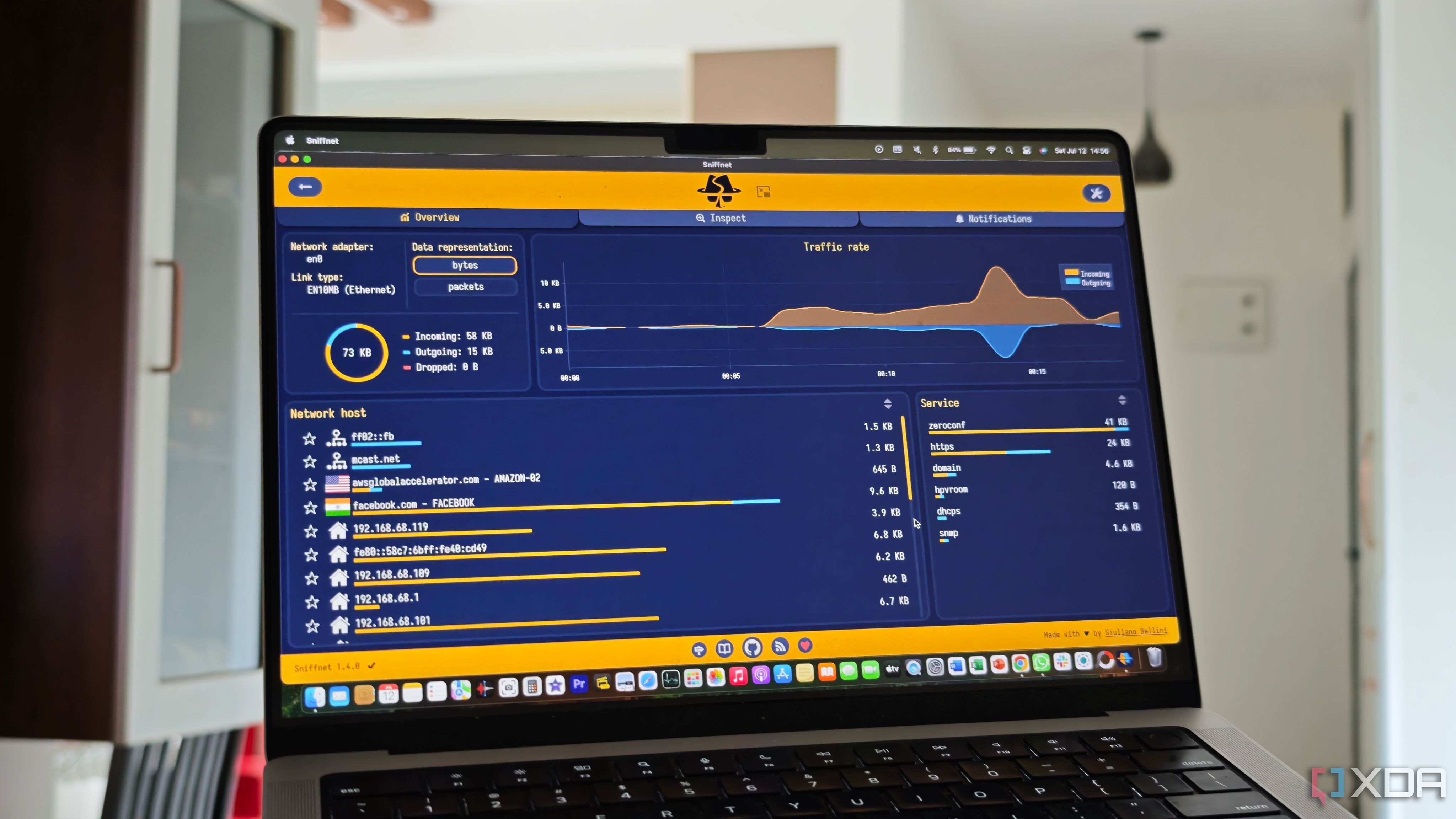
This free and open-source tool is great for monitoring your network traffic with ease
xda-developers.com/this-free-open-source-tool-great-for-monitoring-network-traffic-with-ease/
Next