
Windows 11 Pro/Home: How to use BitLocker without a Microsoft account - | Golem.de
golem.de/news/windows-11-pro-home-so-nutzen-wir-bitlocker-ganz-ohne-microsoft-kontozwang-2602-205107.html

Story Details
| Last Updated | |
| Total Articles | 1 |
Main Topics



U.S. federal law enforcement agency

Similar to This
Previous

Windows 11 quietly encrypted your entire PC, and one firmware update can lock you out of everything
xda-developers.com/windows-11-quietly-encrypted-your-entire-pc-and-one-firmware-update-can-lock-you-out-of-everything/
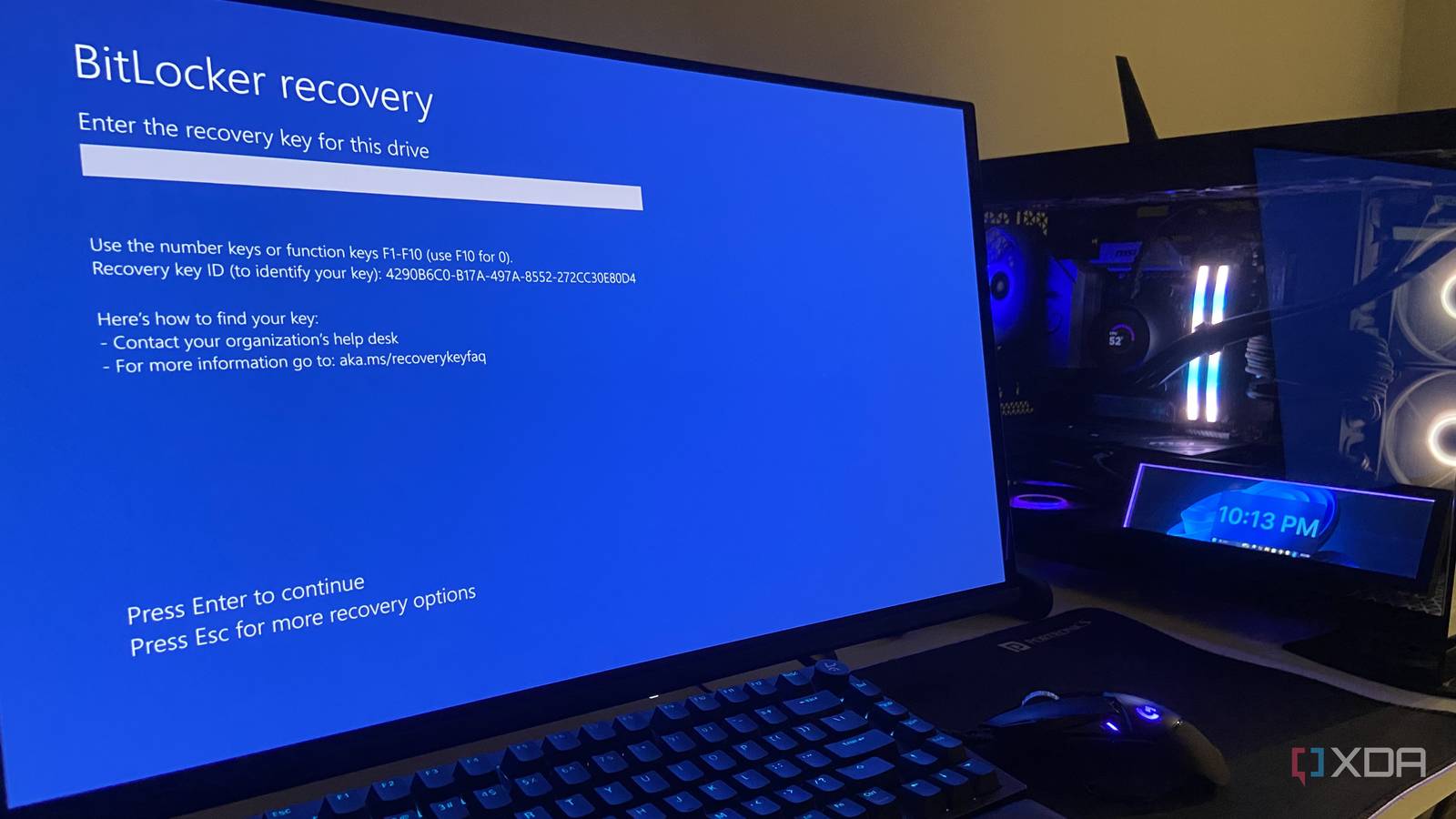
Key FactsWindows 11 Device Encryption Can Trigger Unexpected Recovery Lockouts
Sep 14, 2026 · Reading time: ~45 sec.
Summary created with AI assistance · Source: xda-developers.com
Summary created with AI assistance · Source: xda-developers.com
- Since October 2024, Windows 11 24H2 has enabled Device Encryption by default on many clean installs and resets.
- For local accounts, Microsoft says the recovery key is not automatically saved when the device is encrypted.
- BIOS or UEFI updates, TPM changes, and boot-manager modifications can reportedly trigger the 48-digit key prompt.
- Users should save the key before changing Secure Boot or the TPM and suspend BitLocker during those changes.
I've argued time and again that many of the default settings and updates that Windows 11 ships with assume the best interests of the user, but in practice, they can backfire and cause them genuine harm and loss.— Abhinav, author of the article

Windows 11 KB5094126 BSODing, freezing, forcing BitLocker lockout, breaks OneDrive, and more
neowin.net/news/windows-11-kb5094126-bsoding-freezing-forcing-bitlocker-lockout-breaks-onedrive-and-more/

cybersecuritynews.com Jun 15
Windows 11 Update KB5094126 Freezes Systems, Forces BitLocker Recovery, and More: Microsoft's June 2026 Patch Tuesday cumulative update for Windows 11 ...
cybersecuritynews.com/windows-11-update-kb5094126/


Windows Server 2025: Microsoft finally fixes annoying BitLocker bug: After a faulty update, BitLocker on Windows Server 2025 suddenly requests the recovery key ...
winfuture.de/news,159313.html


WindowsCentral May 28
"I have proof for every single word": This security researcher's GitHub and Microsoft accounts were deleted after claiming a Windows 11 exploit ...
windowscentral.com/microsoft/security-researcher-github-microsoft-accounts-deleted-windows-11-exploit-bitlocker
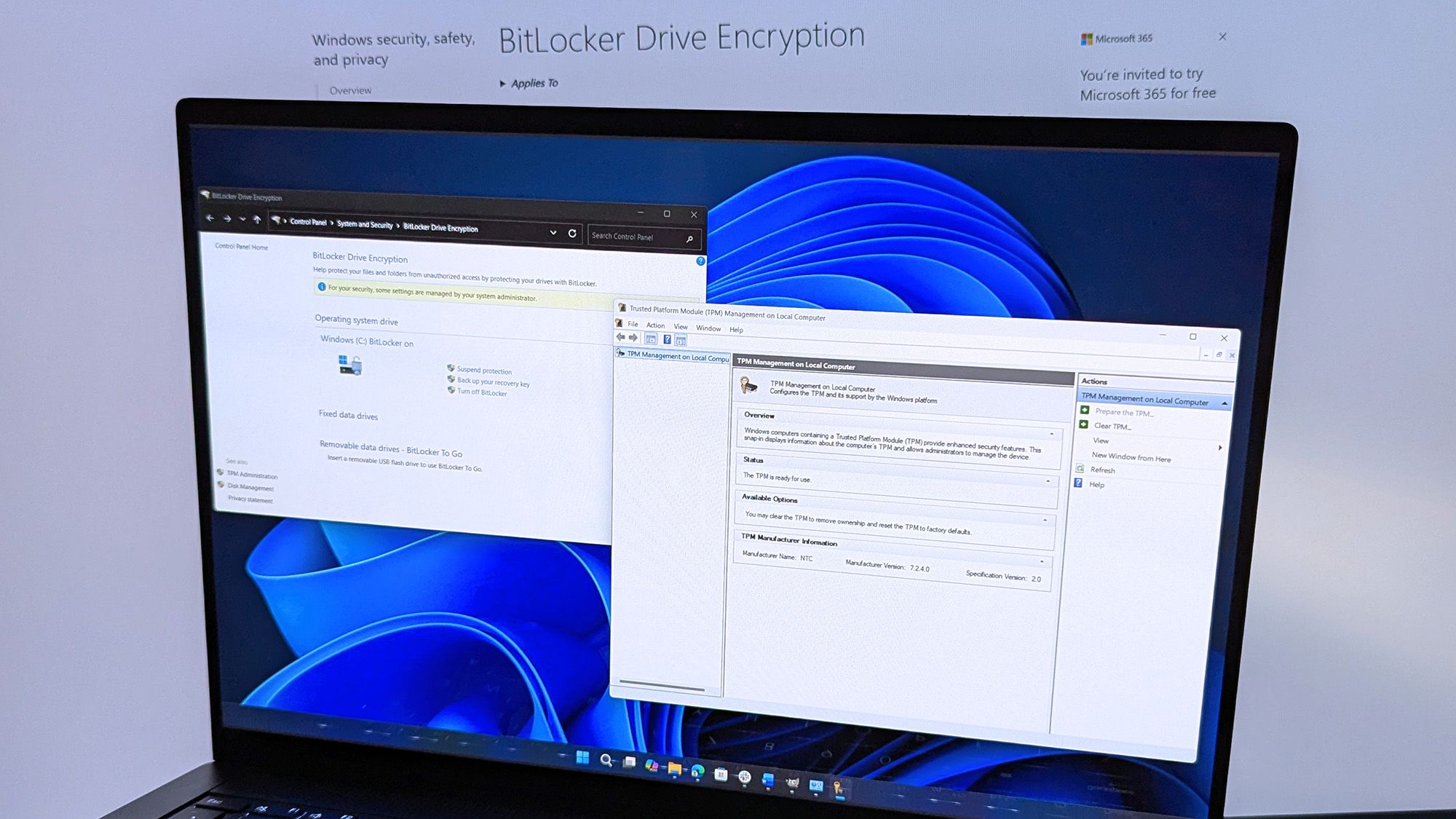
A new Windows 11 BitLocker bypass only needs a USB stick, and the researcher thinks it's a backdoor
xda-developers.com/new-windows-11-bitlocker-bypass-needs-usb-stick-researcher-backdoor/
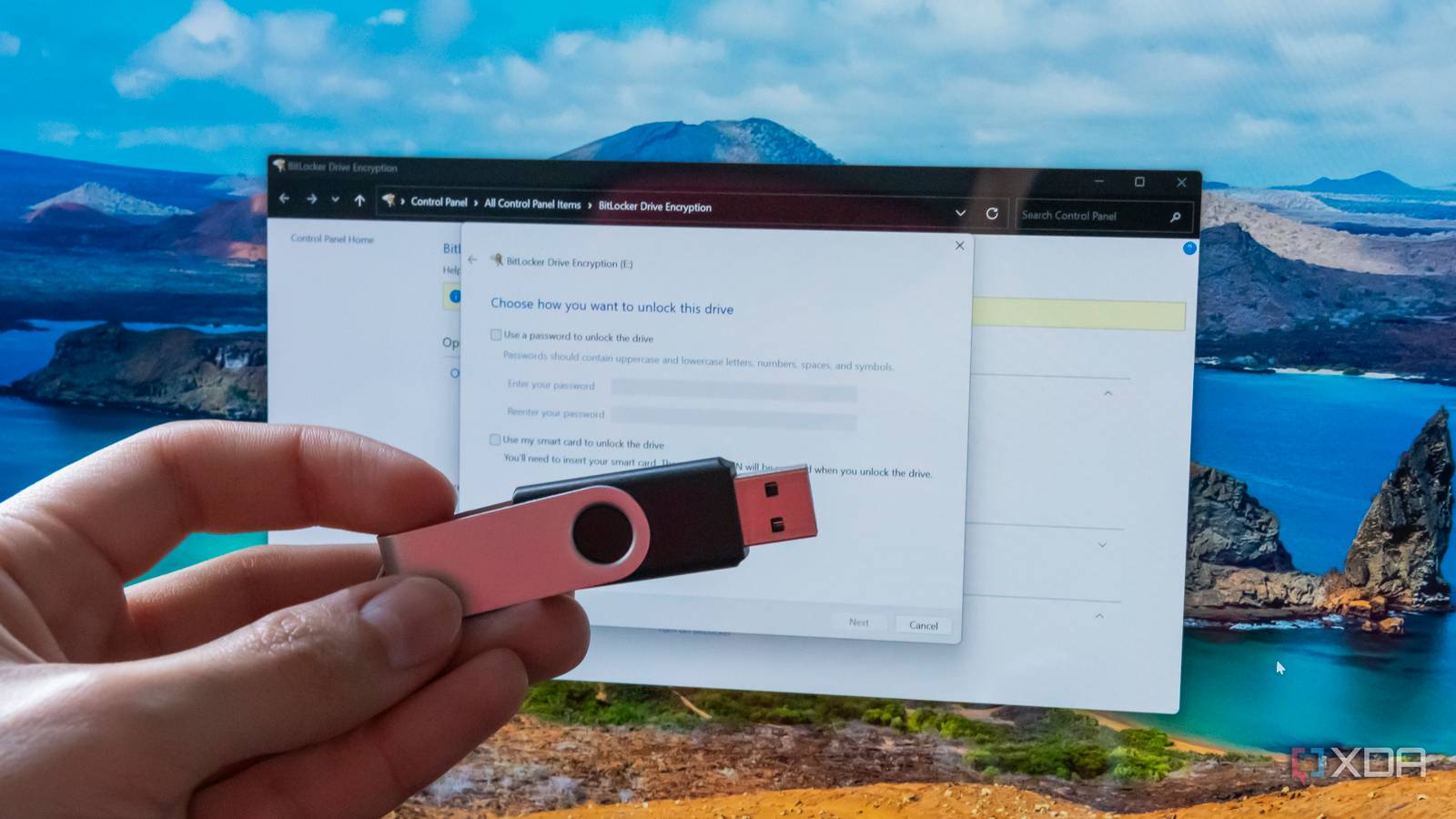
YellowKey: Another BitLocker backdoor - | Is this one from Microsoft?: Another vulnerability has been found that can bypass Microsoft's BitLocker encryption ...
winfuture.de/news,158701.html

A new Windows 11 BitLocker bypass only needs a USB stick, and the researcher thinks it's a backdoor
xda-developers.com/new-windows-11-bitlocker-bypass-needs-usb-stick-researcher-backdoor/
Key FactsUSB-Based Backdoor Breaches BitLocker Encryption
May 14, 2026 · Reading time: ~45 sec.
Summary created with AI assistance · Source: tomshardware.com
Summary created with AI assistance · Source: tomshardware.com
- The YellowKey zero-day exploit allows complete access to BitLocker-encrypted drives by copying files to a USB stick and rebooting into recovery mode.
- The exploit’s files vanish from the USB after use, suggesting a concealed backdoor that raises serious security and political concerns.
- YellowKey affects Windows Server 2022 and 2025 but not Windows 10, and it can bypass TPM-and-PIN configurations.
- Another exploit, GreenPlasma, enables local privilege escalation to system-level access, posing significant risks especially to server systems.
could have made some insane cash selling this, but no amount of money will stand between me and my determination against Microsoft.— Chaotic Eclipse (Nightmare-Eclipse) – regarding the YellowKey zero-day exploit and their stance against Microsoft.

Zero-day exploit completely defeats default Windows 11 BitLocker protections: It's not entirely clear how the exploit works. Microsoft says it's investigating.
arstechnica.com/security/2026/05/zero-day-exploit-completely-defeats-default-windows-11-bitlocker-protections/

WindowsCentral Apr 20
“This update broke BitLocker for me” — Windows 11’s April patch is locking out PCs, but here’s the fix that works
windowscentral.com/microsoft/windows-11/windows-11-april-2026-update-breaks-bitlocker-for-some-pcs-heres-the-fix
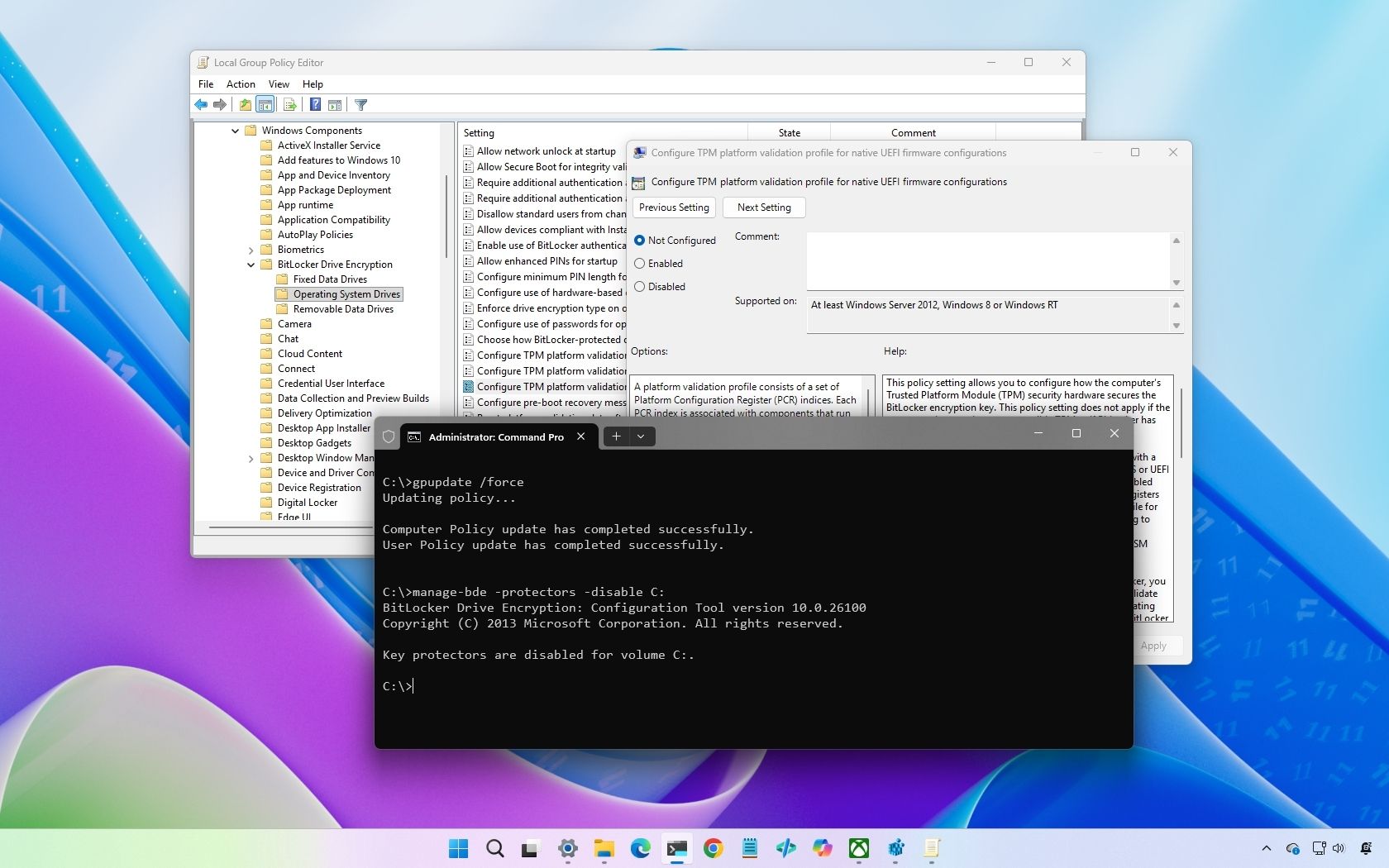
BitLocker key required: April update locks out Windows users - Golem.de: Microsoft’s April Patch Day is giving admins more work than expected ...
golem.de/news/bitlocker-key-noetig-april-update-sperrt-windows-nutzer-aus-2604-207620.html


Microsoft's BitLocker encryption comes with a catch: the keys may be on Microsoft's servers
techspot.com/news/111049-microsoft-bitlocker-encryption-comes-catch-keys-may-microsoft.html


After forcing slow software-accelerated BitLocker on Windows, Microsoft will nearly double storage performance with new CPU hardware-accelerated crypto — will ...
tomshardware.com/software/windows/microsoft-forced-slow-software-accelerated-bitlocker-on-windows-but-expects-to-nearly-double-storage-performance-and-improve-battery-life-with-new-cpu-hardware-accelerated-crypto-new-feature-requires-new-


Microsoft: October Windows updates trigger BitLocker recovery: Microsoft has warned that some systems may boot into BitLocker recovery after installing the ...
bleepingcomputer.com/news/microsoft/microsoft-october-windows-updates-trigger-bitlocker-recovery/

How to remove BitLocker drive encryption in Windows 11: Windows 11 automatically enables BitLocker encryption when you set up a new PC, with no way to opt out ...
neowin.net/guides/how-to-remove-bitlocker-drive-encryption-in-windows-11/
BitLocker reportedly auto-locks users' backup drives, causing loss of 3TB of valuable data — Windows automatic disk encryption can permanently lock your ...
tomshardware.com/software/windows/bitlocker-reportedly-auto-locks-users-backup-drives-causing-loss-of-3tb-of-valuable-data-windows-automatic-disk-encryption-can-permanently-lock-your-drives

Microsoft locks Windows 11 user out, shows how easy losing data from forced encryption is
neowin.net/news/microsoft-locks-windows-11-user-out-shows-how-easy-losing-data-from-forced-encryption-is/

Key FactsData Loss Risks from Forced Encryption and Account Lock
Jun 17, 2025 · Reading time: ~45 sec.
Summary created with AI assistance · Source: neowin.net
Summary created with AI assistance · Source: neowin.net
- Windows 11 requires signing into a Microsoft Account, which automatically stores BitLocker encryption keys for device security.
- One user experienced an unexpected account suspension, losing access to 30 years of irreplaceable photos and work files.
- Microsoft’s terms specify that data linked to locked accounts may be deleted without recovery options.
- Backing up important data locally is advised to avoid reliance on cloud storage and prevent total data loss.
Microsoft randomly locked my account after I moved 30 years' worth of irreplaceable photos and work to OneDrive.— A frustrated user recounting their experience with Microsoft Account issues.
Microsoft blames Intel as KB5058379 takes Windows PCs on a BitLocker recovery reboot ride
neowin.net/news/microsoft-blames-intel-as-kb5058379-takes-windows-pcs-on-a-bitlocker-recovery-reboot-ride/
Key FactsMicrosoft Identifies Intel as Cause of BitLocker Issues
May 17, 2025 · Reading time: ~30 sec.
Summary created with AI assistance · Source: neowin.net
Summary created with AI assistance · Source: neowin.net
- The latest Patch Tuesday update for Windows 10 is causing BitLocker recovery problems on affected PCs.
- Microsoft found that a conflict between Intel TXT and update KB5058379 is the source of these issues.
- Affected systems may enter a reboot loop or attempt multiple times to successfully install the update.
- Microsoft is urgently working on a fix and will soon release an out-of-band update.
Windows 11 users reportedly losing data due to Microsoft's forced BitLocker encryption
neowin.net/news/windows-11-users-reportedly-losing-data-due-to-microsofts-forced-bitlocker-encryption/

Windows 11 24H2 will enable BitLocker encryption for everyone — happens on both clean installs and reinstalls
tomshardware.com/software/windows/windows-11-24h2-will-enable-bitlocker-encryption-for-everyone-happens-on-both-clean-installs-and-reinstalls
Key FactsReport: BitLocker may reach Windows 11 24H2 Home
May 6, 2024 · Reading time: ~45 sec.
Summary created with AI assistance · Source: neowin.net
Summary created with AI assistance · Source: neowin.net
- German news outlet Deskmodder reports that Windows 11 24H2 may activate BitLocker by default during installation, including on the Home edition.
- The observation was made with the redesigned Setup, while Settings under Privacy & security provides an option to disable Device Encryption.
- According to the article, default software-based BitLocker encryption using XTS-AES 128 caused significant performance losses even on some fast PCIe Gen4 NVMe SSDs.
- If the recovery key is lost or not saved correctly, recovering encrypted data may be difficult or potentially impossible, the article states.
And worse, an unsuspecting user could completely miss the fact that their device is encrypted and recovery of the encrypted data can prove problematic or potentially impossible in case the key is misplaced, or not saved properly.— Deskmodder; from their report on Windows 11 24H2 enabling BitLocker by default
Next