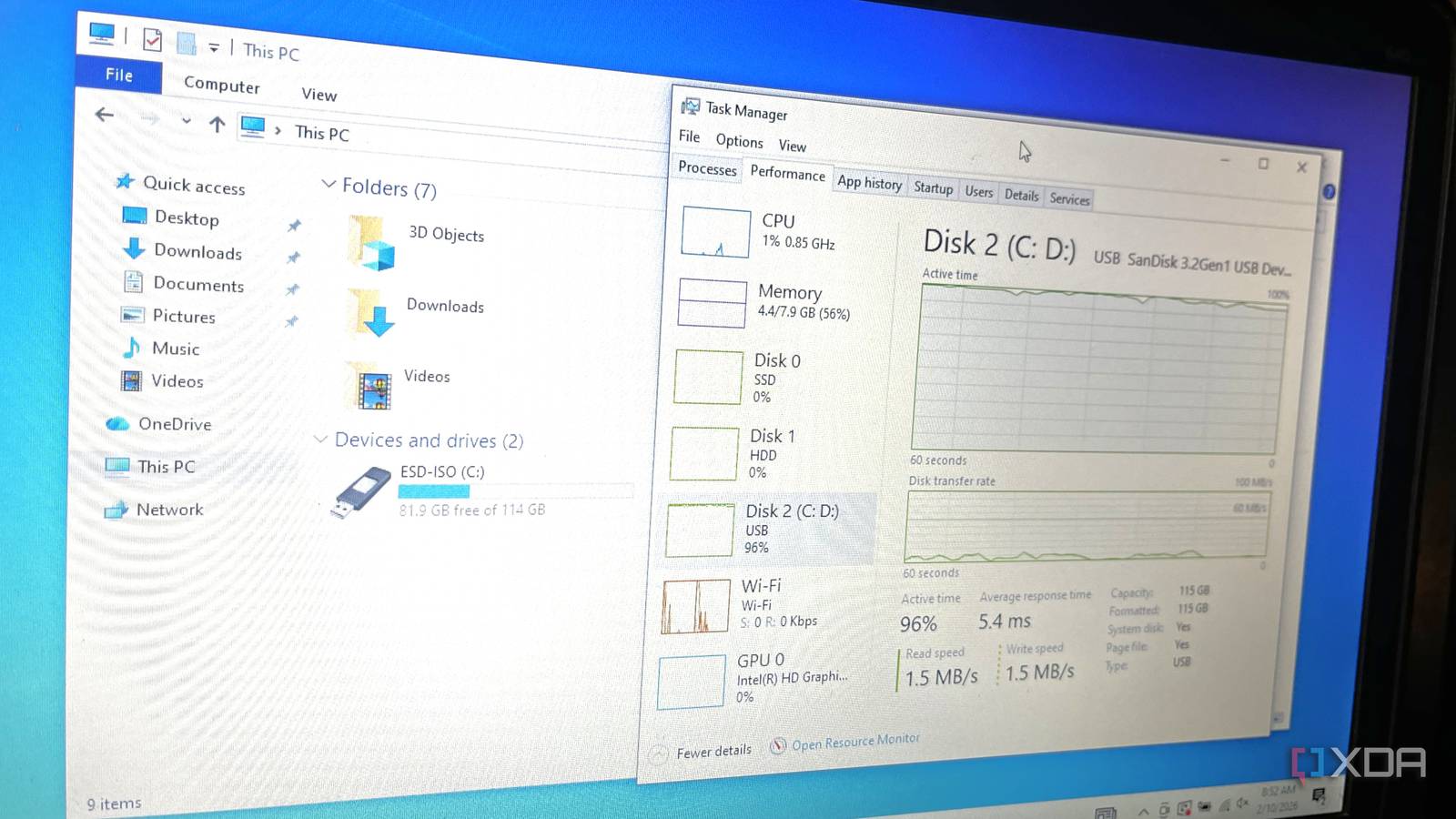
I installed Windows on a flash drive and it ran fine:
Windows To Go is still an option, if you know where to look
xda-developers.com/installed-windows-on-flash-drive-ran-fine/
Story Details
| Last Updated | |
| Total Articles | 1 |
Main Topics


More articles on this subject
Previous

I installed Windows on a flash drive and it ran fine: Windows To Go is still an option, if you know where to look
xda-developers.com/installed-windows-on-flash-drive-ran-fine/
Next
Similar to This
Previous
Windows has been slowing down every USB drive you plug in for 8 years, and one setting fixes it
xda-developers.com/windows-has-been-slowing-down-every-usb-drive-you-plug-in-and-one-setting-fixes-it/
Key FactsWindows USB Policy Prioritizes Safe Removal Over Speed
Oct 3, 2026 · Reading time: ~30 sec.
Summary created with AI assistance · Source: xda-developers.com
Summary created with AI assistance · Source: xda-developers.com
- Microsoft made Quick Removal the default with Windows 10 version 1809 in October 2018, replacing Better Performance.
- Quick Removal disables write caching and permits unplugging without safe ejection; Better Performance requires the drive to be ejected.
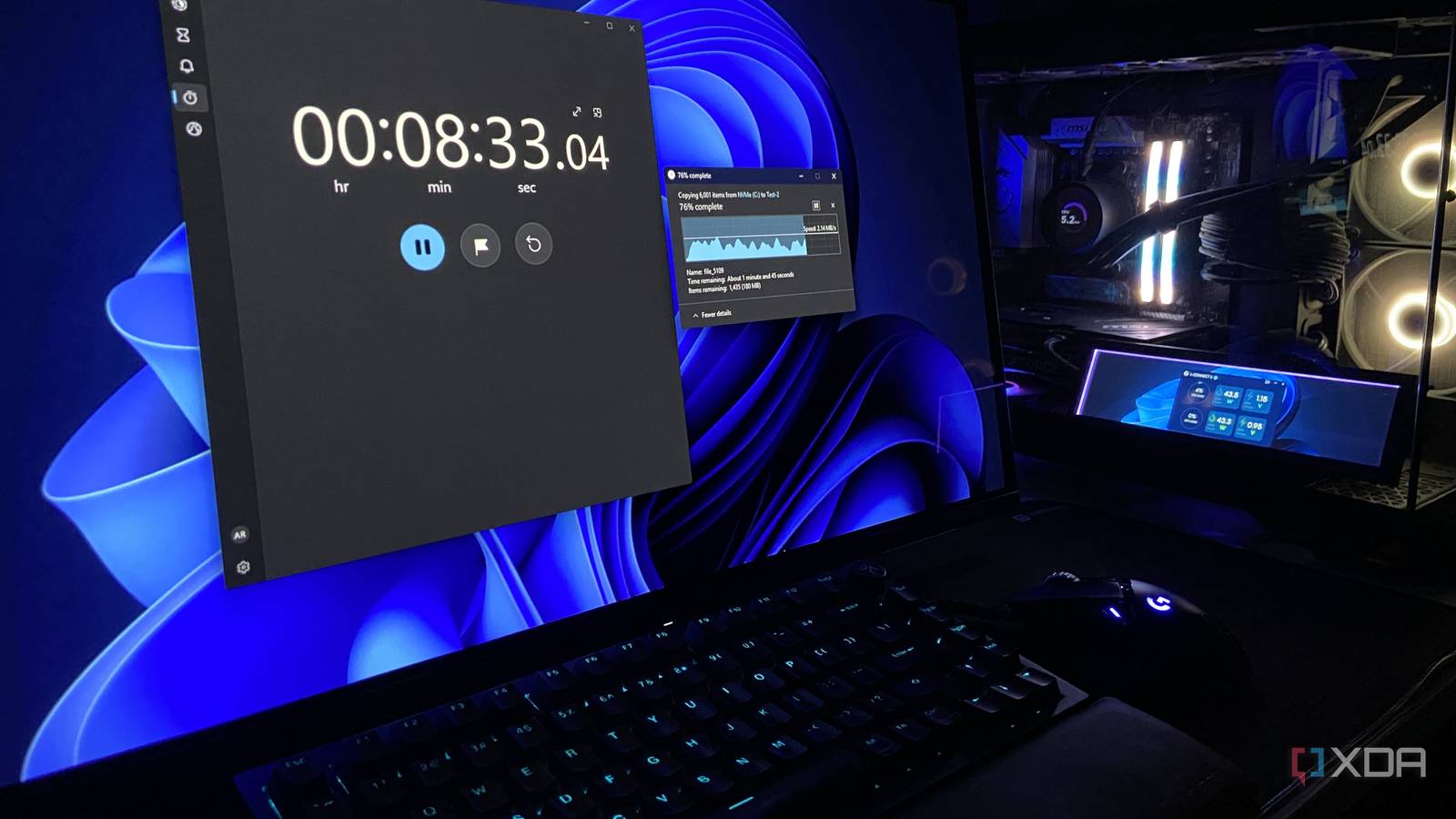
- In the test with 6,000 files totaling about 760MB, Quick Removal took 11:31 versus 10:31 with Better Performance.
- The setting is found in Device Manager under drive properties and Policies; a reboot is recommended afterward.
I stopped setting up Windows by hand, and one text file now does the whole install for me
xda-developers.com/i-no-longer-set-up-windows-by-hand-one-text-file-does-the-full-install/
Key FactsAuthor automates Windows 11 reinstalls with XML file
5 days ago · Reading time: ~45 sec.
Summary created with AI assistance · Source: xda-developers.com
Summary created with AI assistance · Source: xda-developers.com
- The author reinstalls Windows 11 at least five or six times annually, on his PC or for friends.
- Schneegans’ Generator created autounattend.xml; the setup selected Windows 11 Pro, disabled express settings, and bypassed requirements checks.
- He downloaded a fresh Windows 11 ISO directly from Microsoft and added the XML file to its root using AnyBurn.
- After one confirmation, the virtual machine reached the Windows 11 desktop with the user already logged in.
Now, one single XML file does the boring work, and I can get on with everything I actually want my freshly-installed PC for.— Samarveer, the article's author, describing how a single XML file automates the Windows installation.

Windows Central Jul 07
Windows 11 will soon be able to reinstall itself and your drivers without a USB drive via new 'Cloud Rebuild' recovery method
windowscentral.com/microsoft/windows-11/windows-11-will-soon-be-able-to-reinstall-itself-and-your-drivers-using-without-a-usb-key-via-new-cloud-rebuild-recovery-method


Still Stuck on Windows 10? There Are Ways to Upgrade Your PC to Windows 11 for Free, Even If It's Incompatible
uk.pcmag.com/migrated-3765-windows-10/164872/upgrade-to-windows-11-for-free-even-if-your-pc-is-incompatible


Rufus explains why the new way to install Windows 11 is currently broken: Pete Batard, the maker of the popular Rufus app, has discovered that there is an issue ...
neowin.net/news/rufus-explains-why-the-new-way-to-install-windows-11-is-currently-broken/


Computer Won't Run Windows 11? Google's ChromeOS Flex Is a Solid Alternative: Don't rush your old Windows 10 computer to the landfill just yet.
cnet.com/tech/computing/computer-wont-run-windows-11-googles-chromeos-flex-is-a-solid-alternative/

Installing Software From an ISO File? Follow This Simple, Step-by-Step Guide: How you install a program from an ISO image will vary depending on which version of ...
uk.pcmag.com/migrated-3765-windows-10/131683/how-to-install-a-software-program-from-an-iso-file


Upgrade your 'incompatible' Windows 10 PC to Windows 11 for free - here's how: Microsoft really doesn't want customers to upgrade older PCs to Windows 11 ...
zdnet.com/article/upgrade-your-incompatible-windows-10-pc-to-windows-11-for-free-heres-how/

How to upgrade your 'incompatible' Windows 10 PC to Windows 11 - for free: Microsoft really doesn't want customers to upgrade older PCs to Windows 11 ...
zdnet.com/article/how-to-upgrade-your-incompatible-windows-10-pc-to-windows-11-for-free/

Done With Windows? This Linux Distro Makes It Easy to Switch: If you can't upgrade to Windows 11, or don't like what you've seen of it, install Linux Mint ...
pcmag.com/how-to/done-with-windows-this-linux-distro-makes-it-easy-to-switch

How to upgrade your 'incompatible' Windows 10 PC to Windows 11 - 2 free options: Microsoft really doesn't want customers to upgrade older PCs to Windows 11 ...
zdnet.com/article/how-to-upgrade-your-incompatible-windows-10-pc-to-windows-11-2-free-options/

How to upgrade your 'incompatible' Windows 10 PC to Windows 11 - for free today: Microsoft really doesn't want customers to upgrade older PCs, but there are ...
zdnet.com/article/how-to-upgrade-your-incompatible-windows-10-pc-to-windows-11-for-free-today/


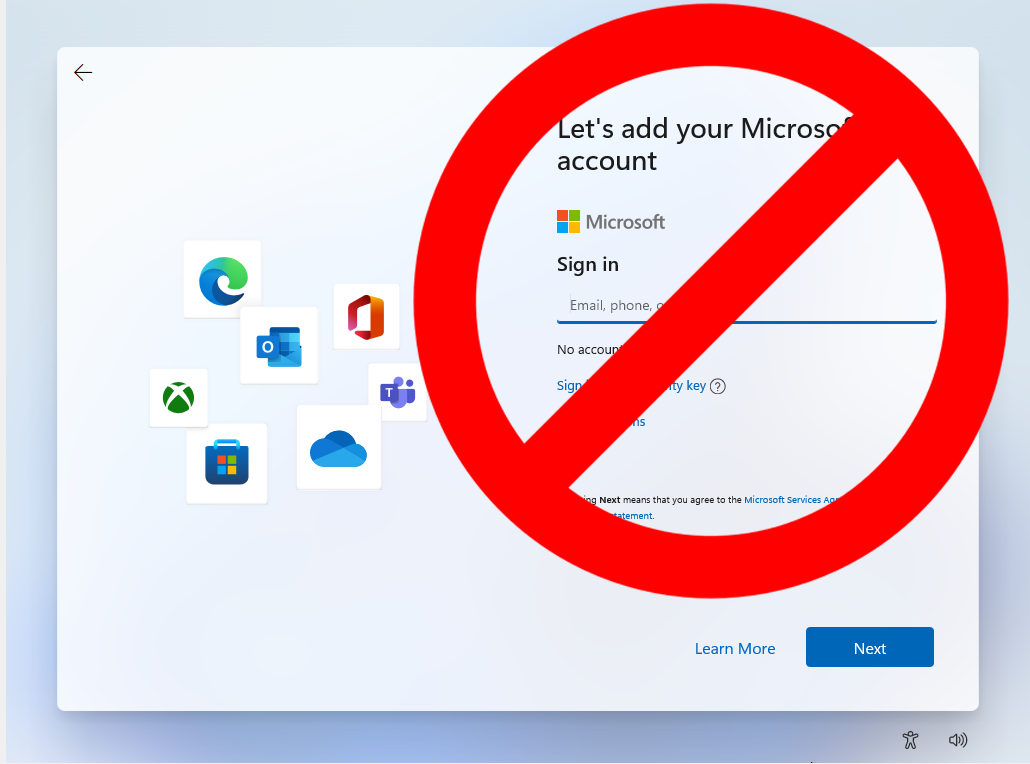
How to Install and Log In to Windows 11 Without a Microsoft Account: By default, Windows 11 requires you to have or create an account.
tomshardware.com/how-to/install-windows-11-without-microsoft-account

Additionally, version 4.8 brings improved compatibility when running Rufus on macOS via Parallels
Rufus: Download Rufus - One of the best tools to create bootable USB drives. Works on Windows, Linux, DOS, UEFI and Arm.
techspot.com/downloads/6062-rufus.html

New Windows 11 24H2 bug could block future security updates - see who's affected: Installing the Windows 11 2024 version via a CD or flash drive may cause it to ...
zdnet.com/article/new-windows-11-24h2-bug-could-block-future-security-updates-see-whos-affected/


dlvr.it Nov 14 24
Microsoft finally releases a direct-download Windows 11 on Arm ISO: Good news for supporting Windows on Arm devices and adding new ones
theregister.com/2024/11/14/windows_11_arm_iso/

Qualcomm CEO says that the next version of Windows is due in mid 2024 - place your bets on Windows 11 24H2 or Windows 12
tomshardware.com/software/windows/qualcomm-ceo-says-that-the-next-version-of-windows-is-due-in-mid-2024-place-your-bets-on-windows-11-24h2-or-windows-12

How to Run Windows From a USB Drive: Stuck using a PC with an older operating system? Not if you know how to run Windows 10 or Windows 11 from a flash drive.
pcmag.com/how-to/how-to-run-windows-10-from-a-usb-drive

Do you really need to update to Windows 11?: In short? No. In long? Nooooooooooooooooooooo.
pcworld.com/article/1448055/do-you-really-need-to-update-to-windows-11.html

Next