
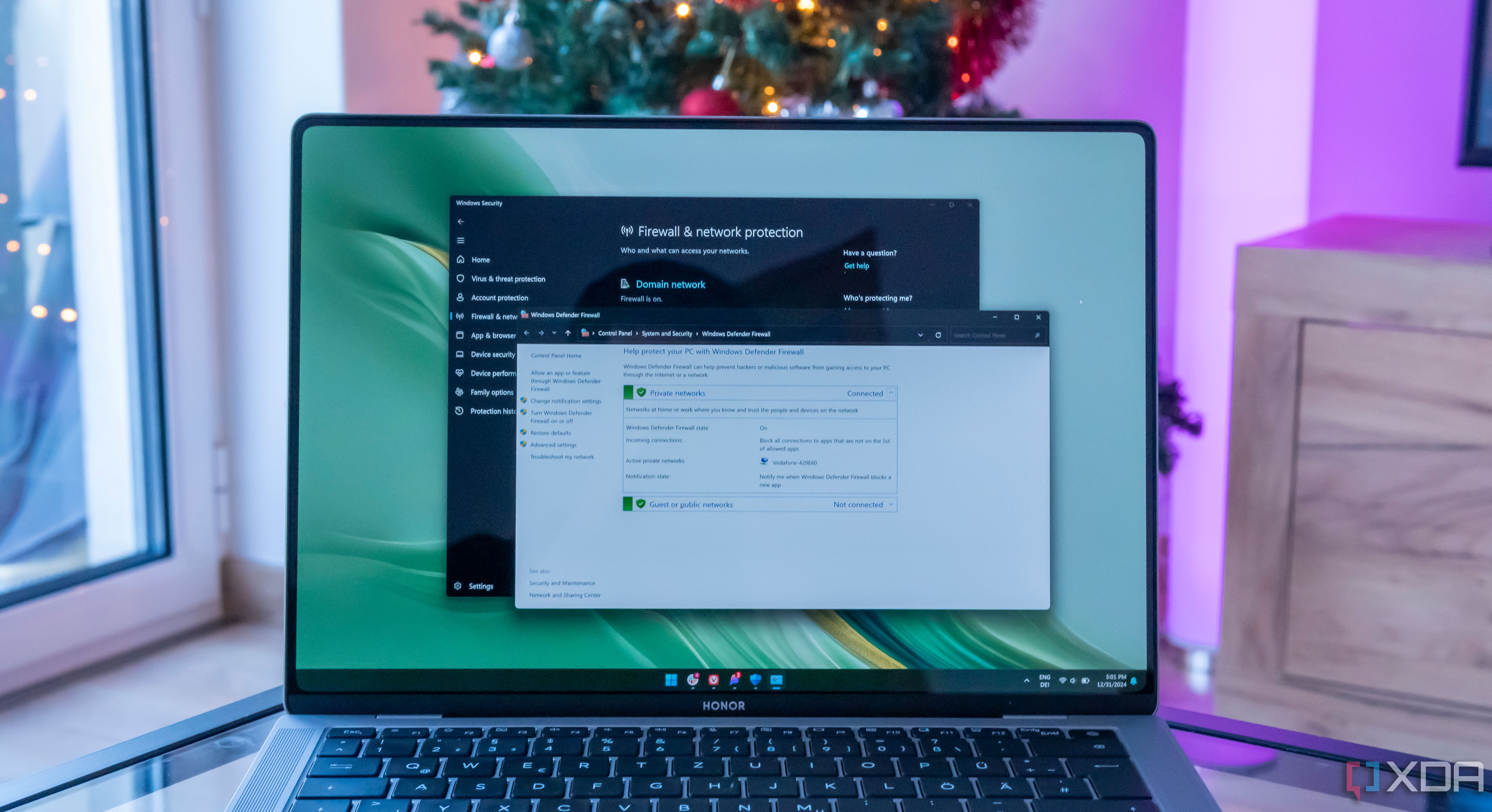
How to set up and use the firewall on Windows 11:
The Windows firewall is enabled by default, but if you want to mess around with the settings, here's how.
xda-developers.com/how-set-up-use-firewall-windows-11/
Story Details
| Last Updated | |
| Total Articles | 1 |
Main Topics

software program or group of programs designed for end-users

Similar to This
Previous

Windows 11 now lets you access Android apps straight from Search: Microsoft has rolled out a new Windows 11 build that makes opening Android phone apps on PC ...
androidauthority.com/windows-11-search-android-app-actions-3730729/


Operating System: Windows 11 has a new right-click menu - | Golem.de: Microsoft is finally trying to modernize the context menu, which was partly adopted from ...
golem.de/news/betriebssystem-windows-11-hat-ein-neues-rechtsklickmenue-2611-214741.html


OpinionWindows 11 Search Is Broken. This Developer's 22-Year Passion Project Fixes It: The free utility Everything runs circles around Windows 11's newest search ...
pcmag.com/opinions/windows-11-search-is-broken-this-developers-22-year-passion-project-fixes


RAM hogs under Windows 11: Microsoft tackles the cause: Microsoft is adding tables, charts, and pen input to WinUI, so far only experimentally ...
pcgameshardware.de/Windows-Software-277633/News/Web-Apps-RAM-WinUI-TableView-Chart-1558524/


WindowsCentral Oct 30
This free app makes moving the Windows 11 taskbar so much easier: Microsoft finally brought back the option to move the taskbar in Windows 11 ...
windowscentral.com/software-apps/this-free-app-makes-moving-the-windows-11-taskbar-so-much-easier

Microsoft Just Gave Edge A 33% Speed Boost, Contributes Tech To Chromium Source: Microsoft Edge is now the first browser to support Windows 11's new 'accelerated ...
hothardware.com/news/microsoft-just-gave-edge-a-33-speed-boost-contributes-tech-to-chromium-source


Windows 11: Windows security receives a long overdue UI update: Current Insider updates bring a redesign for Windows Security. The app's appearance will be ...
winfuture.de/news,162307.html


Windows 11: How to customize the right-click menu: Windows 11 users can now customize the right-click menu and specify which app extensions should be displayed ...
t3n.de/news/windows-11-rechtsklickmenue-selbst-einrichten-1770563/

Operating System: In Search of the Oldest GUI App Running on Windows 11 - | Golem.de
golem.de/news/betriebssystem-auf-der-suche-nach-der-aeltesten-auf-windows-11-laufenden-gui-app-2610-214600.html


The Safest And Easiest Way To Debloat Windows 11: Don't put up with the clutter in Windows 11 — you can remove the most annoying pre-installed apps and tracking ...
engadget.com/2268915/debloat-windows-11-safest-easiest-way/
WindowsCentral Oct 28
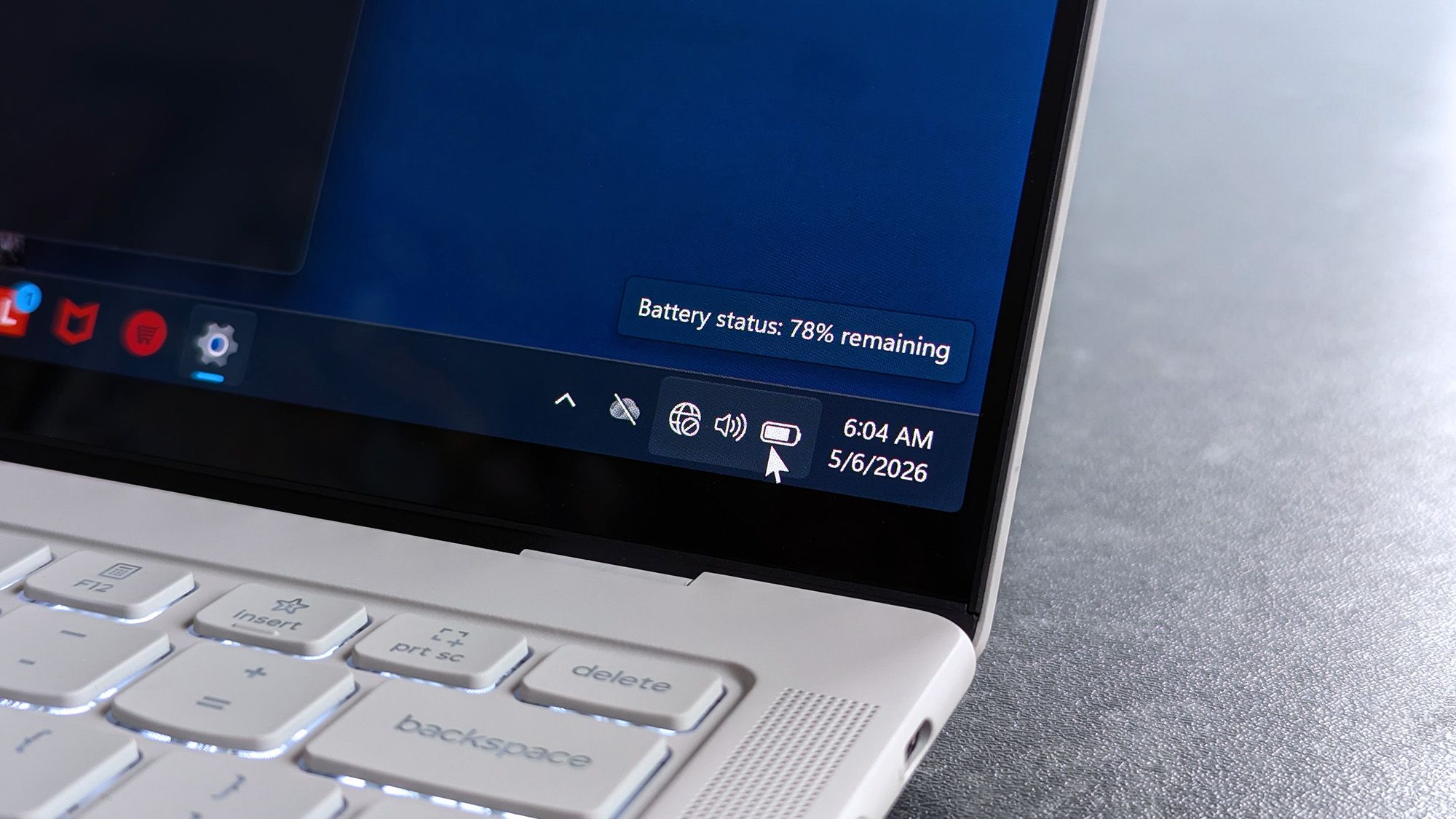
Instead of costumes and candy, one developer is celebrating Halloween with a new Windows app every day in October
windowscentral.com/microsoft/windows-11/instead-of-costumes-and-candy-one-developer-is-celebrating-halloween-with-a-new-windows-app-every-day-in-october
WindowsCentral Oct 27
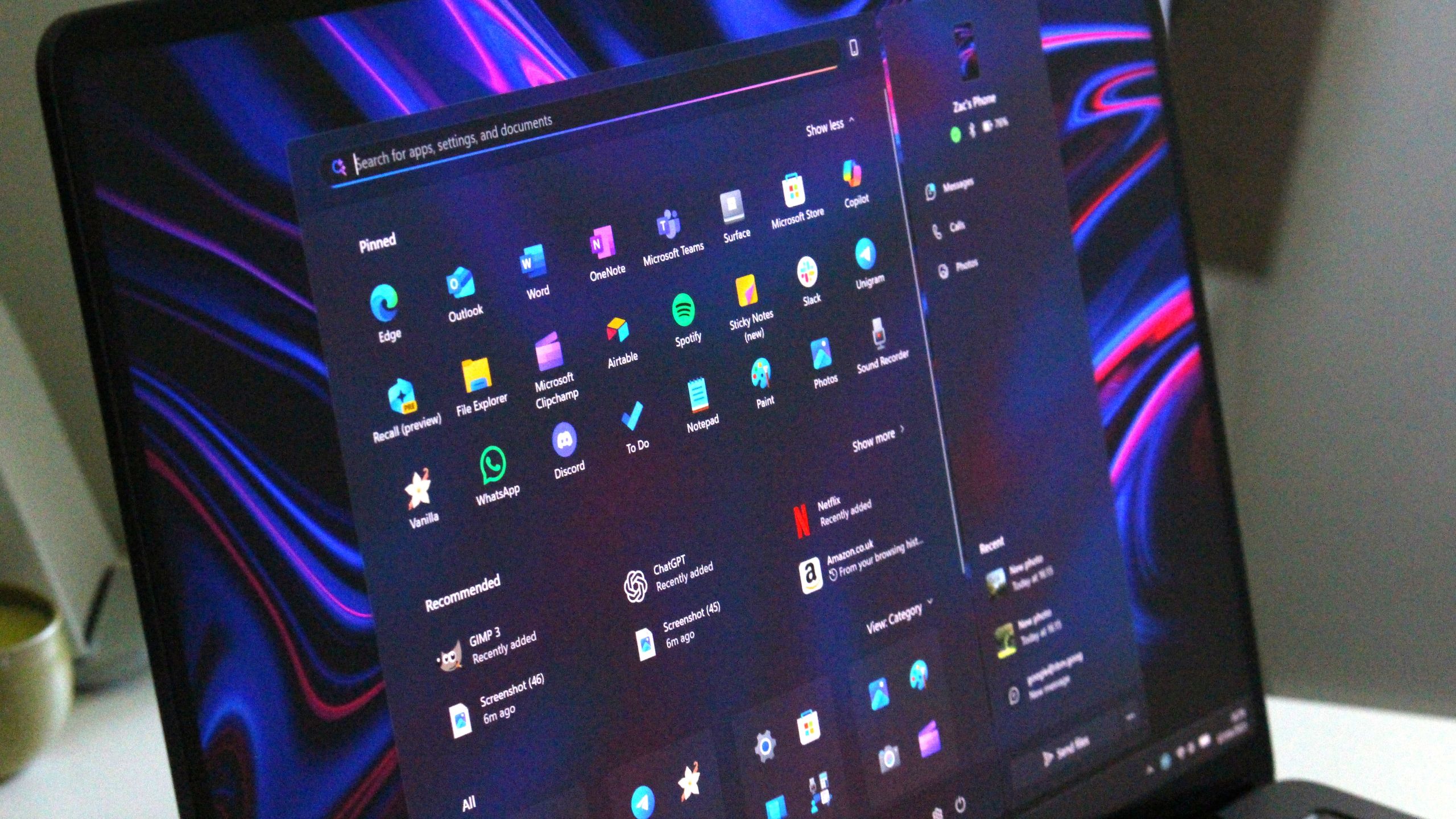
Microsoft just found another way to cram an ad into Windows 11: You'll soon see the option to set up recurring payment for Microsoft 365 through the Windows 11 ...
windowscentral.com/microsoft/windows-11/microsoft-just-found-another-way-to-cram-an-ad-into-windows-11
WindowsCentral Oct 23
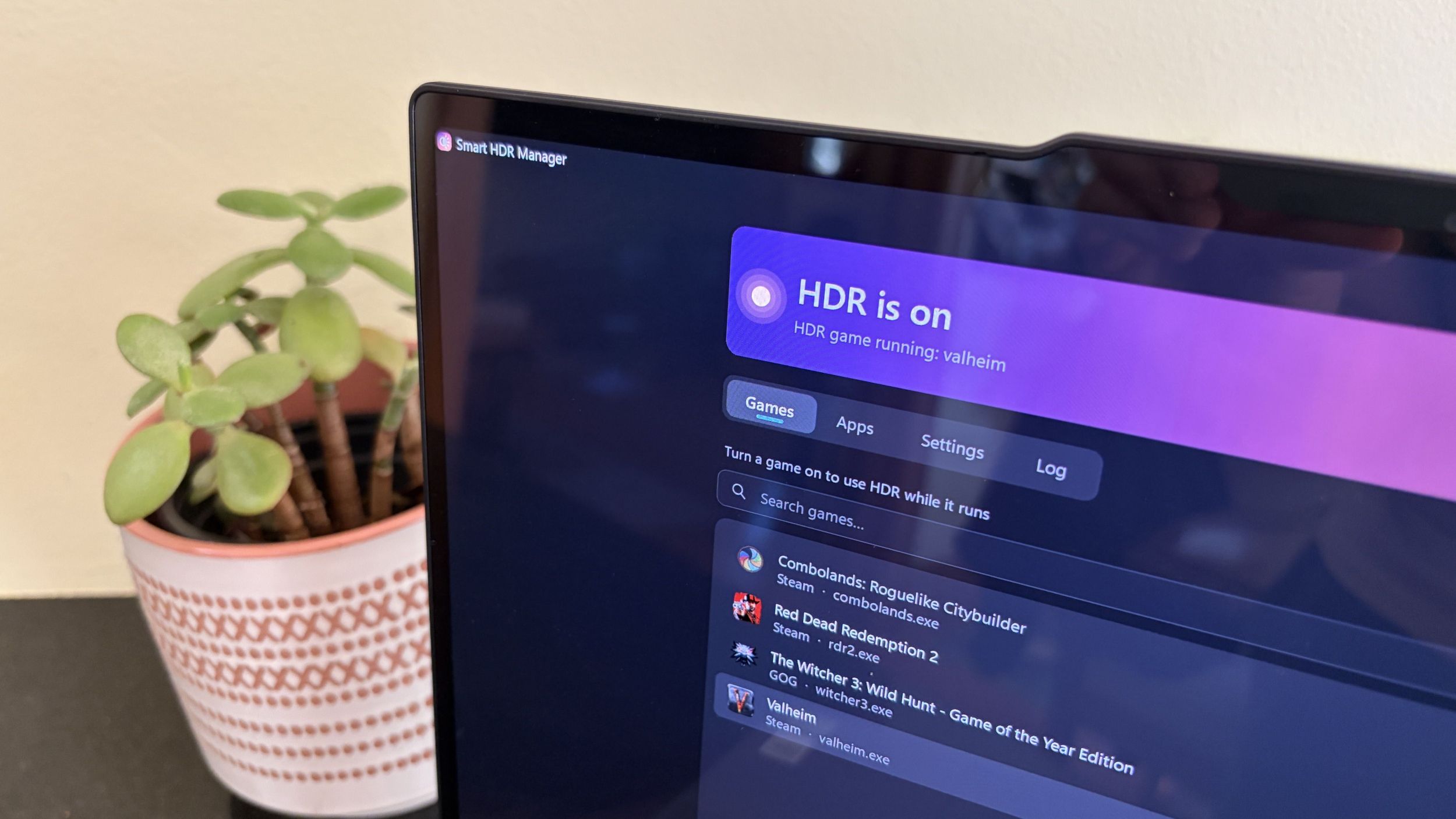
My Windows 11 PC finally switches HDR on for games and videos by itself, thanks to a free tool I can't believe Microsoft hasn't built itself
windowscentral.com/microsoft/windows/smart-hdr-manager-windows-11
Desktop click leads to Bing: Microsoft's wallpaper app resembles adware: Microsoft has offered a Bing wallpaper app for several years, which ...
winfuture.de/news,162101.html

This tiny free app exposed 200GB of forgotten files Windows never told me about: If your computer is running low on space and you don't know why ...
xda-developers.com/this-tiny-free-app-exposed-200gb-forgotten-files-windows-never-told-about/

Key FactsWizTree found nearly 200 GB on the author's PC
Oct 27, 2026 · Reading time: ~30 sec.
Summary created with AI assistance · Source: xda-developers.com
Summary created with AI assistance · Source: xda-developers.com
- WizTree's installer is just over 5MB, and after a scan the app displays large files as proportionally sized squares.
- Nearly 200GB consisted of files for virtual machines and operating systems, including VirtualBox and VMware files, ISOs, and Windows Subsystem for Linux.
- Some files existed both as compressed archives and in expanded form.
- Windows used about 30GB, and a 6.3GB hibernation file was present despite hibernation being disabled.
The Ultimate OS Showdown: Windows vs. macOS vs. Linux vs. ChromeOS: Not sure which desktop operating system is best for you? We help you choose by comparing the ...
pcmag.com/picks/windows-vs-macos-vs-chrome-os-vs-linux-ultimate-operating-system-showdown

14 Easy Fixes to Make Windows 11 Feel Faster: Don't reinstall Windows if you PC is slow. Try these simple tricks, and you should see a noticeable speed boost.
pcmag.com/explainers/14-easy-fixes-to-make-windows-11-feel-faster


Why 'debloating' Windows is a bad idea (and what to do instead): Windows enthusiasts love to share strategies for getting rid of unwanted software and ...
zdnet.com/article/why-debloating-windows-is-a-bad-idea-and-what-to-do-instead/

Next