
Gizchina Apr 20 25

How to Install Windows 11 on an Incompatible Windows 10 PC:
Learn how to upgrade your unsupported Windows 10 PC to Windows 11 using official methods and advanced ...
gizchina.com/2025/04/20/how-to-install-windows-11-on-an-incompatible-windows-10-pc/
Story Details
| Last Updated | |
| Total Articles | 1 |
Main Topics

data storage device containing recording media (either internally or in the form of a slot for removable media) together with electrical or mechanical parts for the operation of the media

international standard for a secure cryptoprocessor, a dedicated microcontroller designed to secure hardware through integrated cryptographic keys
Similar to This
Previous

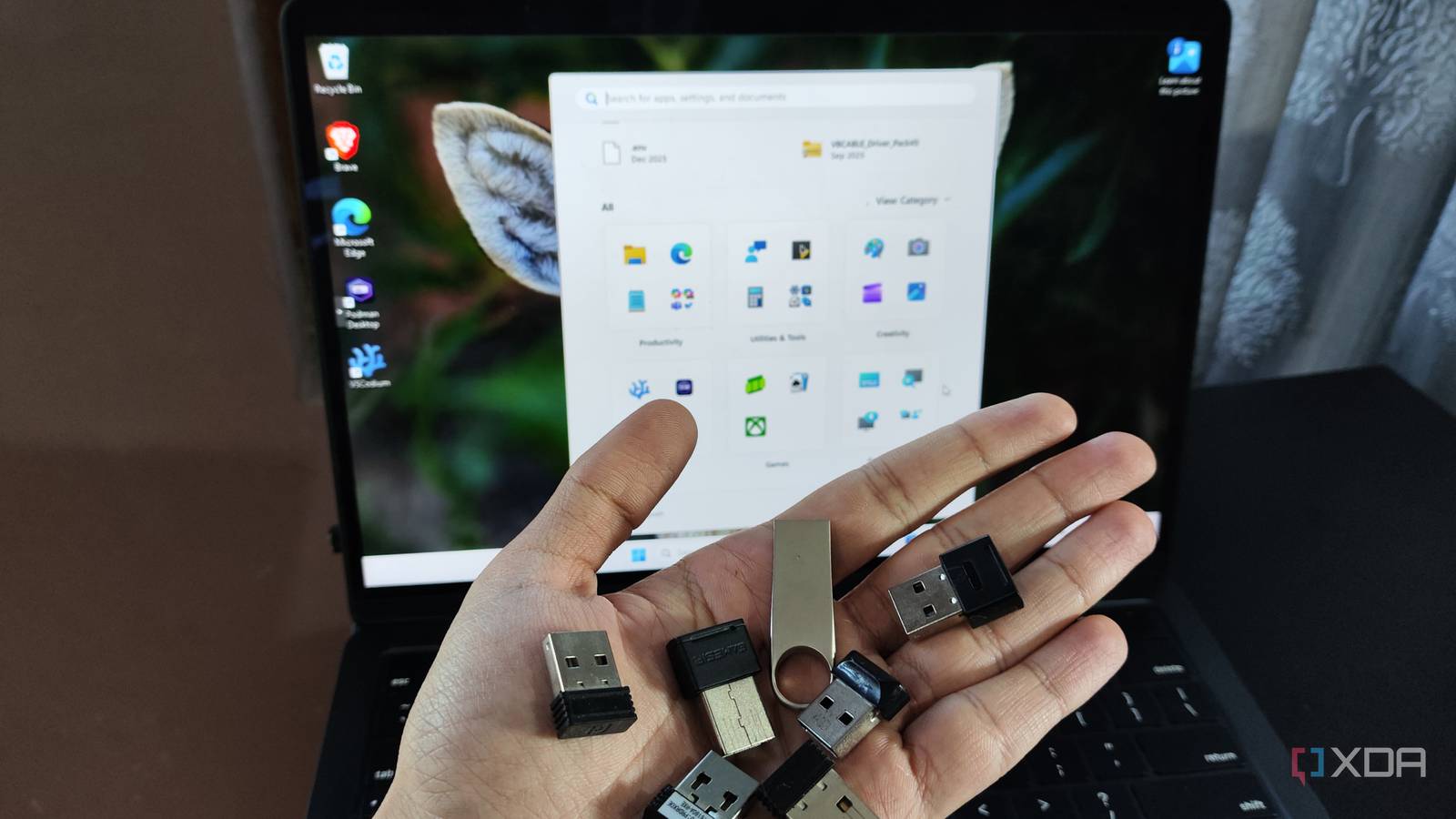
Windows remembers every USB device you've plugged in, and checking your history takes five minutes
xda-developers.com/windows-remembers-every-usb-device-ever-plugged-in-it-took-me-years-back/
Key FactsWindows Keeps Traces of Connected USB Devices
5 days ago · Reading time: ~30 sec.
Summary created with AI assistance · Source: xda-developers.com
Summary created with AI assistance · Source: xda-developers.com
- Windows stores USB-device information under the USB and USBSTOR Registry keys; entries can be deleted and do not capture every connection.
- The free USBDeview combines data from multiple sources and can show timestamps for the first and last connection.
- With administrator rights, USBDeview can show installation, connection, and disconnection times; available data depends on Windows version and device.
- A drive can appear multiple times because of different ports; shared PCs also make personal attribution difficult.
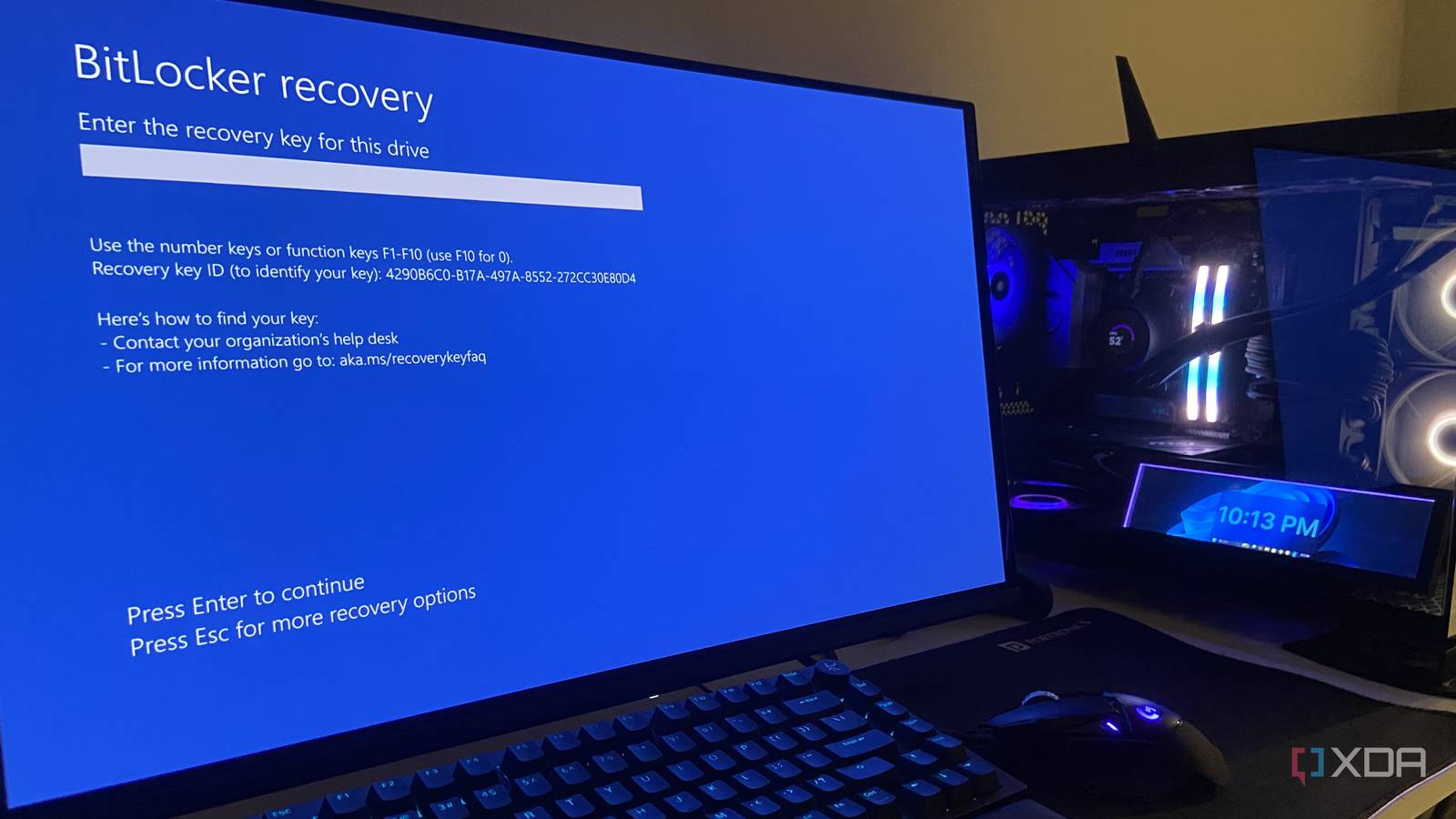
Windows 11 quietly encrypted your entire PC, and one firmware update can lock you out of everything
xda-developers.com/windows-11-quietly-encrypted-your-entire-pc-and-one-firmware-update-can-lock-you-out-of-everything/
Key FactsWindows 11 Device Encryption Can Trigger Unexpected Recovery Lockouts
Sep 14, 2026 · Reading time: ~45 sec.
Summary created with AI assistance · Source: xda-developers.com
Summary created with AI assistance · Source: xda-developers.com
- Since October 2024, Windows 11 24H2 has enabled Device Encryption by default on many clean installs and resets.
- For local accounts, Microsoft says the recovery key is not automatically saved when the device is encrypted.
- BIOS or UEFI updates, TPM changes, and boot-manager modifications can reportedly trigger the 48-digit key prompt.
- Users should save the key before changing Secure Boot or the TPM and suspend BitLocker during those changes.
I've argued time and again that many of the default settings and updates that Windows 11 ships with assume the best interests of the user, but in practice, they can backfire and cause them genuine harm and loss.— Abhinav, author of the article


Still Stuck on Windows 10? There Are Ways to Upgrade Your PC to Windows 11 for Free, Even If It's Incompatible
uk.pcmag.com/migrated-3765-windows-10/164872/upgrade-to-windows-11-for-free-even-if-your-pc-is-incompatible
Key FactsFree Windows 11 Upgrades for Windows 10 PCs
Jun 26, 2026 · Reading time: ~30 sec.
Summary created with AI assistance · Source: uk.pcmag.com
Summary created with AI assistance · Source: uk.pcmag.com
- Microsoft requires TPM 2.0, enabled Secure Boot, and a supported processor; PC Health Check verifies eligibility.
- Compatible Windows 10 systems can receive Windows 11 through Windows Update, Installation Assistant, Media Creation Tool, or an ISO file.
- Rufus can bypass requirements on unsupported PCs, using a USB drive with at least 8GB that will be completely reformatted.
- Microsoft’s Windows 10 ESU program runs through October 12, 2027; free access uses 1,000 Rewards points or OneDrive backup, otherwise costs $30.

Installing Software From an ISO File? Follow This Simple, Step-by-Step Guide: How you install a program from an ISO image will vary depending on which version of ...
uk.pcmag.com/migrated-3765-windows-10/131683/how-to-install-a-software-program-from-an-iso-file


Microsoft said my PC couldn't run Windows 11, but I upgraded in 5 minutes anyway - here's how
zdnet.com/article/microsoft-said-my-pc-couldnt-run-windows-11-but-i-upgraded-in-5-minutes-anyway-heres-how/

Microsoft said my PC was 'too old' to run Windows 11 - how I upgraded in 5 minutes anyway
zdnet.com/article/microsoft-said-my-pc-was-too-old-to-run-windows-11-how-i-upgraded-in-5-minutes-anyway/
Microsoft said my PC can't run Windows 11, but I upgraded in 5 minutes anyway - here's how
zdnet.com/article/microsoft-said-my-pc-cant-run-windows-11-but-i-upgraded-in-5-minutes-anyway-heres-how/

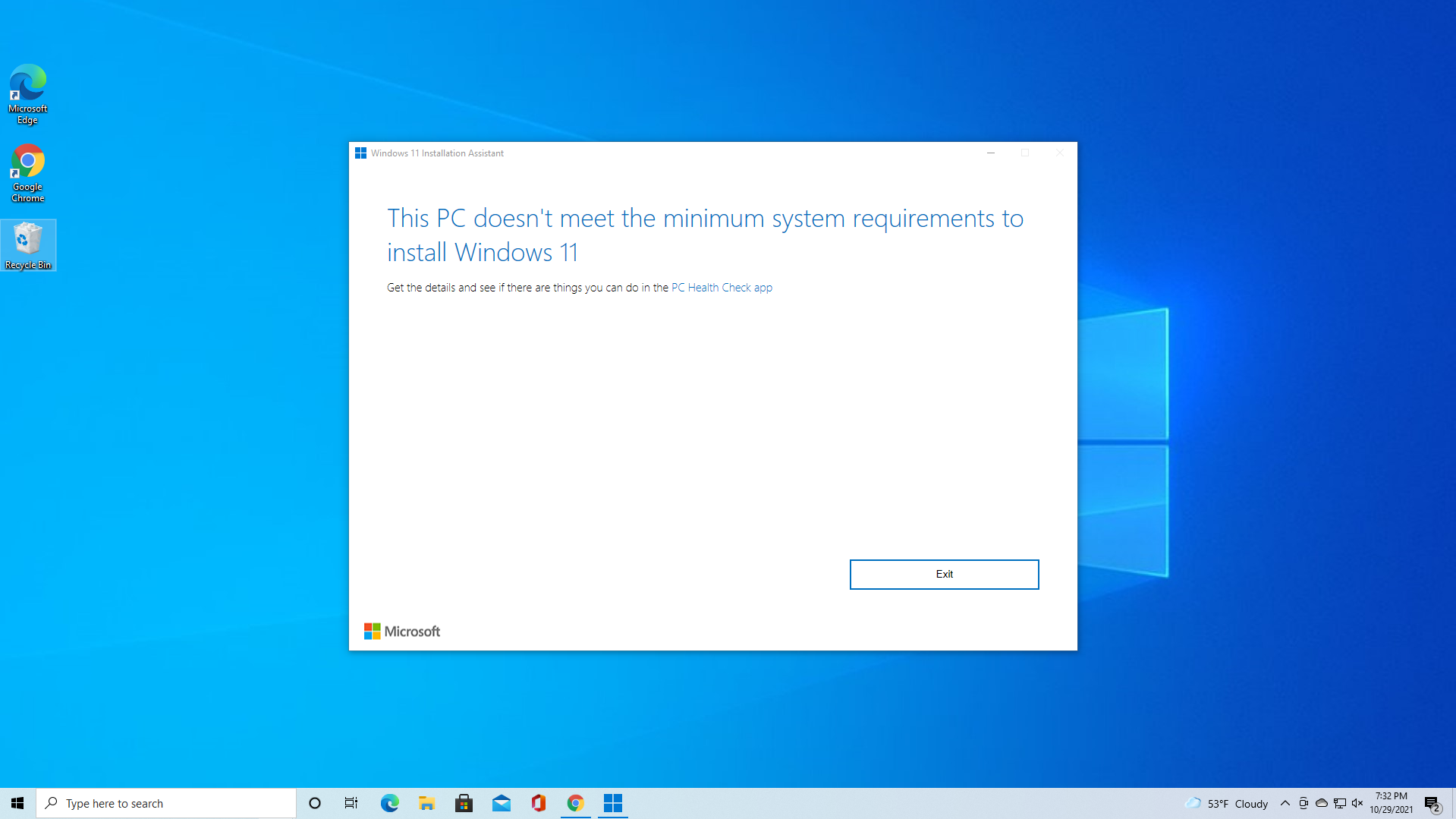
How to Bypass Windows 11's TPM, CPU and RAM Requirements: Use simple utilities to install or upgrade Windows 11 on any PC, regardless of its TPM status or ...
tomshardware.com/how-to/bypass-windows-11-tpm-requirement

Upgrading to Windows 11 on an old PC might be easier than you think: Even if your old PC is no longer officially suitable for Windows 11, it does not have to ...
pcworld.com/article/2839398/pc-upgrade-for-windows-11-you-only-need-to-replace-this-hardware.html
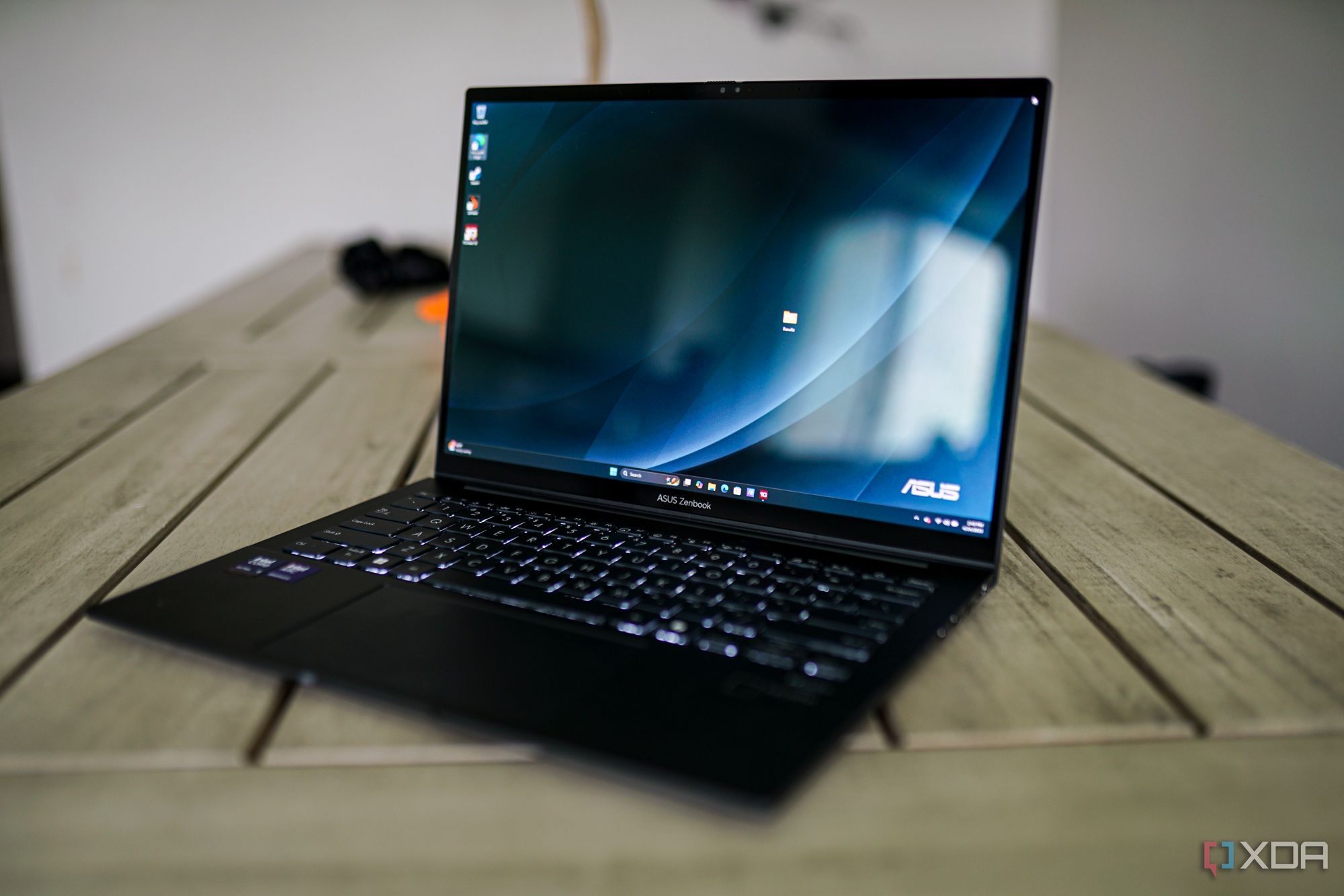
3 reasons a TPM chip is a good thing in Windows 11: Yes, your TPM is used for more than Bitlocker in Windows 11.
xda-developers.com/reasons-tpm-chip-good-thing-windows-11/

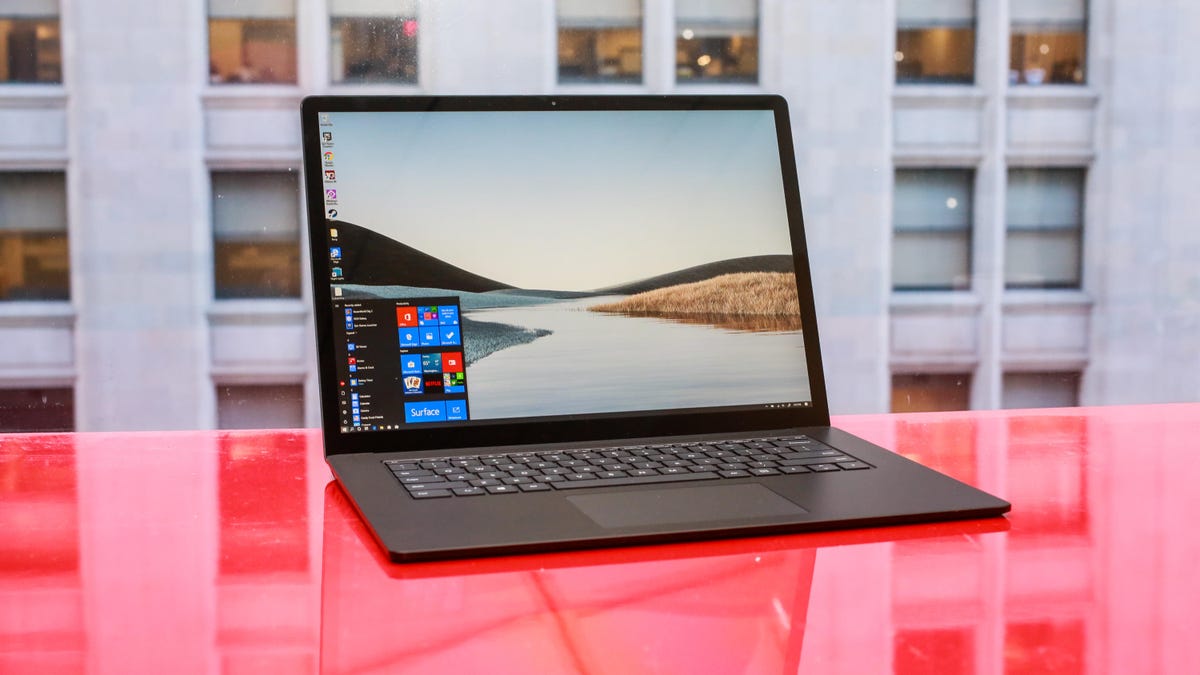
How to create a Windows 10 bootable USB: It's easier than you think: Here's why it's recommended for every Windows user to have a Windows 10 boot drive around at ...
cnet.com/tech/computing/how-to-create-a-windows-10-bootable-usb-its-easier-than-you-think/

Additionally, version 4.8 brings improved compatibility when running Rufus on macOS via Parallels

Rufus: Download Rufus - One of the best tools to create bootable USB drives. Works on Windows, Linux, DOS, UEFI and Arm.
techspot.com/downloads/6062-rufus.html
Gizchina May 22 25

How to Install Windows 11 on any Incompatible Windows 10 PC: Learn how to upgrade your unsupported Windows 10 PC to Windows 11 using official methods and ...
gizchina.com/2025/05/22/how-to-install-windows-11-on-an-incompatible-windows-10-pc-may/
Gizchina Apr 28 25

How to upgrade an unsupported Windows 10 PC to Windows 11 for free: Learn how to upgrade your old PC to Windows 11 using simple workarounds and keep up with new ...
gizchina.com/2025/04/27/windows-11-upgrade-old-pc/

How to upgrade your 'incompatible' Windows 10 PC to Windows 11 now: Microsoft really doesn't want customers to upgrade older PCs, but there are workarounds for ...
zdnet.com/article/how-to-upgrade-your-incompatible-windows-10-pc-to-windows-11-now/

5 reasons why GParted is better than any Windows alternative for partition management
xda-developers.com/why-gparted-better-than-any-windows-alternative/
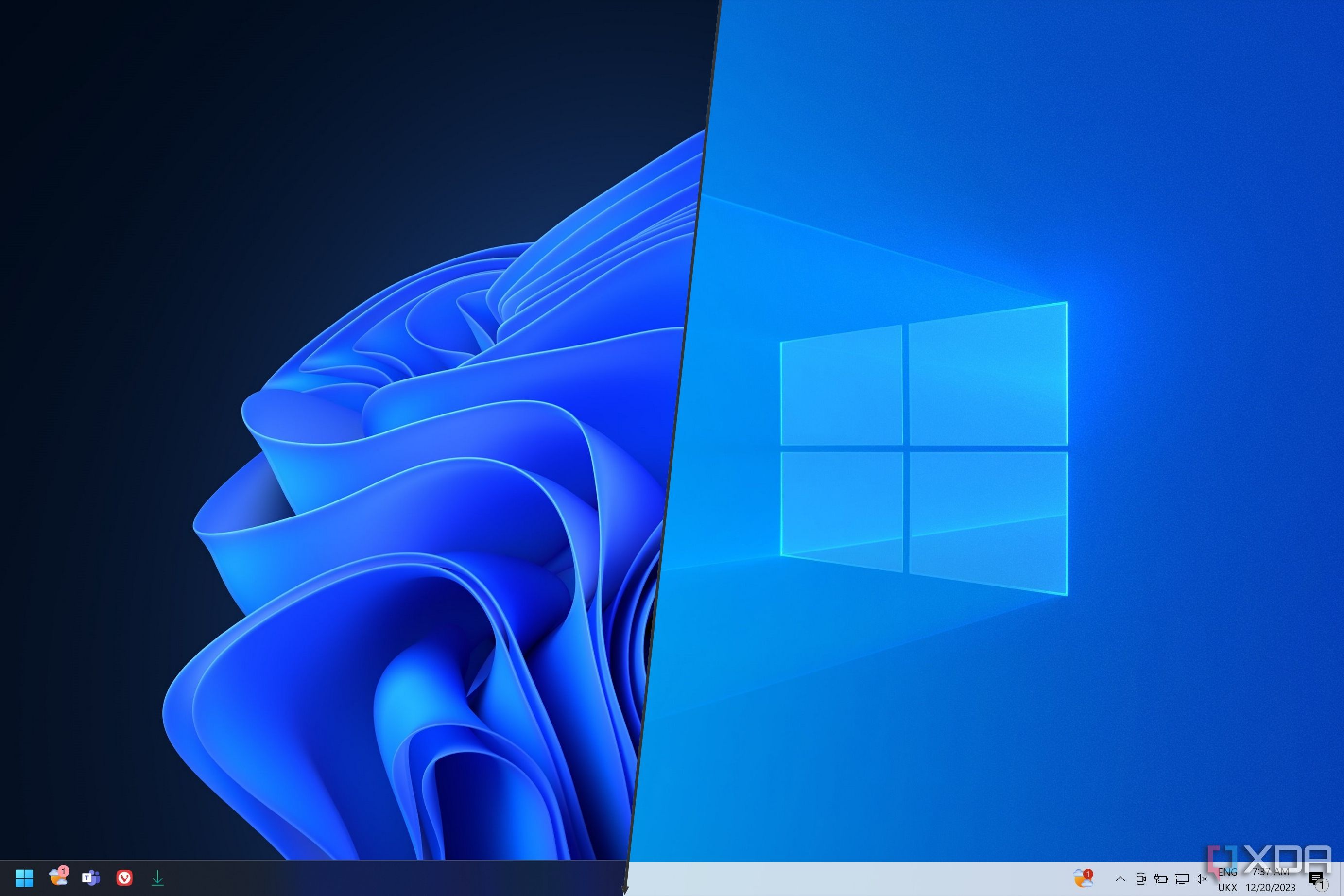
Microsoft is cracking down on people upgrading to Windows 11 on unsupported hardware
xda-developers.com/microsoft-cracking-down-people-upgrading-windows-11-unsupported-hardware/

Getting Rid of Your Windows PC? Remember to Wipe the Drive First: Here's how to make sure all the personal files and other data on your storage drive are erased ...
uk.pcmag.com/how-to/88534/how-to-wipe-your-hard-drive
Key FactsWiping a Windows PC Before Passing It On
Mar 23, 2026 · Reading time: ~30 sec.
Summary created with AI assistance · Source: uk.pcmag.com
Summary created with AI assistance · Source: uk.pcmag.com
- Deleted files may remain in the Recycle Bin or be recovered with data-recovery software.
- Windows 11 and 10 offer a data-cleaning option during reset; Windows 8.1 includes an option to fully clean the drive.
- Windows 7 lacks a comparable built-in reset tool; the described route requires a recovery partition or installation media.
- Because SSDs can be harder to wipe, the article recommends third-party tools; for mechanical drives, it cites DoD 5220.22-M with three overwrite passes.


Microsoft now allowing Windows 11 on older, incompatible PCs: Despite years of warning, it's now officially possible to install Windows 11 on PCs that ...
pcworld.com/article/2550265/microsoft-now-allowing-windows-11-on-older-incompatible-pcs.html

Windows 11 Is Ultra Secure—Here's How to Keep It That Way: You can’t run Windows 11 on a PC that lacks essential security hardware. That's a good thing ...
pcmag.com/explainers/windows-11-is-ultra-secure-dont-mess-it-up
Next