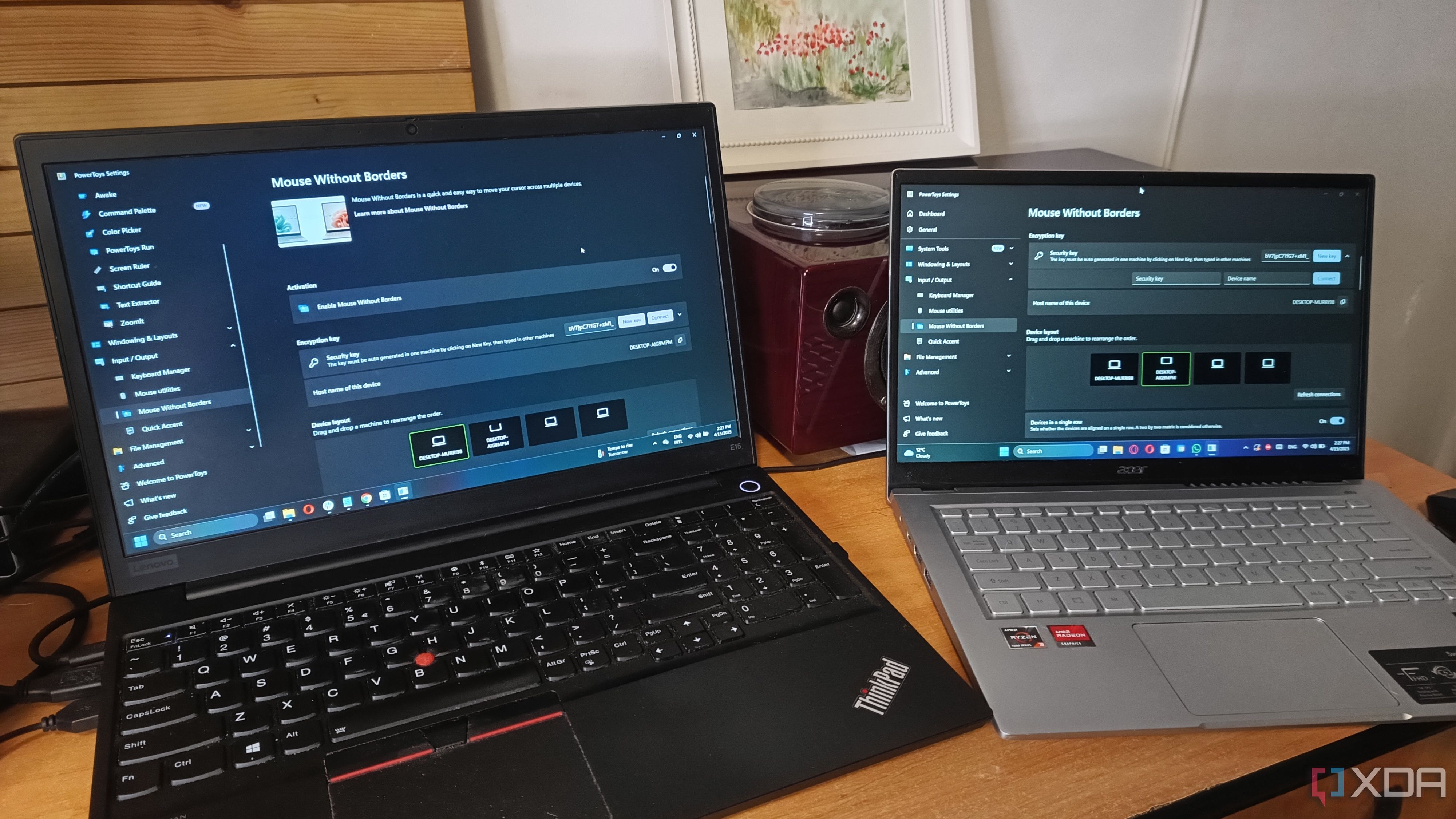
5 simple Windows tools that solve problems you didn’t know you had:
These Windows tools will definitely improve your workflow and perhaps fix some problems you ...
xda-developers.com/simple-windows-tools-solve-problems/
Story Details
| Last Updated | |
| Total Articles | 1 |
Main Topics


Similar to This
Previous

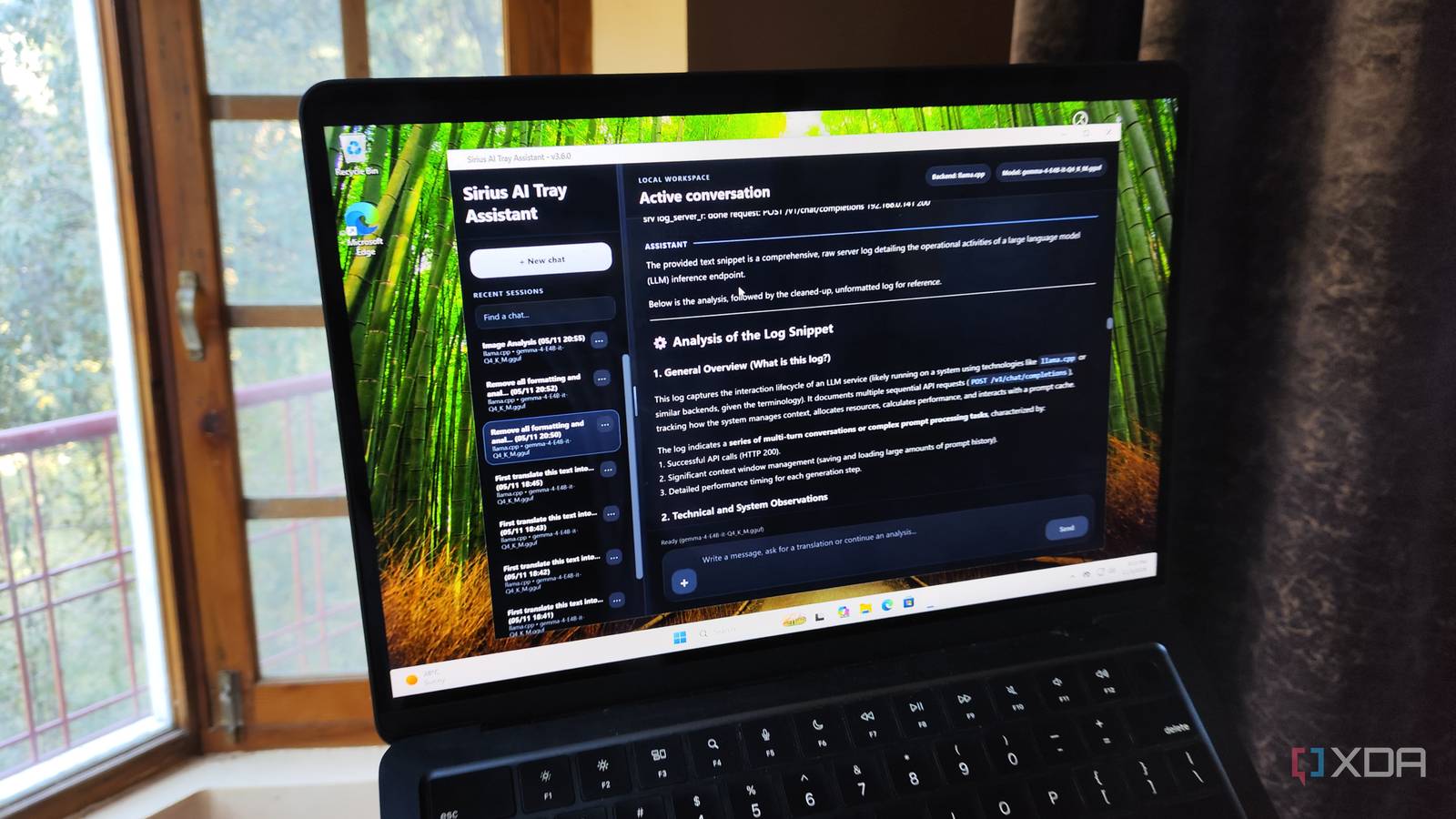
I gave my Windows 11 clipboard a local LLM brain, and it made trivial copy-paste operations a lot more productive
xda-developers.com/i-connected-a-local-llm-to-my-windows-11-clipboard/


ShareX keeps making Windows 11's Snipping Tool harder to justify: ShareX is already way more advanced than Microsoft's own Snipping Tool. Still ...
neowin.net/news/sharex-keeps-making-windows-11s-snipping-tool-harder-to-justify/
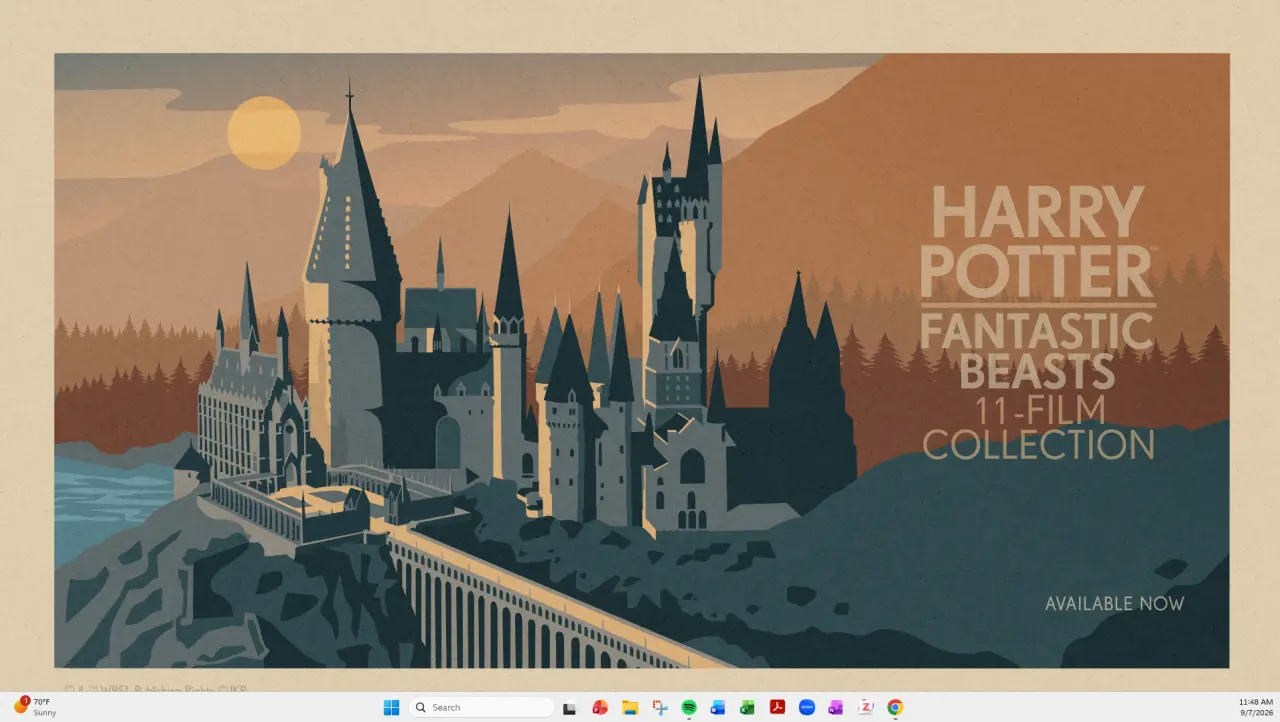
Windows 11 users are getting full-desktop ads as wallpapers from Microsoft: Microsoft appears to be testing the limits of desktop personalization ...
neowin.net/news/windows-11-users-are-getting-full-desktop-ads-as-wallpapers-from-microsoft/
Key FactsMicrosoft restores taskbar positioning in Windows 11
Sep 8, 2026 · Reading time: ~45 sec.
Summary created with AI assistance · Source: t3n.de
Summary created with AI assistance · Source: t3n.de
- The September patch allows taskbar alignment to the left or top through Settings, but not free repositioning.
- The Start menu now offers large or small views, but cannot be freely resized by dragging as in Windows 10.
- According to media reports, Mark Linton said at Berlin’s IFA that Microsoft would incorporate customer feedback and continuously improve Windows.
- In 2022, Microsoft said side positioning required app-layout adjustments and user demand did not then justify the effort.
So we are responding to our customers' feedback, continually improving Windows, and you will see that Windows gets better with every update.— Mark Linton, Head of Windows & Devices at Microsoft, at the IFA in Berlin
I can't replace these 4 free Windows tools, and they are better than any paid alternative
xda-developers.com/i-cant-replace-these-4-free-windows-tools-and-they-are-better-than-any-paid-alternative/

PowerToys is getting support for another local AI model and dozens of other fixes
neowin.net/news/powertoys-is-getting-support-for-another-local-ai-model-and-dozens-of-other-fixes/


7 Easy Methods for Taking Screenshots in Windows 11: When you need to take a screenshot in Windows 11, you've got options.
cnet.com/tech/services-and-software/7-easy-methods-for-taking-screenshots-in-windows-11/

How to screenshot on Windows: Learn how to take screenshots on Windows using built-in options like the Snipping Tool, Print Screen shortcuts and the Xbox Game ...
engadget.com/computing/how-to-screenshot-on-windows-120024162.html


Windows tip: Extract text from screenshots with PowerToys: Windows 11 can easily be enhanced with an OCR function: With the Snipping Tool ...
pcgameshardware.de/Windows-Software-277633/News/Texte-aus-Screenshots-extrahieren-mit-PowerToys-1470999/

Microsoft: How to update to Windows 11 on unsupported Windows 10 PC? Dump it and buy new
neowin.net/news/microsoft-how-to-update-to-windows-11-on-unsupported-windows-10-pc-dump-it-and-buy-new/
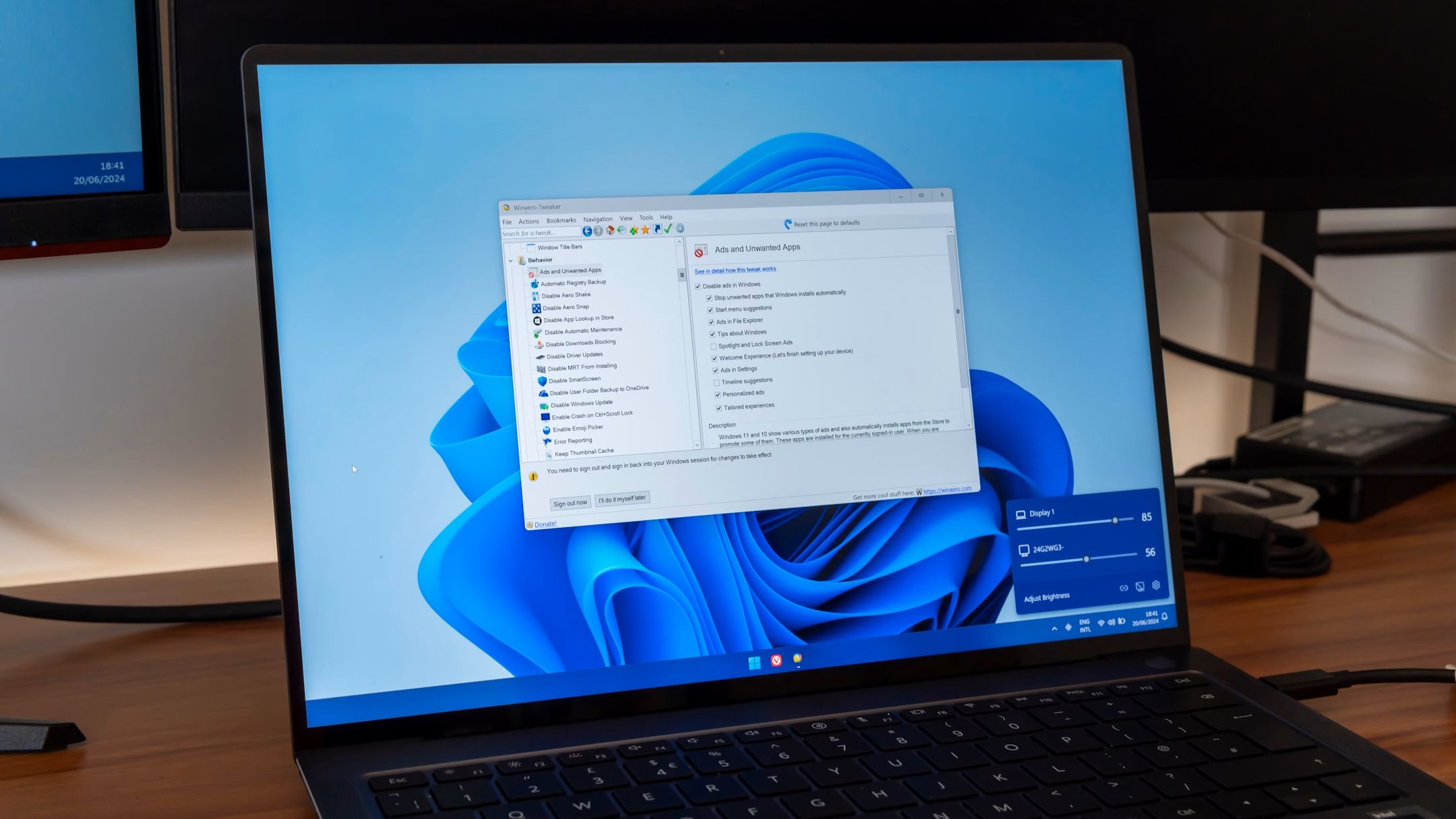
5 Windows tools and apps you can't find on other operating systems: These Windows tools are unique to Windows itself.
xda-developers.com/windows-tools-apps-cant-find-other-operating-systems/
The Windows 11 Snipping Tool is about to get a killer new feature: OCR made easy.
xda-developers.com/windows-11-snipping-tool-killer-new-feature/
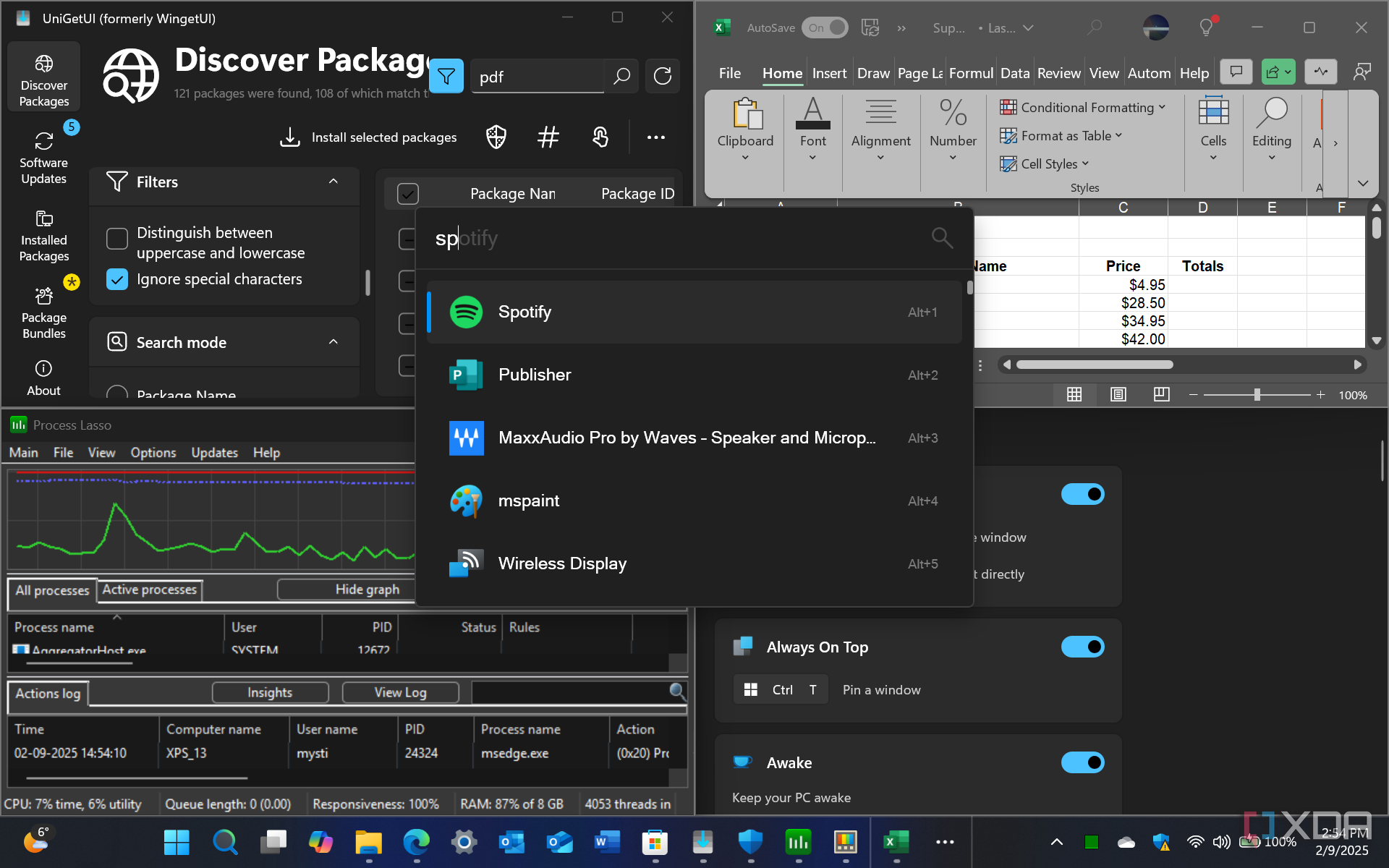
9 tools that will supercharge your productivity on Windows: If you're looking to improve your productivity in Windows, check out these apps.
xda-developers.com/tools-supercharge-productivity-windows/

7 ways Snipping Tool has become better in Windows 11: The Snipping Tool used to be a throwaway for me, but all the updates made in Windows 11 have made it ...
xda-developers.com/ways-snipping-tool-become-better-windows-11/


Take smarter screenshots in Windows - step by step: There are several convenient ways to take screenshots in Windows 11 (and 10), both of the whole screen and of ...
pcworld.com/article/2403662/how-to-take-smarter-screenshots-in-windows-10-and-11.html


15 incredibly useful Windows 11 keyboard shortcuts: Getting around Windows 11 is a lot easier if you know a keyboard shortcut or five. You can then speed through ...
theverge.com/23890880/windows-11-keyboard-shortcuts-how-to
Next