4 Windows 11 Pro features I enable for free with third-party tools
xda-developers.com/windows-11-pro-features-replace-free-third-party-tools/

Story Details
| Last Updated | |
| Total Articles | 1 |
Main Topics


More articles on this subject
Previous

4 Windows 11 Pro features I enable for free with third-party tools
xda-developers.com/windows-11-pro-features-replace-free-third-party-tools/
Next
Similar to This
Previous

Windows 11 Is Finally Becoming the OS It Should Have Been From the Start: Microsoft is completely redesigning parts of its OS so it doesn't hog all the ...
gizmodo.com/windows-11-performance-updates-2000826922
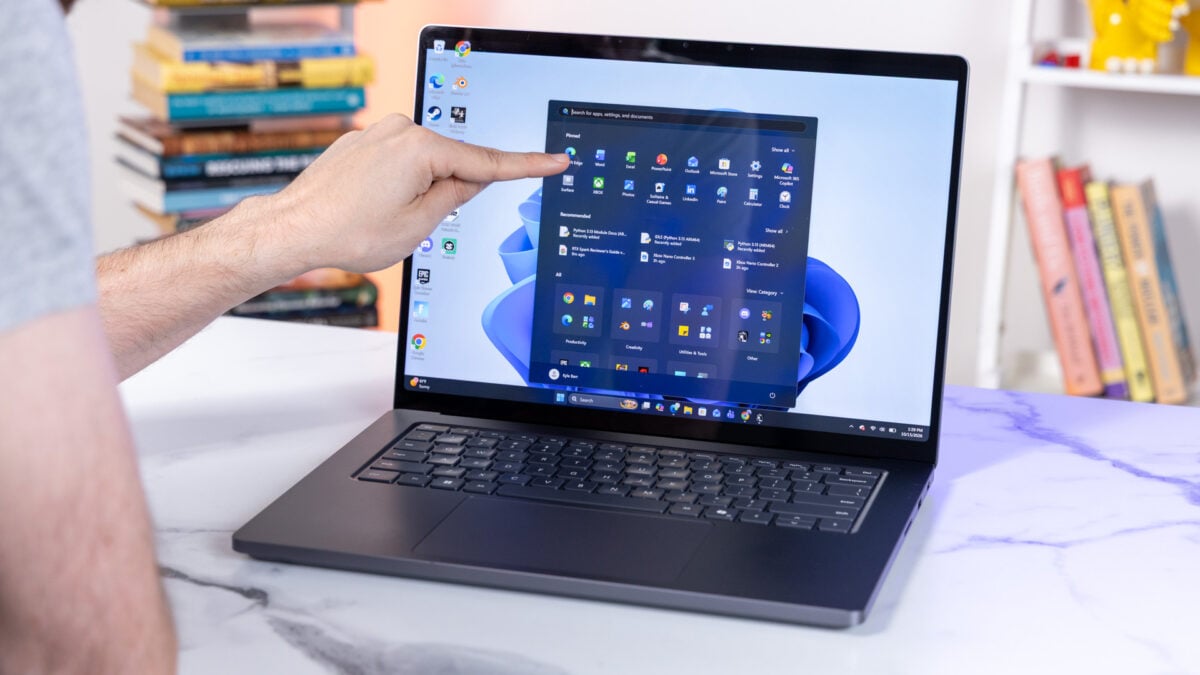

Windows 11: Project Odeon aims to change the operating system's settings: Microsoft is reportedly planning a major change to Windows 11's settings with ...
t3n.de/news/windows-11-project-odeon-1768582/


5 apps I always install on new Windows PCs - and most are free - ZDNET: I rely on these five apps daily, so they get a spot on each new Windows computer.
zdnet.com/tech/my-top-5-windows-apps-for-pcs/


Windows 11 KB5127648 & KB5126653 cumulative updates released: Microsoft has released Windows 11 KB5127648 and KB5126653 cumulative updates for versions ...
bleepingcomputer.com/news/microsoft/windows-11-kb5127648-and-kb5126653-cumulative-updates-released/
Windows Search's default indexing mode could be writing gigabytes to your SSD every day for a feature almost nobody uses
xda-developers.com/windows-searchs-default-indexing-mode-could-be-writing-gigabytes-to-your-ssd-every-day-for-a-feature-almost-nobody-uses/
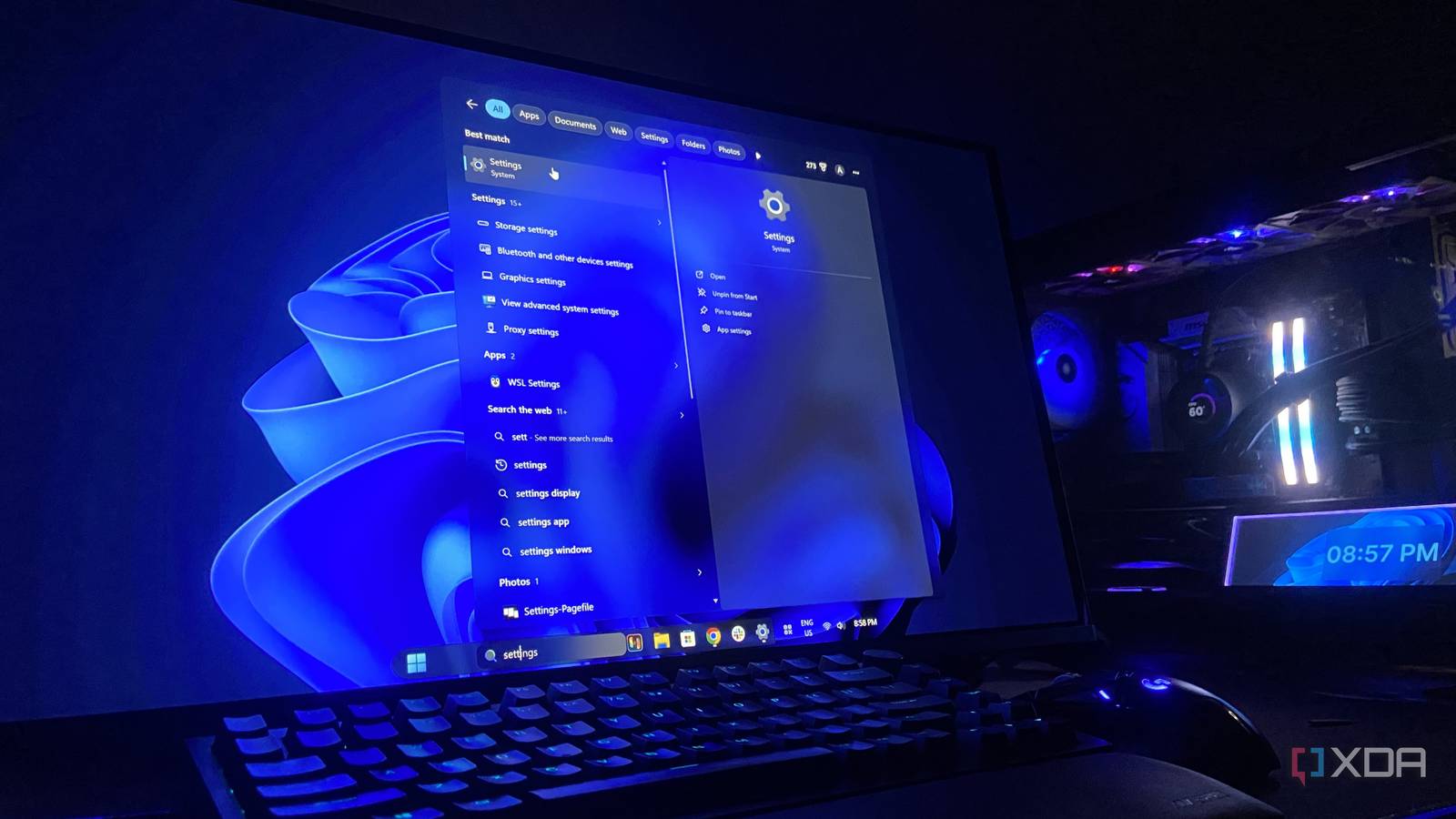
Key FactsWindows Search: Large indexes can consume substantial storage
Sep 17, 2026 · Reading time: ~30 sec.
Summary created with AI assistance · Source: xda-developers.com
Summary created with AI assistance · Source: xda-developers.com
- Windows Search stores file contents and reindexes changed files; on some systems, Windows.db can reach 200GB.
- An administrator PowerShell query shows the size; a few hundred megabytes is considered unremarkable, while larger values warrant investigation.
- Rebuilding the index may temporarily make results incomplete; in the author’s example, the process took about 20 minutes.
- The default Classic mode indexes selected folders, while Enhanced searches the entire PC and can index considerably more files.
Windows has 100+ services running right now, and this built-in tool lets you safely disable many of them
xda-developers.com/windows-has-100-services-running-you-can-safely-disable-many/
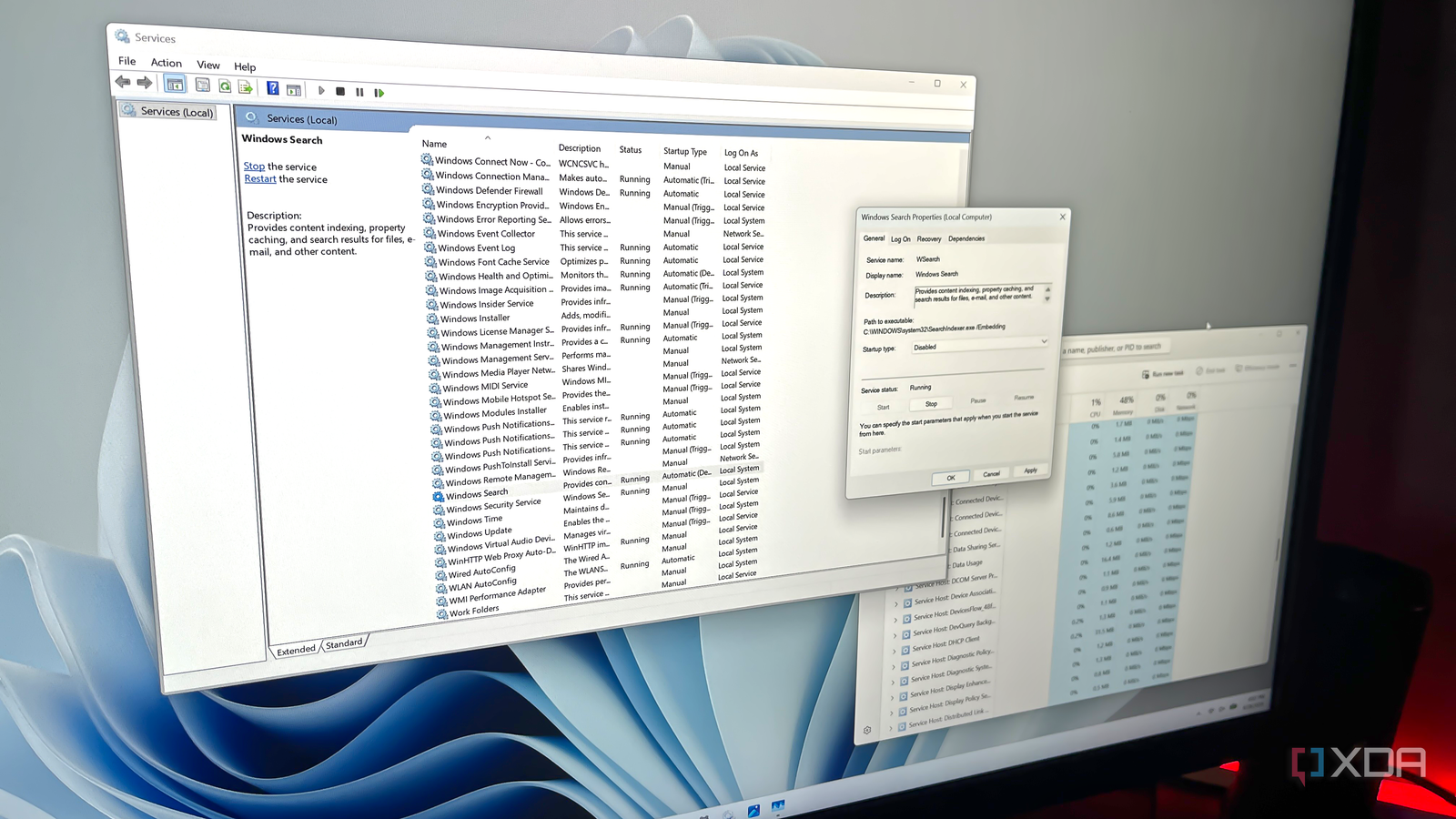
Key FactsTargeted Windows service disabling: key limits
Oct 5, 2026 · Reading time: ~30 sec.
Summary created with AI assistance · Source: xda-developers.com
Summary created with AI assistance · Source: xda-developers.com
- Windows’ Services utility usually displays 100 or more entries; active services are marked running, while inactive ones show no status.
- Depending on usage, the article identifies Connected User Experiences and Telemetry, Delivery Optimization, Windows Search, SysMain, and Xbox or printer services.
- When disabling a service, users must set its startup type to Disabled, stop it, and save changes so Windows does not reload it.
- Windows Update should not be disabled; removing a few services usually produces only modest performance gains.
Windows 11 still ships a system image tool from Windows 7, and it saved my PC when nothing else could
xda-developers.com/windows-7-system-image-tool-saved-my-pc-when-nothing-else-could/
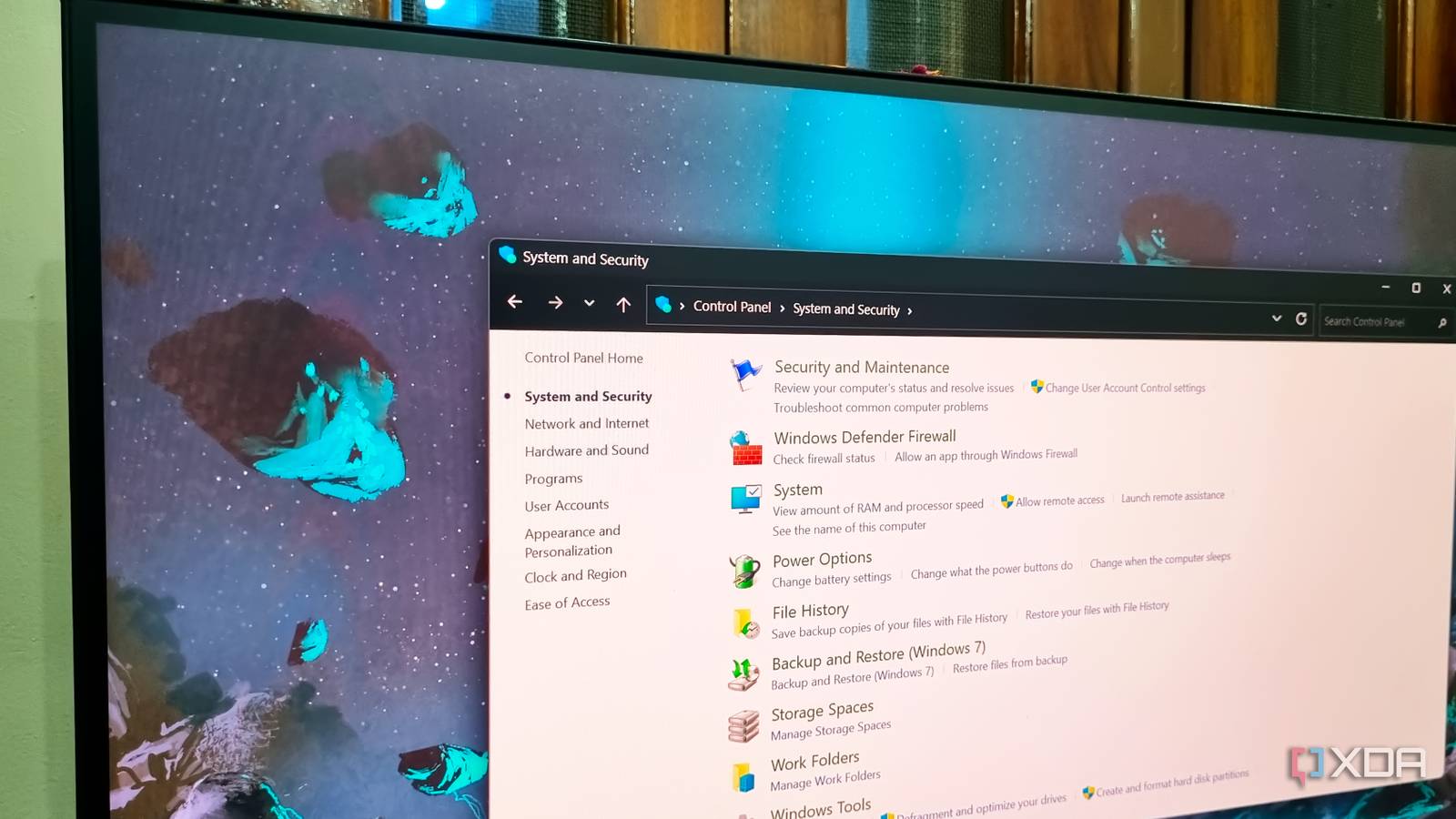
Key FactsWindows 11 Still Includes Windows 7’s System Image Tool
6 days ago · Reading time: ~45 sec.
Summary created with AI assistance · Source: xda-developers.com
Summary created with AI assistance · Source: xda-developers.com
- Backup and Restore remains available through Windows 11’s Control Panel, although Microsoft marks it as obsolete.
- After WinRE repairs failed, the author restored his unbootable primary computer using an external system image.
- Windows Backup saves folders and settings, while File History stores file versions; neither restores a complete system state.
- Microsoft recommends OneDrive or other system-image tools because Backup and Restore does not support incremental backups.
I have successfully restored my PC with a system image backup, and so can you.— Abhishek, XDA author, describing his experience restoring his PC with a system image backup.
Fast Startup is the first setting I turn off on every Windows PC, and it's fixed more weird bugs than I expected
xda-developers.com/fast-startup-setting-turn-off-windows-fixed-more-weird-bugs-than-expected/
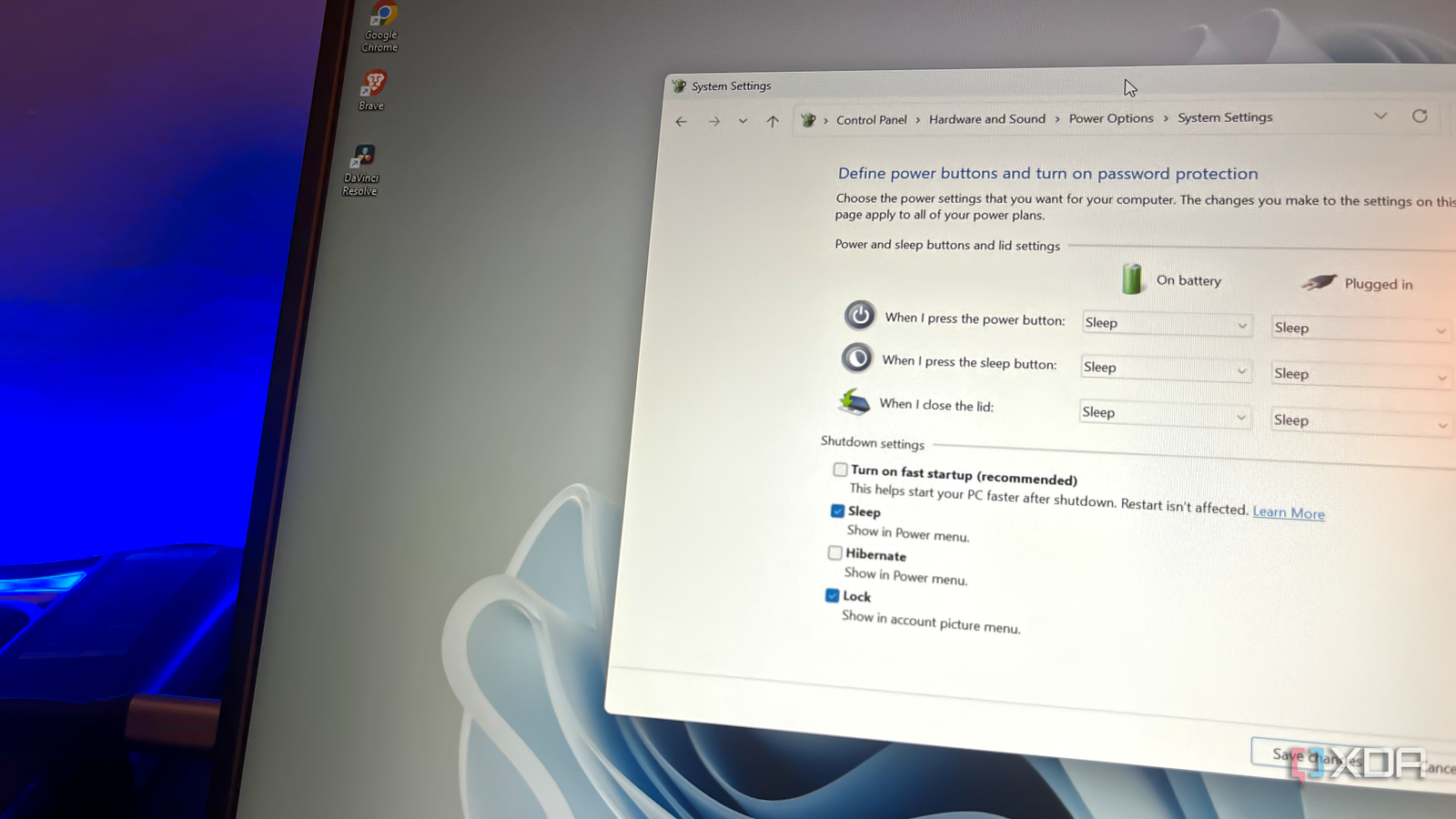
Key FactsFast Startup: Faster Boots, Potential Windows Problems
Oct 8, 2026 · Reading time: ~45 sec.
Summary created with AI assistance · Source: xda-developers.com
Summary created with AI assistance · Source: xda-developers.com
- Fast Startup has been part of Windows since Windows 8, saving the kernel session and loaded drivers for faster boots.
- According to the article, an enabled Fast Startup does not fully shut down the PC; restarts bypass the feature.
- The article says Microsoft notes that Fast Startup can make installing some updates more difficult.
- In Windows 10 and 11, Fast Startup is disabled through Control Panel rather than the Settings app.
I've found Fast Startup to be the cause of issues on my Windows laptops on countless occasions.— Kazim, the article's author, recounting his experiences with Windows PCs.

OpinionMicrosoft Left This Windows Bug Broken for 10 Years. I Fixed It in an Afternoon With Opus 5.5
pcmag.com/opinions/microsoft-left-this-windows-bug-broken-for-10-years-i-fixed-it-in-an-afternoon


WindowsCentral Oct 07
Windows 11's October 'Patch Tuesday' lands on the 13th with a smarter File Explorer and new controls — I found 7 of the biggest changes coming ...
windowscentral.com/microsoft/windows-11/windows-11s-october-patch-tuesday-update-on-the-13th-here-are-the-biggest-changes-coming-to-your-pc
Windows 11 on Proxmox can replace your daily driver, if you know which settings to tweak
xda-developers.com/windows-11-on-proxmox-can-replace-your-daily-driver-provided-you-know-which-settings-to-tweak/

Key FactsProxmox Windows 11 VM Can Replace Daily Driver, Report Says
Oct 6, 2026 · Reading time: ~45 sec.
Summary created with AI assistance · Source: xda-developers.com
Summary created with AI assistance · Source: xda-developers.com
- Installation required EFI and TPM state drives plus VirtIO; the Red Hat SCSI driver enabled detection of virtual drives.
- The author preferred Windows 11 Pro with Remote Desktop because the QEMU console remained too slow despite additional resources.
- The author's GTX 1080 enabled 1080p game streaming through GPU passthrough, alongside Blender and Adobe applications.
- Anti-cheat games such as Elden Ring: Nightreign and Arc Raiders reportedly refused to start inside the virtual environment.
Remember how I said “most games” run well on this virtualized instance of Windows 11?— Ayush Pande, referring to his earlier claim about Windows 11 VM performance on Proxmox
OpinionMicrosoft Built the Best Version of Windows 11...and Put It Behind a Wall of Code
pcmag.com/opinions/microsoft-built-the-best-version-of-windows-11and-put-it-behind-a-wall


How To Supercharge Your Windows 11 PC With This Built-In Automation Tool: Your Windows PC can automate repetitive tasks using a built-in utility that doesn't ...
engadget.com/2277240/how-to-supercharge-windows-11-pc-built-in-automation-tool-task-scheduler/


microsoft.com Oct 05
What's new in Windows 11, version 26H2 for IT pros: Learn more about what's new in Windows 11, version 26H2, including servicing updates.
learn.microsoft.com/en-us/windows/whats-new/whats-new-windows-11-version-26h2

Your PC already has a better hypervisor than VirtualBox, and it's been there the whole time
xda-developers.com/windows-hyper-v-is-better-hypervisor-virtualbox/
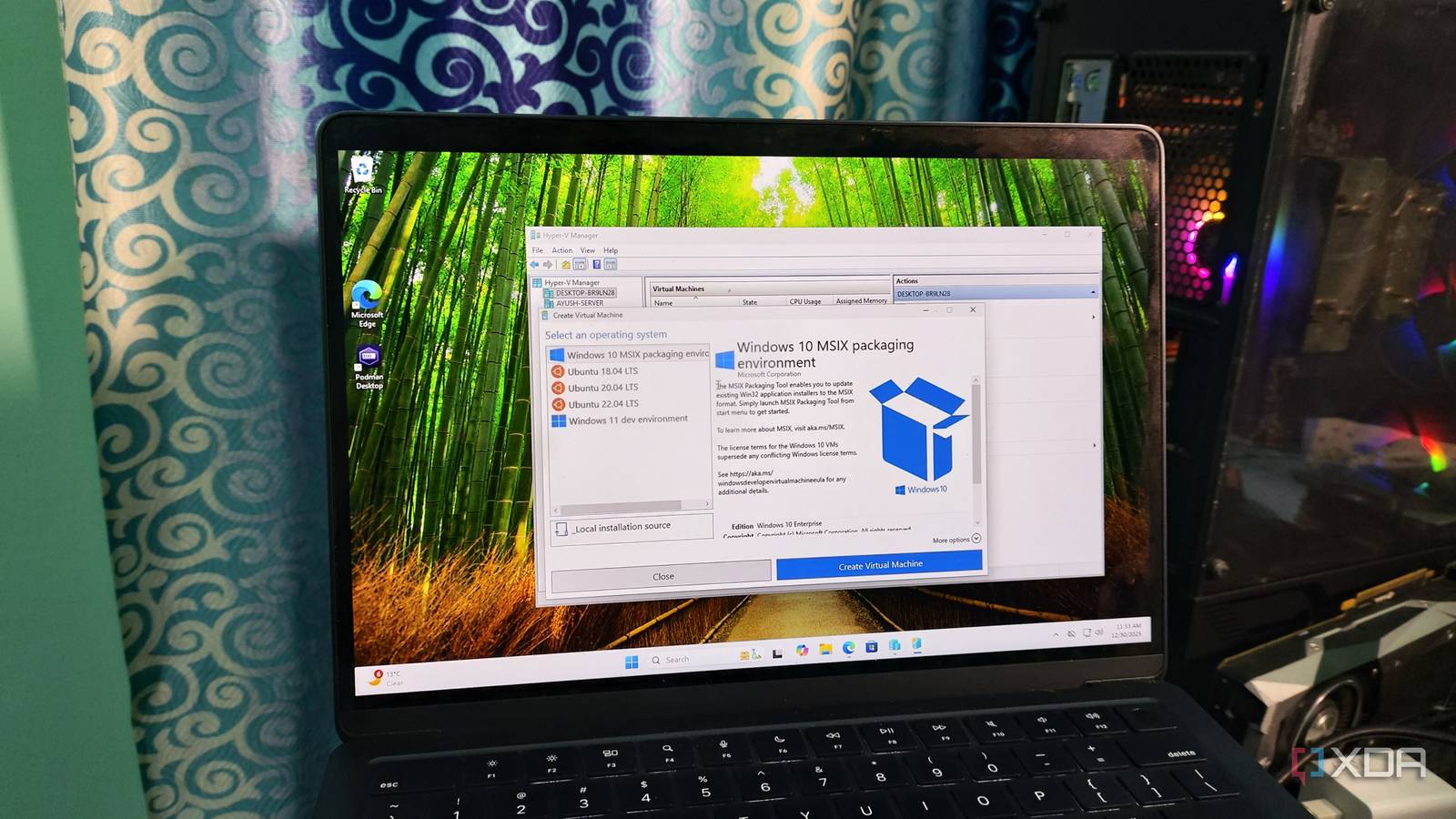
Key FactsXDA Author Favors Hyper-V Over VirtualBox
Aug 4, 2026 · Reading time: ~45 sec.
Summary created with AI assistance · Source: xda-developers.com
Summary created with AI assistance · Source: xda-developers.com
- The author considers Hyper-V more reliable because of its Windows integration and reports conflicts between Windows changes and VirtualBox or VMware.
- In the author's assessment, Hyper-V provides better performance and resource management as a type-1 hypervisor, including dynamic memory allocation.
- Hyper-V provides features such as checkpoints, clipboard sharing, and automatic display resizing natively, while VirtualBox requires Guest Additions for them.
- On Windows 11 Home, a script can reportedly add Hyper-V, although the batch file may take about 30 minutes, show errors, and require a restart afterward.
I prefer reliability over any other feature in a hypervisor.— Abhishek, author at XDA, discussing why reliability matters in a hypervisor in the Hyper-V vs VirtualBox article.
5 reasons I stopped dual‑booting Linux/Windows and spun up a Type‑2 hypervisor instead
xda-developers.com/reasons-stopped-dualbooting-used-type2-hypervisor/
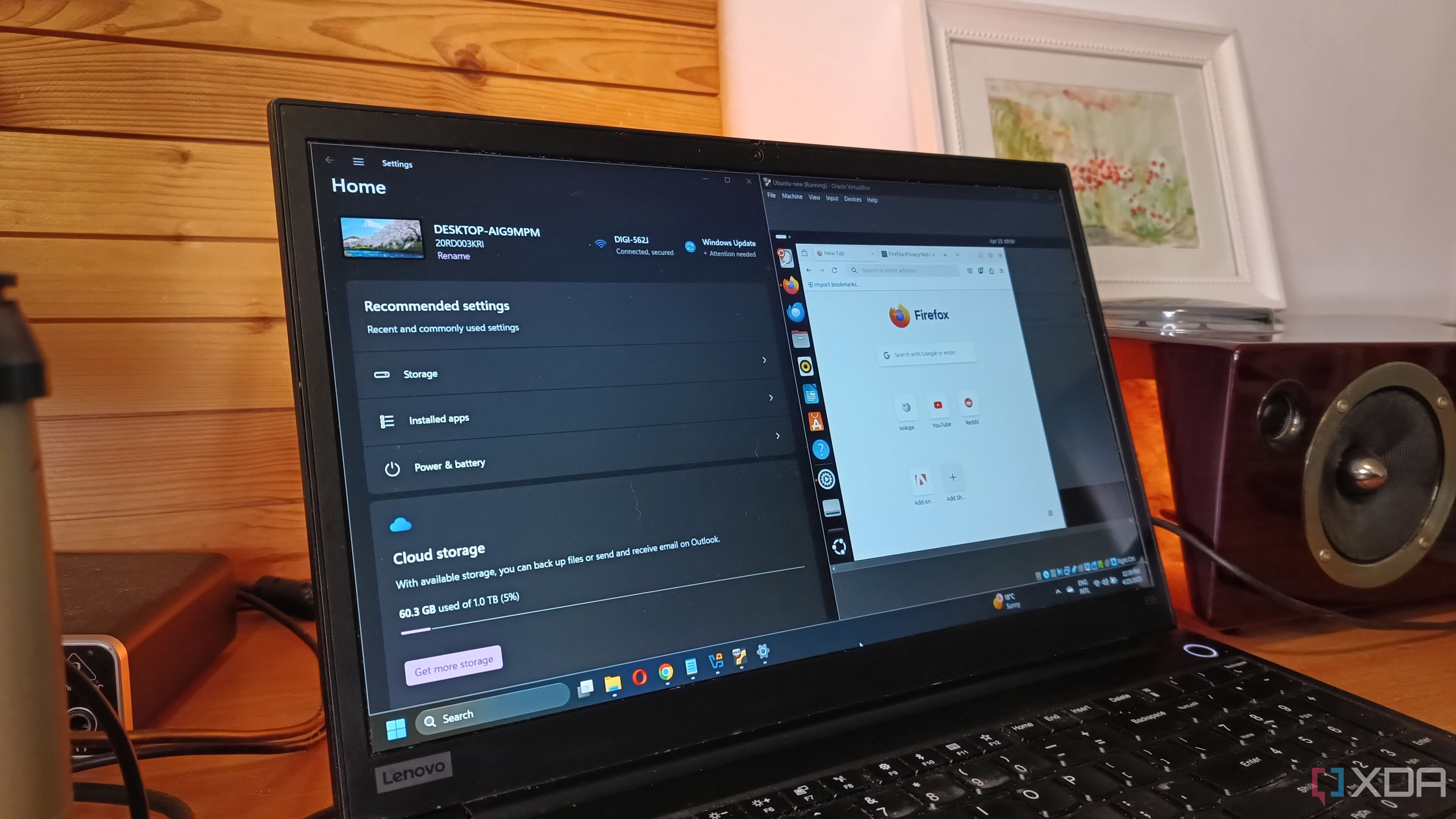

You want to run a virtual PC? Know what hardware you'll need: For a virtual machine to run reliably, it needs a little more computing power ...
pcworld.com/article/2660350/virtual-pcs-you-need-this-hardware.html

Next