
Windows 10: Setting up Explorer like in Windows 7:
How to use Windows 10 Explorer like in Windows 7: How to set up "This PC" and make Quick Access more organized ...
fr.de/verbraucher/windows-10-explorer-wie-bei-windows-einstellen-zr-94460268.html

Story Details
| Last Updated | |
| Total Articles | 1 |
Main Topics


file manager application that is included with releases of the Microsoft Windows operating system

Similar to This
Previous

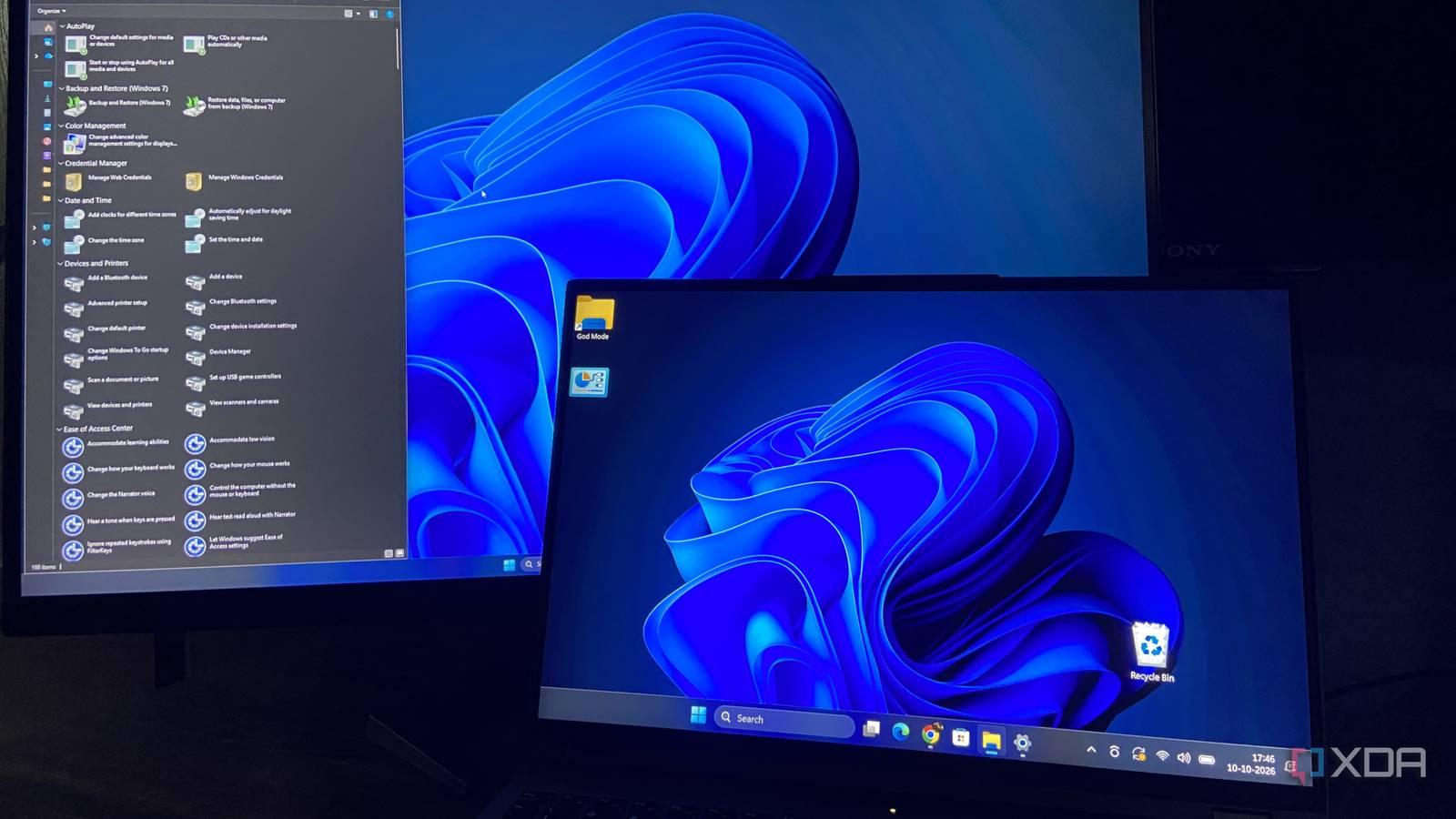
Windows 11 hides a Windows 7 folder that beats the Settings app, and I use it every day
xda-developers.com/windows-11-hides-a-windows-7-folder-that-beats-the-settings-app-and-i-use-it-every-day/
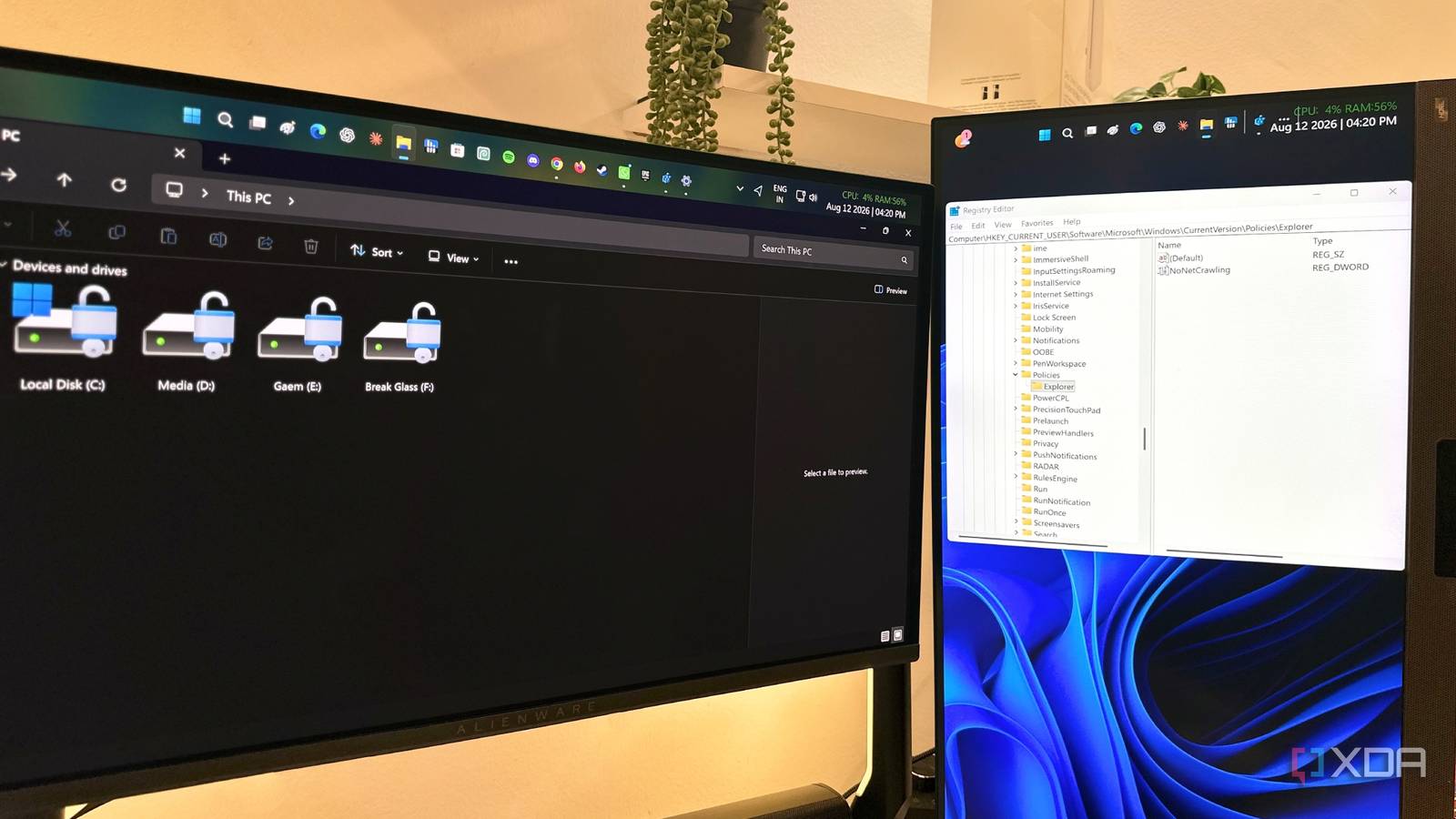
I changed one Registry setting and File Explorer finally stopped wasting my time: Your File Explorer is probably waiting for network drives you don't use anymore
xda-developers.com/one-registry-change-made-windows-11-file-explorer-feel-instant-again/

Show files and folders under "This PC" - | here's how: How to display any files and folders under "This PC" in Windows Explorer and create convenient ...
tz.de/verbraucher/dateien-und-ordner-unter-dieser-pc-anzeigen-so-geht-zr-94482361.html

I changed one Registry setting and File Explorer finally stopped wasting my time: Your File Explorer is probably waiting for network drives you don't use anymore
xda-developers.com/one-registry-change-made-windows-11-file-explorer-feel-instant-again/
I changed one Registry setting and File Explorer finally stopped wasting my time: Your File Explorer is probably waiting for network drives you don't use anymore
xda-developers.com/one-registry-change-made-windows-11-file-explorer-feel-instant-again/
Key FactsRegistry tweak made File Explorer feel faster for its author
Aug 21, 2026 · Reading time: ~30 sec.
Summary created with AI assistance · Source: xda-developers.com
Summary created with AI assistance · Source: xda-developers.com
- File Explorer also tracks network locations and mapped drives, so slow, sleeping, or unavailable targets can cause delays when folders open.
- The recommended process is to back up the Registry, set NoNetCrawling to 1 under HKEY_CURRENT_USER\Software\Microsoft\Windows\CurrentVersion\Policies\Explorer, and then restart Explorer.exe.
- Microsoft describes NoNetCrawling as controlling automatic searches for network folders and printers, meaning the change does not speed up the SSD but removes unnecessary network activity.
- People who regularly use NAS devices, shared folders, or network printers should not disable the feature indiscriminately and can reverse it by setting the value to 0 or deleting it.
I changed one Registry setting and File Explorer finally stopped wasting my time: Your File Explorer is probably waiting for network drives you don't use anymore
xda-developers.com/one-registry-change-made-windows-11-file-explorer-feel-instant-again/
Windows File Explorer is frustrating by default, but these 5 tweaks fix almost everything
xda-developers.com/windows-file-explorer-frustrating-default-5-tweaks-fix-almost-everything/
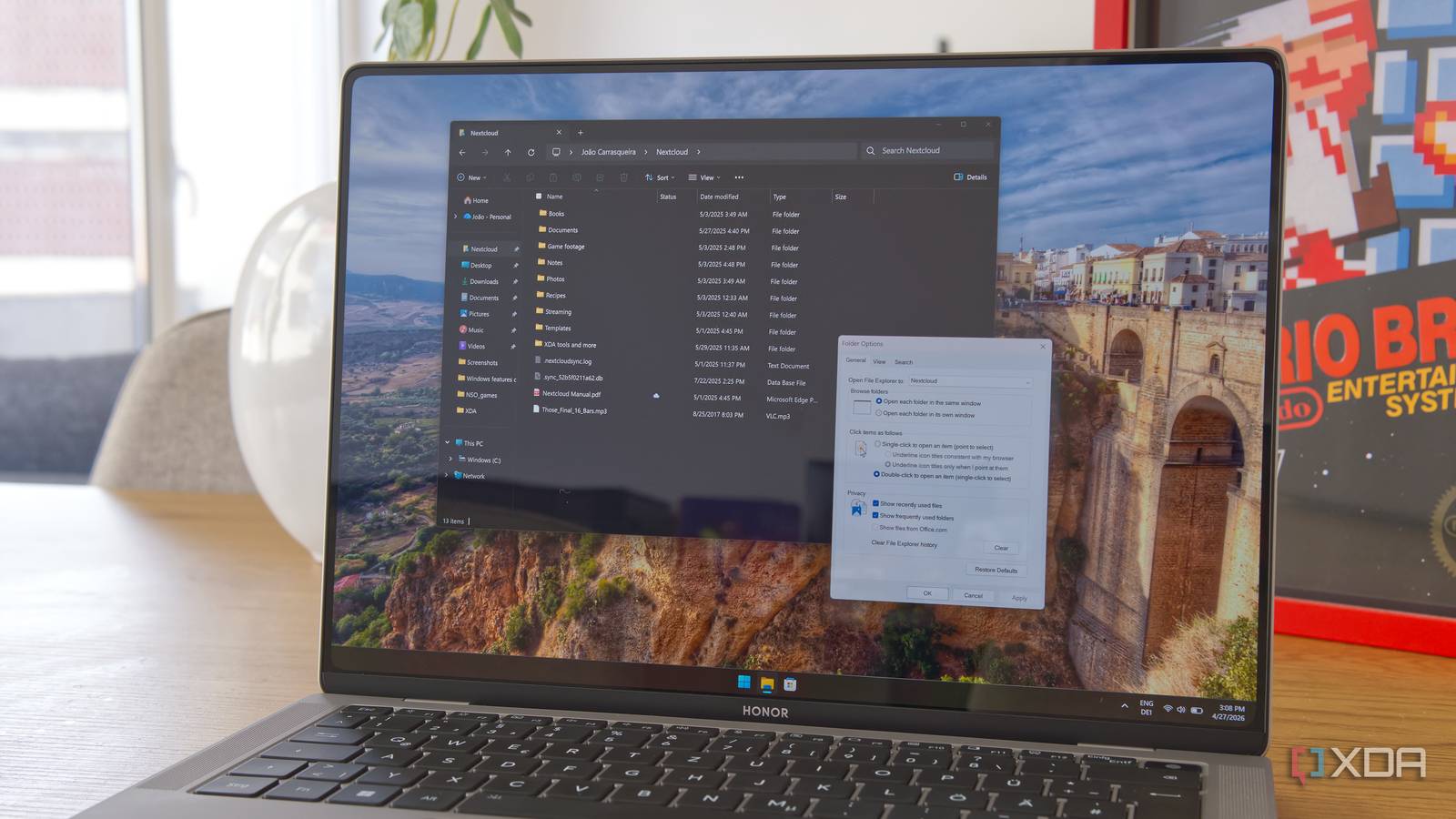
I fixed Windows 11 File Explorer lag by disabling this legacy service: A quarter-century old service we no longer need.
xda-developers.com/fix-windows-11-file-explorer-lag-by-disabling-this-legacy-service/


Microsoft Weekly: Windows 11 26H1 is coming soon, anti-slop tools for Windows, and more
neowin.net/news/microsoft-weekly-windows-11-26h1-is-coming-soon-anti-slop-tools-for-windows-and-more/

Windows 11 25H2 and 24H2 get the new Start menu and a lot of new features in KB5067036
neowin.net/news/windows-11-25h2-and-24h2-get-the-new-start-menu-and-a-lot-of-new-features-in-kb5067036/

KB5067036: Windows 11 gets redesigned Start menu and more new features in Release Preview
neowin.net/news/kb5067036-windows-11-gets-redesigned-start-menu-and-more-new-features-in-release-preview/
Windows 11 gets a new File Explorer feature, Start menu fixes, and more in new builds
neowin.net/news/windows-11-gets-a-new-file-explorer-feature-start-menu-fixes-and-more-in-new-builds/
KB5060829: Microsoft makes Windows 11 File Explorer, Search faster with Build 26100.4482
neowin.net/news/kb5060829-microsoft-makes-windows-11-file-explorer-search-faster-with-build-261004482/

Windows 11 build 26120.4230 gets new Quick machine recovery in the Settings app: Windows 11 build 26120.4230 (KB5058506) is rolling out to the Beta Channel for ...
neowin.net/news/windows-11-build-261204230-gets-new-quick-machine-recovery-in-the-settings-app/

Windows 11 KB5055627 release preview gets a Windows Update improvement that you'll like
neowin.net/news/windows-11-kb5055627-release-preview-gets-a-windows-update-improvement-that-youll-like/

Windows 11 build 22635.5170 is out in Beta Channel with File Explorer improvements and more
neowin.net/news/windows-11-build-226355170-is-out-in-beta-channel-with-file-explorer-improvements-and-more/

Windows 11 build 26120.3380 is out with new features for Start menu, new tray button, more
neowin.net/news/windows-11-build-261203380-is-out-with-new-features-for-start-menu-new-tray-button-more/

The Windows 11 Beta will finally bring peace to your chaotic file organization: Also, it'll let you open commonly-snapped apps a lot easier.
xda-developers.com/windows-11-beta-peace-chaotic-file-organization/
Top 10 cool and useful features coming soon to Windows 11: Microsoft is working on quite a lot of new stuff for Windows 11. Here are ten useful and cool changes ...
neowin.net/news/top-10-cool-and-useful-features-coming-soon-to-windows-11/

Next