This Windows 11 repair trick fixes nearly every Windows problem:
Learn how to use DISM and SFC commands offline to repair Windows 11 and fix common issues ...
xda-developers.com/this-windows-11-repair-trick-fixes-nearly-every-windows-problem/

Story Details
| Last Updated | |
| Total Articles | 3 |
Main Topics


form of dishonesty or criminal offense undertaken by a person or organization entrusted with a position of authority, to acquire illicit benefit or abuse power for one's private gain
Similar to This
Previous

Your Windows PC has a built-in maintenance tool that outperforms every paid optimizer on the market
xda-developers.com/windows-pc-has-built-in-optimization-tool-hidden-plain-sight-beats-every-paid-alternative/

ChatGPT Voice helped me fix my corrupted gaming PC - and avoid a costly mistake - ZDNET
zdnet.com/innovation/chatgpt-voice-troubleshooting-fixed-corrupted-gaming-pc/

I cloned an old SSD to save time, but it created more problems than it solved: I saved some hassle, but the downsides taught me a lesson
xda-developers.com/i-cloned-old-ssd-it-created-more-problems/
I cut my Windows boot time in half by running one simple command, and you can too
xda-developers.com/i-slashed-my-pc-boot-times-in-half-with-this-free-5-minute-hack/
Key FactsAuthor Reports Command Routine Halved Windows Boot Time
Sep 1, 2026 · Reading time: ~30 sec.
Summary created with AI assistance · Source: xda-developers.com
Summary created with AI assistance · Source: xda-developers.com
- According to the article, corrupted system files can trigger retry loops adding 10 to 30 seconds to each boot.
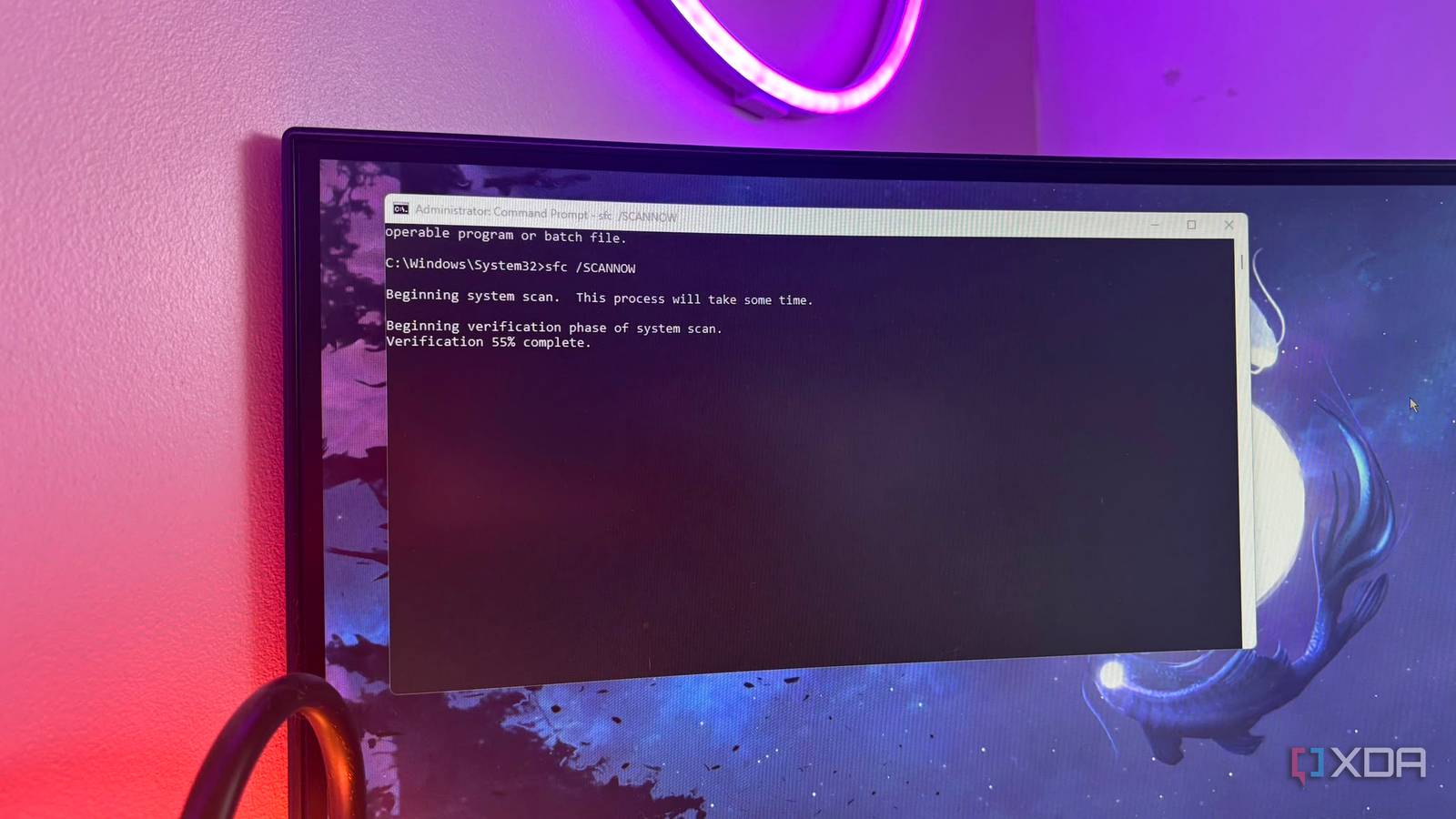
- The routine checks files with sfc /SCANNOW, then repairs and cleans the component store using two DISM commands.
- The article recommends Event Viewer, Diagnostic-Performance, and event ID 100 for comparing startup events.
- After restarting, users should monitor the results rather than immediately considering a new SSD or Windows reinstallation.
I cut my Windows boot time in half by running one simple command, and you can too
xda-developers.com/i-slashed-my-pc-boot-times-in-half-with-this-free-5-minute-hack/
Key FactsXDA Article Reports Windows Boot Time Cut in Half
Aug 6, 2026 · Reading time: ~30 sec.
Summary created with AI assistance · Source: xda-developers.com
Summary created with AI assistance · Source: xda-developers.com
- The article attributes slow startups partly to potential corrupted system files, faulty component manifests, and orphaned registry boot pointers.
- It recommends running “sfc /SCANNOW,” “DISM /Online /Cleanup-Image /RestoreHealth,” and “DISM /Online /Cleanup-Image /StartComponentCleanup” in an administrator command prompt.
- To check boot duration, users are directed to filter Event Viewer under “Diagnostics-Performance > Operational” for events with ID 100.
- The article recommends trying the roughly five-minute free routine before buying an SSD or reinstalling Windows and monitoring the results after a reboot.
I cut my Windows boot time in half by running one simple command, and you can too
xda-developers.com/i-slashed-my-pc-boot-times-in-half-with-this-free-5-minute-hack/

Windows won't boot? Safe Mode is the lifeline you need: Safe mode allows you to troubleshoot problems with Windows 11 that are difficult to resolve during normal ...
pcworld.com/article/3040265/windows-wont-boot-safe-mode-is-the-lifeline-you-need.html

7 ancient Windows commands that are still helpful for troubleshooting today: Discover 7 surprisingly old Windows Command Prompt commands that remain valuable for ...
xda-developers.com/ancient-windows-troubleshooting-commands/
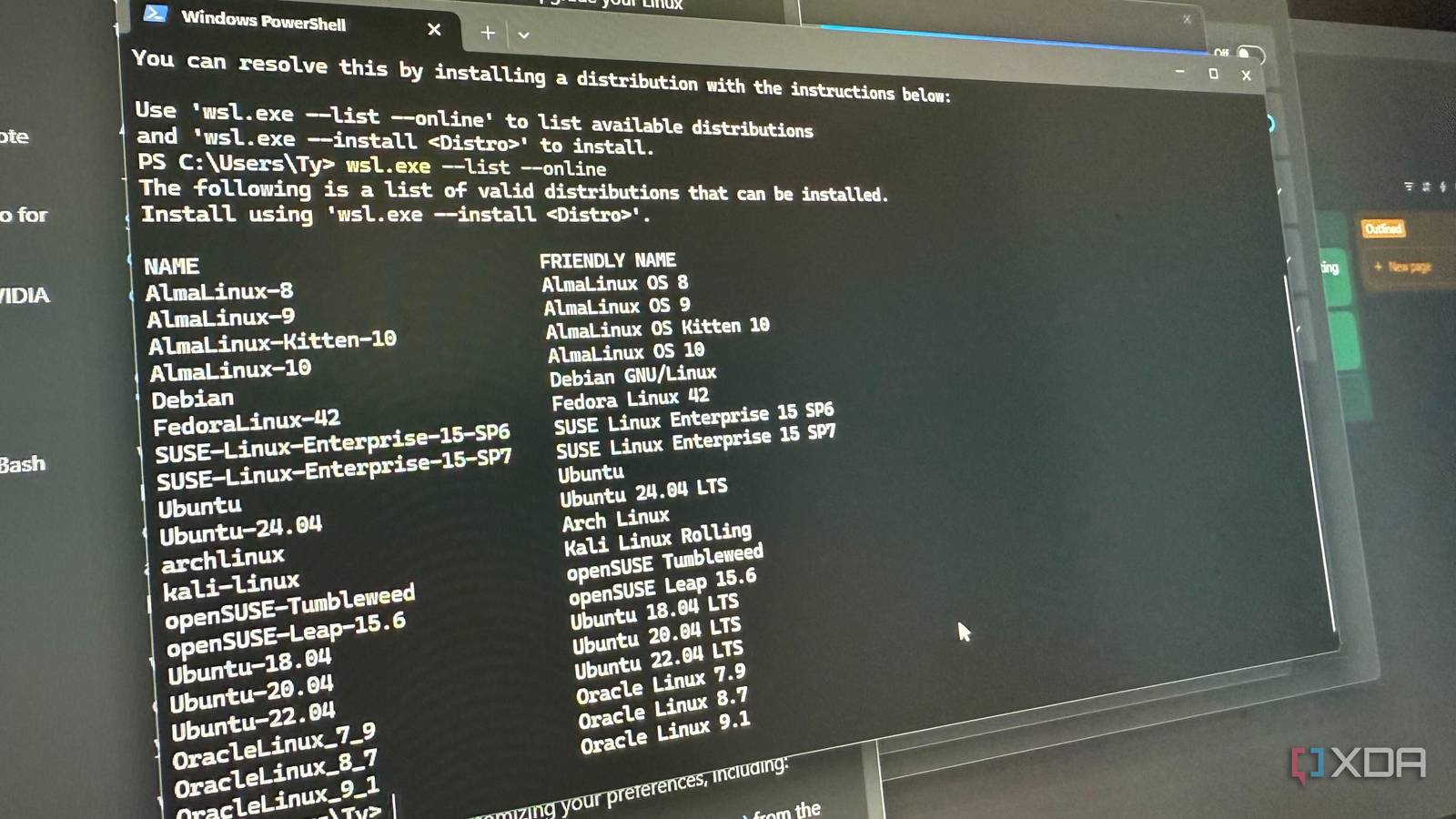
6 utilities that solve the most annoying Windows problems: These utilities have really helped with so many Windows issues.
xda-developers.com/utilities-solve-annoying-windows-problems/
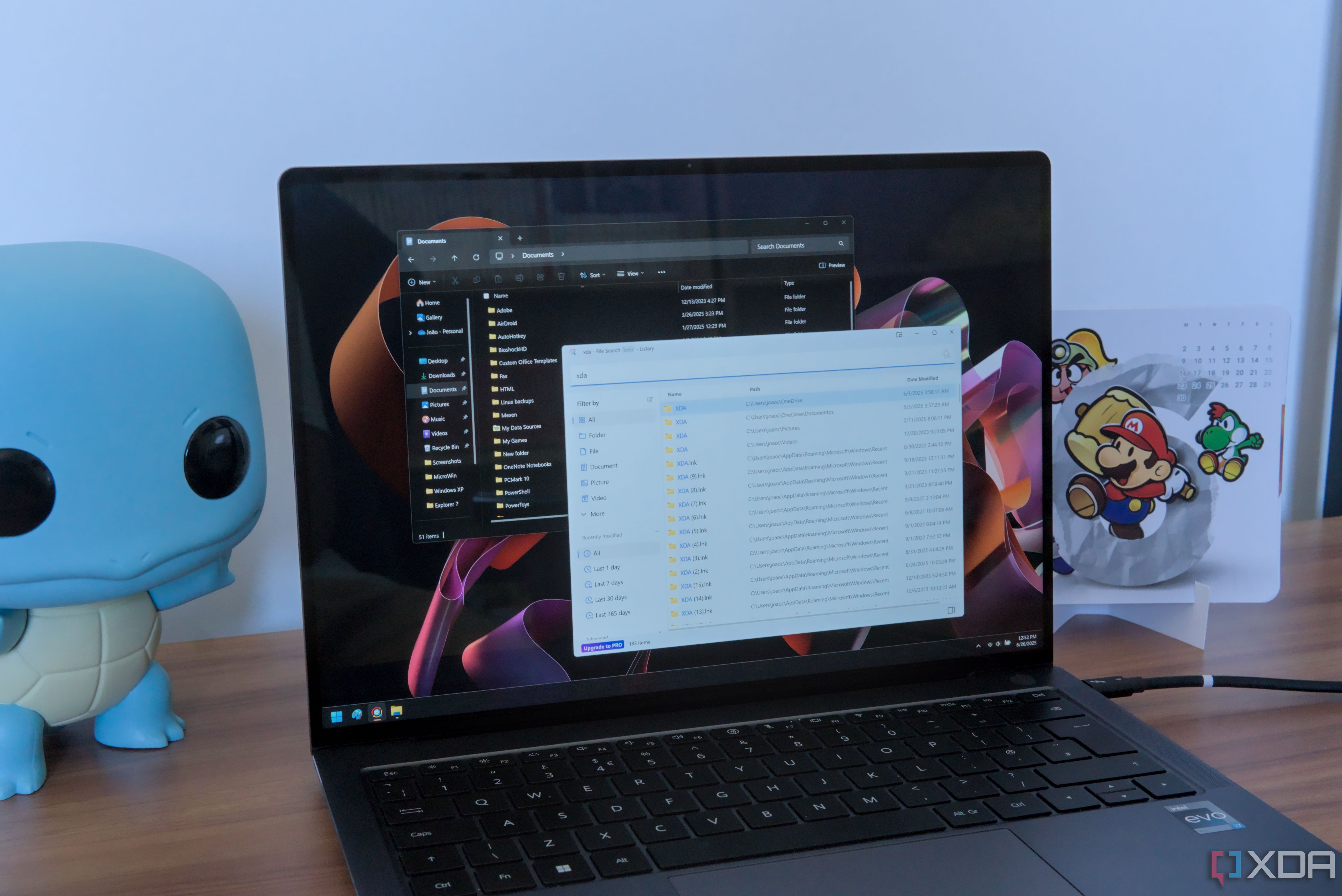

Unofficial script does the most useful official Windows 11/10 repairs you want automatically
neowin.net/news/unofficial-script-does-the-most-useful-official-windows-1110-repairs-you-want-automatically/

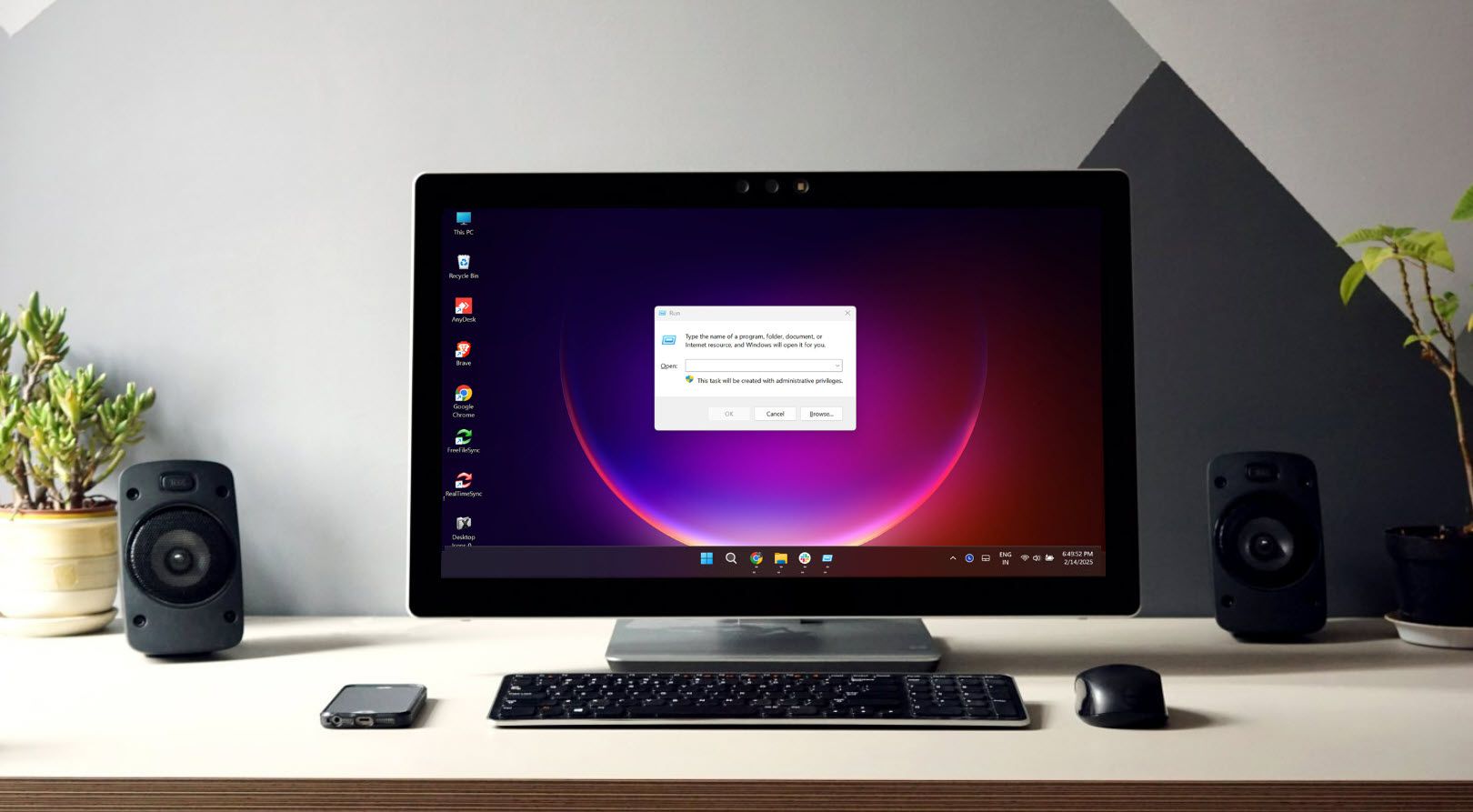
100+ run commands that can help you work efficiently on Windows: Use these Run commands to quickly get to those functions you need.
xda-developers.com/run-commands-work-efficiently-windows/
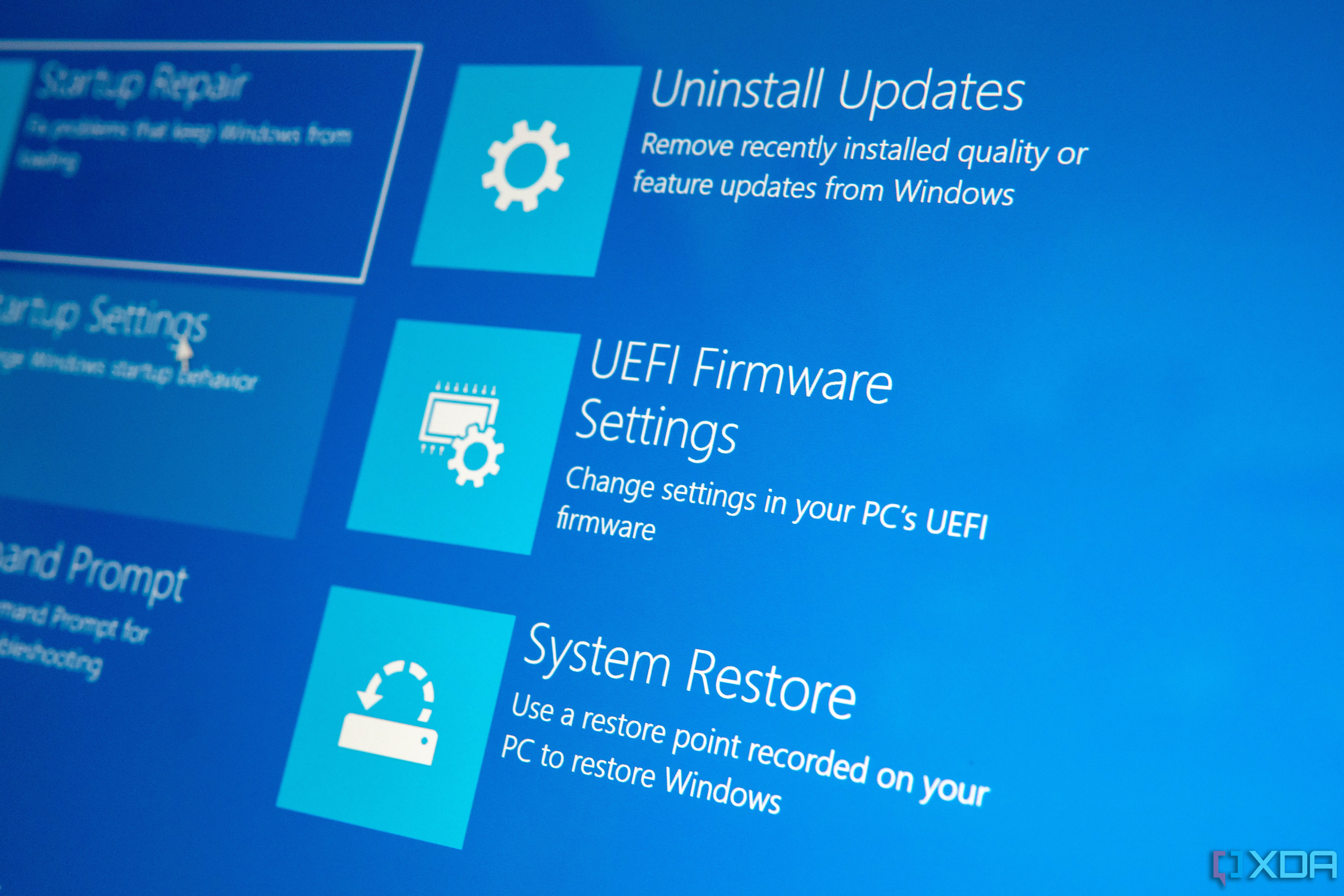
6 reasons you need a Windows recovery USB for emergencies: Discover how a Windows recovery USB can get you out of emergencies, from fixing startup issues to ...
xda-developers.com/why-you-need-a-windows-recovery-usb/

Windows 11 24H2 KB5044384 update fixes sfc /scannow corrupt file errors: Microsoft has released the optional KB5044384 preview cumulative update for Windows 11 ...
bleepingcomputer.com/news/microsoft/windows-11-24h2-kb5044384-update-fixes-sfc-scannow-corrupt-file-errors/

Windows 11 24H2 Update Comes With 8.6GB Junk File You Can't Delete: 24H2 spawns an unusable 'Windows Update Cleanup' cache file on PCs—with no easy way to remove ...
pcmag.com/news/windows-11-24h2-update-comes-with-8gb-junk-file-you-cant-delete


Ziff Davis Oct 11 24
Windows 11 24H2 Update Creates an 8.63GB Cache File That Cannot Be Deleted Easily
extremetech.com/computing/windows-11-24h2-update-creates-an-863gb-cache-file-that-cannot-be-deleted

Key FactsFreeing Disk Space After Windows Updates
Oct 12, 2024 · Reading time: ~30 sec.
Summary created with AI assistance · Source: neowin.net
Summary created with AI assistance · Source: neowin.net
- Windows 10 and 11 receive monthly updates, with the latest version 24H2 taking up significant disk space.
- It is advisable to remove old installations to free up space post-update, but this will eliminate the option to revert back.
- Users can navigate to Settings > System > Storage to select 'Previous Windows Installation(s)' and 'Delivery Optimization Files' for cleanup.
- Alternatively, the legacy Disk Cleanup tool can be utilized for similar disk space management.
Windows unleashed: 7 easy programs that unlock command line powers: Command line tools offer useful functions, but are difficult to use. Graphical interfaces for ...
pcworld.com/article/2430467/operating-command-line-tools-with-the-mouse-the-best-guis.html


Gizchina Aug 03 24
How to Fix Blue Screen Error “irql_not_less_or_equal” in Windows: Chinese Phone blog dedicated to providing breaking news, expert reviews, Chinese Phones ...
gizchina.com/2024/08/03/how-to-fix-blue-screen-error-irql_not_less_or_equal-in-windows/


Computerworld Jul 26 24
How to repair Windows 10 or 11 in 4 steps: When Windows gets wonky, try this series of repair techniques — in this order — to attempt to set things right.
computerworld.com/article/1674590/repair-windows-10-and-11-step-by-step-guide.html

Next