

Multiboot vs. virtual PC vs. live DVD: Which is best for multiple OSes?:
Two Windows and maybe one Linux. There is room for more than one OS on the PC ...
pcworld.com/article/2284395/multiboot-vs-virtual-pc-vs-live-dvd-which-is-better.html
Story Details
| Last Updated | |
| Total Articles | 2 |
Main Topics

software that emulates an entire computer, often used to provide a different operating system or hardware architecture than the host system

Similar to This
Previous


There's a Linux PC Hiding Inside Your Steam Deck. Here's How to Use It: Unlike the PS5 or Switch 2, the Steam Deck lets you install almost any app you want ...
pcmag.com/explainers/theres-a-linux-pc-hiding-inside-your-steam-deck-heres-how-to-use-it


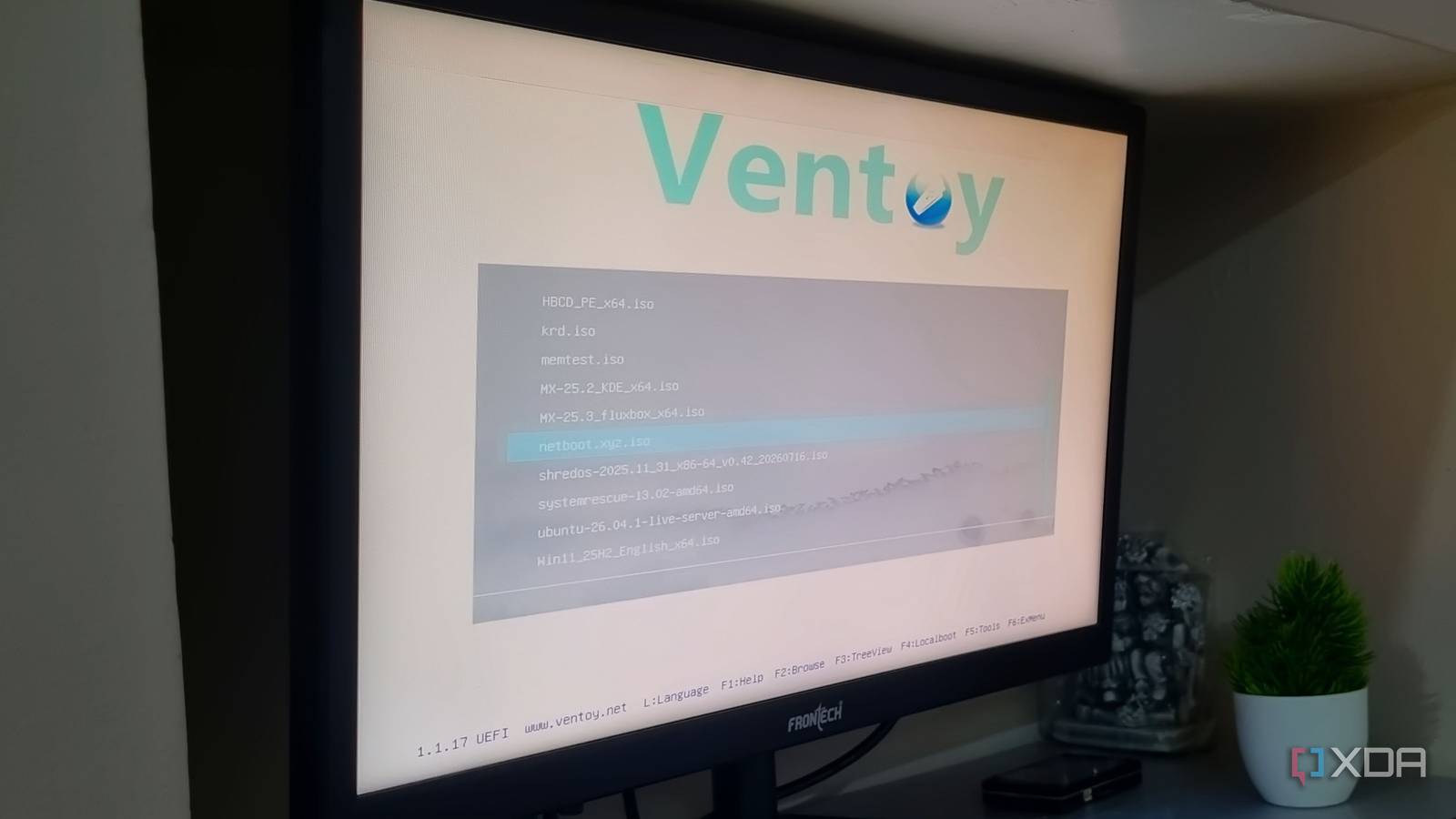
Key Factsnetboot.xyz fetches operating systems over a network
Nov 7, 2026 · Reading time: ~30 sec.
Summary created with AI assistance · Source: xda-developers.com
- netboot.xyz uses iPXE to connect to its own server and retrieve installation files, live environments, and other resources.
- After Ethernet failed to connect automatically, the author manually configured the IP address, subnet mask, DNS, and gateway.
- The menu includes around two dozen Linux distributions and rescue tools such as GParted, Clonezilla, and MemTest86+.
- In the author's test, Debian took around 45 minutes in a virtual machine; he says internet speed plays an important role.

Key FactsProxmox Windows 11 VM Can Replace Daily Driver, Report Says
Oct 6, 2026 · Reading time: ~45 sec.
Summary created with AI assistance · Source: xda-developers.com
- Installation required EFI and TPM state drives plus VirtIO; the Red Hat SCSI driver enabled detection of virtual drives.
- The author preferred Windows 11 Pro with Remote Desktop because the QEMU console remained too slow despite additional resources.
- The author's GTX 1080 enabled 1080p game streaming through GPU passthrough, alongside Blender and Adobe applications.
- Anti-cheat games such as Elden Ring: Nightreign and Arc Raiders reportedly refused to start inside the virtual environment.
Remember how I said “most games” run well on this virtualized instance of Windows 11?— Ayush Pande, referring to his earlier claim about Windows 11 VM performance on Proxmox
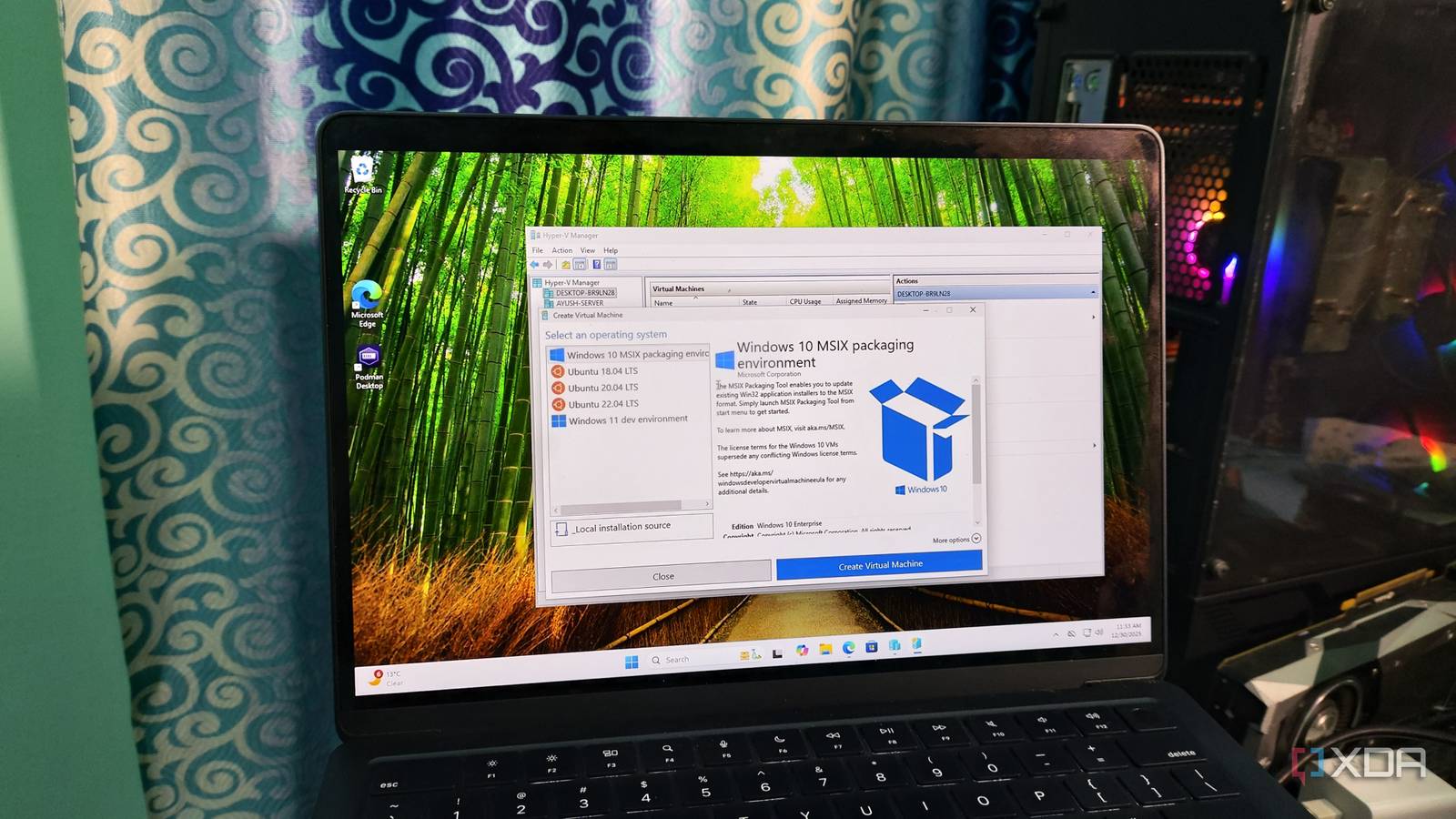
Key FactsXDA Author Favors Hyper-V Over VirtualBox
Aug 4, 2026 · Reading time: ~45 sec.
Summary created with AI assistance · Source: xda-developers.com
- The author considers Hyper-V more reliable because of its Windows integration and reports conflicts between Windows changes and VirtualBox or VMware.
- In the author's assessment, Hyper-V provides better performance and resource management as a type-1 hypervisor, including dynamic memory allocation.
- Hyper-V provides features such as checkpoints, clipboard sharing, and automatic display resizing natively, while VirtualBox requires Guest Additions for them.
- On Windows 11 Home, a script can reportedly add Hyper-V, although the batch file may take about 30 minutes, show errors, and require a restart afterward.
I prefer reliability over any other feature in a hypervisor.— Abhishek, author at XDA, discussing why reliability matters in a hypervisor in the Hyper-V vs VirtualBox article.


I joyfully reunited with my first Linux distro at the Virtual OS Museum: Feeling nostalgic? From Amiga Unix to XVM/RSX, anyone can run over 570 extinct OSes ...
zdnet.com/article/reunited-with-my-first-linux-distro-at-the-virtual-os-museum/


I see why this Linux distro is the dream pick for gamers and content creators: Yes, it was a challenge to install. But then GLF OS took me by surprise - in the ...
zdnet.com/article/glf-os-linux-distro-perfect-for-gamers-and-content-creators/

Windows Sandbox is a criminally underrated feature: If you're testing a lot of potentially dangerous software, Windows 11 comes with an extremely useful feature ...
xda-developers.com/windows-sandbox-is-criminally-underrated/
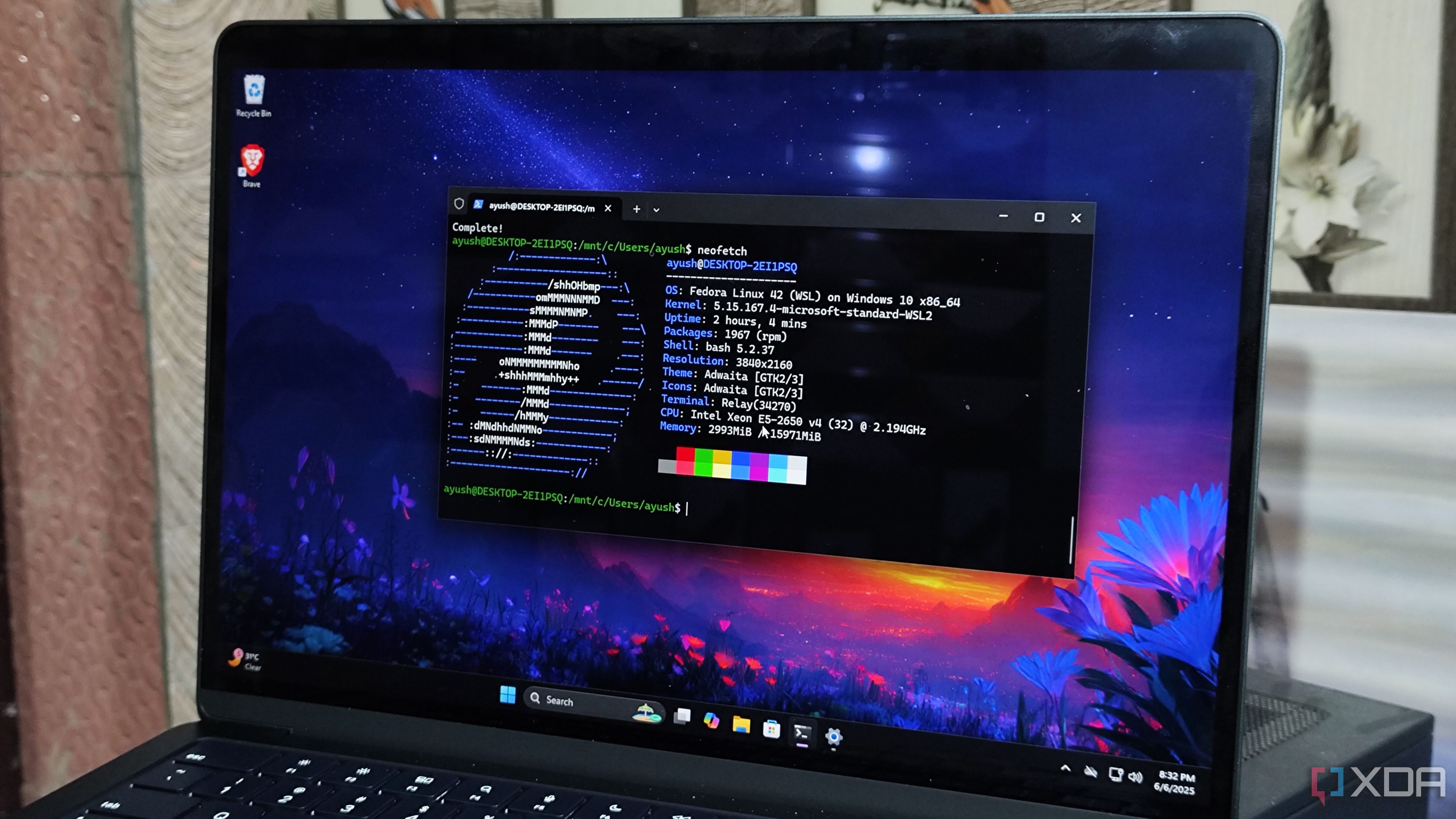
WSL made using my Windows 11 PC so much easier, here's how: Discover how Windows Subsystem for Linux (WSL) transformed this user's Windows 11 ...
xda-developers.com/wsl-made-using-my-windows-pc-so-much-easier-heres-how/


5 lightweight Linux distributions with very low system requirements: If you have an aging computer and want to give it new life, there are plenty of lightweight ...
zdnet.com/article/5-lightweight-linux-distributions-with-very-low-system-requirements/

5 cool things to do with virtual machines on Windows 11: VMs are more useful than you might think
xda-developers.com/5-cool-things-to-do-with-virtual-machines-on-windows-11/


VMware Workstation: Download VMware Workstation - Run multiple operating systems seamlessly on your desktop.
techspot.com/downloads/189-vmware-workstation-for-windows.html


Switching from Windows to Linux: The window goes to - Golem.de: I wanted to move away from Windows and switch to Linux: What challenges I faced and how I ...
golem.de/news/umstieg-von-windows-auf-linux-das-fenster-geht-zu-2407-186932.html

I tried out a bunch of pariah state OSes to find out which is best for gaming: We do work here at PC Gamer. Good work. We craft the finest guides around ...
pcgamer.com/i-tried-out-a-bunch-of-pariah-state-oses-to-find-out-which-is-best-for-gaming/
Next