
noypigeeks.com Aug 06 23
How to copy paste from Android to PC and vice versa:
Here's a step-by-step guide (with screenshots) on how you can easily copy paste from an Android device ...
noypigeeks.com/how-tos/copy-paste-android-pc/
Story Details
| Last Updated | |
| Total Articles | 5 |
Main Topics

operating system created by Google for use on mobile devices


Similar to This
Previous

These 4 Android settings are disabled by default, but I refuse to use my phone without them
xda-developers.com/i-refuse-to-use-my-phone-without-these-android-settings/

One hidden Android setting made my Pixel feel snappier the moment I changed it: Make your phone feel instantly faster without having to do much.
xda-developers.com/disable-android-animations-on-pixel-for-faster-experience/

I explored these hidden Pixel developer settings and my phone feels faster: A few taps inside Developer Options made my old Pixel feel surprisingly fresh again.
xda-developers.com/explored-these-hidden-pixel-developer-settings-and-my-phone-feels-faster/


Google Pixel is basic out of the box, but these 6 changes make it a productivity powerhouse
androidpolice.com/google-pixel-is-basic-out-of-the-box-but-these-changes-make-it-productivity-powerhouse/

How To Fix Your Phone Screen When It's Unresponsive To Touch: If your phone screen is unresponsive to touch, a simple fix can help. Here’s how to figure out ...
engadget.com/2301246/how-to-fix-phone-screen-unresponsive-to-touch/

I tested Brave browser on Android and found where its privacy features fall short
androidpolice.com/brave-browser-tested-on-android/
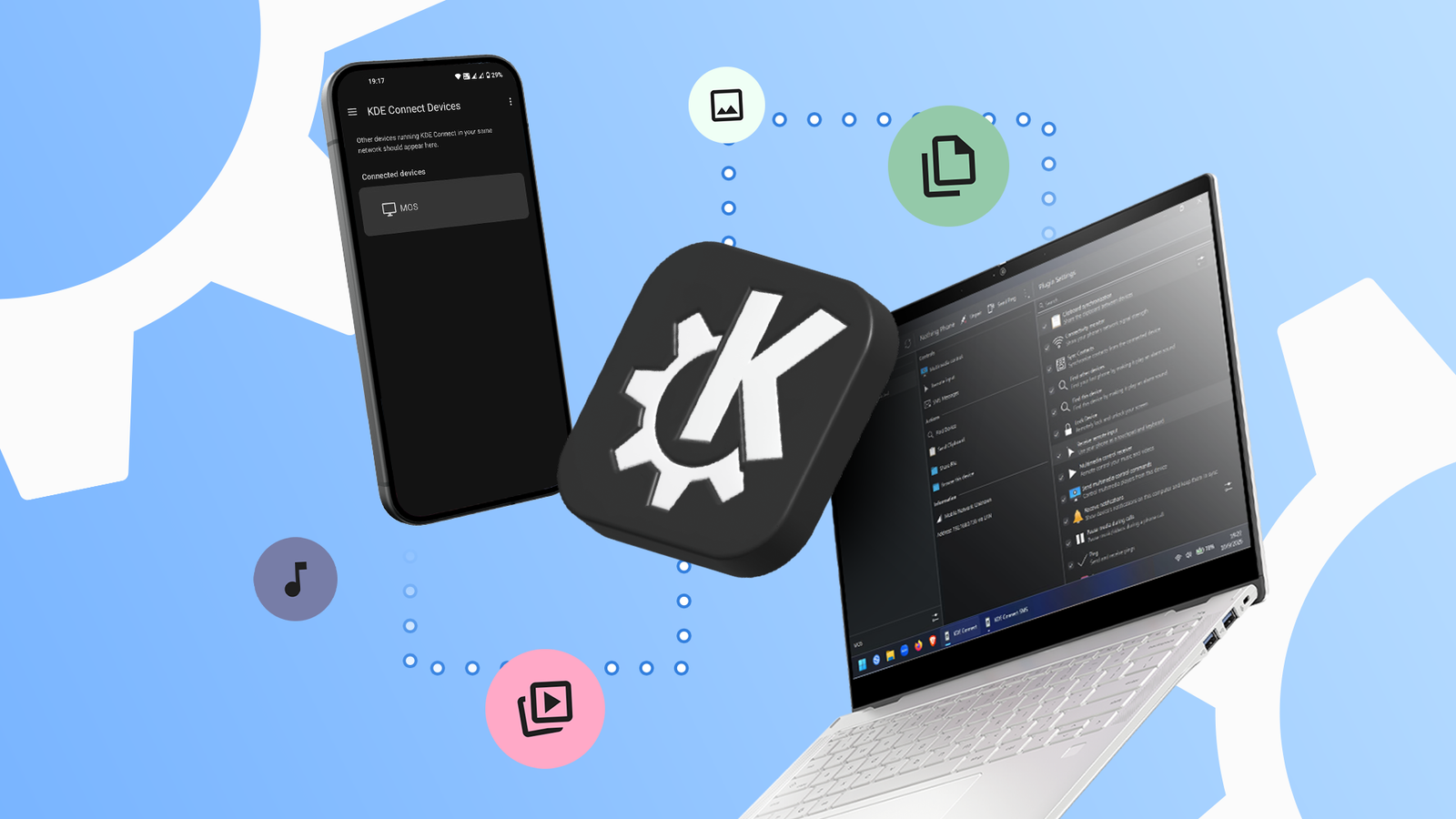
I dumped Microsoft Phone Link for this free open source app that does everything better
androidpolice.com/kde-connect-microsoft-phone-link-quick-share-android-windows-app/


25 Android Settings You Should Change to Get the Most Out of Your Phone: Google's feature-packed mobile OS contains many useful tools just underneath the surface ...
pcmag.com/how-to/top-android-tips-and-tricks-to-get-most-out-of-your-phone

How to Remotely Access a PC From Your iPhone or Android Device: With the Remote Desktop app for iOS, iPadOS, and Android, you can connect to and control a remote ...
pcmag.com/how-to/access-a-pc-from-your-iphone-or-android-device

8 reasons why Windows PCs and Samsung phones are the ultimate combo: Samsung Galaxy phones and Windows PCs are made for each other. Here are all the reasons that ...
pcworld.com/article/2835381/why-samsung-phones-beat-iphones-and-pixels-for-pc-users-8-reasons.html
Microsoft finally fixes the most annoying part of Phone Link: Better late than never.
xda-developers.com/microsoft-fixes-annoying-phone-link/

Windows 11 Is Ultra Secure—Here's How to Keep It That Way: You can’t run Windows 11 on a PC that lacks essential security hardware. That's a good thing ...
pcmag.com/explainers/windows-11-is-ultra-secure-dont-mess-it-up


Copilot for OneDrive will fetch your files and summarize them: Microsoft 365 users will soon have access to Copilot in OneDrive. The update will allow users to ...
theverge.com/2024/3/1/24088026/copilot-for-onedrive-file-find-summary-prompts-natural-language
Key FactsWindows 11: New Features for Your PC
Feb 29, 2024 · Reading time: ~30 sec.
Summary created with AI assistance · Source: mashable.com
Summary created with AI assistance · Source: mashable.com
- The upcoming Windows 11 update will bring enhancements to sharing photos and documents, tweaks to Snap Layouts, and changes to Widgets.
- Among the seven new features coming soon are using your phone as a webcam and smarter Snap Layouts.
- Widgets will become more focused, allowing organization into specific categories.
- The updates are expected to have broad availability by April 2024, with some features accessible via a preview build in the coming weeks.

mspoweruser.com Jan 19 24

Windows 11's KB5034209 update brings USB 80Gbps support for Beta channel insiders - MSPoweruser
mspoweruser.com/windows-11s-kb5034209-update-brings-usb-80gbps-support-for-beta-channel-insiders/

5 Windows 11 settings worth changing immediately: Changing these five settings makes Windows 11 much better in under five minutes of your time.
pcworld.com/article/1782303/5-windows-11-settings-worth-changing-immediately.html


Microsoft adds more than 150 new features to Windows 11 with 2023 update: Windows 11 now gets native generative-AI backed copilot to empower PC users with more ...
indianexpress.com/article/technology/tech-news-technology/windows-11-23h2-update-copilot-ai-features-9008529/

How to Text From Your PC Through Your Phone
: Your messages, on your PC, in seconds.
wired.com/story/how-to-text-from-pc-windows-phonelink/

Pocketnow Mar 31 23
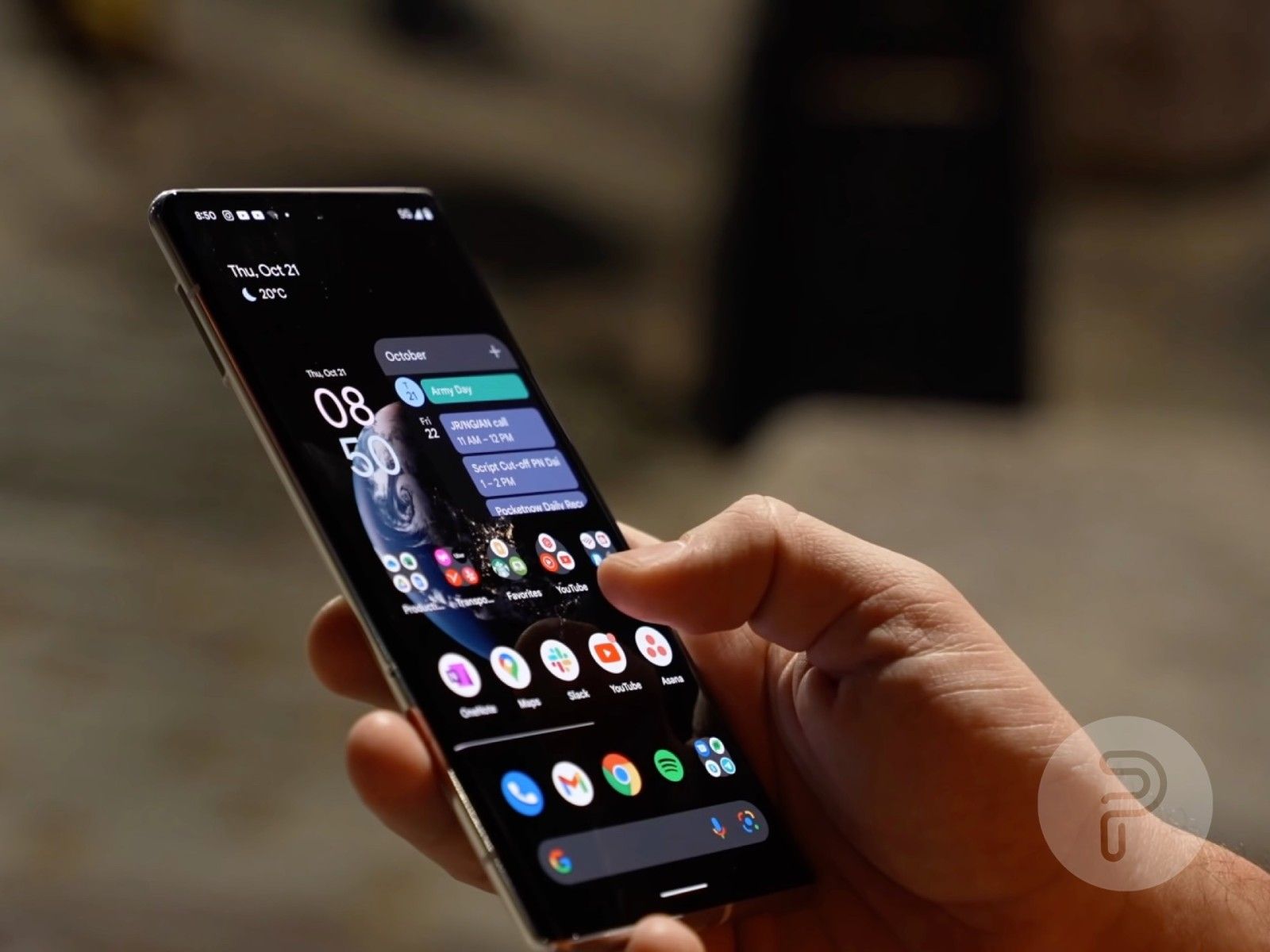
Today is World Backup Day: Here’s how to backup your devices: An in-depth guide to the best data backup methods for Android, iPhone, Mac, and Windows devices.
pocketnow.com/how-to-backup-your-devices/

How to Copy and Paste Text Between Your Android Phone and Windows PC: With the help of Microsoft's SwiftKey keyboard app, you can copy and paste items between a ...
pcmag.com/how-to/how-to-copy-and-paste-text-between-your-android-phone-and-windows-pc
Next