Story Details
| Last Updated | |
| Total Articles | 3 |
Main Topics


News on this topic

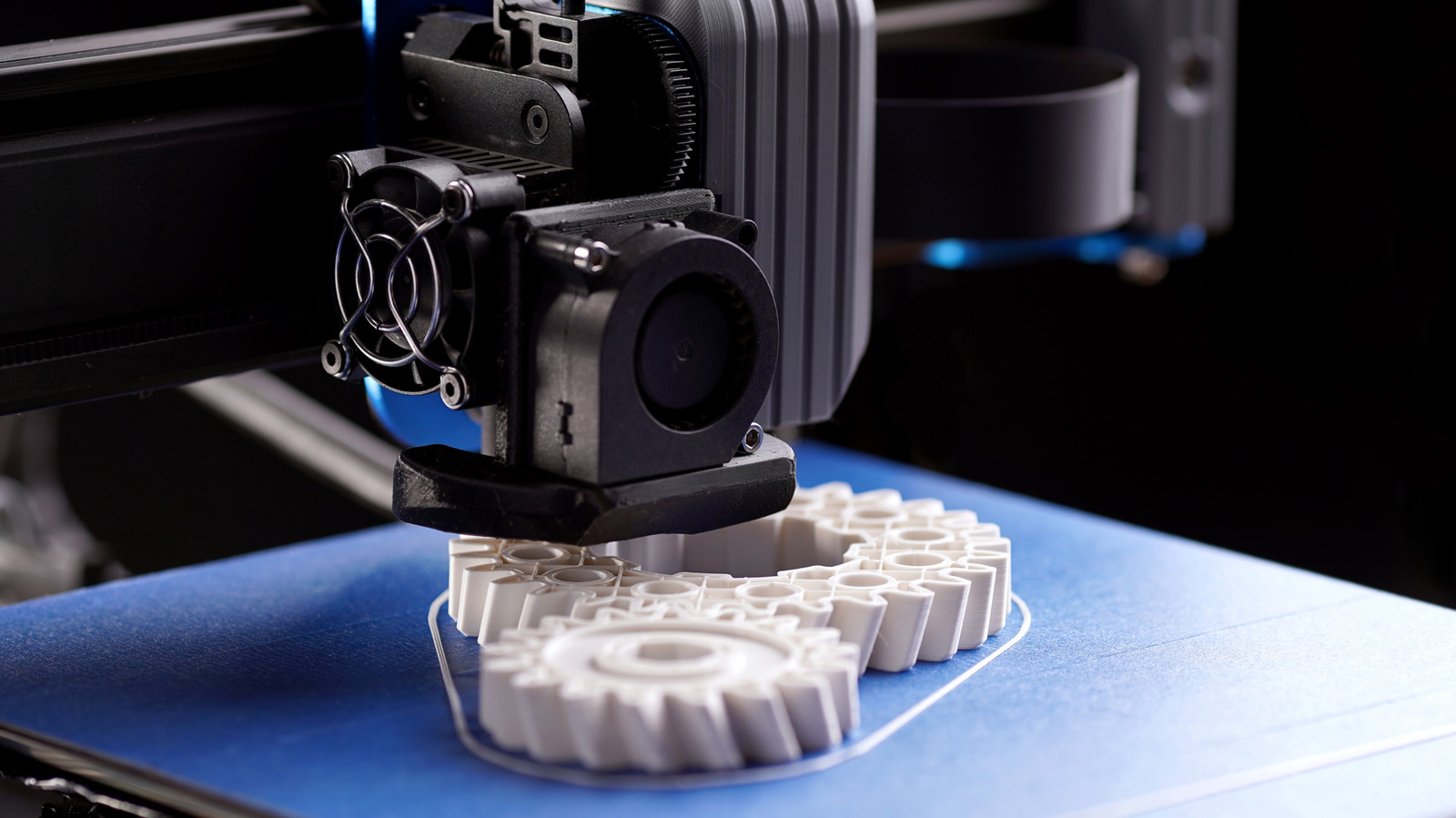
How to calibrate your 3D printer (and why you should): Calibrate your 3D printer by checking its hardware, leveling the bed, adjusting Z-offset ...
engadget.com/2310980/how-to-calibrate-3d-printer-why-should/
Calibrate your 3D printer by checking its hardware, leveling the bed, adjusting Z-offset, testing extrusion, and tuning temperature and flow settings.
Similar to This
Previous

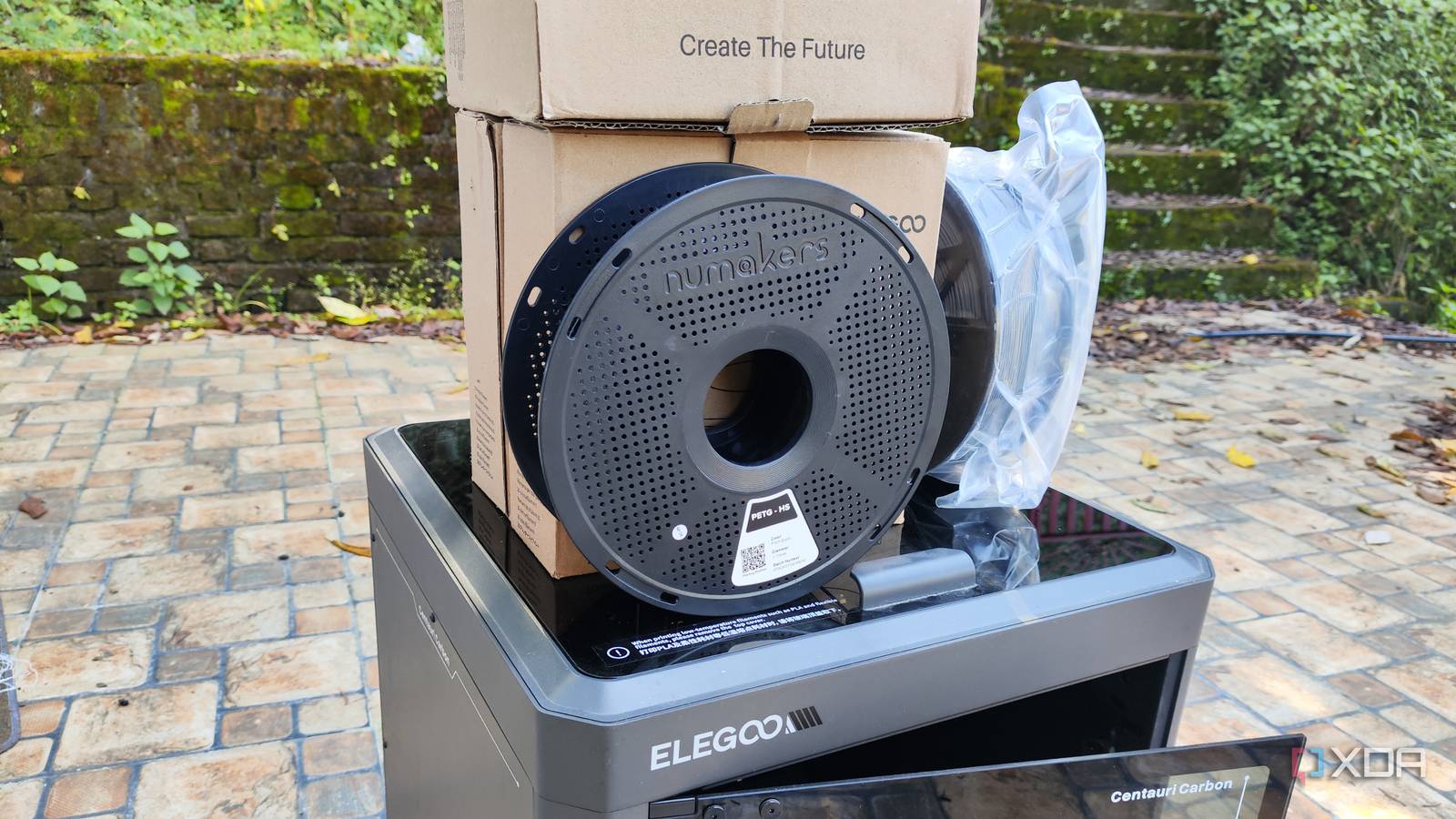
PETG has replaced PLA for nearly everything I print, and the reasons have little to do with strength
xda-developers.com/petg-has-replaced-pla-for-nearly-everything-i-print-and-the-reasons-have-little-to-do-with-strength/
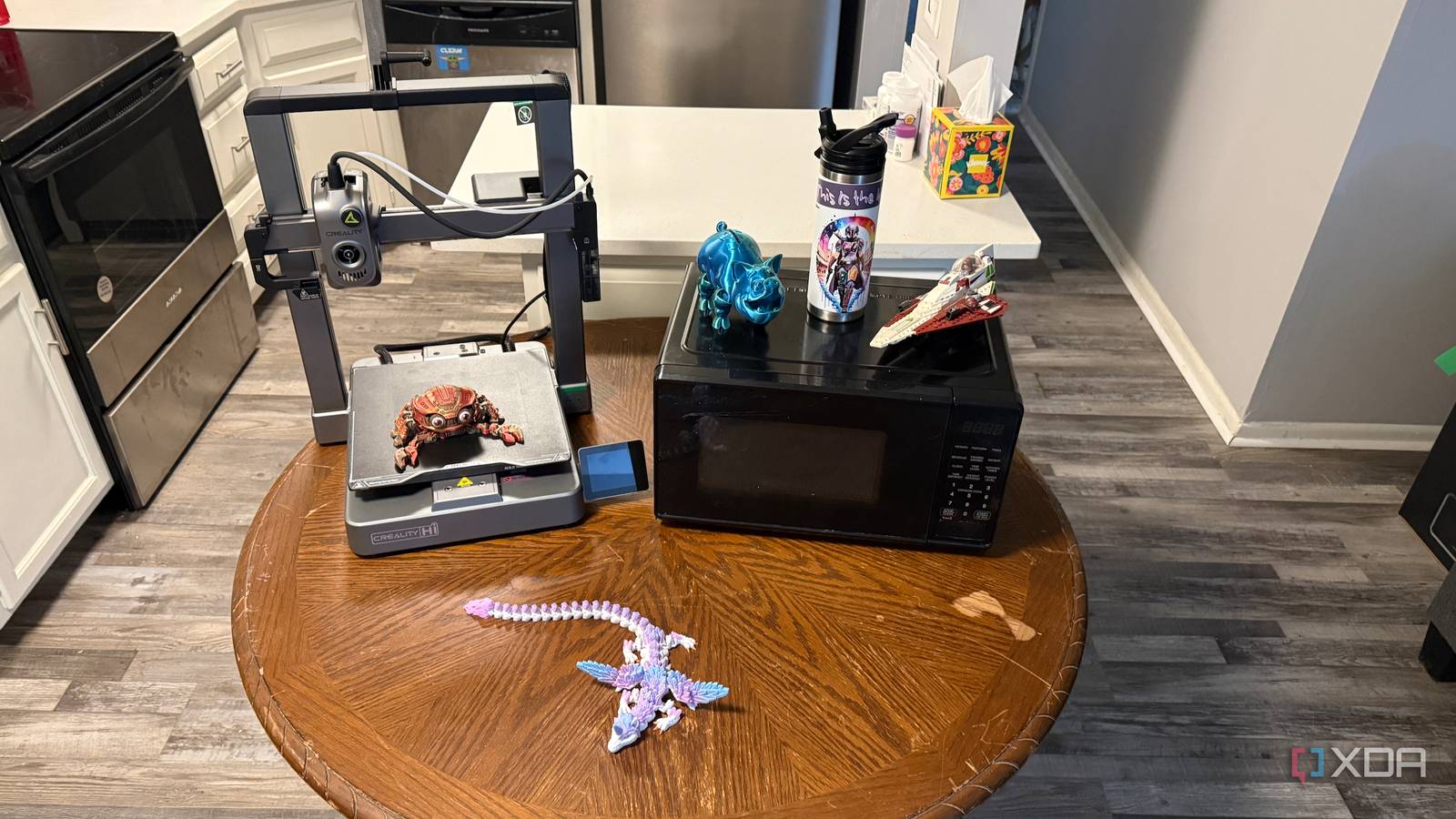
I experimented with these 5 slicer settings before swapping filament, and my print quality jumped instantly
xda-developers.com/5-slicer-settings-before-swapping-filament-print-quality-jumped/
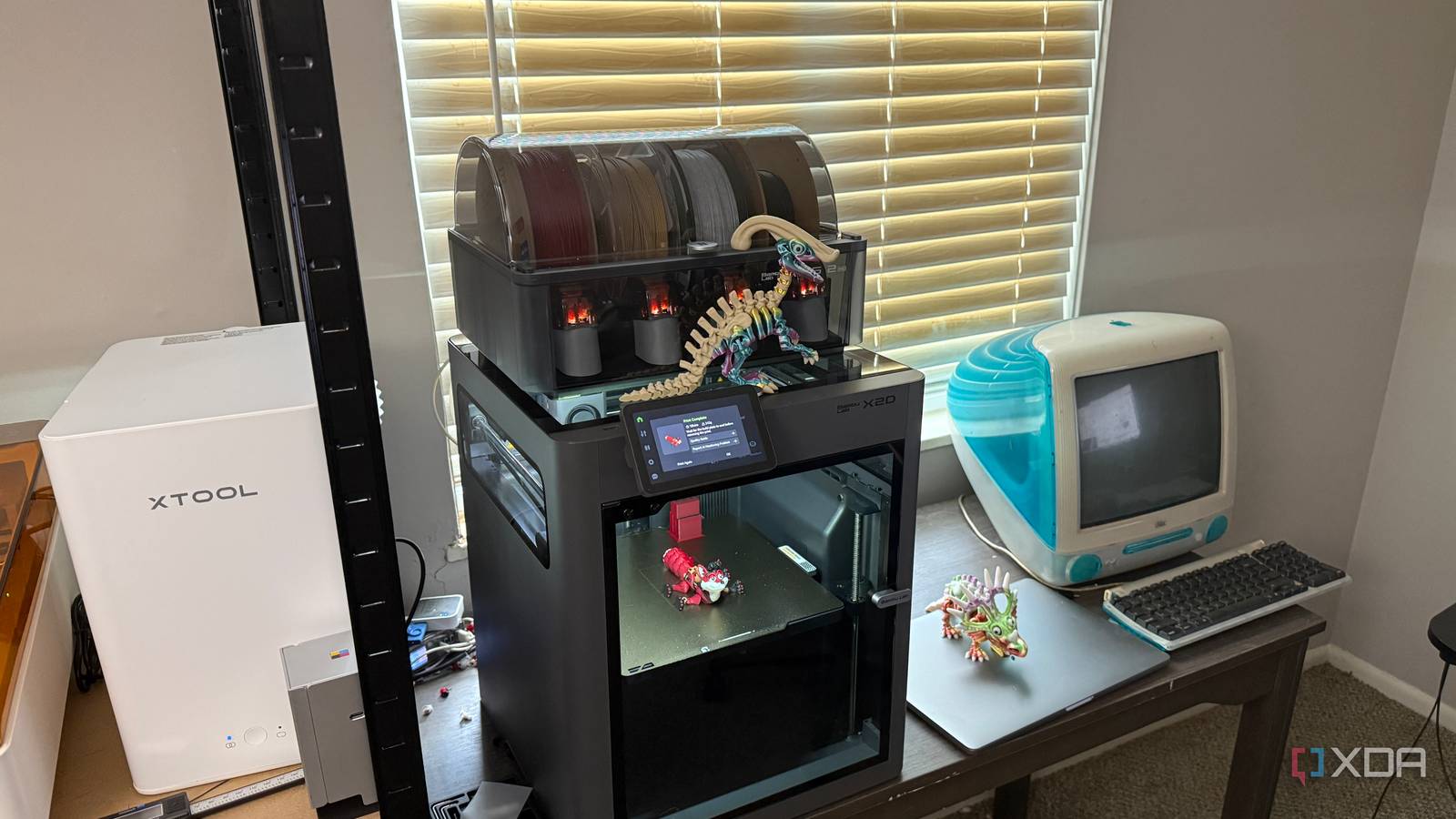
I wasted half a spool of filament before I touched the one slicer setting that fixed everything
xda-developers.com/wasted-half-spool-filament-before-slicer-setting-fixed-everything/
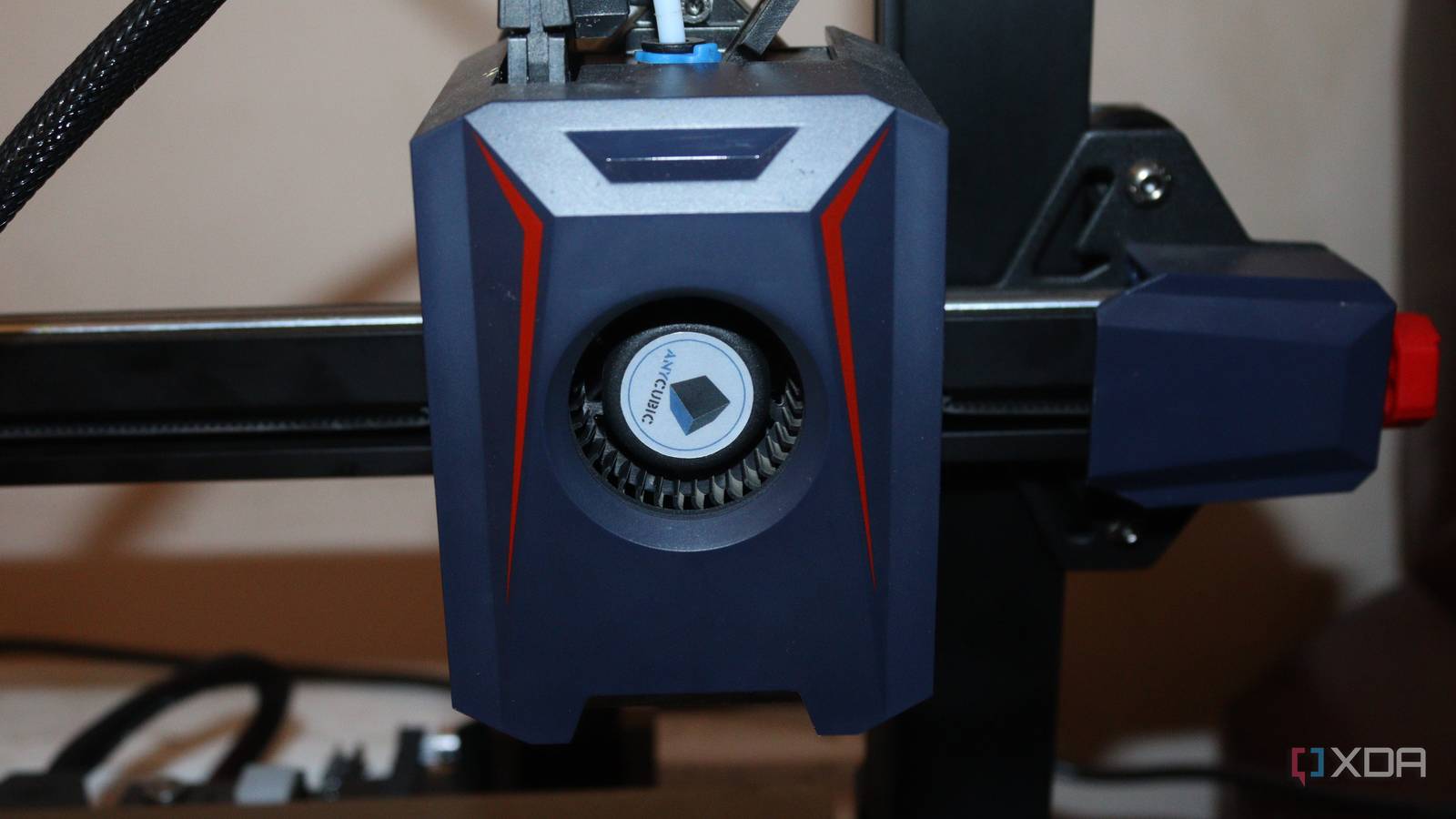
I ignored my hot end maintenance until it cost me half a spool of filament: Your 3D printer's hotend affects far more than most people realize ...
xda-developers.com/ignored-hot-end-maintenance-until-cost-half-spool-filament/


Bambu Lab P2S Review: As Close to Perfection as 3D Printers Get: Bambu Lab’s P2S desktop 3D printer produces some of the cleanest prints we have ever seen from a ...
pcmag.com/reviews/bambu-lab-p2s

Bambu Lab P2S: Bambu Lab’s P2S desktop 3D printer produces some of the cleanest prints we have ever seen from a consumer model. Fast extrusion, quiet operation ...
uk.pcmag.com/3d-printers/160900/bambu-lab-p2s
Next