
 Paid articlePaywall
Free anti-hacking tools:
A public WLAN or a weak point on the system is enough for a resourceful hacker. Put a stop to the intruder with these free tools.
computerwoche.de/a/kostenlose-anti-hacker-tools-schuetzen-ihren-pc,3547716
Story Details
| Last Updated | |
| Total Articles | 2 |
Main Topics


Similar to This
Previous


AutoDoc: Local meeting notes and video recording for macOS and Windows: Those who take notes in online meetings or manage recordings often resort to cloud ...
stadt-bremerhaven.de/autodoc-lokale-meeting-notizen-und-videoaufzeichnung-fuer-macos-und-windows/

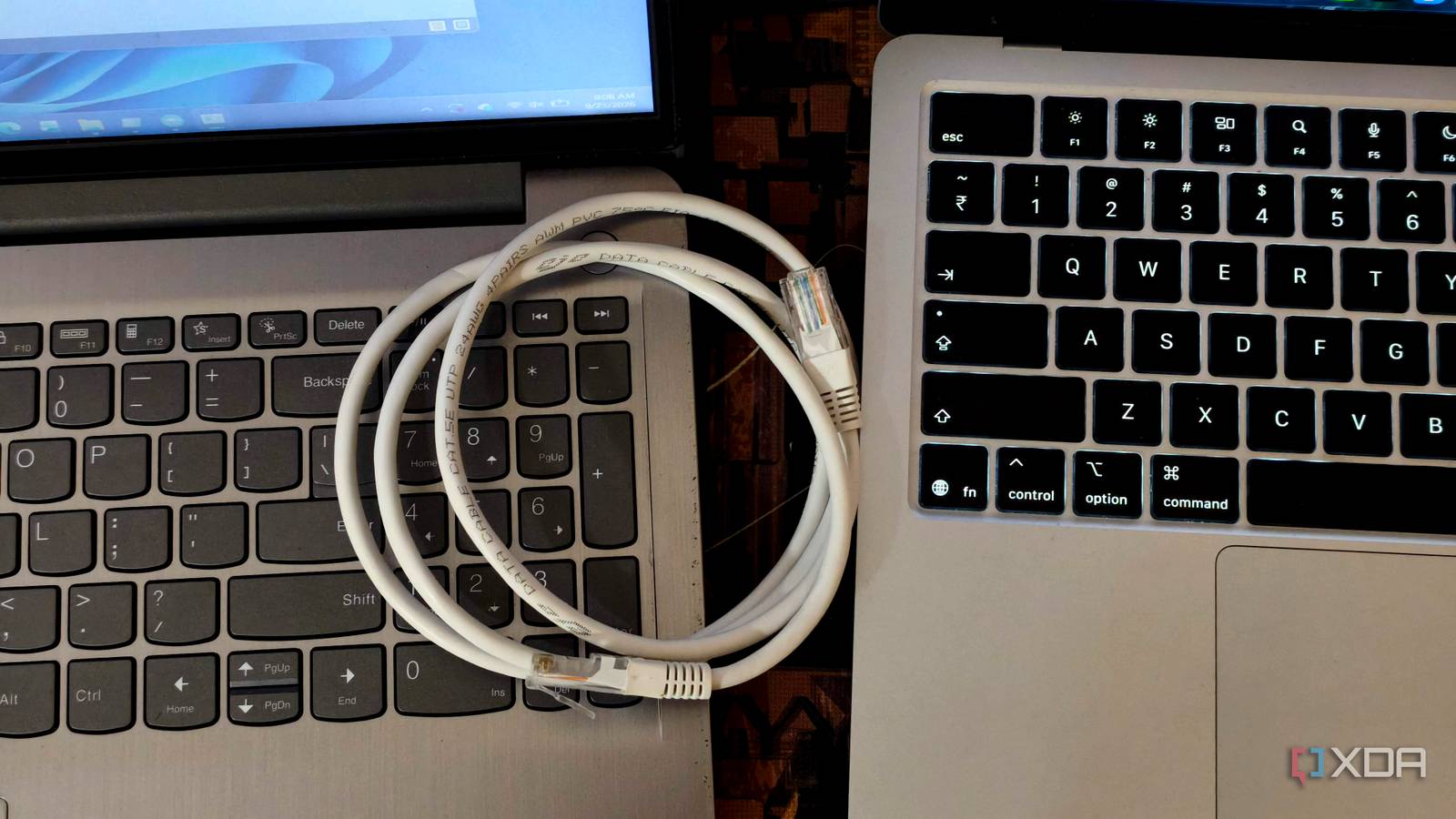
I moved 1TB between two PCs without Dropbox, a NAS, or a USB drive: An ethernet cable is all I needed.
xda-developers.com/moved-1tb-between-two-pcs-without-dropbox-nas-usb-drive/
Key Facts1TB moved between Windows laptops using direct Ethernet
Oct 11, 2026 · Reading time: ~30 sec.
Summary created with AI assistance · Source: xda-developers.com
Summary created with AI assistance · Source: xda-developers.com
- Both laptops had Ethernet ports, and a direct cable connected them without a router or network switch.
- The setup used static IP addresses, a private network, network discovery, and file and printer sharing.
- Robocopy was already included with Windows and could resume interrupted copies, retry files, and create logs.
- At about 100MB/s, transferring 1TB took nearly three hours; the storage media strongly affected the duration.
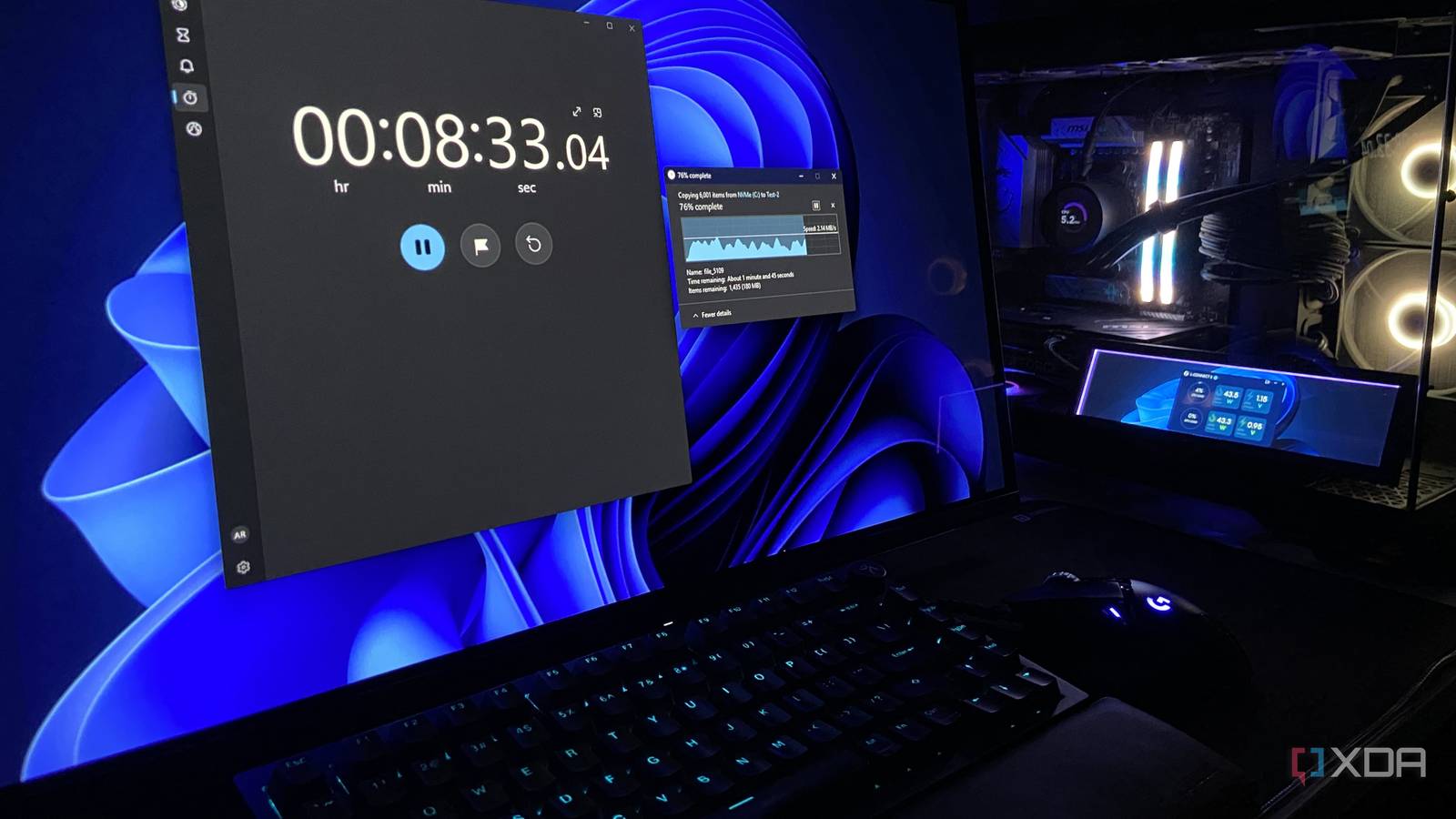
Windows has been slowing down every USB drive you plug in for 8 years, and one setting fixes it
xda-developers.com/windows-has-been-slowing-down-every-usb-drive-you-plug-in-and-one-setting-fixes-it/
Key FactsWindows USB Policy Prioritizes Safe Removal Over Speed
Oct 3, 2026 · Reading time: ~30 sec.
Summary created with AI assistance · Source: xda-developers.com
Summary created with AI assistance · Source: xda-developers.com
- Microsoft made Quick Removal the default with Windows 10 version 1809 in October 2018, replacing Better Performance.
- Quick Removal disables write caching and permits unplugging without safe ejection; Better Performance requires the drive to be ejected.
- In the test with 6,000 files totaling about 760MB, Quick Removal took 11:31 versus 10:31 with Better Performance.
- The setting is found in Device Manager under drive properties and Policies; a reboot is recommended afterward.

5 diagnostic tools I always keep on a bootable USB drive: These bootable tools should be at the ready for any PC enthusiast
xda-developers.com/diagnostic-tools-i-always-keep-on-a-bootable-usb-drive/
Key FactsFive Bootable Tools for PC Diagnostics
Sep 29, 2026 · Reading time: ~30 sec.
Summary created with AI assistance · Source: xda-developers.com
Summary created with AI assistance · Source: xda-developers.com
- GParted edits partitions outside the running system and can help address broken dual-boot setups or expand stubborn partitions.
- Clonezilla clones drives and creates disk images; its lightweight live version boots from USB and can image multiple systems simultaneously.
- Windows Recovery Environment can remove problematic updates, repair boot-loader issues, and load restore points.
- Live Linux distributions support SMART checks, file-system rescue, and hardware or network diagnostics, while MemTest86 identifies suspected faulty memory modules.
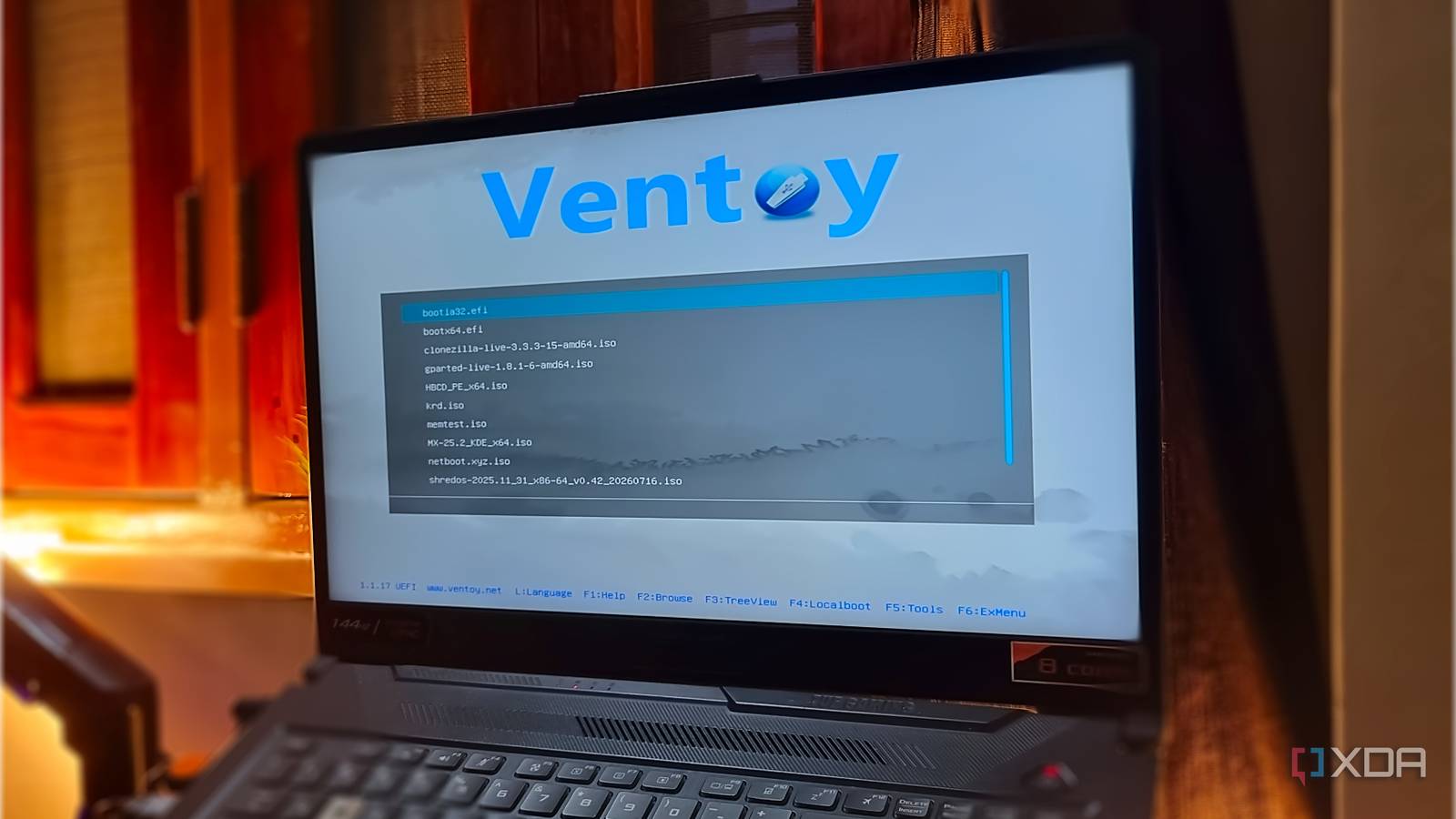
I keep a bootable USB with 10 free tools on it, and it has fixed every PC problem I have had this year
xda-developers.com/bootable-usb-with-10-free-tools-to-fix-pc-problems/
Key FactsBootable USB combines ten free PC recovery tools
Oct 1, 2026 · Reading time: ~45 sec.
Summary created with AI assistance · Source: xda-developers.com
Summary created with AI assistance · Source: xda-developers.com
- Ventoy turns one USB drive into a multiboot device for Windows and Linux ISOs without repeated reformatting.
- Netboot.xyz fetches needed operating-system ISOs from its library over Ethernet when a working internet connection exists.
- Hiren’s BootCD PE provides a graphical Windows environment, while System Rescue offers terminal or graphical tools for Linux installations.
- Clonezilla can clone systems that cannot boot; GParted Live handles partitions, and MemTest86 investigates memory problems.
Keeping this bootable drive has saved me many times, and if you don't have one, it's time to build one now.— Abhishek, XDA author; from his article about keeping a bootable USB with 10 free tools.

I used this free tool to share files between two Windows PCs without internet or a USB drive
xda-developers.com/i-used-this-free-tool-to-share-files-between-two-windows-pcs-without-internet-or-a-usb-drive/

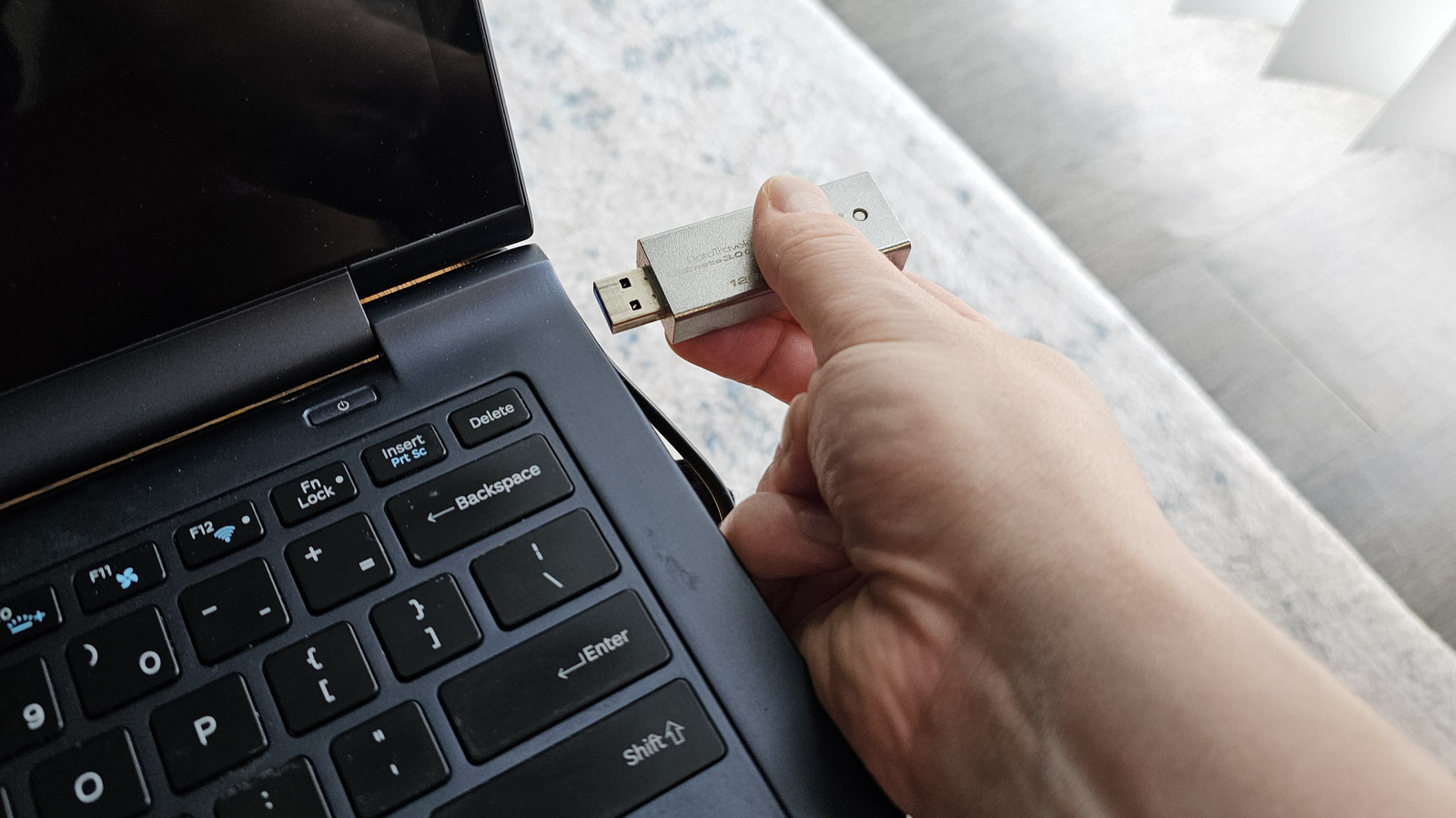
Here's How To Format A USB Drive On Windows: Formatting a USB drive on Windows is a little more involved than you might think, but you should know how to do it ...
engadget.com/2230979/how-to-format-usb-drive-on-windows/


Installing Software From an ISO File? Follow This Simple, Step-by-Step Guide: How you install a program from an ISO image will vary depending on which version of ...
uk.pcmag.com/migrated-3765-windows-10/131683/how-to-install-a-software-program-from-an-iso-file


Windows has a secret recovery tool - here's how to find it and use it: If your Windows ever has trouble launching, Recovery Drive lets you back up essential ...
zdnet.com/article/windows-has-a-secret-recovery-tool-heres-how-to-find-it-and-use-it/


Turn your flash drive into the ultimate Linux PC survival kit: Repairs, surfing, virus check, complete system? The fact that a large USB stick offers space for ...
pcworld.com/article/2660371/turn-your-flash-drive-into-the-ultimate-linux-pc-survival-kit.html

These apps turn your flash drive into a portable PC survival kit: Start comprehensive Office packages or handy mini tools from a USB stick. We introduce you to ...
pcworld.com/article/2523987/these-apps-turn-your-flash-drive-into-a-portable-pc-survival-kit.html


FAQ: This is how Desinfec’t 2024 helps against malware infections: The security tool Desinfec't supports you if you suspect a malware infection ...
heise.de/ratgeber/FAQ-Desinfec-t-2024-9779756.html

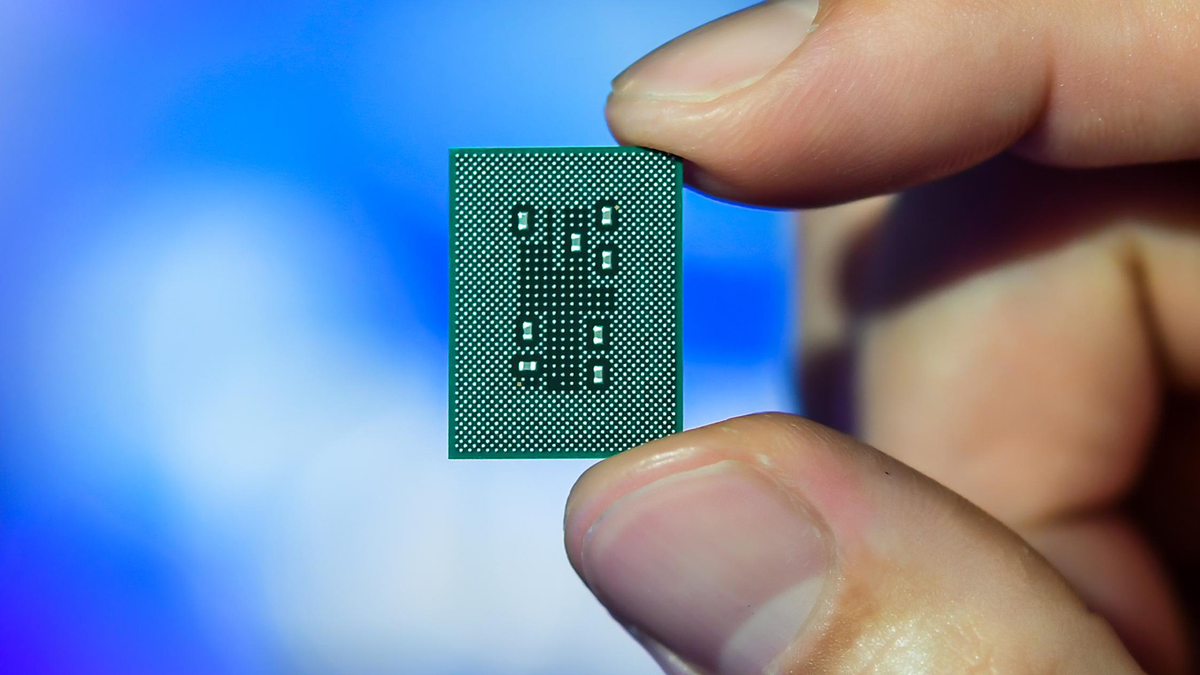
Qualcomm CEO says that the next version of Windows is due in mid 2024 - place your bets on Windows 11 24H2 or Windows 12
tomshardware.com/software/windows/qualcomm-ceo-says-that-the-next-version-of-windows-is-due-in-mid-2024-place-your-bets-on-windows-11-24h2-or-windows-12

Microsoft forcing Windows 11 on you? Here's how to stop it, permanently: I hopped off for a quick coffee at work the other day, only to discover upon my return a ...
pcgamer.com/stop-windows-11-forced-update/

Windows 11 as an update: requirements, installation, TPM & CPU requirements: Windows 11 will appear in a week. An overview of update requirements ...
computerbase.de/2021-09/windows-11-installation-tpm-pflicht-cpu-kompatibilitaet-updates/

Free of charge: 30 practical mini tools: Freeware, light version, adware - There are tons of free programs on the Internet. We have put together useful tools ...
cio.de/a/kostenlos-30-praktische-mini-tools,3106727
Paid articlePaywall The right tools for every situation: Rescue, repair, protect, optimize Windows: You can do these tasks particularly quickly if you have a USB stick with the ...
computerwoche.de/a/die-richtigen-tools-fuer-jede-situation,3550652
Next