
Change these 5 Windows settings to improve your data privacy:
Would you like to improve data protection in Windows without much effort? Then simply flip five ...
pcworld.com/article/2242436/5-quick-windows-settings-for-more-data-protection.html

Story Details
| Last Updated | |
| Total Articles | 2 |
Main Topics

Similar to This
Previous

Windows 11 Insider builds bring expanded Search features and new privacy controls
digitaltrends.com/computing/windows-11-insider-builds-bring-expanded-search-features-and-new-privacy-controls/


How to force an app to use the discrete GPU in Windows 11: If your games or apps are running more slowly than you'd expect, you may need to force Windows 11 to ...
xda-developers.com/how-force-app-use-discrete-gpu-windows-11/


Windows 11: Microsoft launches new 26H2 preview - | This is all new: A new preview build for Windows 11 26H2 is testing many new features and adjustments ...
winfuture.de/news,162330.html

These 4 built-in Windows recovery tools keep saving me from a clean install every time something breaks
xda-developers.com/these-4-built-in-windows-tools-keep-saving-me-from-a-clean-install-every-time-something-breaks/

Key FactsFour built-in Windows system recovery tools
6 days ago · Reading time: ~30 sec.
Summary created with AI assistance · Source: xda-developers.com
Summary created with AI assistance · Source: xda-developers.com
- Settings > System > Recovery offers a Windows Update reinstall that keeps apps, files, and settings in place.
- If Windows still boots, problem updates can be removed through Update history; otherwise, they can be uninstalled in the recovery environment.
- Since June 2026, Point-in-time restore has captured system-drive snapshots about every 24 hours, retaining them for up to 72 hours; later changes are lost.
- Quick machine recovery checks online for Microsoft fixes after several failed boots and is enabled by default on unmanaged Windows 11 Home and Pro PCs.

The Safest And Easiest Way To Debloat Windows 11: Don't put up with the clutter in Windows 11 — you can remove the most annoying pre-installed apps and tracking ...
engadget.com/2268915/debloat-windows-11-safest-easiest-way/
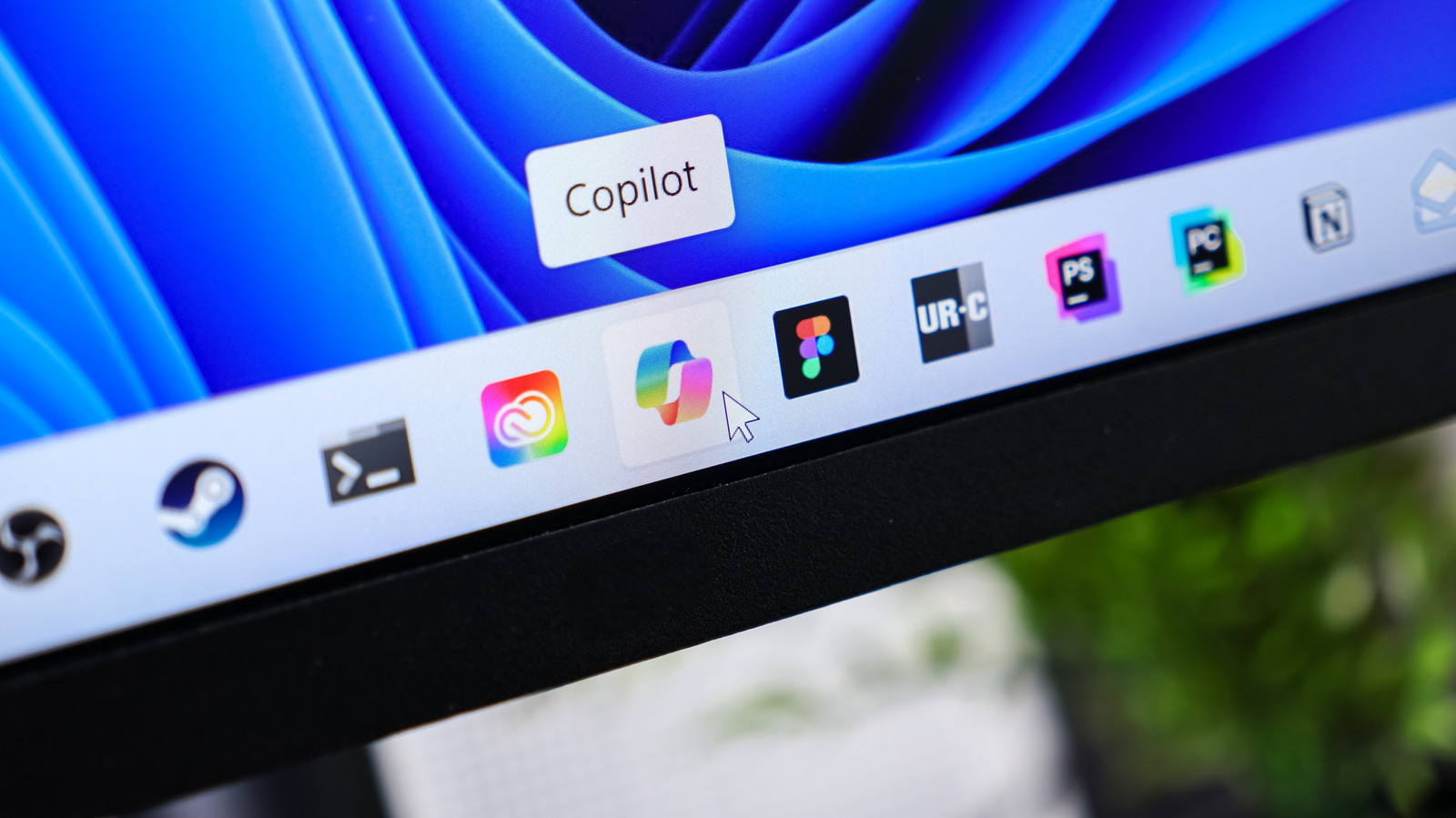

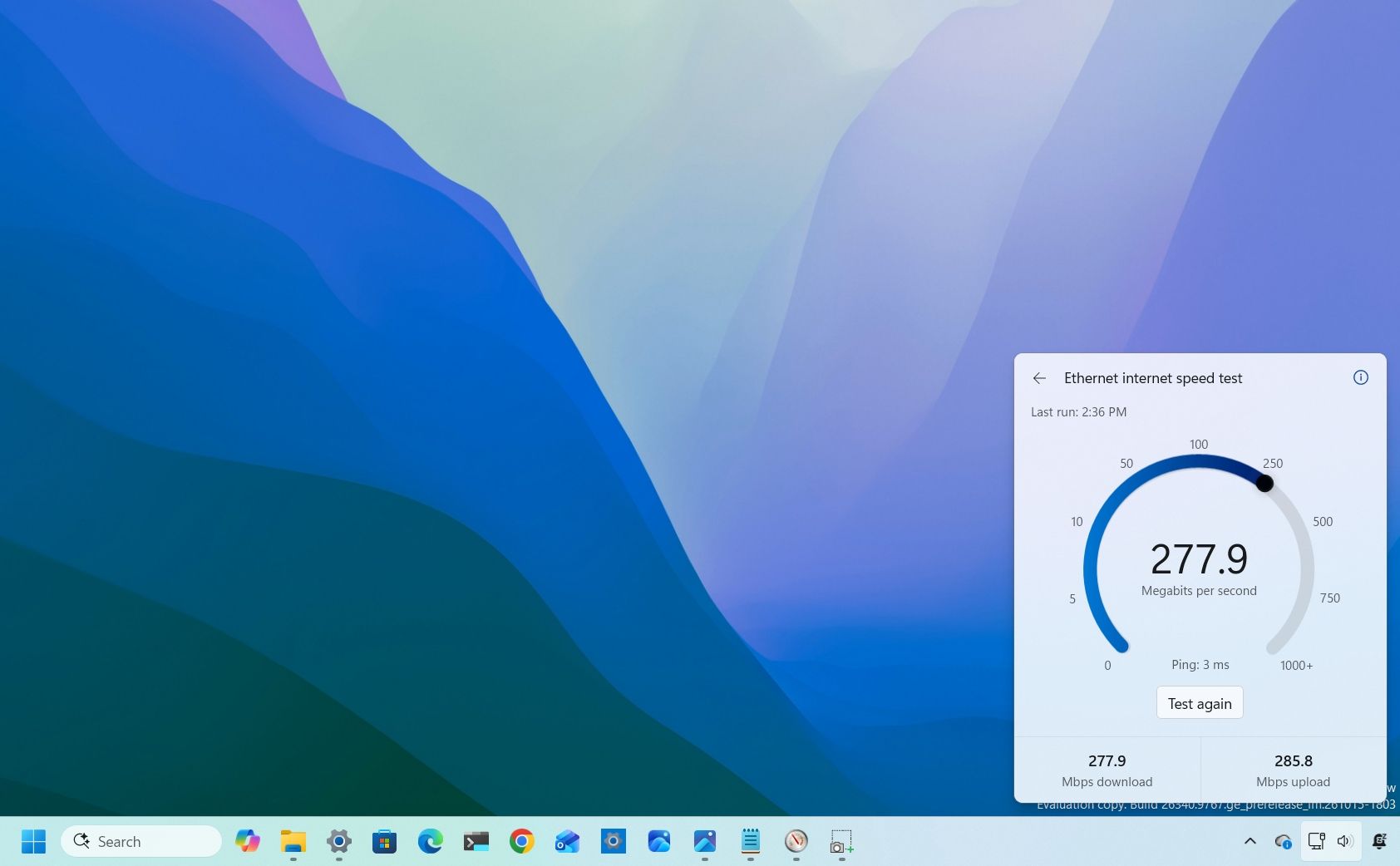
Windows finally gets a built-in internet speed test tool - how to try it - ZDNET: Available to Windows Insiders, the built-in tool measures your upload and ...
zdnet.com/tech/microsoft-is-finally-adding-an-integrated-network-speed-test-tool-to-windows-how-to-try-it/


WindowsCentral Oct 27
This is Windows 11's revised internet speed test: Here's how to use the new built-in solution that works without a browser
windowscentral.com/microsoft/windows-11/windows-11-is-getting-a-built-in-internet-speed-test-that-works-without-a-browser
Most Windows Users Are Seriously Underusing This Powerful Desktop Feature: Don't miss out on one of Windows' best multitasking and productivity features that ...
engadget.com/2294241/why-should-use-multiple-desktop-windows/

Microsoft confirms missing Recall and faster Settings with new Windows 11 Insider builds
neowin.net/news/microsoft-confirms-missing-recall-and-faster-settings-with-new-windows-11-insider-builds/
Windows 11's default settings are quietly wearing out your SSD and turning them off can extend its life
xda-developers.com/windows-11-default-settings-wearing-out-ssd-turning-off-can-extend-life/
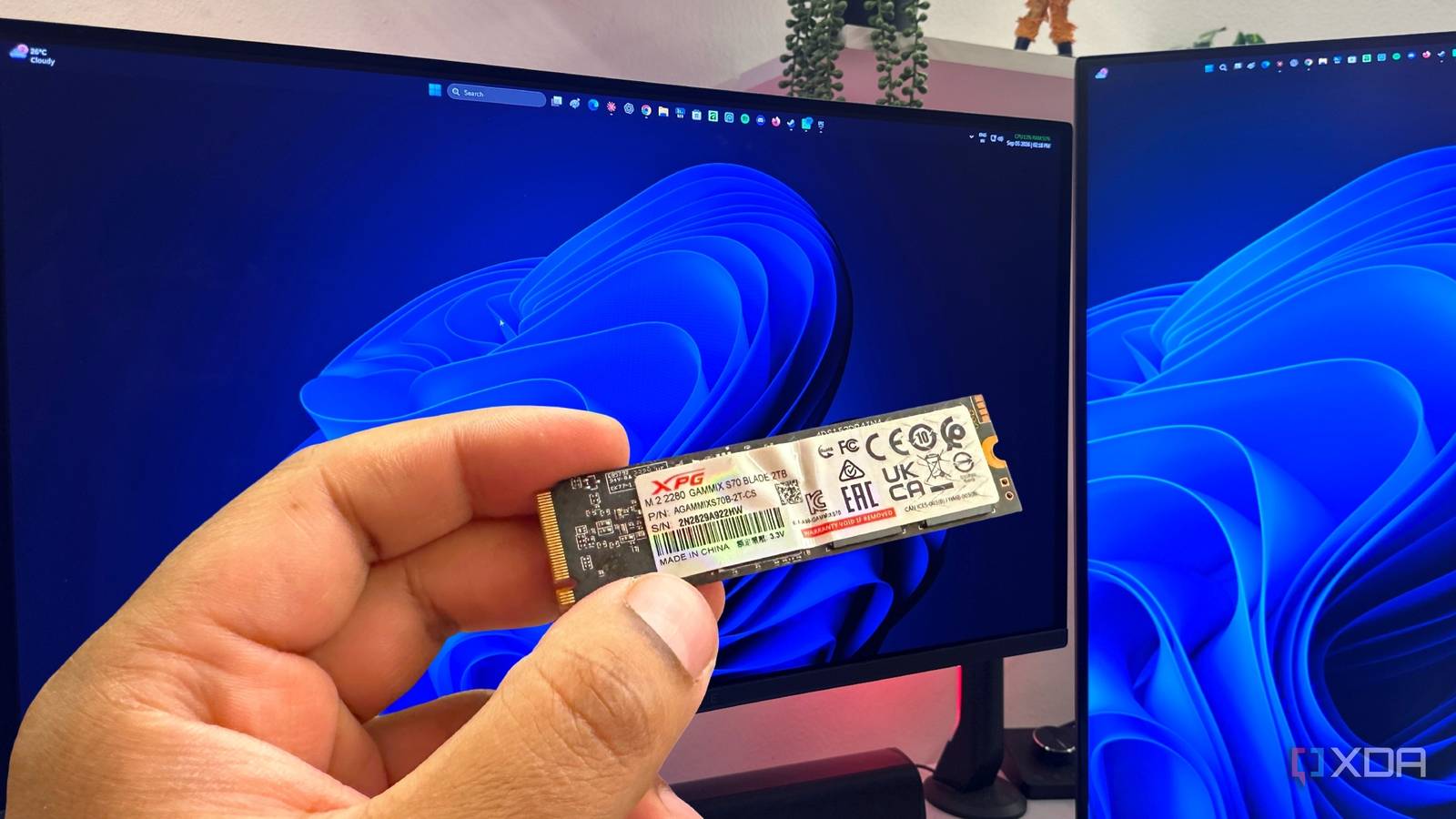
Key FactsWindows 11 features can add SSD wear
Oct 26, 2026 · Reading time: ~30 sec.
Summary created with AI assistance · Source: xda-developers.com
Summary created with AI assistance · Source: xda-developers.com
- Hibernation saves a RAM snapshot in hiberfil.sys, which the article says usually occupies about 40 percent of installed memory.
- Fast Startup uses the same file but stores only the Windows kernel and drivers, writing a few gigabytes during shutdowns and reboots.
- Excluded folders remain searchable; the author found searches slightly slower, but does not recommend disabling indexing entirely.
- Windows uses TRIM in the background for SSDs; Optimize Drives can also run TRIM manually when needed.

A One-Click Fix for Slow PCs? I Put Microsoft's Free App to the Test: Microsoft says its PC Manager app can make your Windows machine faster ...
pcmag.com/explainers/a-one-click-fix-for-slow-pcs-i-put-microsofts-free-app-to-the-test

14 Easy Fixes to Make Windows 11 Feel Faster: Don't reinstall Windows if you PC is slow. Try these simple tricks, and you should see a noticeable speed boost.
pcmag.com/explainers/14-easy-fixes-to-make-windows-11-feel-faster

Sick of All the Annoying Ads in Windows? Microsoft Doesn't Want You to Know That You Can Remove Them
pcmag.com/how-to/how-to-remove-most-annoying-ads-from-windows

Getting Rid of Your Windows PC? Remember to Wipe the Drive First: Here's how to make sure all the personal files and other data on your storage drive are erased ...
uk.pcmag.com/how-to/88534/how-to-wipe-your-hard-drive

Key FactsWiping a Windows PC Before Passing It On
Mar 23, 2026 · Reading time: ~30 sec.
Summary created with AI assistance · Source: uk.pcmag.com
Summary created with AI assistance · Source: uk.pcmag.com
- Deleted files may remain in the Recycle Bin or be recovered with data-recovery software.
- Windows 11 and 10 offer a data-cleaning option during reset; Windows 8.1 includes an option to fully clean the drive.
- Windows 7 lacks a comparable built-in reset tool; the described route requires a recovery partition or installation media.
- Because SSDs can be harder to wipe, the article recommends third-party tools; for mechanical drives, it cites DoD 5220.22-M with three overwrite passes.
Next