
Cult of Mac Feb 21
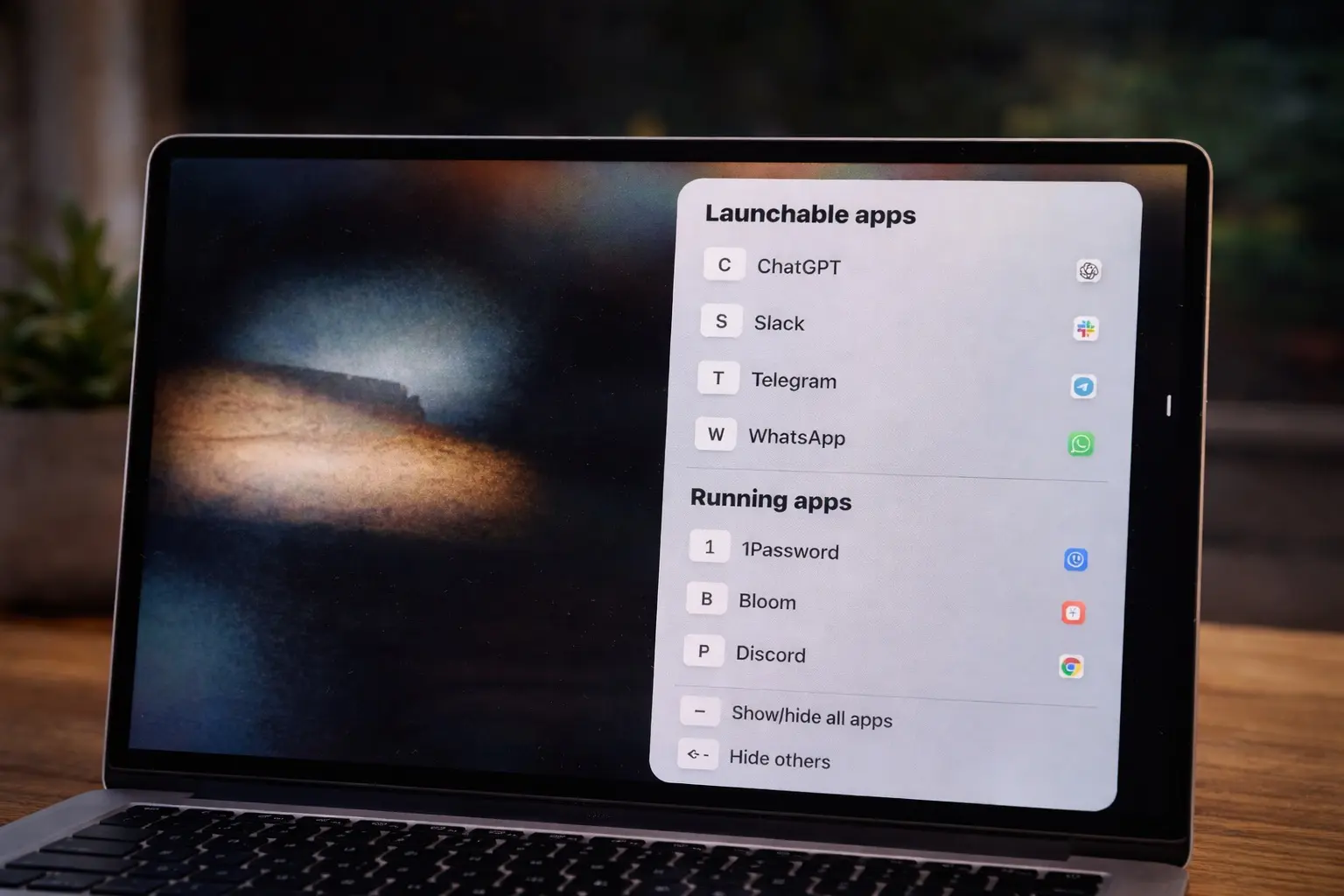
Change the way you Mac around:
A great app called rcmd makes it a breeze to switch between apps. And it's free!
newsletters.cultofmac.com/p/change-the-way-you-mac-around
Story Details
| Last Updated | |
| Total Articles | 1 |
Main Topics

family of personal computers designed, manufactured, and sold by Apple Inc.

field that develops and studies software enabling machines to exhibit intelligent behavior

software program or group of programs designed for end-users
More articles on this subject
Previous
Cult of Mac Feb 21
Change the way you Mac around: A great app called rcmd makes it a breeze to switch between apps. And it's free!
newsletters.cultofmac.com/p/change-the-way-you-mac-around
Next
Similar to This
Previous

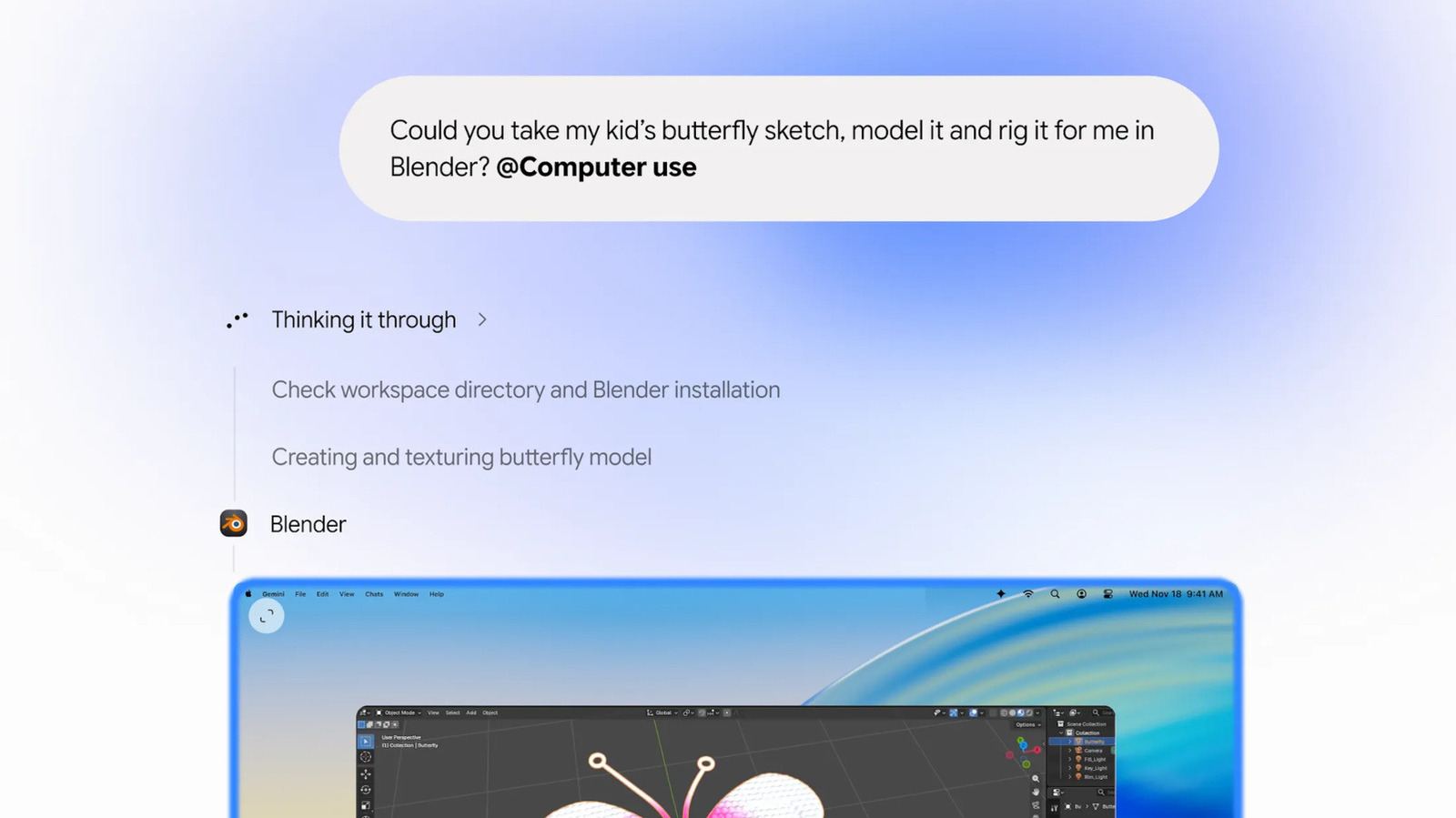
Google boosts Gemini's ability to do 'repetitive tasks' on its Mac app: Google’s Gemini app for Mac can now use your computer to list items on eBay ...
engadget.com/2322728/google-boosts-geminis-ability-to-do-repetitive-tasks-on-its-mac-app/


Want to see your live AI usage on your Mac’s icons? This clever new app lets you.
techcrunch.com/2026/11/19/want-to-see-your-live-ai-usage-on-your-macs-icons-this-clever-new-app-lets-you/


Now it seems Apple is also developing its own AI agent: Apple is developing an autonomous AI agent that will independently perform tasks across various ...
winfuture.de/news,162815.html
Cult of Mac Oct 31

A touchscreen Mac is just the start: Apple wraps up October with a whirlwind of product releases.
newsletters.cultofmac.com/p/a-touchscreen-mac-is-just-the-start
Cult of Mac Sep 26

Get more out of your Mac: Try these new macOS 27 Golden Gate features ASAP.
newsletters.cultofmac.com/p/get-more-out-of-your-mac
Cult of Mac Aug 01

Speed things up: These often-overlooked Mac features can maximize your productivity.
newsletters.cultofmac.com/p/speed-things-up
Cult of Mac Jul 25

Apple Mail comes free with every Mac, but I’d rather use this app: As a longtime Gmail user, I prefer Mimestream’s speed and deep Gmail integration over Apple ...
cultofmac.com/reviews/mimestream-mac-mail-app-review
Cult of Mac May 16
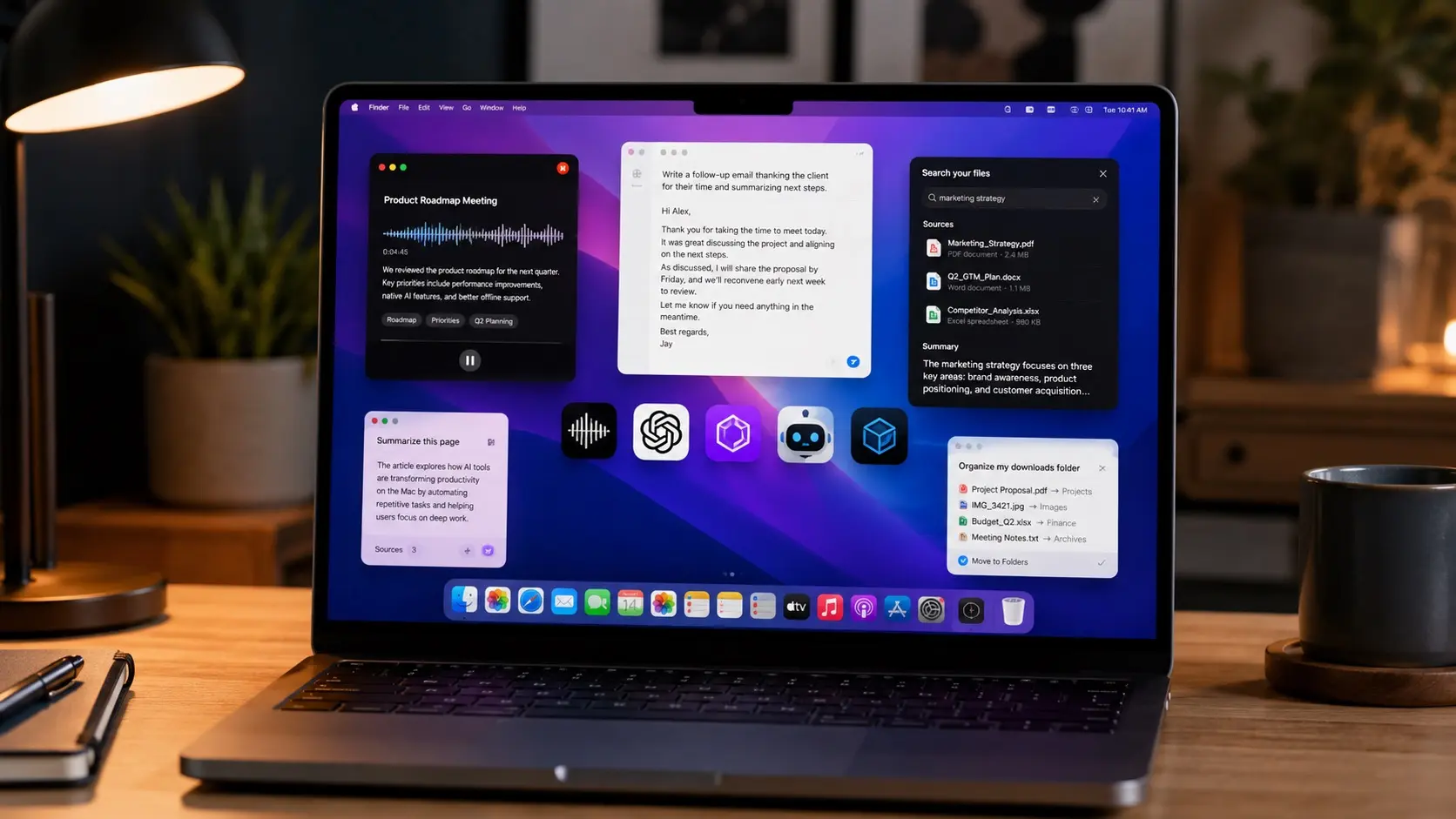
Best AI apps for Mac: From supercharging your writing to organizing your files, these apps rule.
newsletters.cultofmac.com/p/best-ai-apps-for-mac
Cult of Mac May 02

How to use Apple's Passwords app: Plus: Apple's amazing quarter and "incredible" future.
newsletters.cultofmac.com/p/how-to-use-apple-passwords-app
Cult of Mac Apr 18
Speed up your Mac: A little spring cleaning goes a long way.
newsletters.cultofmac.com/p/speed-up-your-mac
Cult of Mac Apr 11

Swap your iPhone’s standard Lock Screen buttons for something more useful: You can change out your iPhone Lock Screen buttons from the standard flashlight and ...
cultofmac.com/how-to/change-iphone-lock-screen-buttons
Cult of Mac Feb 14
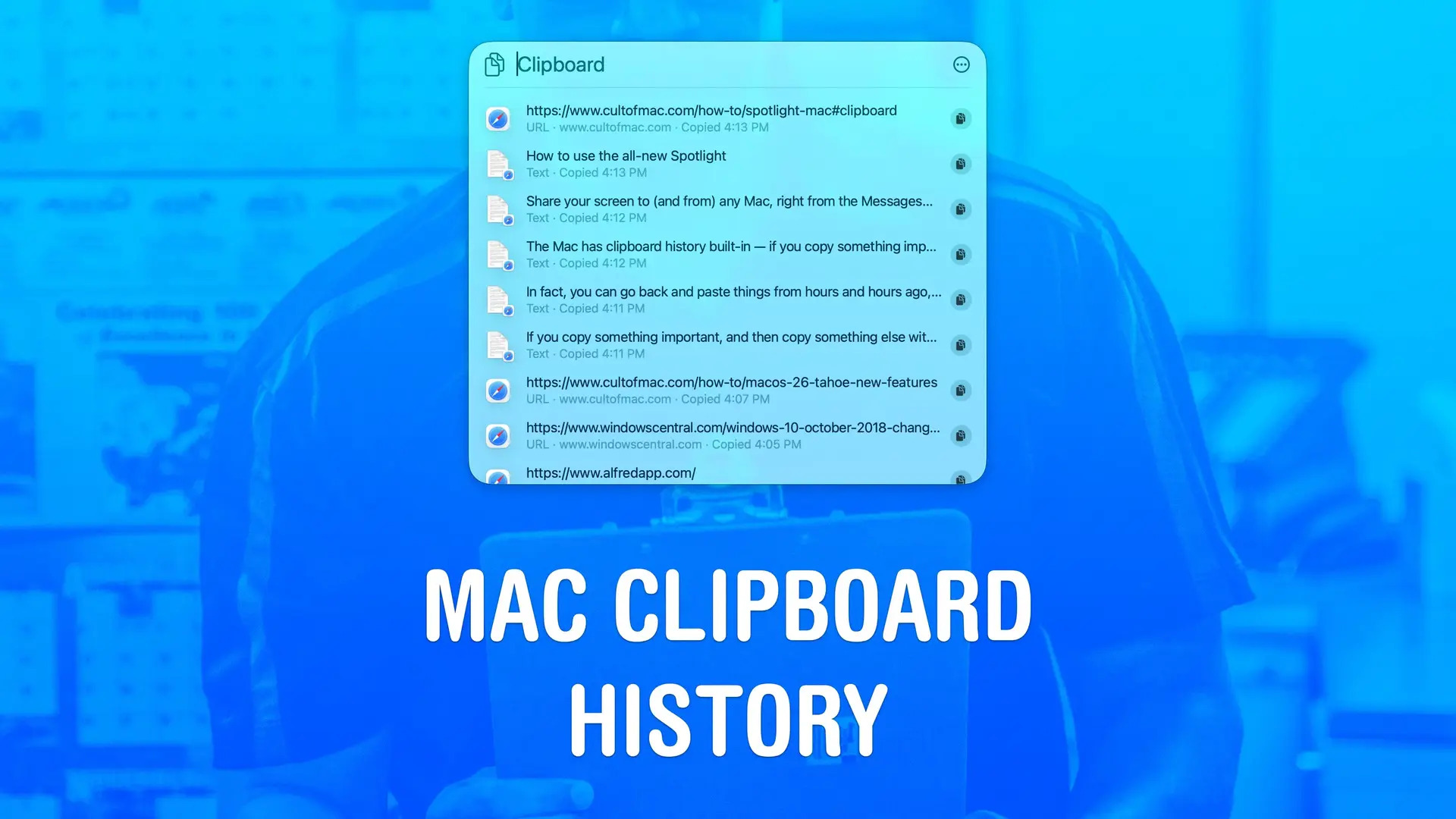
Get clippy with it: How to use macOS 26 Tahoe's best new feature.
newsletters.cultofmac.com/p/get-clippy-with-it
Cult of Mac Dec 09 25
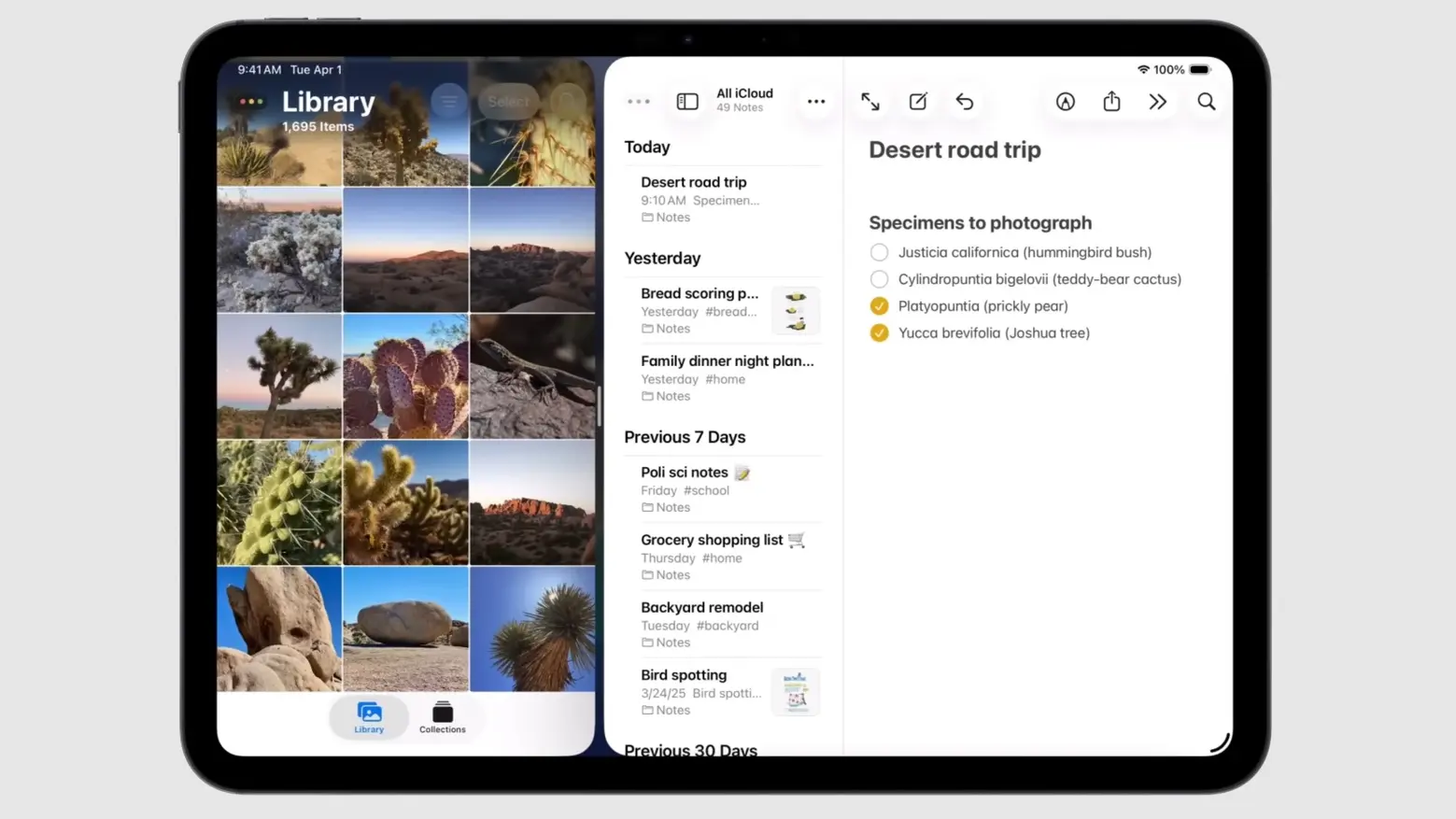
iPadOS 26.2 delivers major Split View improvement — here’s how to use it: Explore the improved Split View in iPadOS 26.2 for seamless multitasking ...
cultofmac.com/how-to/ipados-26-2-split-view-improvement-ipad-how-to
Cult of Mac Nov 15 25

A new golden age for the Mac: How Apple silicon triggered a computing renaissance.
newsletters.cultofmac.com/p/a-new-golden-age-for-the-mac
Cult of Mac Oct 04 25
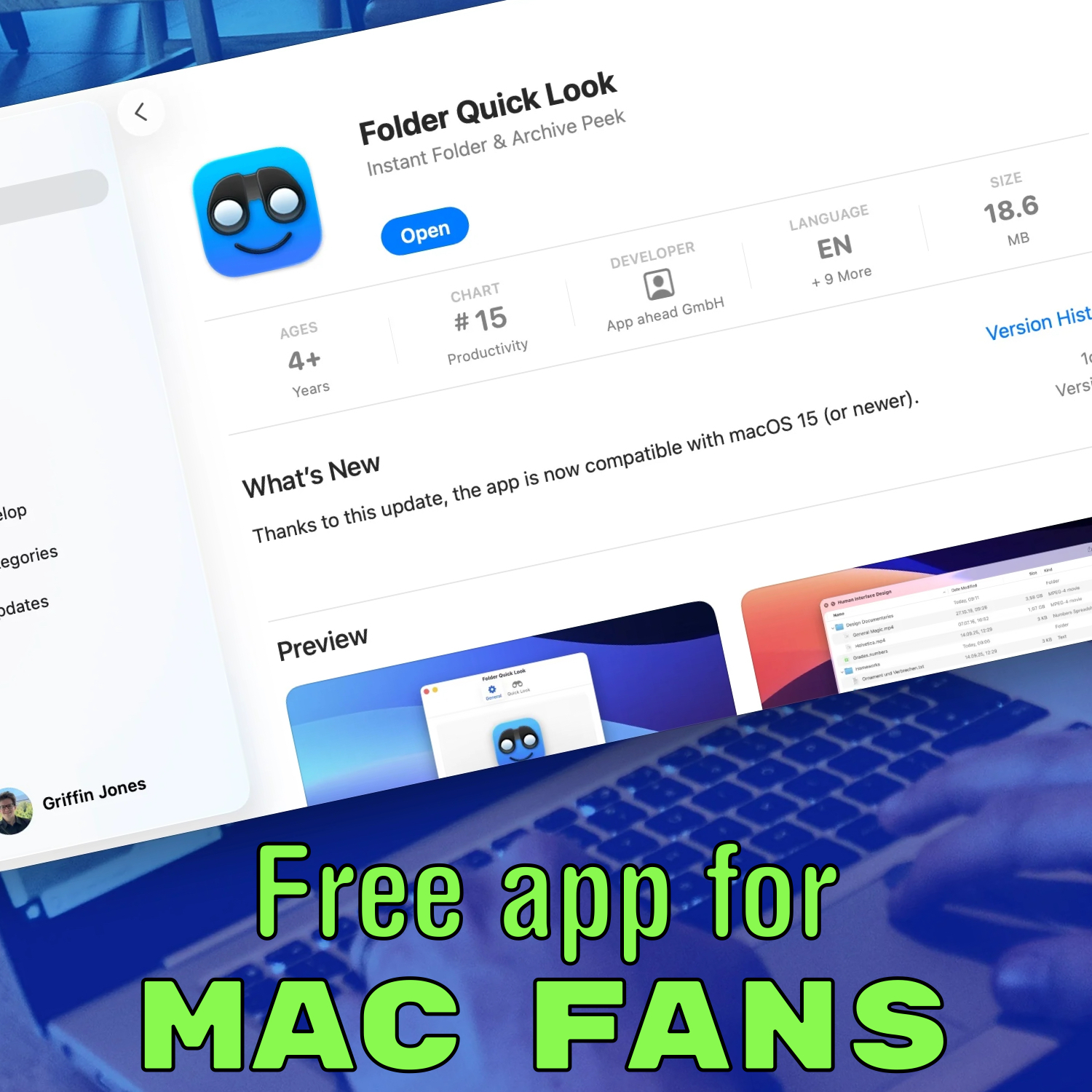
Grab this free Mac app now: Folder Quick Look fixes a longstanding Mac deficiency and costs $0.
newsletters.cultofmac.com/p/grab-this-free-mac-app-now
Cult of Mac Aug 12 25

6 tricks to master Preview on the Mac: Make the most of the built-in Mac image editor. These Mac Preview app tips give you new tools to work with documents and ...
cultofmac.com/how-to/how-to-use-preview-on-the-mac
Cult of Mac Apr 20 25

Ask one simple question to get the most out of your Apple Watch: It’s easy to increase your Apple Watch use — it can do far more than activity tracking ...
cultofmac.com/news/apple-watch-use-maximize
Cult of Mac Apr 12 25
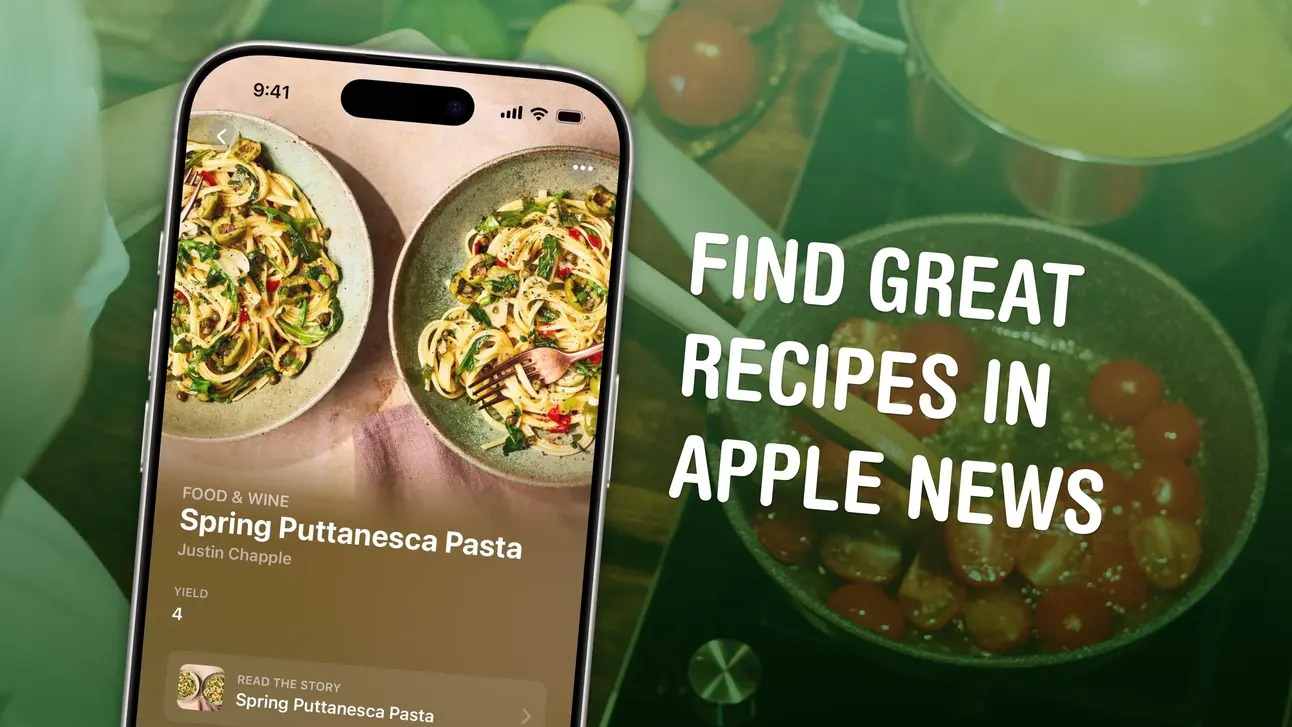
Get cookin' with Apple!: The Apple News+ Food section does recipes right.
weekender.cultofmac.com/p/get-cooking-with-apple-news-food
Next