
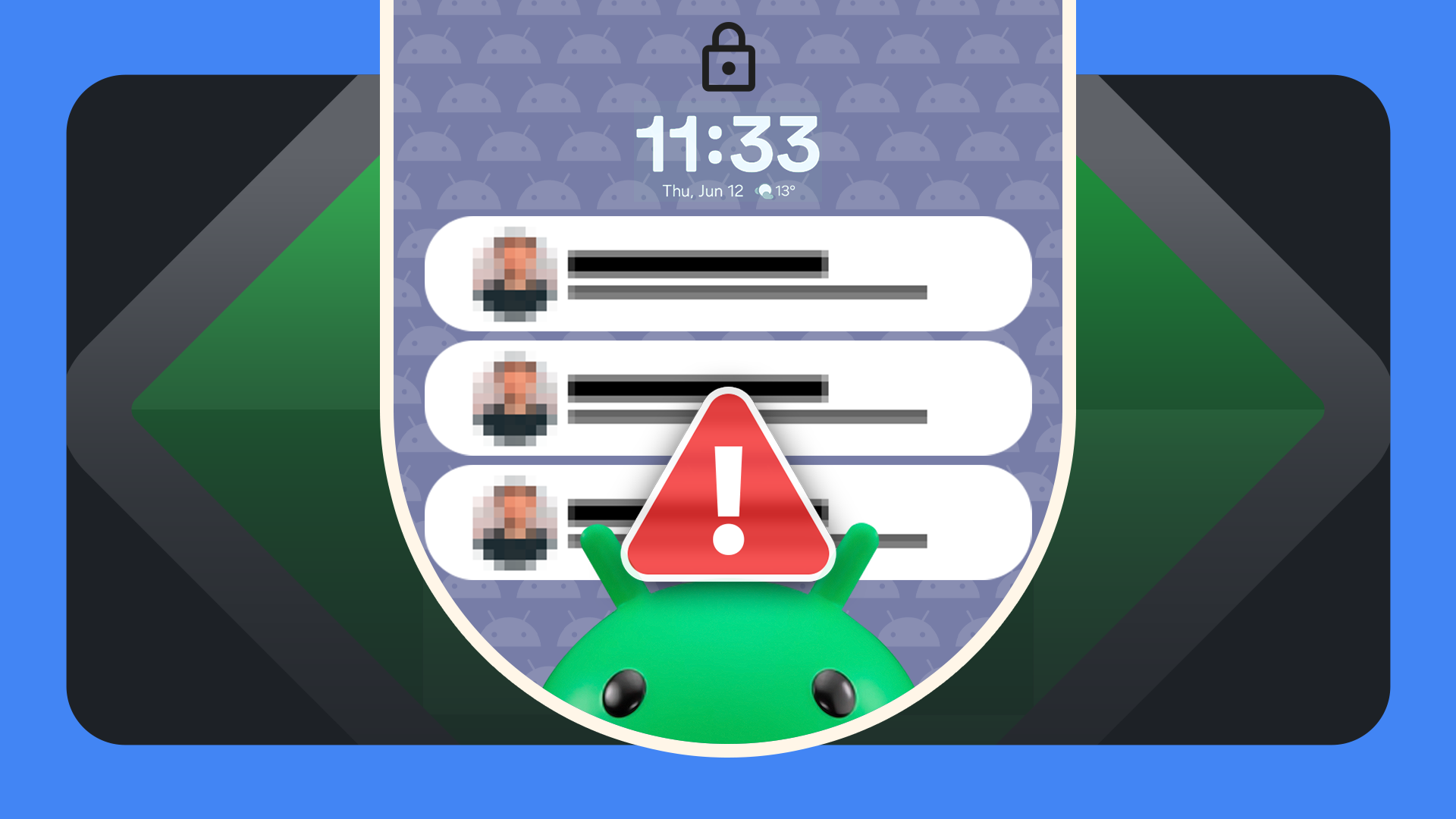
Android lock screen: Why your device's accounts are still not secure:
Similar to 2FA, your Android lock screen is the only one layer of protection against ...
androidpolice.com/reasons-android-lock-screen-isnt-enough-to-protect-accounts/
Story Details
| Last Updated | |
| Total Articles | 1 |
Main Topics

data storage device containing recording media (either internally or in the form of a slot for removable media) together with electrical or mechanical parts for the operation of the media


operating system created by Google for use on mobile devices
Similar to This
Previous

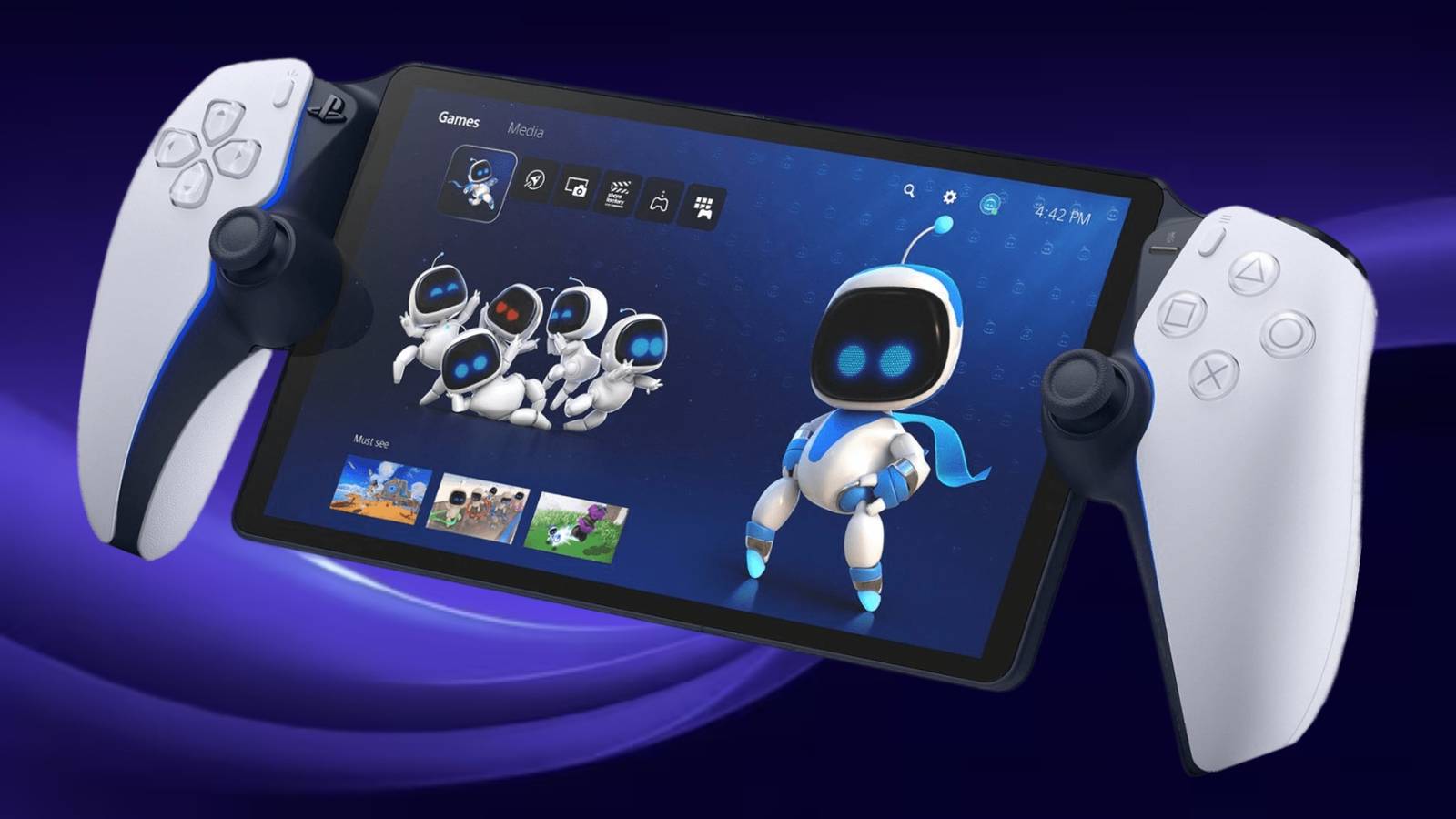
Sony Officially Announces New Playstation Handheld: Sony announced a new version of the PlayStation Portal with internal storage, but it's Japan-exclusive.
polygon.com/sony-playstation-portal-japan-only-internal-storage/


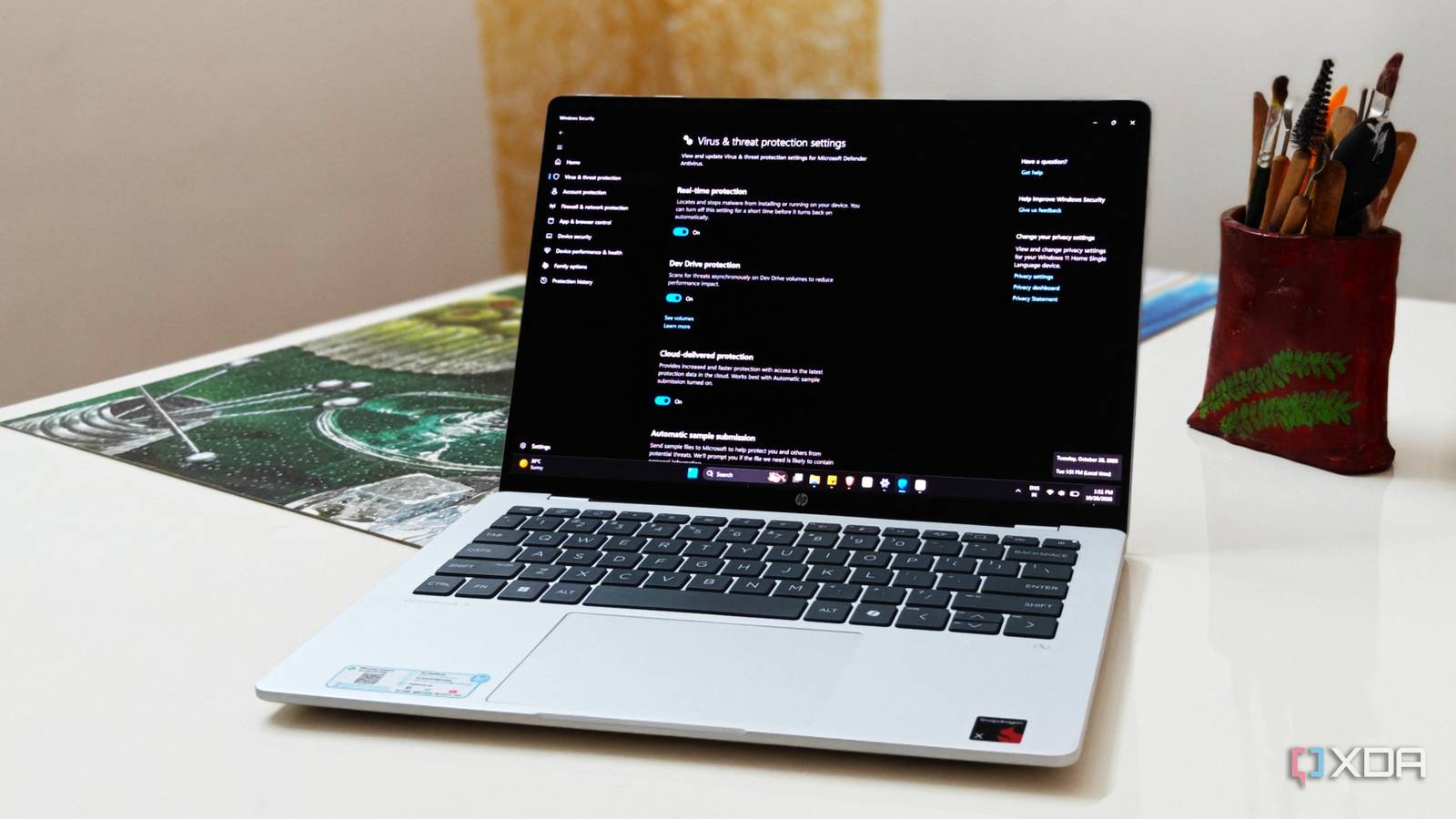
Your Windows laptop has crucial security settings that you're probably ignoring: Don't ignore basic security features that could protect your data
xda-developers.com/windows-laptop-security-settings-you-are-ignoring/
Key FactsWindows 11: Four Essential Laptop Security Features
Oct 20, 2026 · Reading time: ~30 sec.
Summary created with AI assistance · Source: xda-developers.com
- Controlled folder access can stop ransomware from modifying protected files and covers Documents, Pictures, Music, and Videos by default.
- Dynamic lock pairs a laptop with a smartphone and locks it after 30 to 60 seconds when phone proximity decreases.
- BitLocker device encryption protects the entire drive; without the recovery key, removed drive data remains unreadable.
- Tamper Protection blocks apps and processes attempting security changes, while administrators can still adjust the settings.
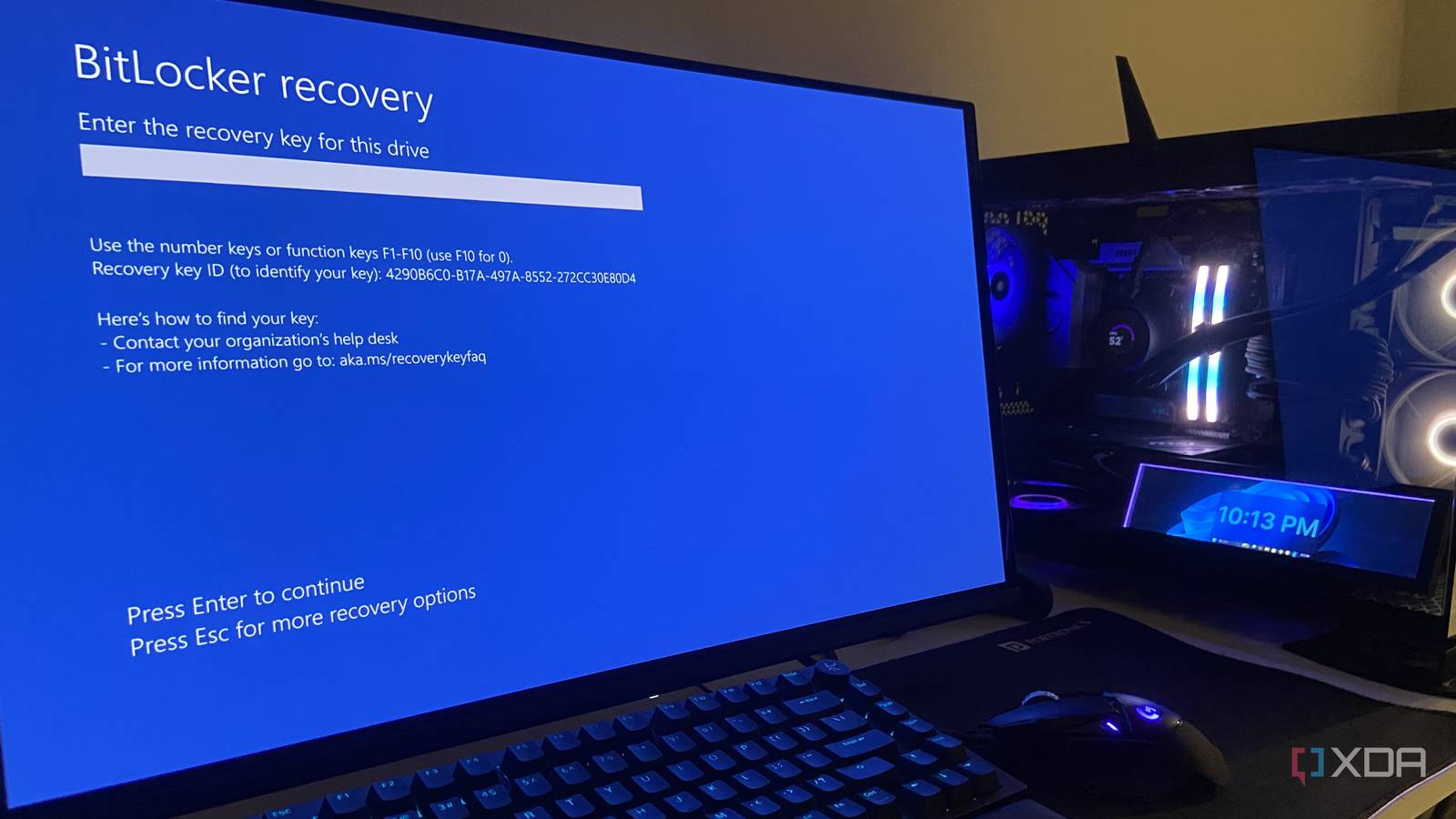
Key FactsWindows 11 Device Encryption Can Trigger Unexpected Recovery Lockouts
Sep 14, 2026 · Reading time: ~45 sec.
Summary created with AI assistance · Source: xda-developers.com
- Since October 2024, Windows 11 24H2 has enabled Device Encryption by default on many clean installs and resets.
- For local accounts, Microsoft says the recovery key is not automatically saved when the device is encrypted.
- BIOS or UEFI updates, TPM changes, and boot-manager modifications can reportedly trigger the 48-digit key prompt.
- Users should save the key before changing Secure Boot or the TPM and suspend BitLocker during those changes.
I've argued time and again that many of the default settings and updates that Windows 11 ships with assume the best interests of the user, but in practice, they can backfire and cause them genuine harm and loss.— Abhinav, author of the article
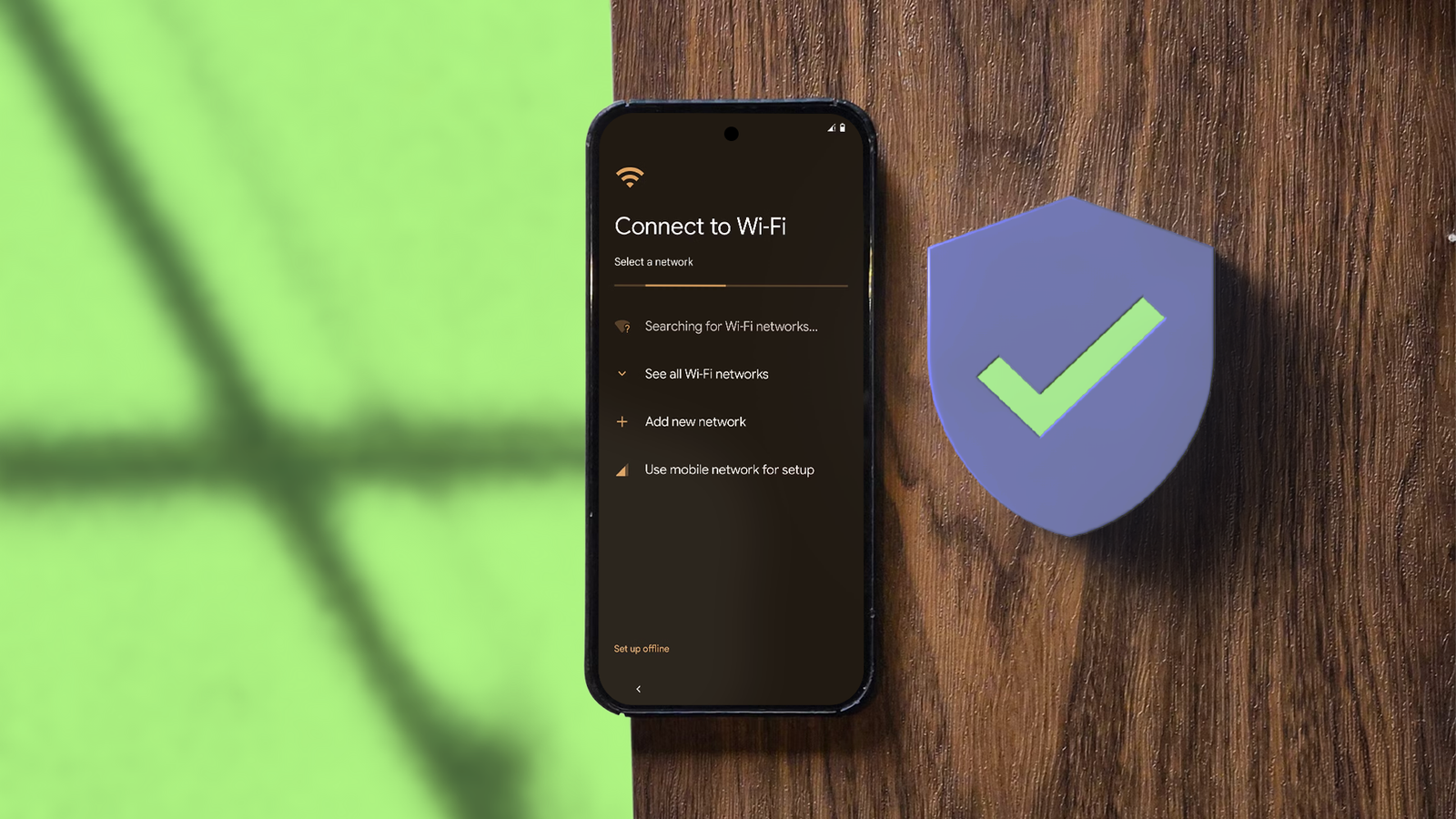

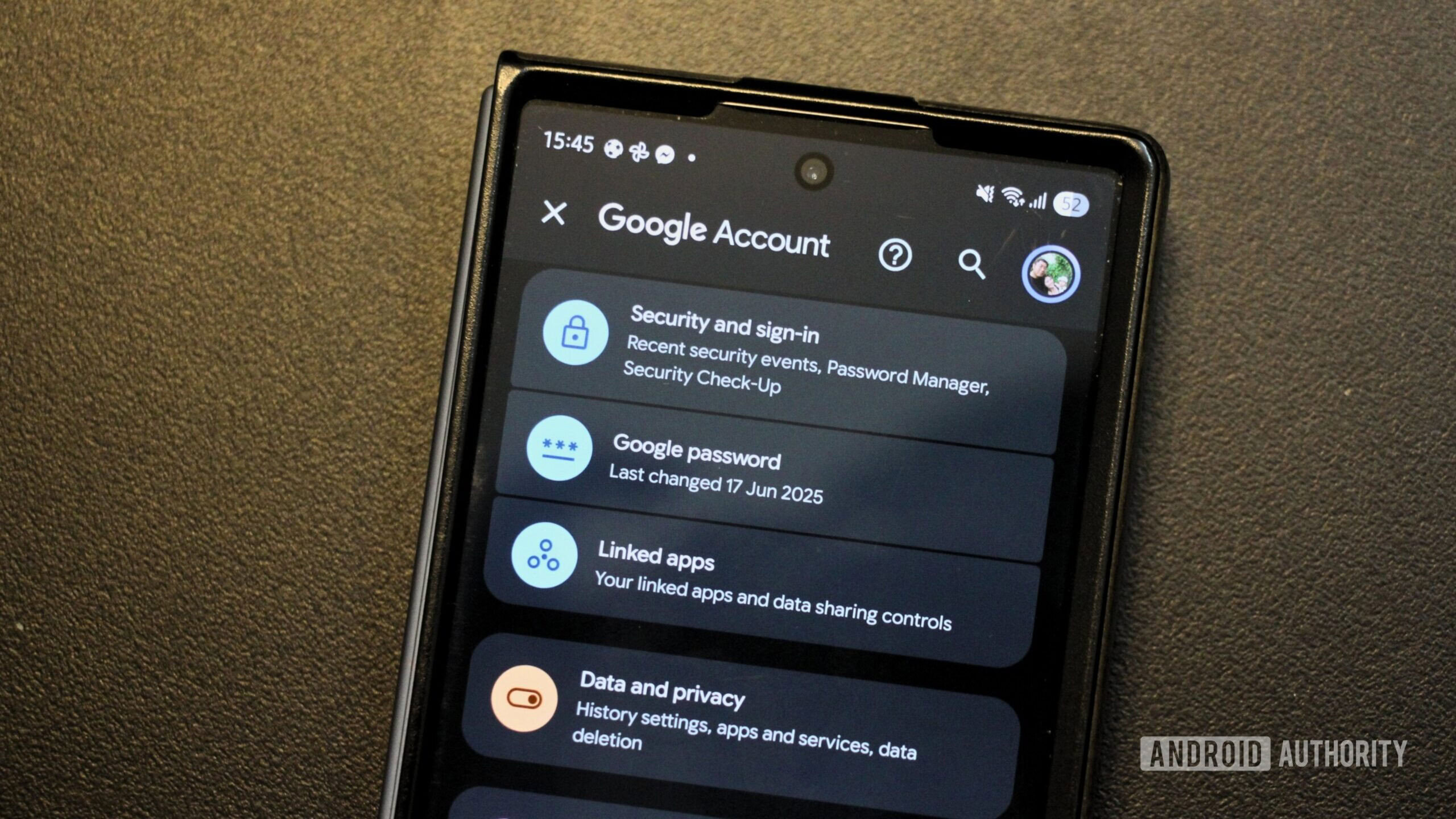
How To Make Sure Your Android Phone Is Secure: Android's security and privacy settings can be overwhelming, so you should take the time to make sure your device ...
engadget.com/2243954/how-to-make-sure-android-phone-secure/

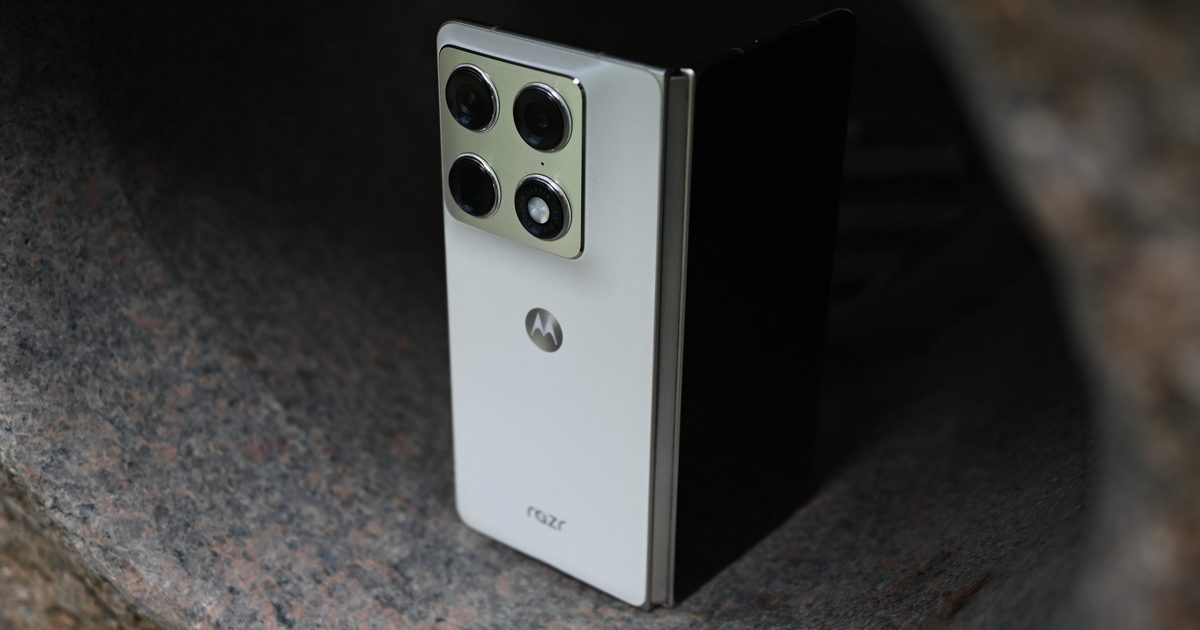
The Razr Fold now gets along better with iPhones thanks to AirDrop: The Motorola Razr Fold is now the first Motorola phone to support AirDrop-style file sharing ...
digitaltrends.com/phones/the-razr-fold-now-gets-along-better-with-iphones-thanks-to-airdrop/

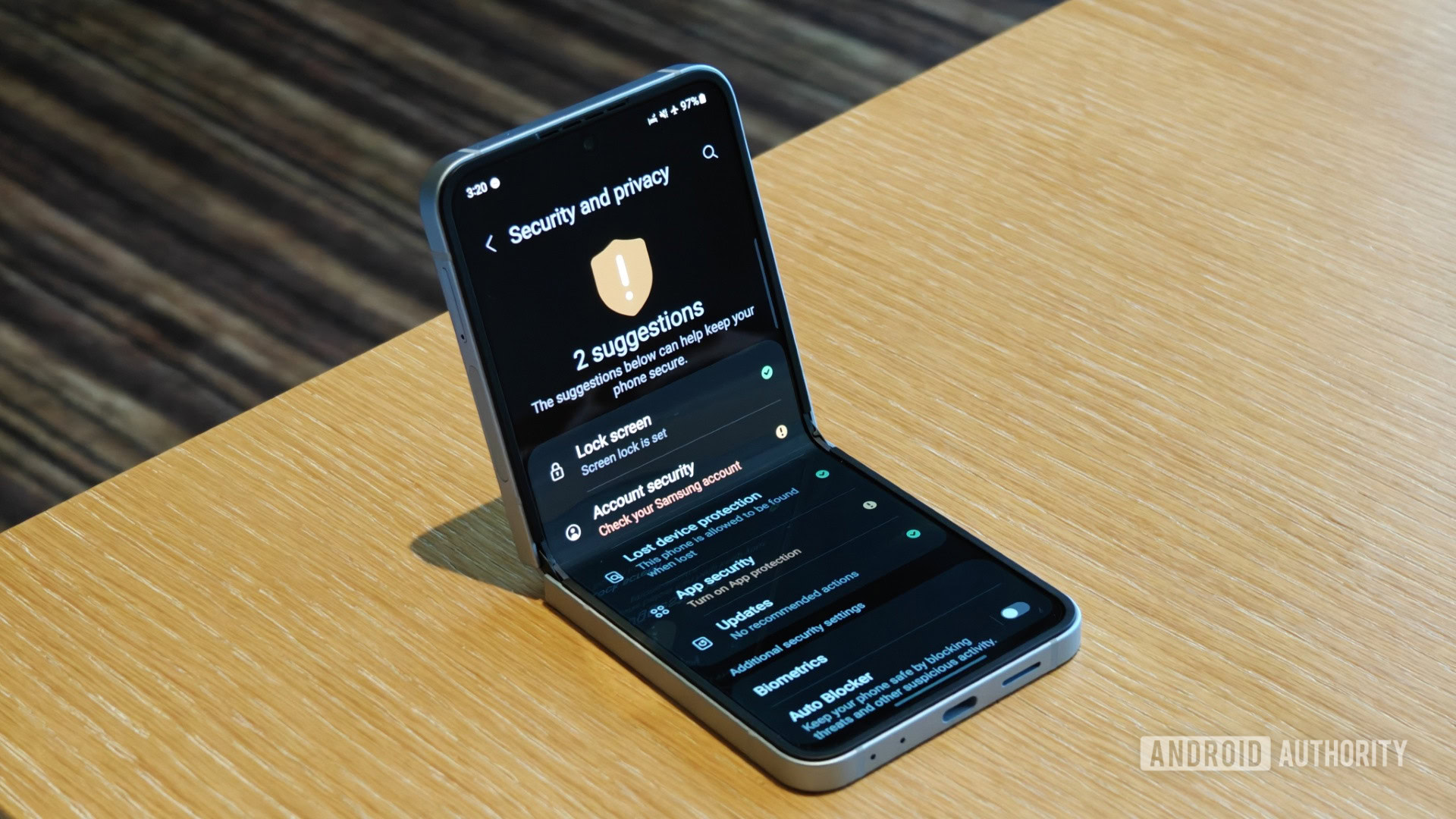

Android 17's Automatic SIM lock protection is nearly here: First visuals of a feature designed to save time
androidpolice.com/android-17-automatic-sim-lock-protection-canary-2603/

Learn How to Protect Your Phone From Viruses and Other Threats: Your phone is your life. Learn how to protect it from threats like viruses to keep your device -- ...
cnet.com/tech/services-and-software/how-to-protect-your-phone-from-cyber-threats/


 Limited free access BitLocker reportedly auto-locks users' backup drives, causing loss of 3TB of valuable data — Windows automatic disk encryption can permanently lock your ...
tomshardware.com/software/windows/bitlocker-reportedly-auto-locks-users-backup-drives-causing-loss-of-3tb-of-valuable-data-windows-automatic-disk-encryption-can-permanently-lock-your-drives


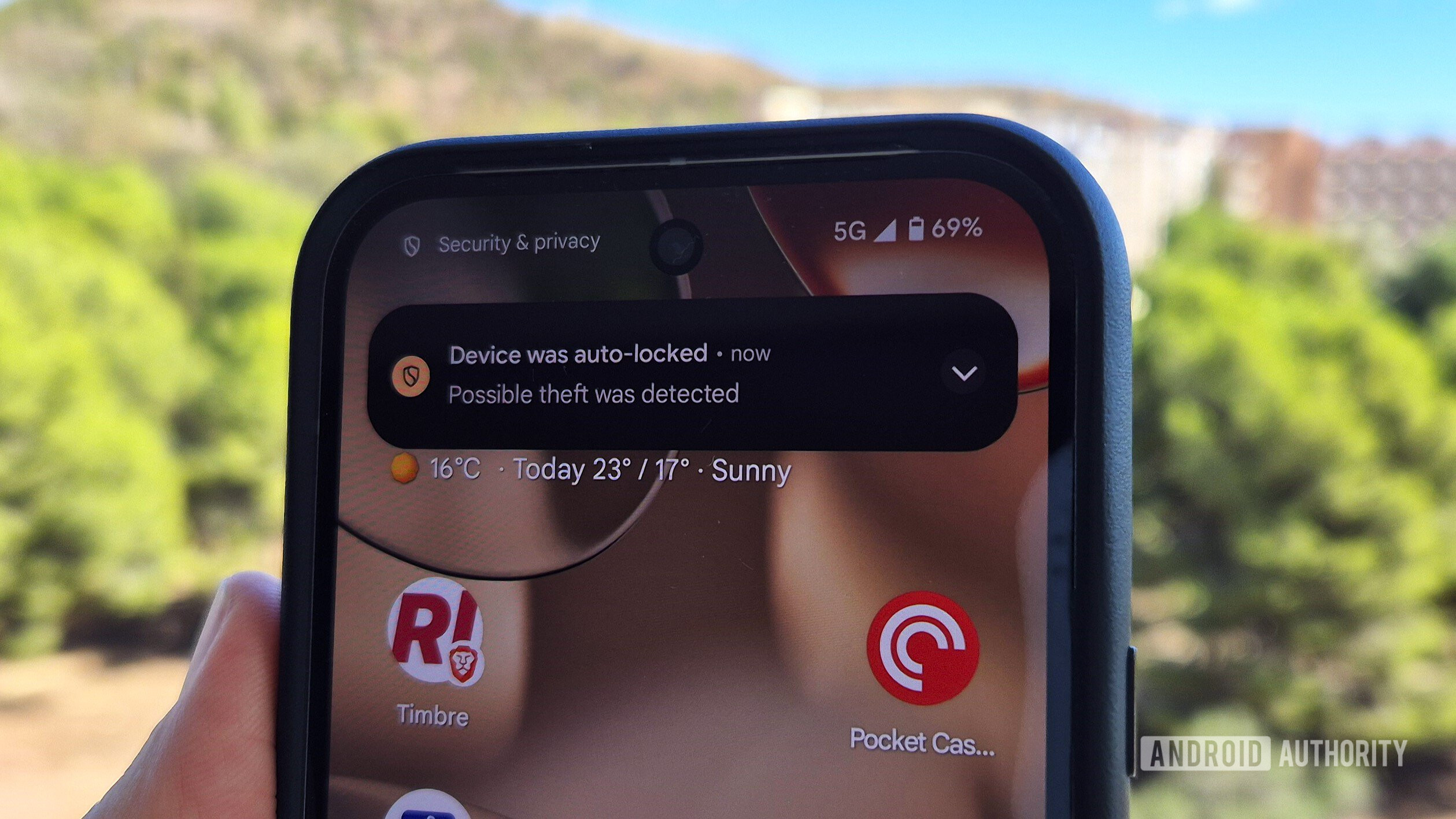
Got a Galaxy phone? Samsung says you should turn on these security features now!: Samsung is advising all Galaxy users to activate its suite of anti-theft ...
androidauthority.com/samsung-anti-theft-features-advisory-3572196/


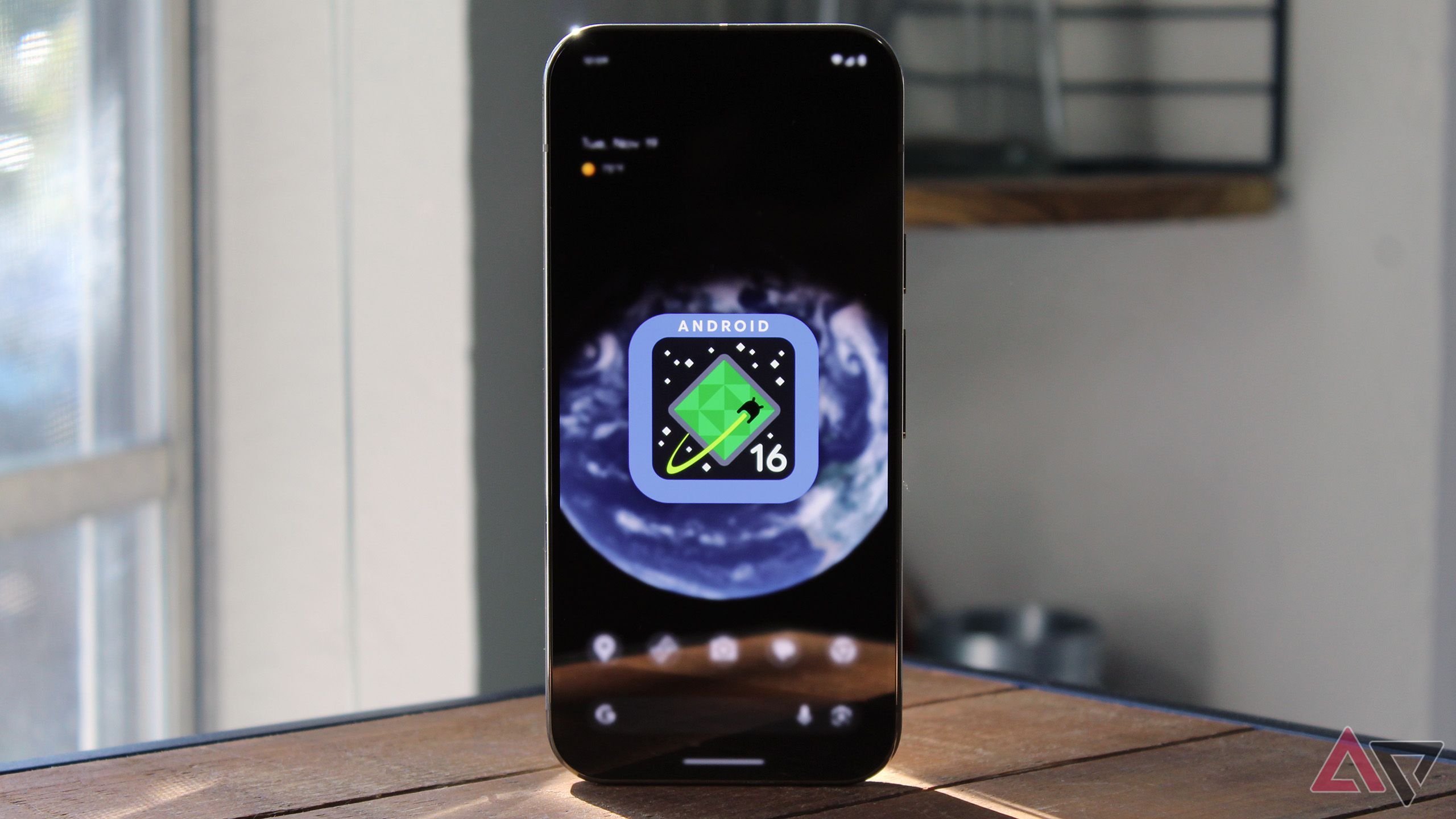
Android 16 could let you play detective with your activity logs: Google's intrusion analysis tool is taking shape
androidpolice.com/android-16-intrusion-detection-in-development/

How Android 16’s new security mode will stop USB-based attacks: Advanced Protection Mode, a new security mode in Android 16, will stop USB attacks by disabling ...
androidauthority.com/android-16-usb-data-advanced-protection-3548018/

5 easy ways to transfer photos from your Android device to your Windows PC: You can transfer photos from your Android phone to your Windows computer using a ...
zdnet.com/article/5-easy-ways-to-transfer-photos-from-your-android-device-to-your-windows-pc/
Next