
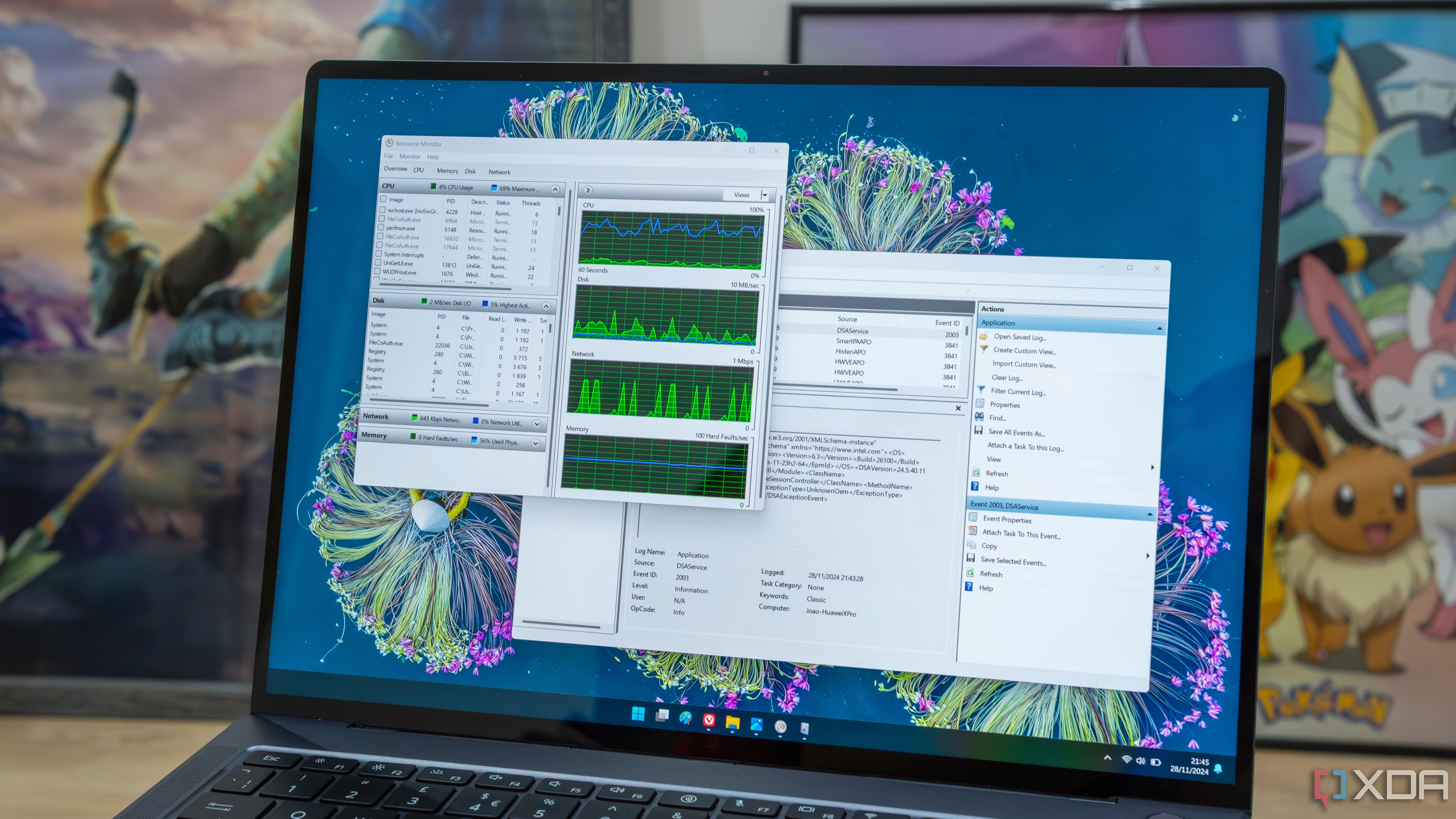
7 apps that could be slowing your Windows performance:
If your Windows PC seems slow, look to see if these apps are slowing it down.
xda-developers.com/7-apps-that-could-be-slowing-your-windows-performance/
Story Details
| Last Updated | |
| Total Articles | 1 |
Main Topics



public presentation of a performing arts work, a play, concert, or other form of entertainment
Similar to This
Previous

windowslatest.com Nov 05

Microsoft admits Windows 11 was moving your open apps to slower storage on 8GB RAM PCs, which is why they reload, and now it keeps up to 2GB more in memory
windowslatest.com/2026/11/03/microsoft-admits-windows-11-was-moving-your-open-apps-to-slower-storage-on-8gb-ram-pcs-which-is-why-they-reload-and-now-it-keeps-up-to-2gb-more-in-memory/


Windows 11 with 8 GB RAM: Microsoft promises up to 40 percent more speed - | Golem.de
golem.de/news/windows-11-mit-8-gb-ram-microsoft-verspricht-bis-zu-40-prozent-mehr-tempo-2611-214826.html


Here’s Microsoft’s Plan to Save Windows 11 From RAMaggedon: Microsoft's 'serious surgery' of Windows 11 to make it suck less for 8GB PCs is only ...
gizmodo.com/microsoft-windows-11-ram-solutions-2000834370

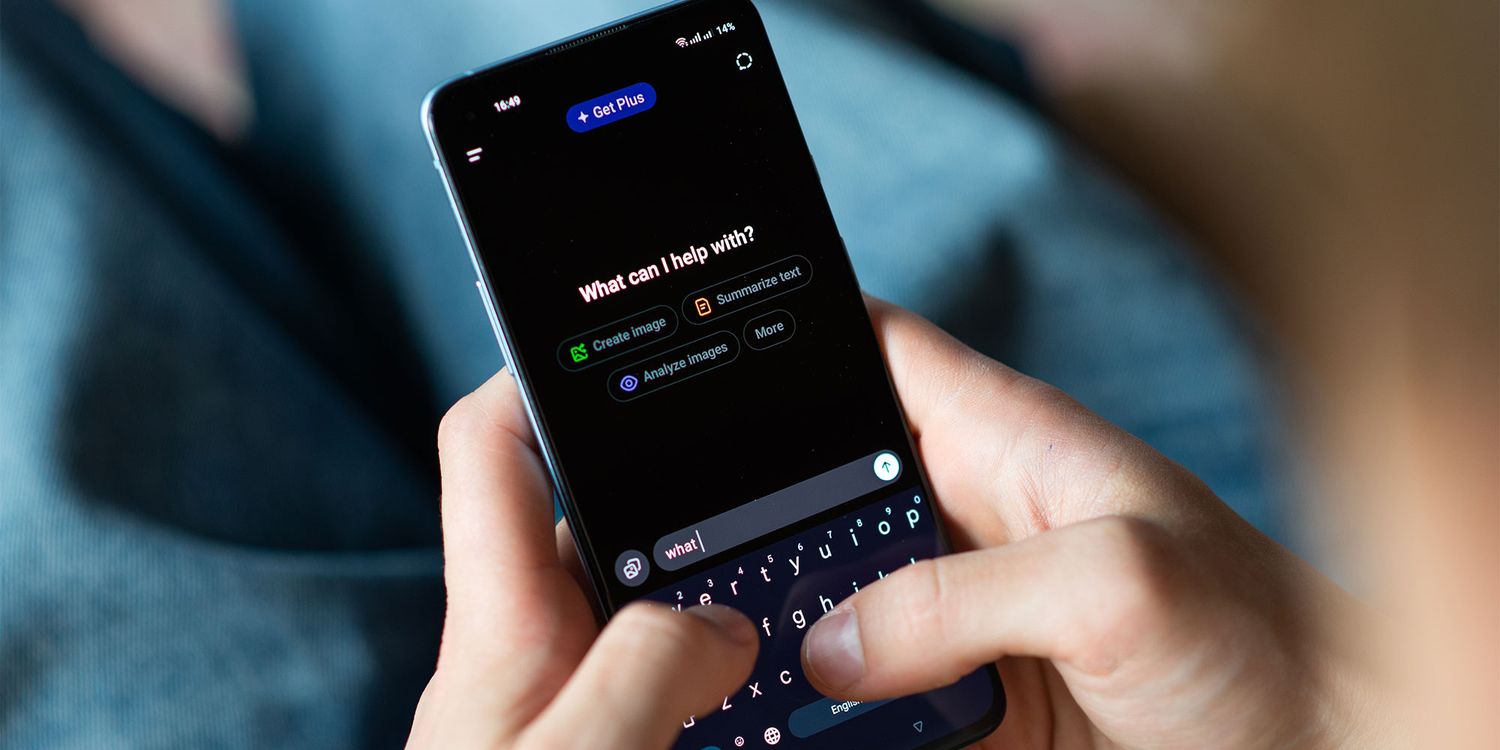
How to switch off AI on Android, Apple and Windows devices: AI is becoming increasingly tricky to avoid, but there are still ways to switch off or limit some of ...
which.co.uk/news/article/how-to-turn-off-ai-aY7hh1g54QGj


The Best Antivirus Software for 2026: Antivirus apps protect your PC's personal information, data, bank accounts, and other sensitive information ...
uk.pcmag.com/antivirus/8141/the-best-antivirus-protection
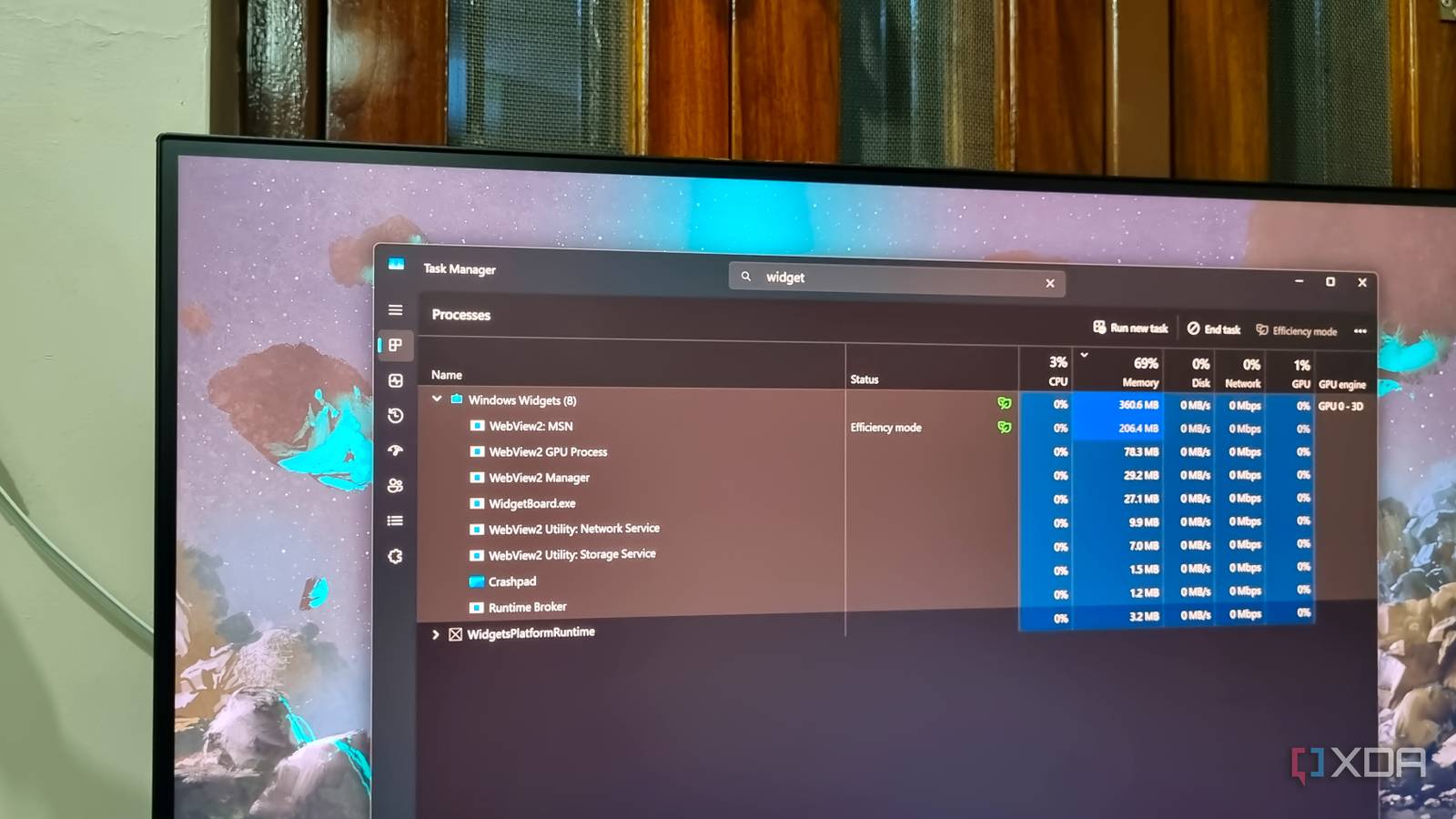
I disabled these 4 Microsoft apps, and Windows 11 felt noticeably faster than before
xda-developers.com/disabling-these-microsoft-apps-makes-windows-11-feel-faster/
Key FactsAuthor says Windows 11 felt faster after disabling four tools
Oct 28, 2026 · Reading time: ~30 sec.
Summary created with AI assistance · Source: xda-developers.com
Summary created with AI assistance · Source: xda-developers.com
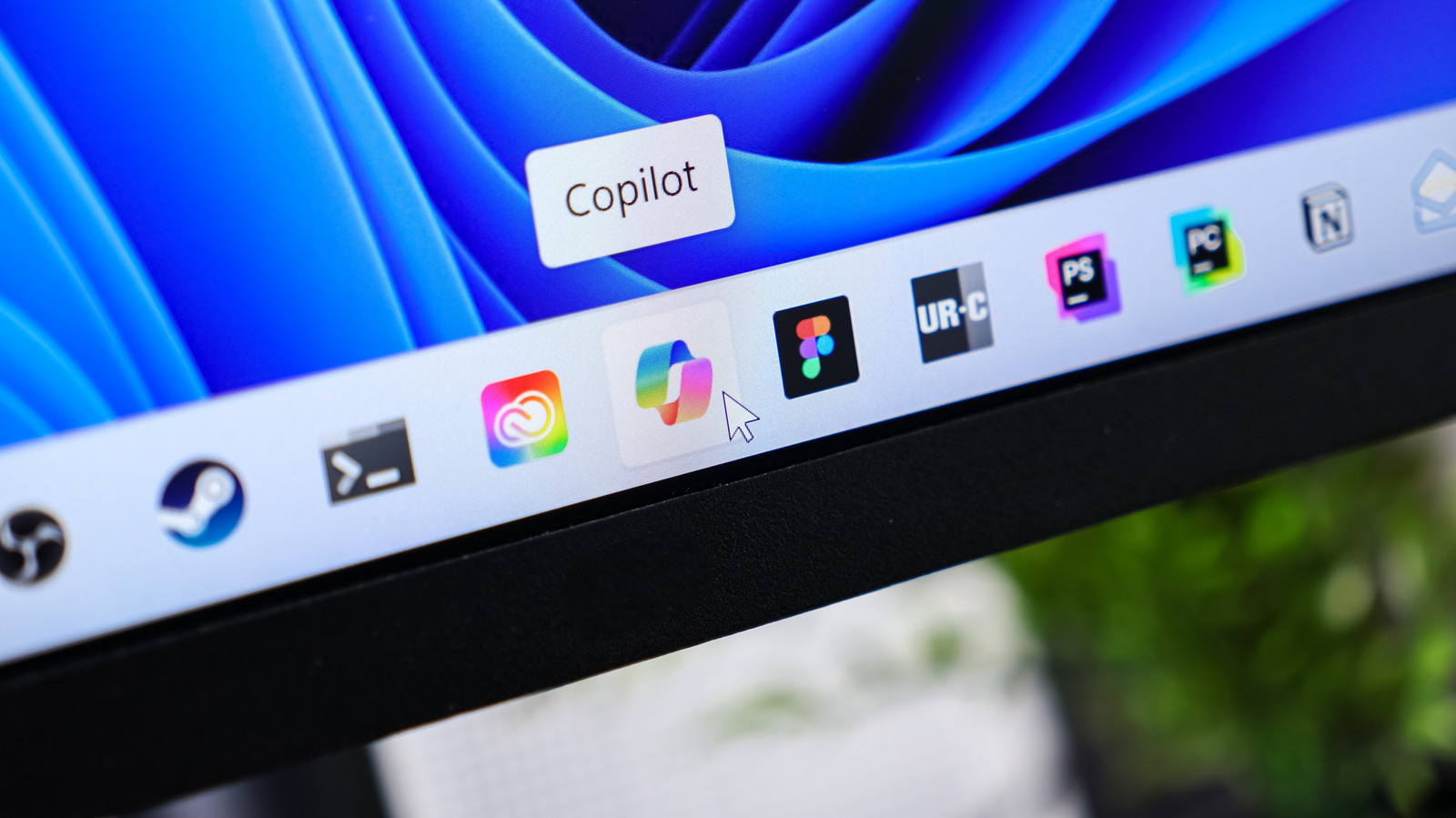
- Copilot can use nearly 500 MB of memory, even when it is not running in the foreground, the author says.
- The Widgets Board can use more than 600 MB of memory while active, according to the article.
- With a linked Microsoft account, OneDrive uses 100–300 MB in the background; after unlinking, about 100–150 MB remains, the author says.
- Edge cannot be uninstalled, the article says; disabling Startup Boost and background apps can prevent its processes from running in the background.


Windows 11 search can now skip web results and focus on your PC: Microsoft's new Windows 11 toggle setting hides web suggestions in Start search ...
pcworld.com/article/3271381/windows-11-search-can-now-skip-web-results-and-focus-on-your-pc.html

The Safest And Easiest Way To Debloat Windows 11: Don't put up with the clutter in Windows 11 — you can remove the most annoying pre-installed apps and tracking ...
engadget.com/2268915/debloat-windows-11-safest-easiest-way/
I disabled these 4 Microsoft apps, and Windows 11 felt noticeably faster than before
xda-developers.com/disabling-these-microsoft-apps-makes-windows-11-feel-faster/
Can Microsoft Really Make Windows 11 Suck Less on Weak PCs?: The RAM apocalypse could be a gift to cheap PCs, if you can consider any laptop today ‘cheap.’
gizmodo.com/can-microsoft-really-make-windows-11-suck-less-on-weak-pcs-2000793959

14 Easy Fixes to Make Windows 11 Feel Faster: Don't reinstall Windows if you PC is slow. Try these simple tricks, and you should see a noticeable speed boost.
pcmag.com/explainers/14-easy-fixes-to-make-windows-11-feel-faster

WindowsCentral Jan 22

10 essential maintenance tips to keep your Windows 11 PC running longer — reduce slowdowns and reclaim performance
windowscentral.com/microsoft/windows-11/10-essential-maintenance-tips-to-keep-your-windows-11-pc-running-longer
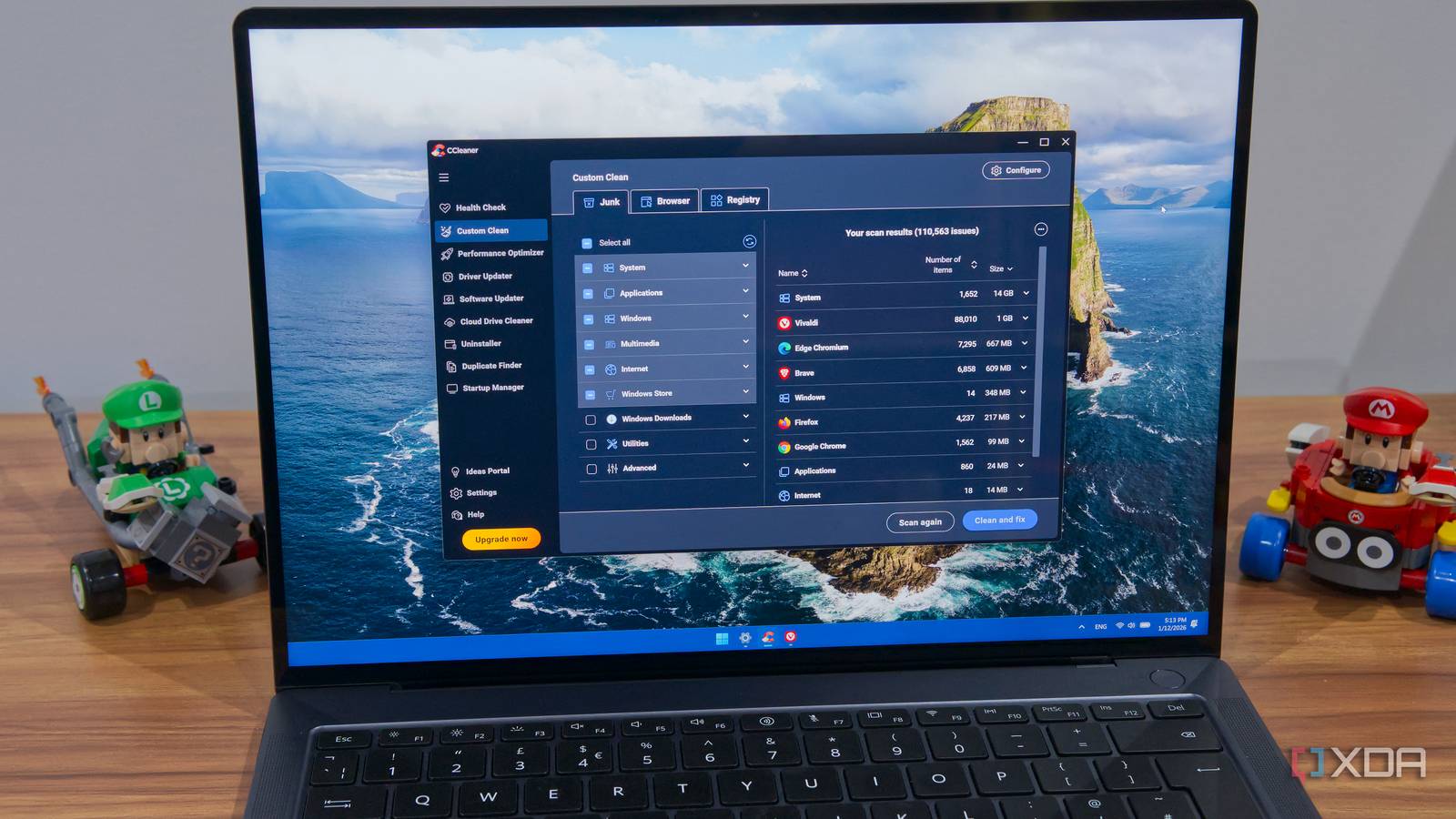
Most "performance" software makes your PC worse, not faster: Keeping your PC performing like new isn't about using optimizer apps, it's about treating your ...
xda-developers.com/most-performance-software-makes-your-pc-worse-not-faster/
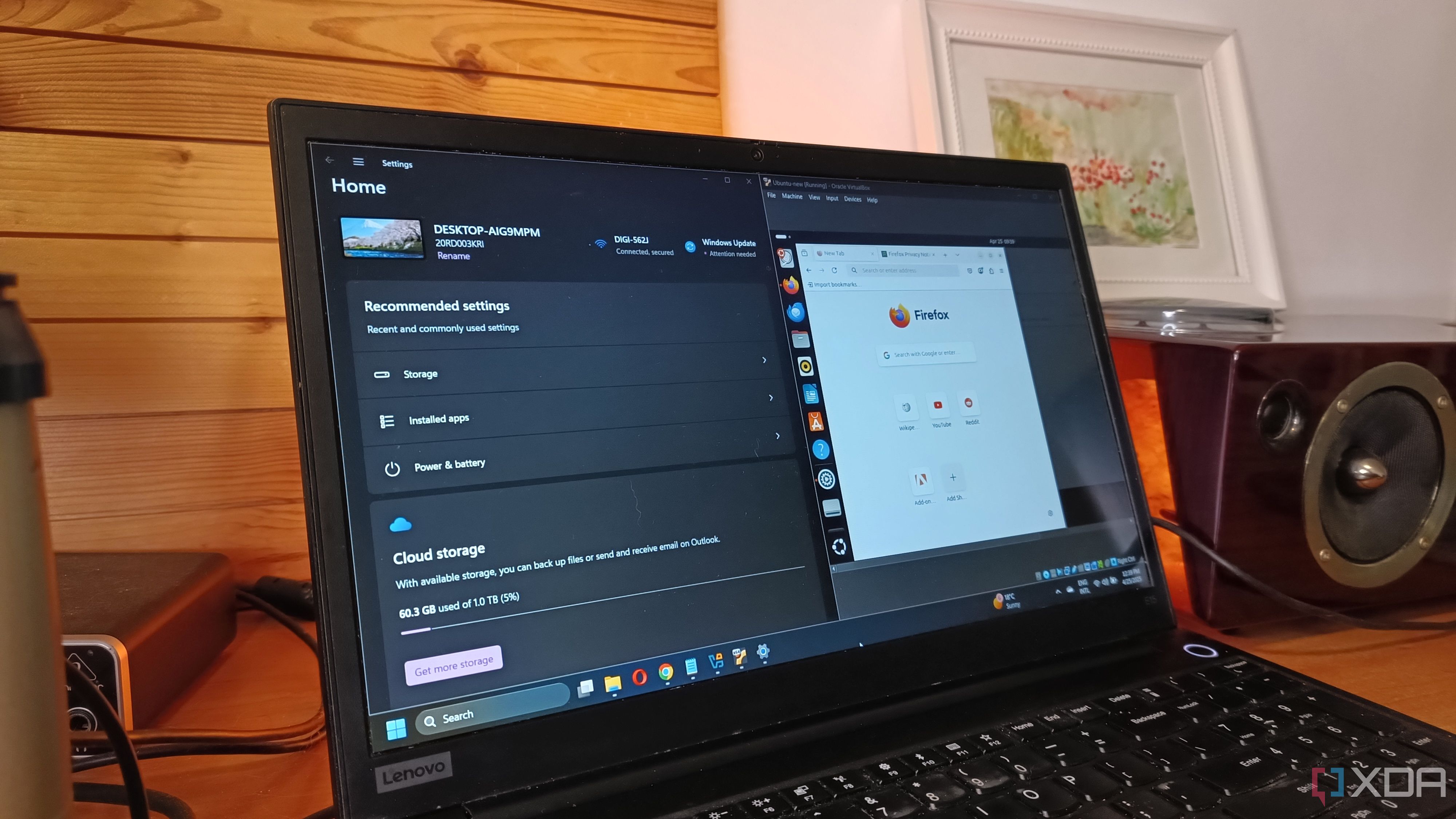
5 proven Windows 11 tweaks I use to speed up my PC and you should too: I always use these proven tweaks to make Windows 11 more responsive, and you can too.
xda-developers.com/proven-windows-11-tweaks-that-speed-up-my-pc/


Windows 11 will soon be able to explain why your PC needs more RAM and a better GPU
neowin.net/news/windows-11-will-soon-be-able-to-explain-why-your-pc-needs-more-ram-and-a-better-gpu/
Next