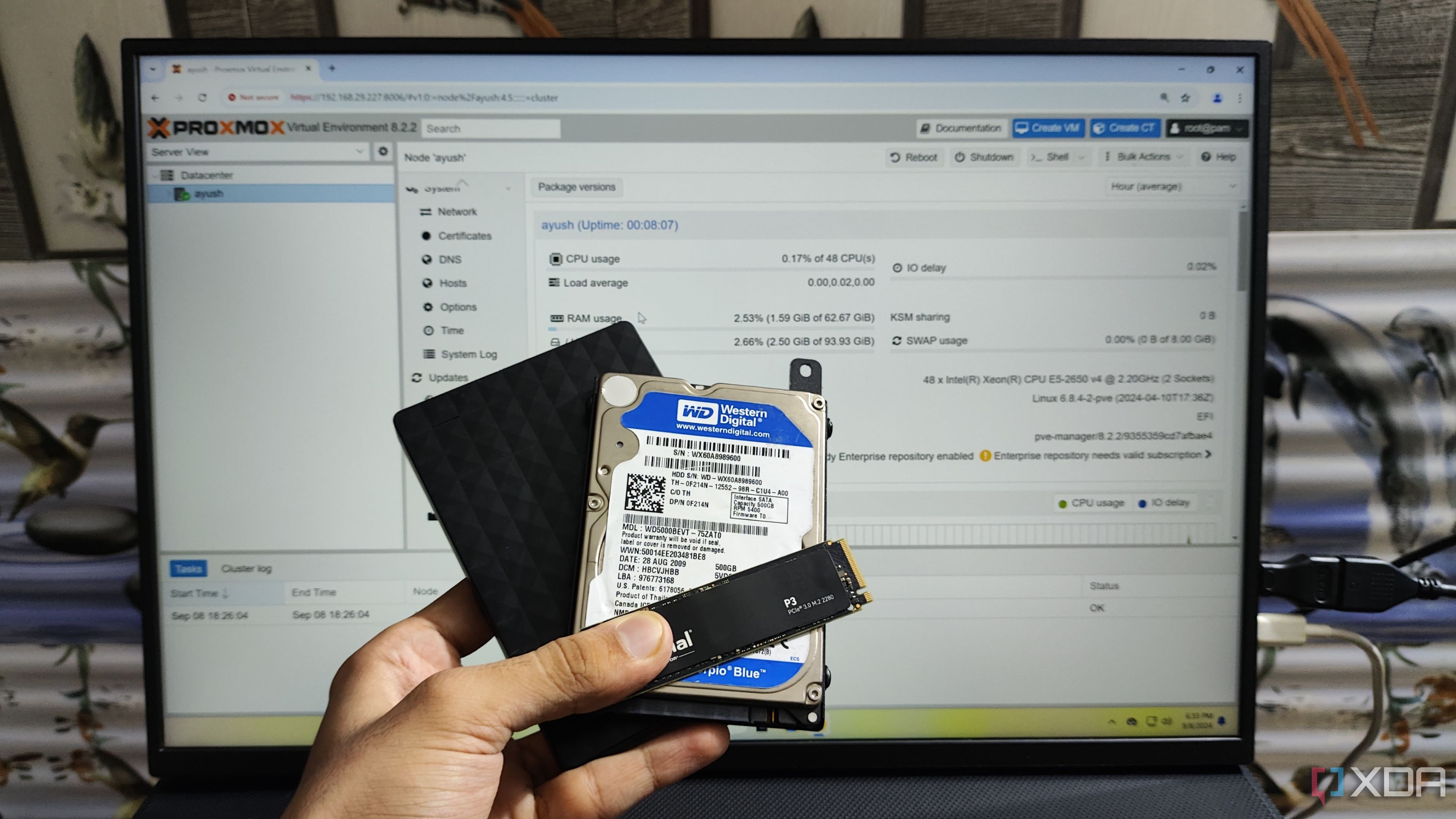
5 tips for partitioning your Windows 11 hard drive:
Splitting your drive into multiple partitions has its uses, but it's a good idea to take some extra care ...
xda-developers.com/tips-partitioning-hard-drive-windows-11/
Story Details
| Last Updated | |
| Total Articles | 1 |
Main Topics

data storage device containing recording media (either internally or in the form of a slot for removable media) together with electrical or mechanical parts for the operation of the media

Similar to This
Previous

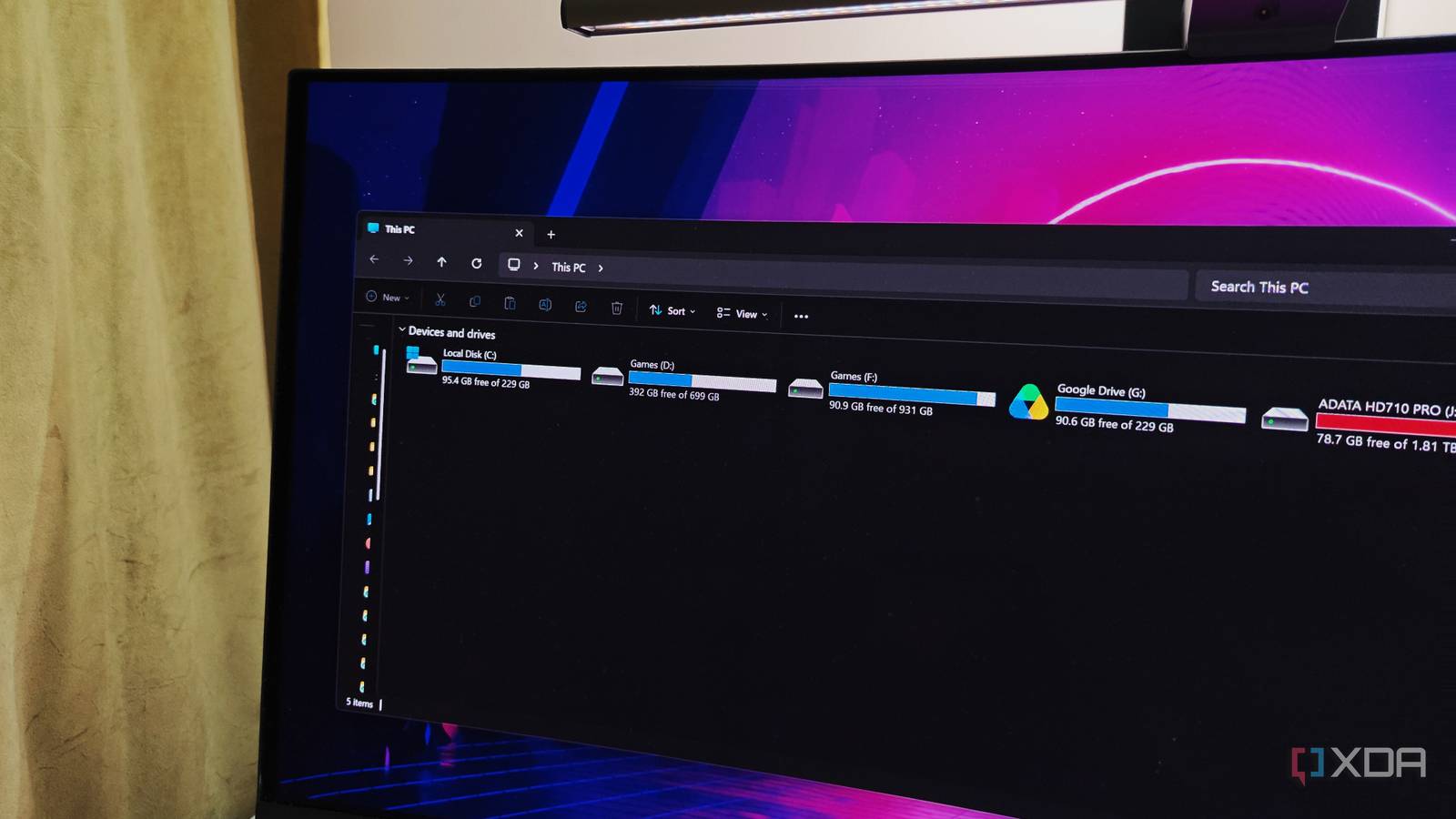
Windows still uses drive letters from the 1980s, and Linux's single file tree shows what we could have had
xda-developers.com/windows-drive-letters-from-1980s-linux-shows-better-way/
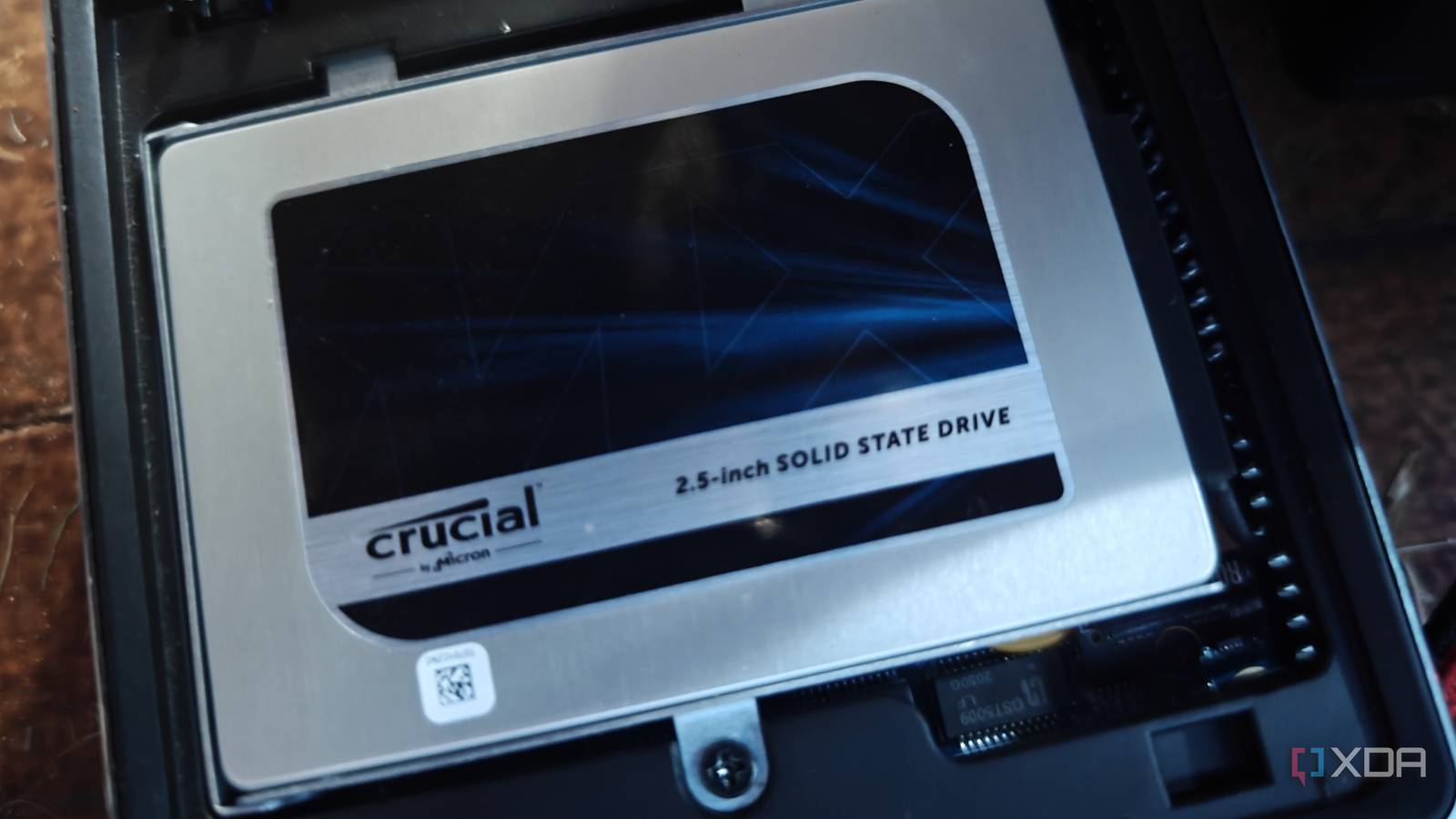
An old SATA SSD makes a better Windows boot drive than you'd think, and NVMe barely helps what you do every day
xda-developers.com/old-sata-ssd-better-windows-boot-drive-than-youd-think/
Key FactsSATA SSDs Often Suffice as Windows Boot Drives
Oct 28, 2026 · Reading time: ~30 sec.
Summary created with AI assistance · Source: xda-developers.com
Summary created with AI assistance · Source: xda-developers.com
- The article reports games loading only a few seconds faster from NVMe than SATA and advises against upgrading working SSDs.
- NVMe can help with large video transfers, huge backup archives, massive databases, and 4K video editing.
- For new PCs or replacement drives, the author recommends NVMe; PCIe 3.0 or 4.0 SSDs are usually sufficient for most computers.
- The article recommends regularly checking older SSDs’ SMART status to spot possible signs of drive failure.


Stuck without a hard drive, I saved $50 by turning my Android phone into one: You'll forget your phone has this basic function
androidpolice.com/i-saved-50-by-using-a-simple-android-phone-feature/


Your broken Windows 11 PC no longer needs a USB drive to come back to life: Windows 11’s new Cloud Rebuild feature can reinstall Windows on your PC even when it ...
digitaltrends.com/computing/your-broken-windows-11-pc-no-longer-needs-a-usb-drive-to-come-back-to-life/
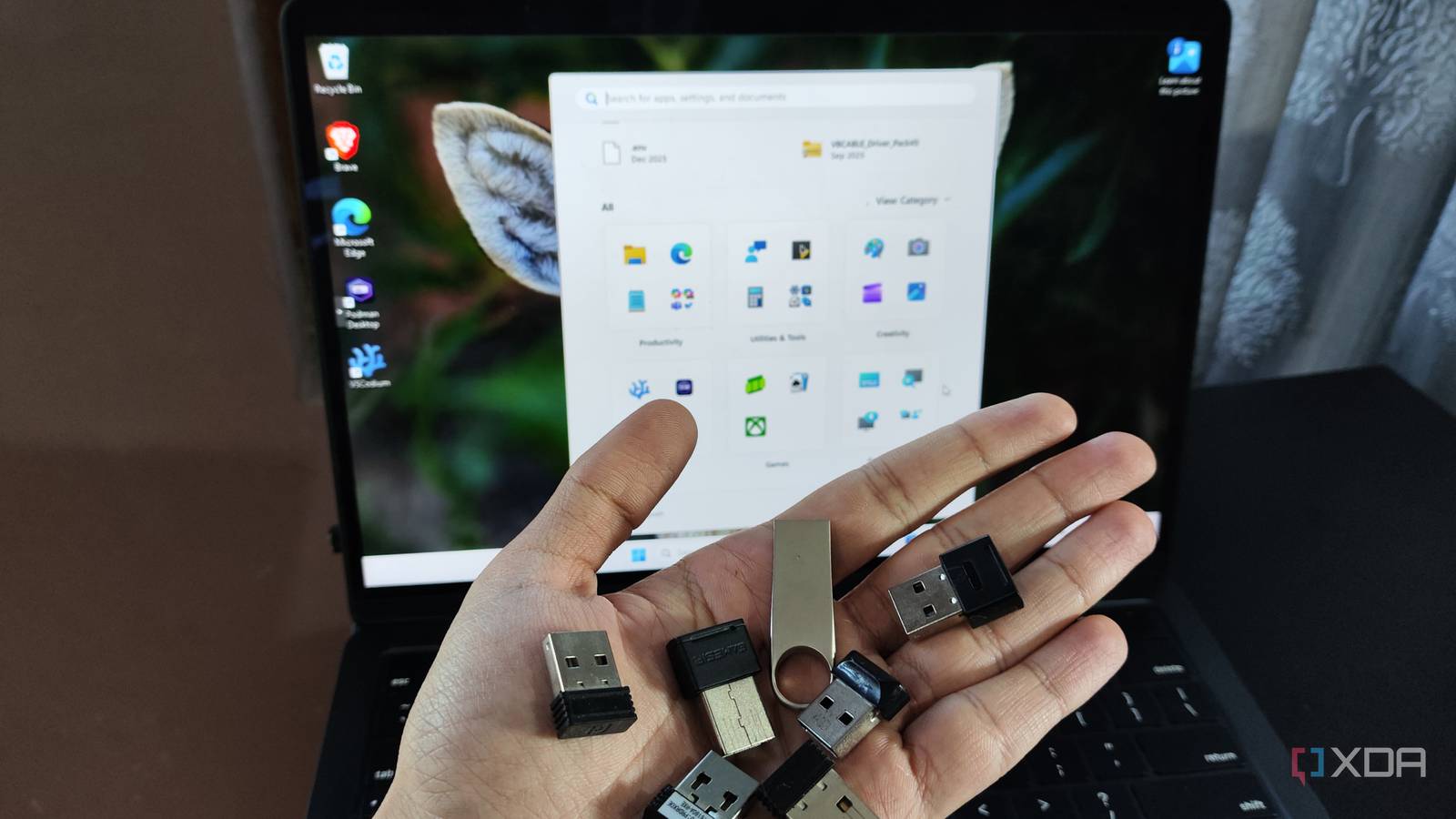
Windows remembers every USB device you've plugged in, and checking your history takes five minutes
xda-developers.com/windows-remembers-every-usb-device-ever-plugged-in-it-took-me-years-back/
Key FactsWindows Keeps Traces of Connected USB Devices
4 days ago · Reading time: ~30 sec.
Summary created with AI assistance · Source: xda-developers.com
Summary created with AI assistance · Source: xda-developers.com
- Windows stores USB-device information under the USB and USBSTOR Registry keys; entries can be deleted and do not capture every connection.
- The free USBDeview combines data from multiple sources and can show timestamps for the first and last connection.
- With administrator rights, USBDeview can show installation, connection, and disconnection times; available data depends on Windows version and device.
- A drive can appear multiple times because of different ports; shared PCs also make personal attribution difficult.

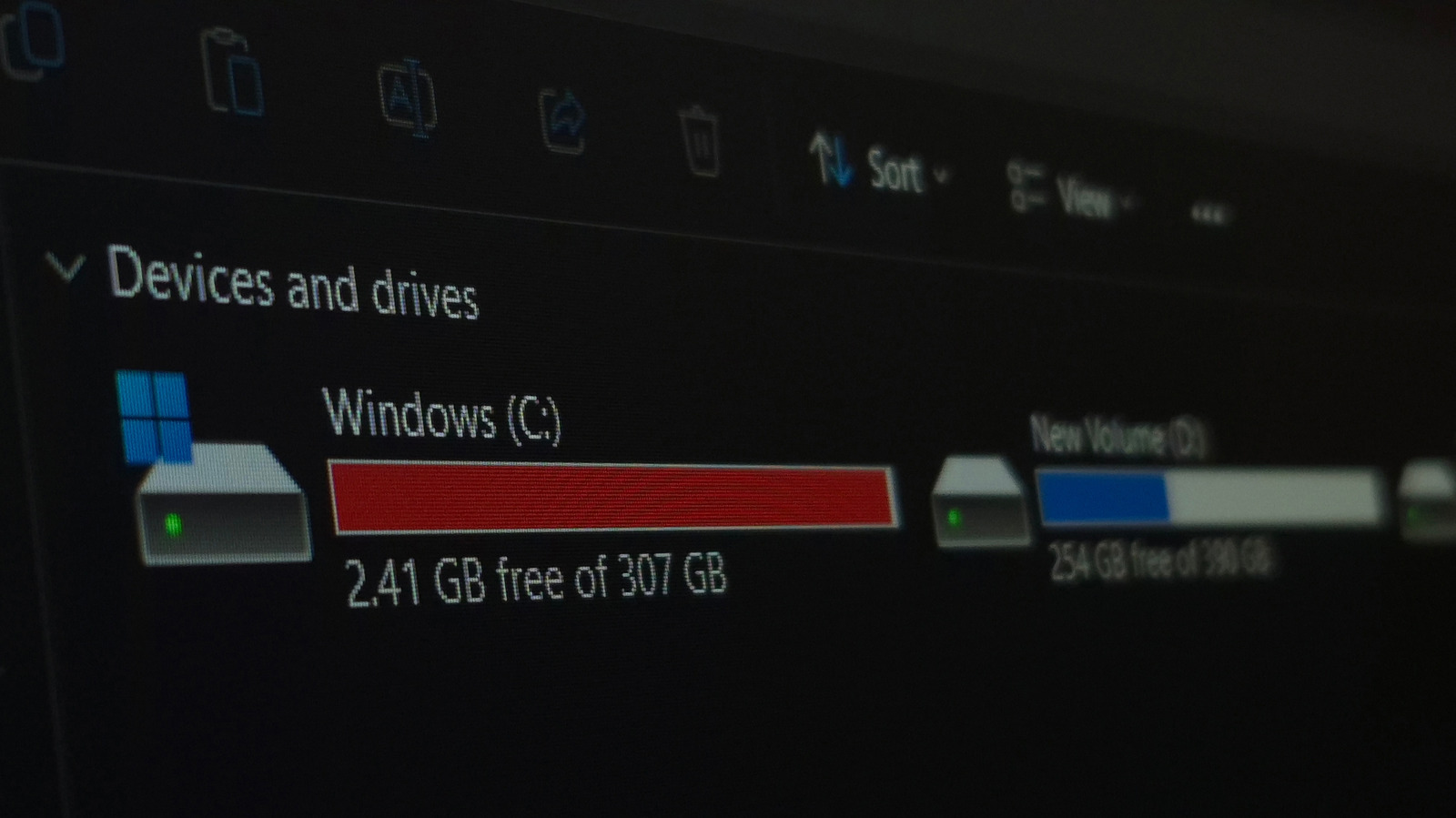
Is A 256GB SSD Better Than A 1TB Hard Drive? It Depends How You're Using It: SSDs are much faster than HDDs, but that doesn't mean spinning hard drives are ...
engadget.com/2252762/256-gb-ssd-vs-1-tb-hard-drive-which-better/

Not partitioning your Windows drive is a bad idea, here's why: A single partition feels simple until something goes wrong
xda-developers.com/not-partitioning-windows-drive-is-bad-idea/

Computerworld Dec 25 25

How to migrate to a new Windows PC: All your files, apps, and settings are on your old computer. Here’s how to move them to your new Windows PC ...
computerworld.com/article/1638368/how-to-migrate-to-a-new-windows-pc.html


The DIY Cloud: How to Build Your Own Photo Storage and Ditch Subscriptions for Good
cnet.com/tech/services-and-software/the-diy-cloud-how-to-build-your-own-photo-storage-and-ditch-subscriptions-for-good/


Best Hard Drives 2026: The best HDDs for desktop PCs, NAS, and more, based on our extensive benchmarking
tomshardware.com/best-picks/best-hard-drives

I upgraded to a high-end NAS in my home for a month, here's what I learned: A true tech enthusiast luxury
androidpolice.com/upgraded-to-nas-a-month-what-i-learned/

World Backup Day Deals: 42 Storage Offers Worth Grabbing Right Now: World Backup Day is here, and you can grab great deals on flash drives, hard drives ...
cnet.com/deals/world-backup-day-deals/
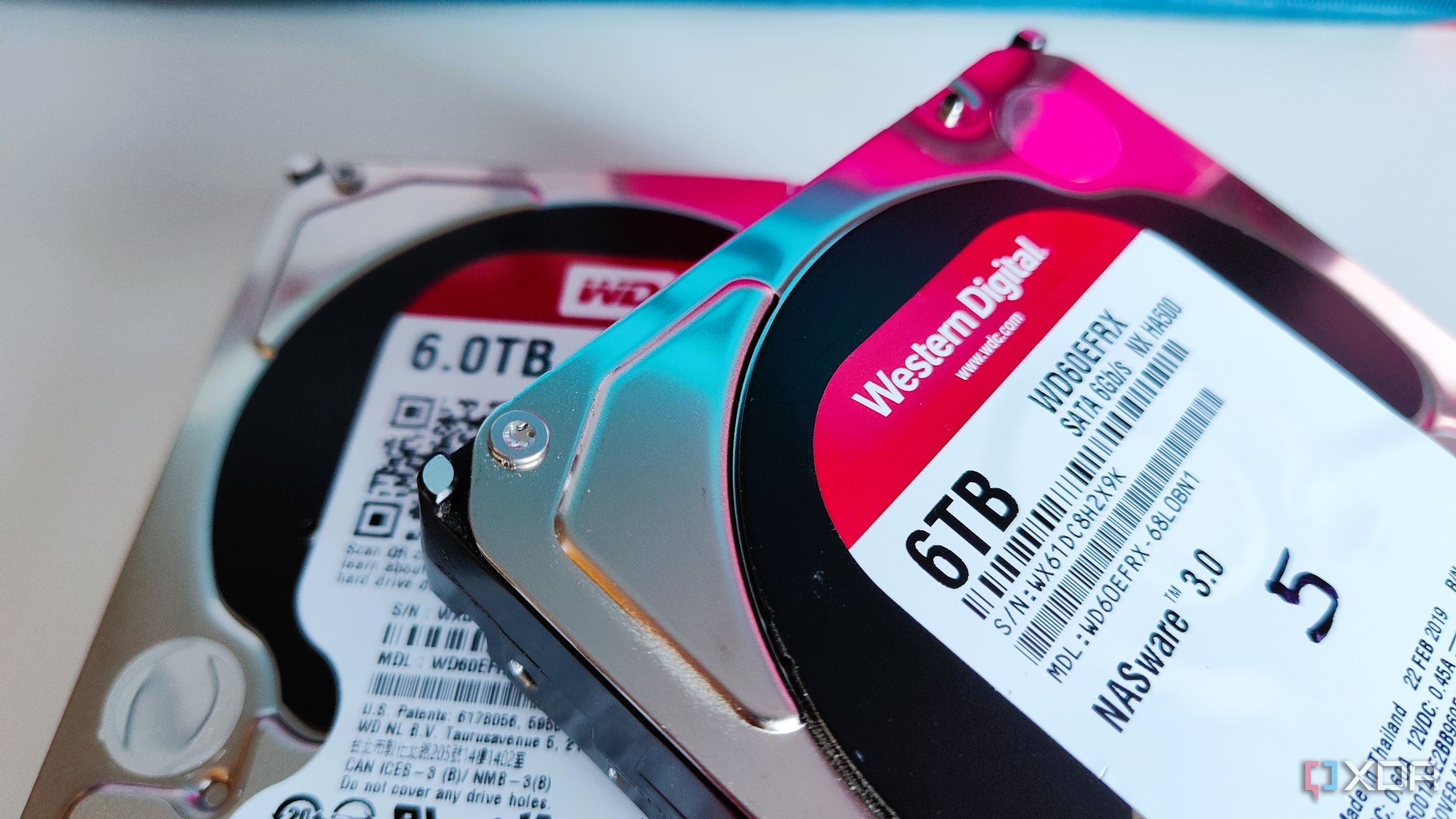
5 reasons you don't have to partition your drive anymore: Most users can let their operating system handle things from now on.
xda-developers.com/you-dont-have-to-partition-your-drive-anymore/

Gizchina Mar 03 25

Stellar Data Recovery Review: Amazing Recovery Software That Will Save You From Losing Files on Mac
gizchina.com/2025/03/02/stellar-recovery-review-for-mac/

5 reasons to clone your OS drive instead of doing a fresh install: See why you should consider cloning your OS instead of starting with a fresh install.
xda-developers.com/reasons-clone-os-drive/
Next