
Photo: xda-developers.com · view article
Article recommends yearly Windows PC maintenancePublished on August 1, 2026, the article outlines steps intended to keep Windows 11 PCs in good condition over time.
Key FactsAug 23, 2026 · Reading time: ~45 sec.
Summary created with AI assistance · Source: xda-developers.com
Summary created with AI assistance · Source: xda-developers.com
- The author considers a comprehensive PC cleanup at least once a year advisable, although it can also be performed more often.
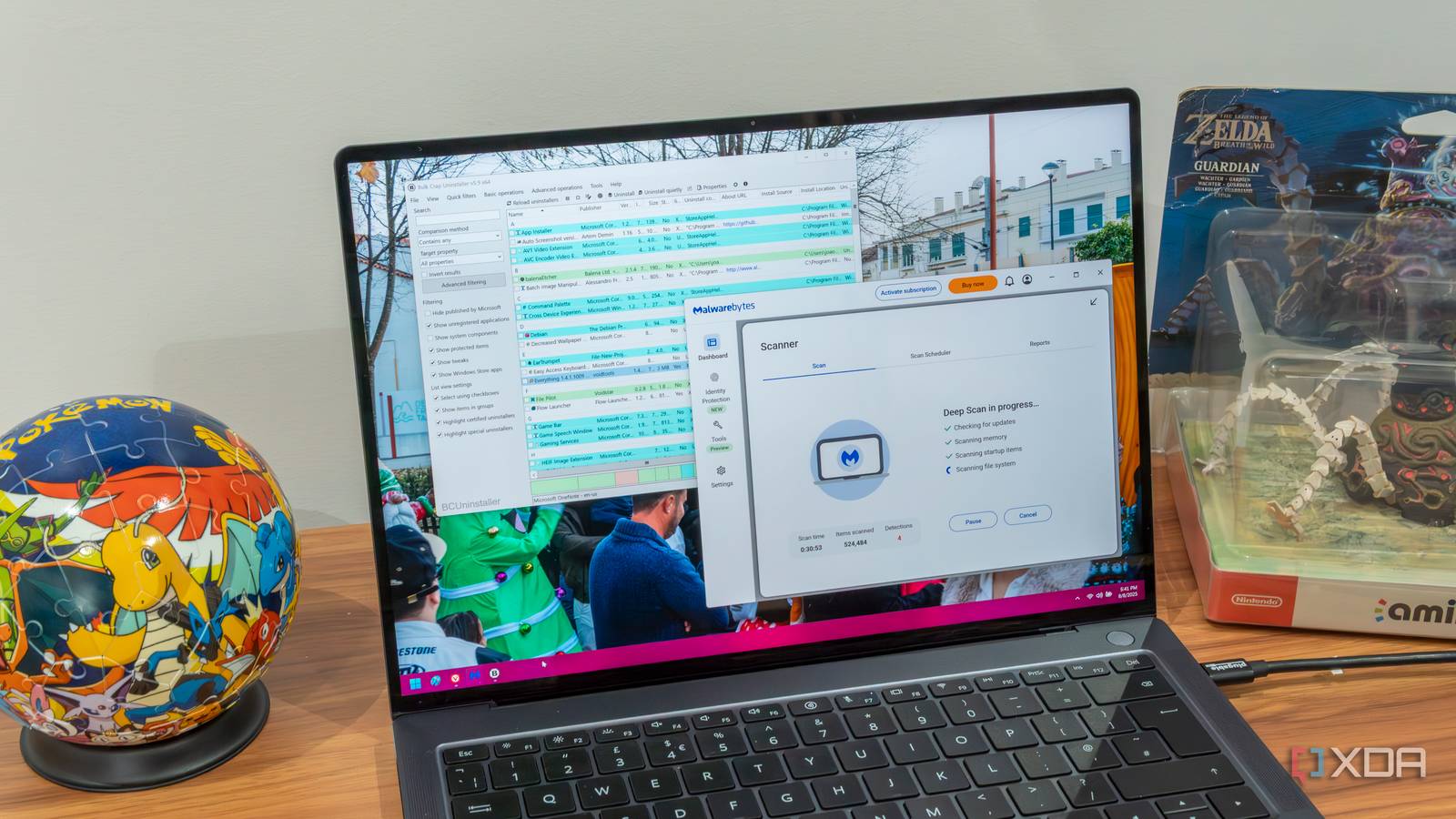
- BCUninstaller can remove programs from several sources in bulk and then search for files left behind.
- The article presents Chris Titus Tech's Windows Utility as an option for reducing bloatware and advises leaving update settings and MicroWin unchanged.
- Further maintenance recommendations include reviewing startup tasks, updating drivers, running a MalwareBytes deep scan, and deleting temporary files without clearing the Downloads folder indiscriminately.
Taking these steps every few months or every year is going to be a tremendous help to keep your PC running smoothly.— João Carrasqueira, author of the article, describing the benefits of regular deep cleaning.
Story Details
| Last Updated | |
| Total Articles | 1 |
Main Topics


Similar to This
Previous

Proven steps to speed up your PC for free: Steps to fix your PC without spending extra money
techradar.com/pro/proven-steps-to-speed-up-your-pc-for-free


Why It's Important To Monitor Your PC's Background Processes: Windows makes it easy to see what's happening on your PC in the background and manage these apps so ...
engadget.com/2284465/why-its-important-to-monitor-pc-background-processes/
You should deep clean your Windows PC every year to keep it running smoothly — here's how I do it
xda-developers.com/you-should-deep-clean-your-windows-pc-every-year-to-keep-it-running-smoothly-heres-how-i-do-it/
You should deep clean your Windows PC every year to keep it running smoothly — here's how I do it
xda-developers.com/you-should-deep-clean-your-windows-pc-every-year-to-keep-it-running-smoothly-heres-how-i-do-it/
Key FactsArticle recommends yearly deep cleaning for Windows 11 PCs
Aug 1, 2026 · Reading time: ~45 sec.
Summary created with AI assistance · Source: xda-developers.com
Summary created with AI assistance · Source: xda-developers.com
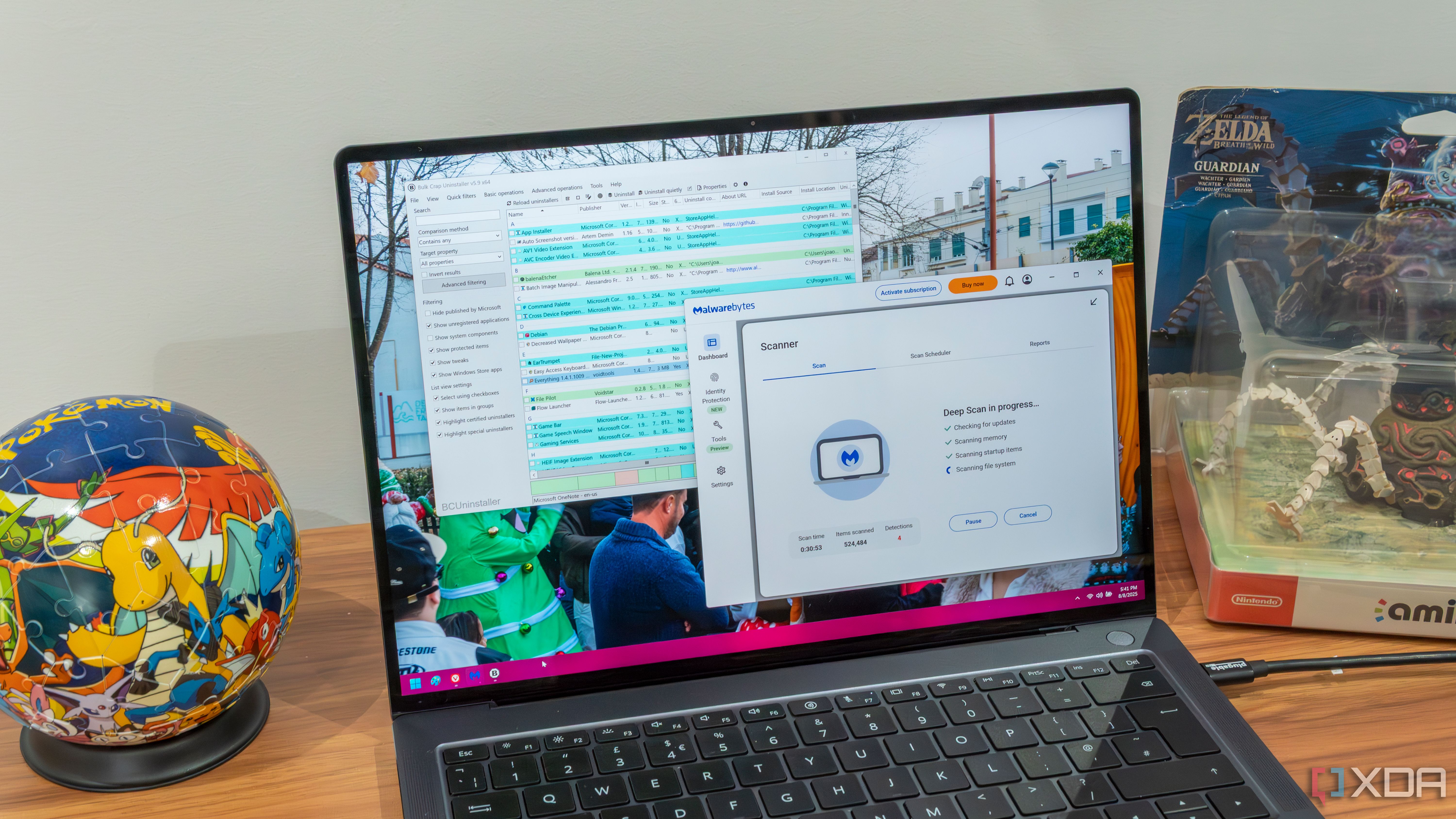
- To remove unwanted programs, the author recommends BCUninstaller, which can also find portable apps and leftover files.
- A debloat script such as Chris Titus Tech’s Windows Utility may be useful again after Windows updates, while startup tasks should be reviewed in Task Manager and Task Scheduler.
- Drivers can be updated through optional Windows updates or the websites of Nvidia, AMD, Intel, and the device manufacturer, while Malwarebytes offers a free deep scan without real-time protection.
- Temporary files can be removed under Settings > System > Storage > Temporary files, but the Downloads folder and browser data should be handled carefully, with only cached files generally selected.
The only things I wouldn't touch are the update settings and MicroWin, as you really shouldn't disable Windows updates, and MicroWin is used to create a new Windows installation.— João Carrasqueira, author of the article about the yearly deep clean of a Windows PC and the associated maintenance recommendations.
You should deep clean your Windows PC every year to keep it running smoothly — here's how I do it
xda-developers.com/you-should-deep-clean-your-windows-pc-every-year-to-keep-it-running-smoothly-heres-how-i-do-it/

14 Easy Fixes to Make Windows 11 Feel Faster: Don't reinstall Windows if you PC is slow. Try these simple tricks, and you should see a noticeable speed boost.
pcmag.com/explainers/14-easy-fixes-to-make-windows-11-feel-faster


How to find and remove viruses on your Windows PC - 12 free methods that I can attest to
zdnet.com/article/how-to-find-and-remove-pc-viruses-for-free/

How to find and remove PC viruses for free: 12 reliable methods that work for me: Viruses now operate quietly in the background, but thankfully ...
zdnet.com/article/how-to-find-and-remove-pc-viruses-for-free-12-reliable-methods-that-work-for-me/

12 ways to find viruses on your PC for free (and how to remove them): Viruses operate covertly these days, hiding in the background instead of attracting ...
zdnet.com/article/12-ways-to-find-viruses-on-your-pc-for-free-and-how-to-remove-them/
Malwarebytes Premium Security: Multi-layered detection catches most malware
uk.pcmag.com/antivirus/3773/malwarebytes-premium

You should deep clean your Windows PC every year to keep it running smoothly — here's how I do it
xda-developers.com/should-deep-clean-pc-every-year-keep-running-smoothly-heres-how-do-it/
You should deep clean your Windows PC every year to keep it running smoothly — here's how I do it
xda-developers.com/should-deep-clean-pc-every-year-keep-running-smoothly-heres-how-do-it/

This security suite stands out for more than just its excellent antivirus protection.
Avast One review: Polished PC security with excellent protection: Avast One defends not just your PC from online threats, but you as well—and does so by going ...
pcworld.com/article/548703/avast-one-review-2.html

Avast One defends not just your PC from online threats, but you as well—and does so by going beyond just superb antivirus protection.
Avast One review: Polished PC security with excellent protection: Avast One defends not just your PC from online threats, but you as well—and does so by going ...
pcworld.com/article/548703/avast-one-review-2.html

We tested AceMagic, Beelink, and Geekom Mini PCs with several anti-malware programs
neowin.net/news/we-tested-acemagic-beelink-and-geekom-mini-pcs-with-several-anti-malware-programs/

Next