I stopped trusting Task Manager after discovering what Resource Monitor reveals:
Dive past Task Manager to see per-process disk writes, open handles ...
xda-developers.com/resource-monitor-shows-details-that-task-manager-cannot/
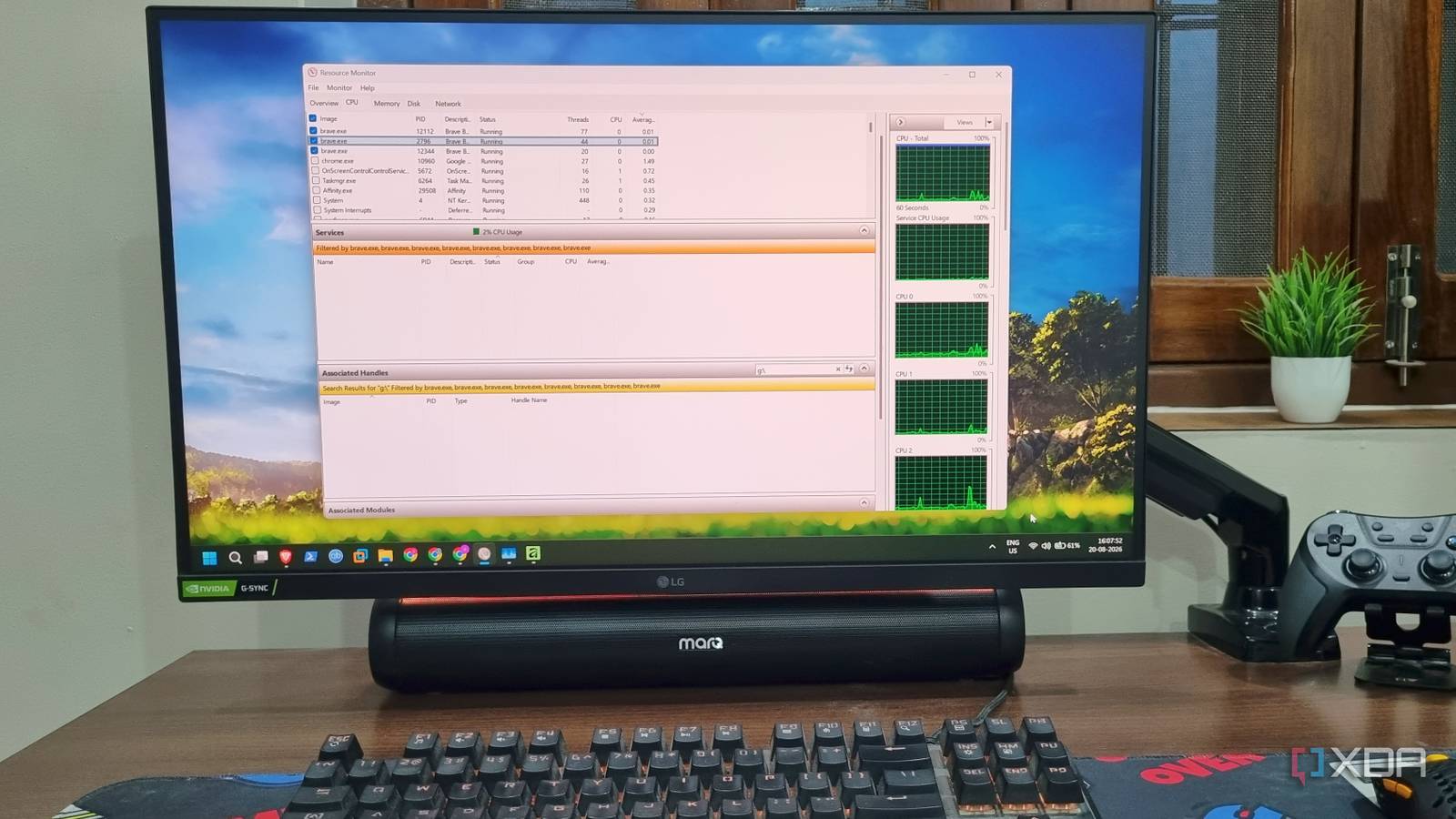
Photo: xda-developers.com · view article
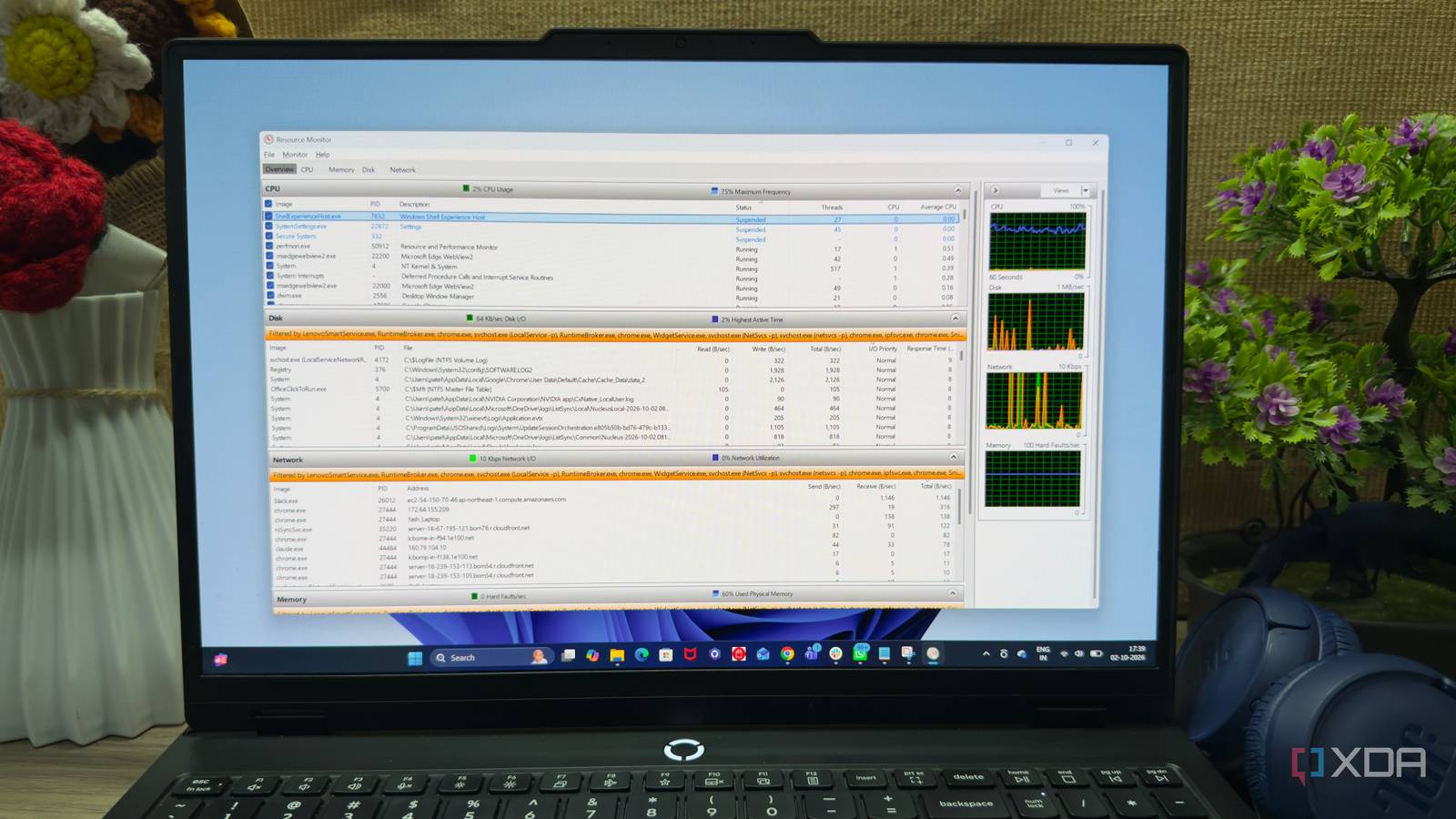
Resource Monitor reveals hidden process detailsThe Windows utility displays file paths, network addresses, and memory figures that Task Manager does not fully show.
Key FactsAug 29, 2026 · Reading time: ~45 sec.
Summary created with AI assistance · Source: xda-developers.com
Summary created with AI assistance · Source: xda-developers.com
- Resource Monitor has been included in Windows since Vista, but it is used less often than Task Manager.
- Selecting a process links CPU, memory, disk, and network details for that same process in the overview.
- The tool shows actual file paths, IP addresses it communicates with, and active and committed memory figures.
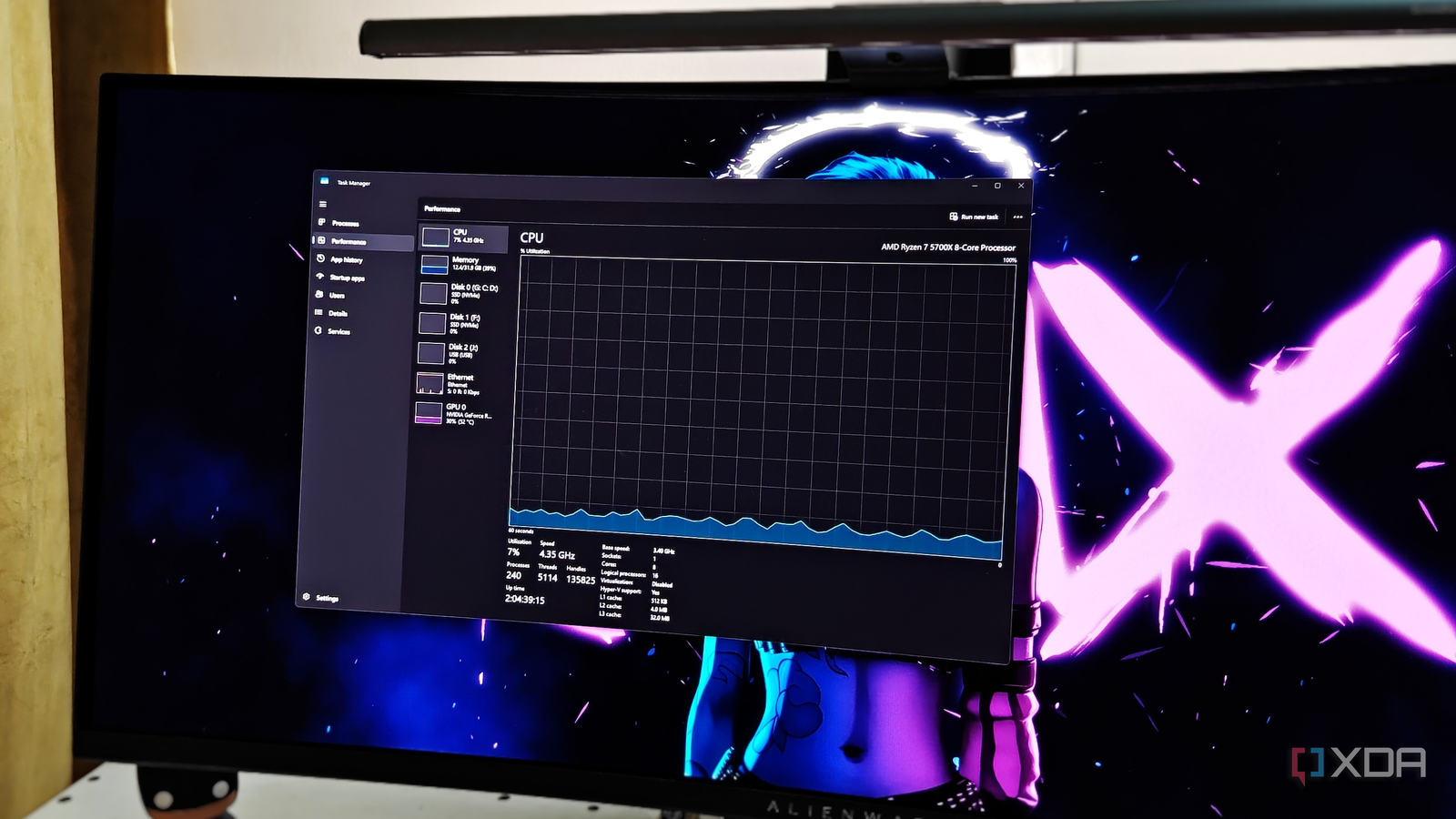
- Task Manager remains useful for general process searches, but lacks detailed network connections, handles, and hard-fault information.
I don’t want to lambast Task Manager to a point where it feels useless.— Abhishek, XDA author of the article 'I stopped trusting Task Manager after discovering what Resource Monitor reveals'; context: he discusses the limitations of Task Manager and why he still values it, while praising Resource Monitor.
Story Details
| Last Updated | |
| Total Articles | 1 |
Main Topics

task manager application included with the Windows NT family of operating systems

a utility in Windows Vista and later, displays information about the use of hardware (CPU, memory, disk, and network) and software (file handles and modules) resources in real time.
Similar to This
Previous

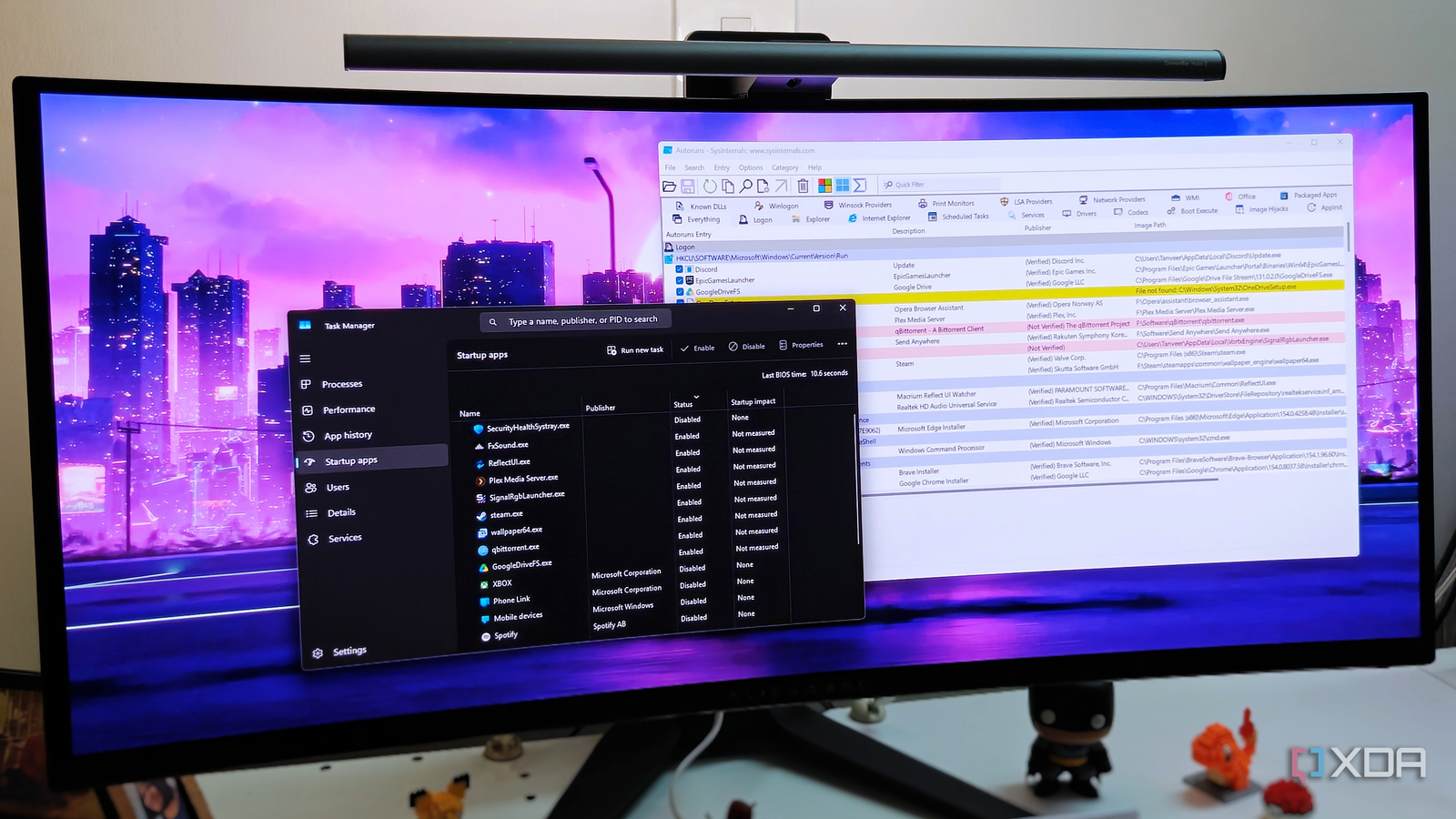
This free Microsoft tool exposes all the startup apps that Task Manager hides from you
xda-developers.com/free-microsoft-tool-exposes-startup-apps-task-manager-hides/
Key FactsMicrosoft’s Autoruns exposes hidden Windows 11 startup items
Oct 5, 2026 · Reading time: ~30 sec.
Summary created with AI assistance · Source: xda-developers.com
Summary created with AI assistance · Source: xda-developers.com
- Task Manager scans personal and shared Startup folders plus standard registry keys, but not scheduled tasks or Windows services.
- Microsoft’s free Sysinternals utility Autoruns lists all programs, processes, and services loaded at startup under its Everything tab.
- It can reveal leftover scheduled tasks, shell extensions, and registry entries pointing to missing files.
- The article recommends hiding Microsoft entries; yellow items with missing files are considered safe to remove, while pink items are not automatically harmful.
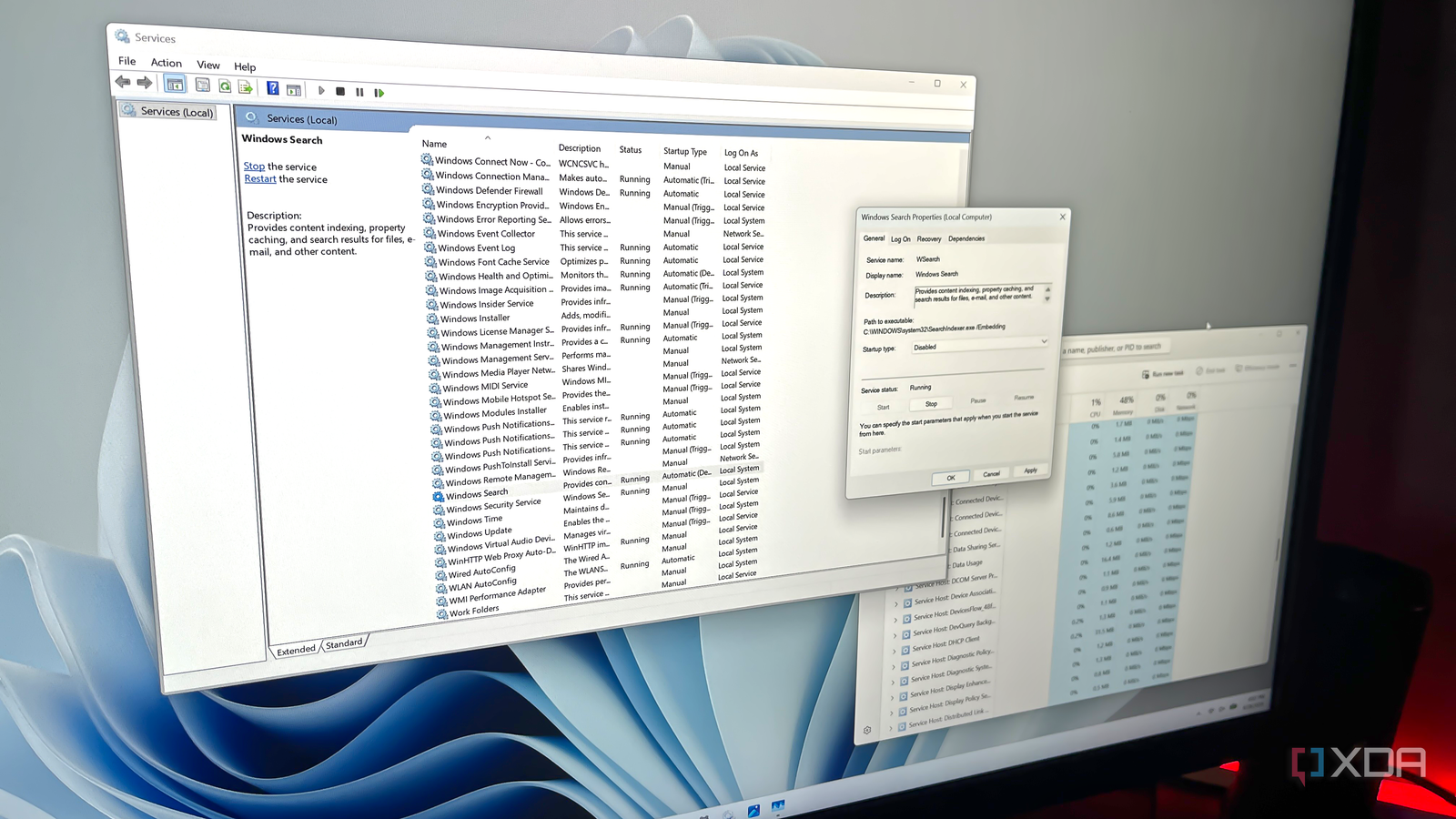
Windows has 100+ services running right now, and this built-in tool lets you safely disable many of them
xda-developers.com/windows-has-100-services-running-you-can-safely-disable-many/
Key FactsTargeted Windows service disabling: key limits
Oct 5, 2026 · Reading time: ~30 sec.
Summary created with AI assistance · Source: xda-developers.com
Summary created with AI assistance · Source: xda-developers.com
- Windows’ Services utility usually displays 100 or more entries; active services are marked running, while inactive ones show no status.
- Depending on usage, the article identifies Connected User Experiences and Telemetry, Delivery Optimization, Windows Search, SysMain, and Xbox or printer services.
- When disabling a service, users must set its startup type to Disabled, stop it, and save changes so Windows does not reload it.
- Windows Update should not be disabled; removing a few services usually produces only modest performance gains.
Your Windows PC has a free tool that outperforms every paid system monitor, and nobody knows about it
xda-developers.com/windows-pc-has-a-free-tool-that-outperforms-every-paid-system-monitor/
Windows Task Manager still speaks a language that's probably older than you are, but there's a reason why
xda-developers.com/task-manager-speaks-a-language-older-than-you/

How To Supercharge Your Windows 11 PC With This Built-In Automation Tool: Your Windows PC can automate repetitive tasks using a built-in utility that doesn't ...
engadget.com/2277240/how-to-supercharge-windows-11-pc-built-in-automation-tool-task-scheduler/


How I scan my PC's network traffic for suspicious activity for free - and why - ZDNET
zdnet.com/home-and-office/scan-pc-network-traffic-suspicious-activity-free/

These 7 built-in Windows tools are better than the apps most people install instead
xda-developers.com/built-in-windows-tools-better-than-apps-most-people-install/

This Free Windows App Reveals Hidden CPU, GPU And Disk Performance Spikes: The main function of AppControl is that it shows historical data rather than just ...
hothardware.com/news/this-free-windows-app-reveals-hidden-cpu-gpu-and-disk-performance-spikes


Optional Windows update causes Task Manager zombie: After a new update for Windows 11, the Task Manager can no longer be closed using the “X” button. However ...
heise.de/news/Optionales-Windows-Update-sorgt-fuer-Task-Manager-Zombie-10966177.html


Windows 11 update fixes age-old Task Manager puzzle: Microsoft is updating the Task Manager with Windows 11 24H2: CPU values are now consistent across all tabs ...
pcgameshardware.de/Windows-Software-277633/News/1-24h2-Task-Manager-CPU-Anzeige-Update-1473657/

9 Windows utilities every power user should know about: Want to know everything about Windows? These tools are a good place to start
xda-developers.com/windows-utilities-every-power-user-should-know-about/

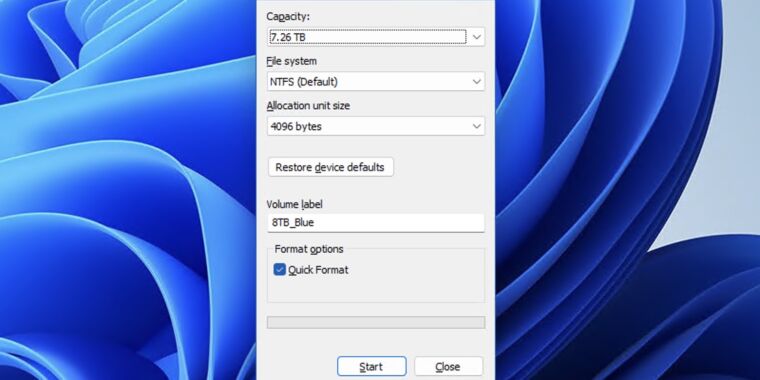
“Temporary” disk formatting UI from 1994 still lives on in Windows 11: "It wasn't elegant, but it would do until the elegant UI arrived ...
arstechnica.com/gadgets/2024/03/windows-current-disk-formatting-ui-is-a-30-year-old-placeholder-from-windows-nt/

Computerworld Feb 07 24
5 dark mode upgrades for your Windows 10 or 11 PC: Microsoft is slowly making dark mode better on Windows, but these tips will give your dark mode a big upgrade ...
computerworld.com/article/3712806/windows-10-windows-11-dark-mode-upgrades.html

15 incredibly useful Windows 11 keyboard shortcuts: Getting around Windows 11 is a lot easier if you know a keyboard shortcut or five. You can then speed through ...
theverge.com/23890880/windows-11-keyboard-shortcuts-how-to
/cdn.vox-cdn.com/uploads/chorus_asset/file/23952501/HT030_windows_0007.jpg)

Windows 11 gets widgets for monitoring CPU, GPU, RAM, and more, here is how to enable them
neowin.net/guides/windows-11-gets-widgets-for-monitoring-cpu-gpu-ram-and-more-here-is-how-to-enable-them/
Windows 11 is getting a force quit option to close apps without the Task Manager: Windows 11 is getting a macOS feature to close off unresponsive apps ...
theverge.com/2023/5/24/23736005/microsoft-windows-11-force-quit-taskbar-option-feature

Here is everything new in Windows 11 Moment 3 Update: Microsoft is about to launch a new feature update for its operating system, giving users fresh features and ...
neowin.net/reviews/here-is-everything-new-in-windows-11-moment-3-update/
Key FactsWhat's New in Windows 11 Moment 3 Update
May 13, 2023 · Reading time: ~30 sec.
Summary created with AI assistance · Source: neowin.net
Summary created with AI assistance · Source: neowin.net
- The Task Manager in Windows 11 now supports live kernel memory dump to collect data for troubleshooting while the operating system is running.
- A screenshot of Windows 11's Settings app displays the Multitasking option.
- After updating to the Windows 11 Moment 3 Update, users will notice search performance improvements in the Settings app.
- The update does not provide significant enhancements for Windows Widgets.
How to Change Your Web Browser in Windows 11 (Hint: It’s Not Easy): Want to switch your browser to Chrome or Firefox? Not so fast, my friend.
wired.com/story/how-to-change-your-browser-in-windows-11/

How to check CPU and memory usage: Here's how to see just how hard your processor and RAM are working.
pcworld.com/article/541489/how-to-check-cpu-and-memory-usage.html

Next